Lifetime VPS Europe
 Lifetime VPS Asia
 Lifetime WooCommerce Hosting
 Lifetime Hosting
 Lifetime Game Dedicated Servers
 Chicago, US
 Tokyo, Japan
 Singapore
 Hong Kong
 Seoul, South Korea
 Amsterdem, Netherlands
 London, UK
 Stockholm, Sweden
 Oslo, Norway
 Vienna, Austria
 Zurich, Switzerland
 Sydney, Australia
 Wordpress Hosting
 VPS Hosting
 DDOS Protection
 Submit Ticket
 Full Management
 Guides
 Videos and Podcasts
 Discover Creative Ideas
 Voxfor Autonomous AI Workers
 Voxfor Mega Menu
 Voxfor Advanced Price Management For WooCommerce
 Voxfor Secure Live Chat and AI Support
 Voxfor Multilanguage
 Voxfor AI Content Summary
 Voxfor Autopilot

Ensuring the website is safe should always be a key feature of safeguarding your company, information, and image. The cyber world’s threats are also increasing dynamically; thus, you need to make your website secure from possible risks. This guide outlines identified threats in the cyber environment and how to protect those valuable web resources.

1. Overview of Web Security
Web security involves steps and methods that protect your website from dangers like hacking, data breaches, and malicious software. Applying the proper techniques can create a safer environment for your users.
2. Types of Common Web Threats
Websites often face different challenges that compromise their safety. Below are the most prevalent ones:
2.1 Malware
Malicious codes are created to compromise the systems, infiltrate, spy, and produce devastation.
2.2 Phishing
Fake websites or emails aim to trick users into sharing private details such as passwords or credit card numbers.
2.3 DDoS Attacks
Overloading a server with excessive traffic to render the site unavailable to users.
2.4 SQL Injection
Exploiting weak database settings to gain unauthorized access and retrieve sensitive information.
2.5 Cross-Site Scripting (XSS)
Embedding malicious code into websites, causing it to run in the browsers of unsuspecting visitors.
3. Steps to Make Your Website Secure
3.1 Use Strong Passwords
Weak passwords attract attackers. Always Create strong, complex passwords.
3.2 Keep Your Software Up-to-Date
This is mainly because older systems have bugs waiting to be cracked by attackers. Thus, it came to the conclusion that you should freshen up the tools, plugins, and systems used in your website from time to time.
3.3 Enable HTTPS
HTTPS protects data transmission, making it harder for anyone to intercept private information. Install an SSL certificate to enable this feature.
3.4 Create Regular Backups
Backing up your website frequently confirms that your data is not lost forever in case of an attack. Use secure storage options like cloud services or external devices.
4. Advanced Safety Measures
4.1 Web Application Firewall (WAF)
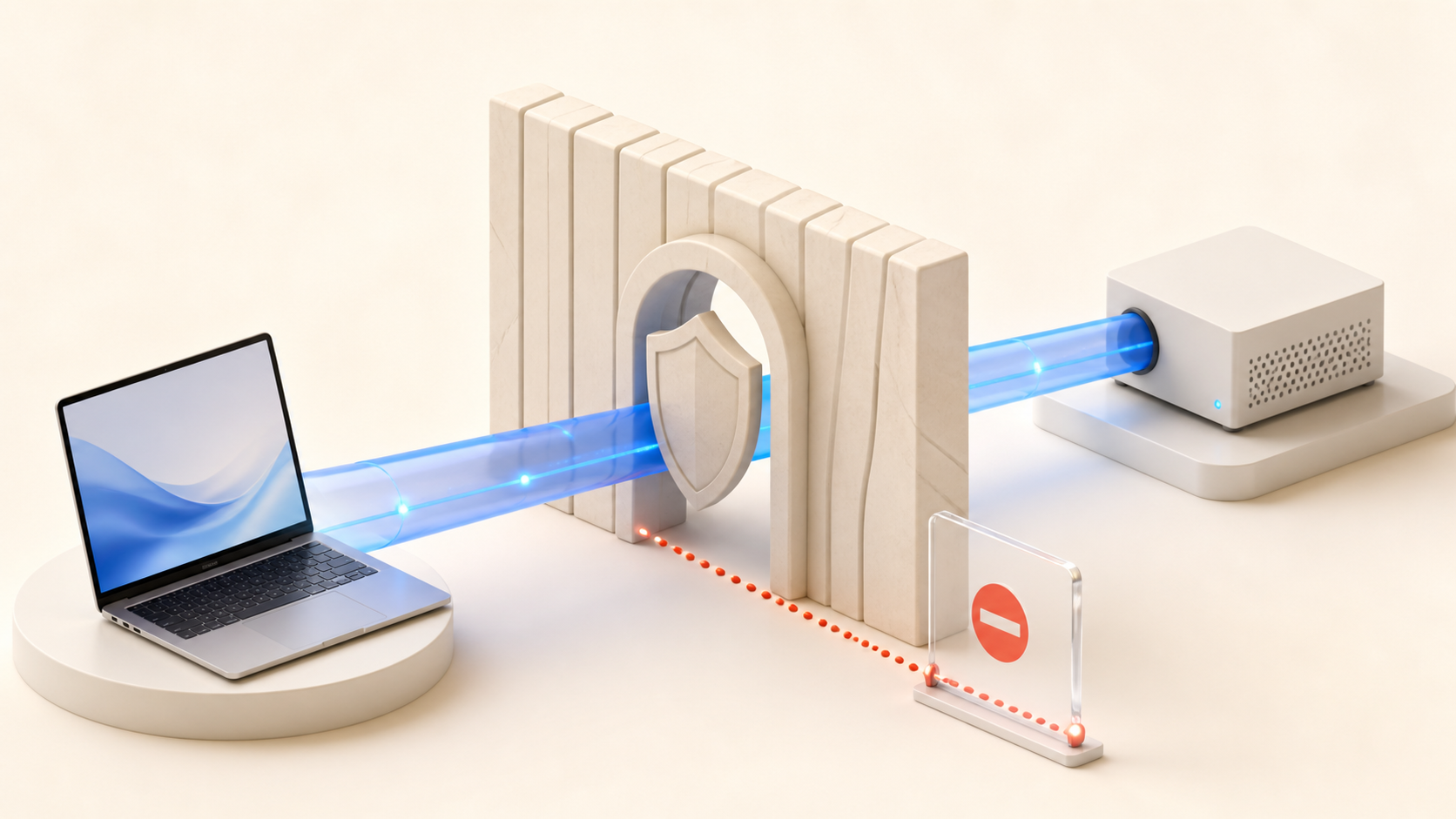
A WAF acts as a protective barrier, monitoring Filters for malicious traffic.
4.2 Content Delivery Network (CDN)
A CDN replicates your site’s content across a range of servers; it shields your site from traffic surges and any potential downtime.
4.3 Malware Scanning
Scanning your website regularly for harmful software helps identify and remove threats early.
4.4 Limit Login Attempts
Restricting login attempts can prevent brute-force attacks by imposing account lockout after failed logins.
5. Strengthening Server Security
For websites hosted on VPS or dedicated servers, it’s essential to focus on securing the server. Here are some tips:
- Configure firewalls to block unauthorized access.
- SSH into the server instead of passwords. Learn more about accessing SSH on Linux VPS Servers.
- Regularly update server software and operating systems.
6. Educate Your Team
This makes it possible for people to make mistakes, which can interfere with the security system. To avoid this, train your team to:
- Spot fake emails or messages.
- Handle sensitive information securely.
- Follow security protocols when accessing your systems.
7. Monitor Activity on Your Website
Monitoring unusual activity is crucial to spotting potential threats early. Watch for:
- Multiple failed login attempts from unknown sources.
- Unauthorized changes to website files.
- Unusual spikes in traffic, which could indicate malicious activity.
8. Backups and Recovery Plans
Creating regular backups is essential to Recovering your compromised website and keeping copies of backups in secure, offsite locations.
9. Protecting User Information
Your website visitors trust you with their private information. Safeguard their data by:
- Encrypting sensitive data.
- Using secure payment gateways for transactions.
- Enabling two-factor authentication (2FA) to add an extra layer of protection.
10. Security Tools to Use
Try these tools to enhance your website’s protection:
- Antivirus Software: Prevent harmful programs from infiltrating your system.
- Password Managers: Help create and store strong, unique passwords securely.
- Website Scanners: Detect and address vulnerabilities in your website’s configuration.
11. Regular Security Checks
Perform frequent inspections of your website’s safety measures to find and resolve weaknesses. Focus on:
- Restricting access to sensitive systems.
- Strengthening database security.
- Removing or updating vulnerable plugins or themes.
12. Legal and Compliance Considerations
Comply with GDPR to avoid legal penalties and maintain user trust. Be transparent about how you handle and protect their data.
13. Responding to Security Breaches
Even the best-prepared websites may experience a security incident. If this happens:
- Disconnect affected systems immediately.
- Notify your users about the breach promptly.
- Collaborate with cybersecurity experts to investigate and fix the issue.
14. Staying Ready for Future Threats
Cyber threats evolve continuously, so staying prepared is critical. You can stay ahead by:
- Participating in cybersecurity training programs or workshops.
- Keeping up-to-date with the latest security news.
- Adjusting your security measures as threats evolve.
Conclusion
The safety of any website is paramount, and this task does not stop and must be worked on continually. First, set basic goals, including changing passwords and backing up data, and then work up to setting up firewalls and CDNs.
With the tips in this online guide, you can minimize risks and offer a more secure environment for your users. Read How to Access SSH on Linux VPS Servers for more tips on how to learn more and enhance your practical technical skills for protecting your systems.
About the writer

Vinayak Baranwal wrote this article. Use the provided link to connect with Vinayak on LinkedIn for more insightful content or collaboration opportunities.