Lifetime VPS Europe
 Lifetime VPS Asia
 Lifetime WooCommerce Hosting
 Lifetime Hosting
 Lifetime Game Dedicated Servers
 Chicago, US
 Tokyo, Japan
 Singapore
 Hong Kong
 Seoul, South Korea
 Amsterdem, Netherlands
 London, UK
 Stockholm, Sweden
 Oslo, Norway
 Vienna, Austria
 Zurich, Switzerland
 Sydney, Australia
 Wordpress Hosting
 VPS Hosting
 DDOS Protection
 Submit Ticket
 Full Management
 Guides
 Videos and Podcasts
 Discover Creative Ideas
 Cybersecurity Services
 Voxfor Mega Menu
 Voxfor Advanced Price Management For WooCommerce
 Voxfor Secure Live Chat and AI Support
 Voxfor Multilanguage
 Voxfor AI Content Summary
 Voxfor Autopilot
Plugins
The 5 Best WordPress Redirection Plugins for SEO
Managing a WordPress website involves constant changes, updating old content, restructuring your permalinks, deleting outdated pages, or even migrating to an entirely…

Welcome to our WordPress Plugins category! Here, you’ll learn plugins designed to extend the functionality and performance of your WordPress site. From essential SEO tools that boost your search engine visibility to elementor page builder plugins that showcase your content in style, we cover it all. Our articles follows the latest trends, expert reviews, and step-by-step guides to help you choose the best plugins for your unique needs. Whether you’re looking to sale online, improve site speed, increase security, or streamline your workflow, Our plugin selection guide will be easy to follow and understand.
Managing a WordPress website involves constant changes, updating old content, restructuring your permalinks, deleting outdated pages, or even migrating to an entirely…
WordPress powers more than 43% of all websites on the internet, and a big reason for that dominance is its vast plugin…
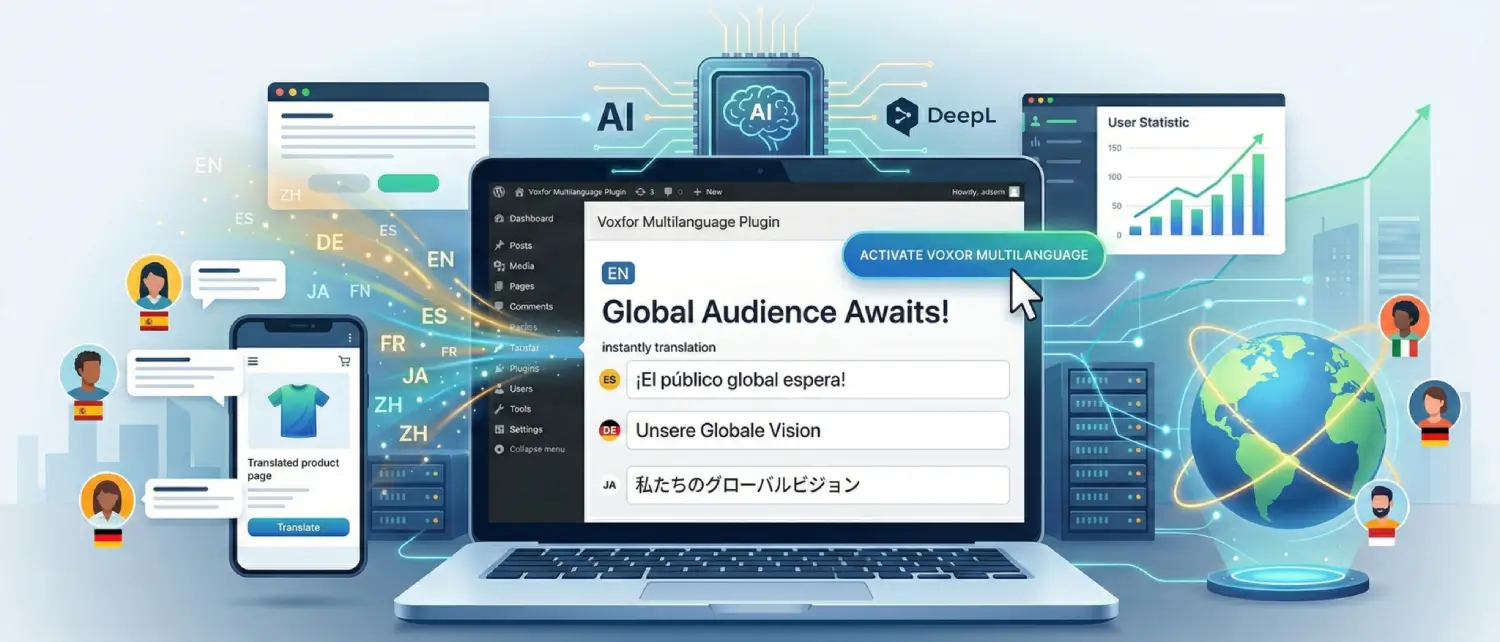
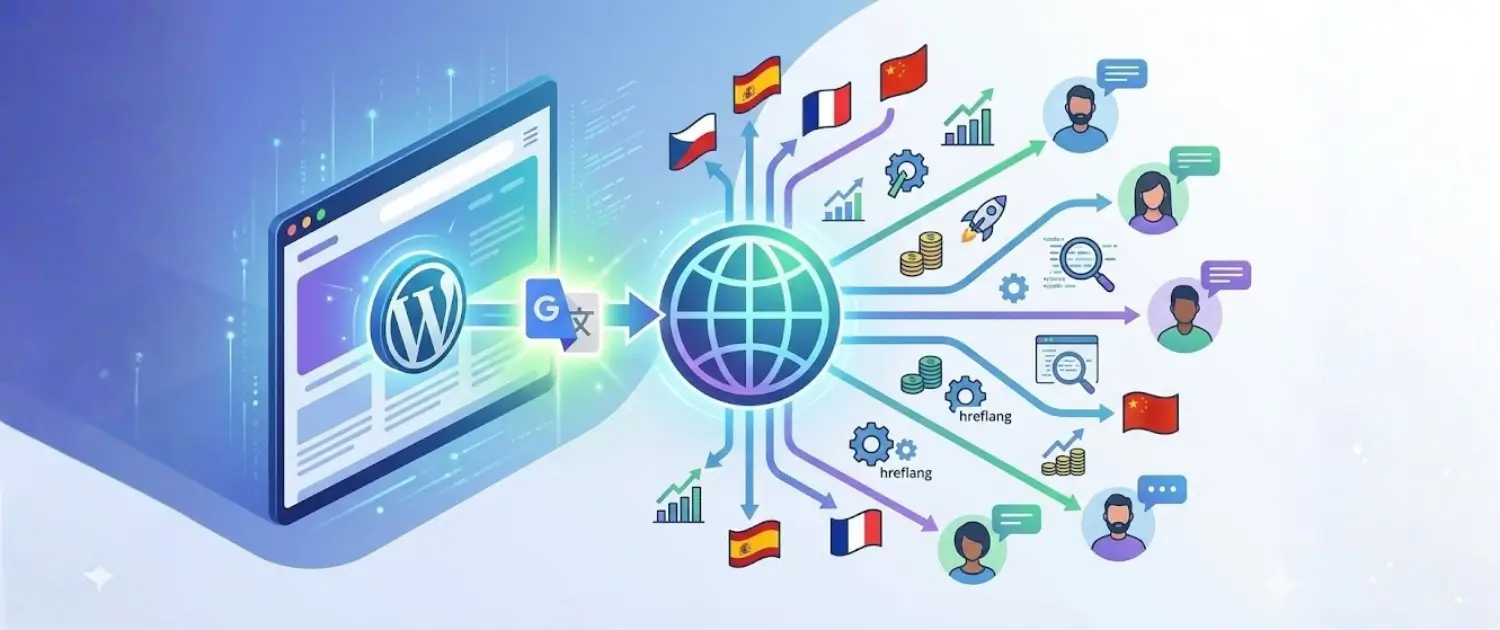
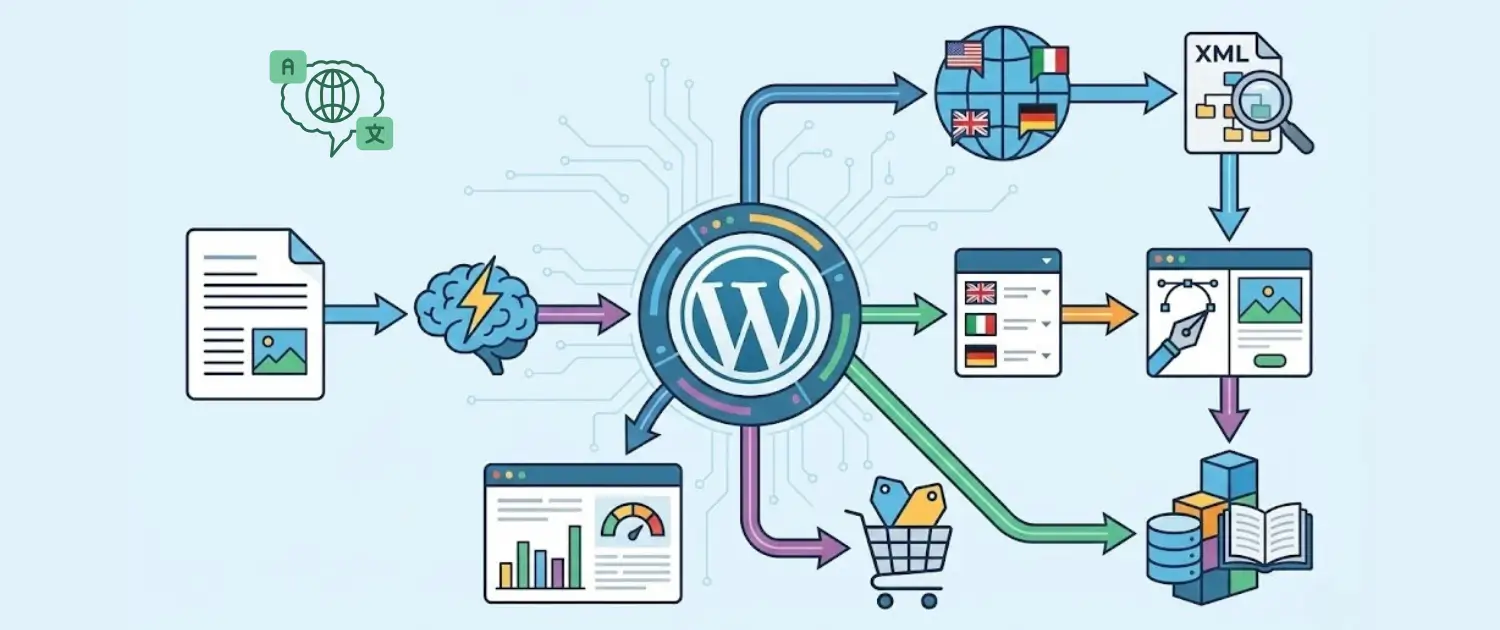
Set up Voxfor Multilanguage for WordPress with DeepL translation, hreflang, visual editing, WooCommerce workflows and multilingual SEO checks.
The way we build websites has changed for good. We've moved away from old, rigid coding systems and into a world where…
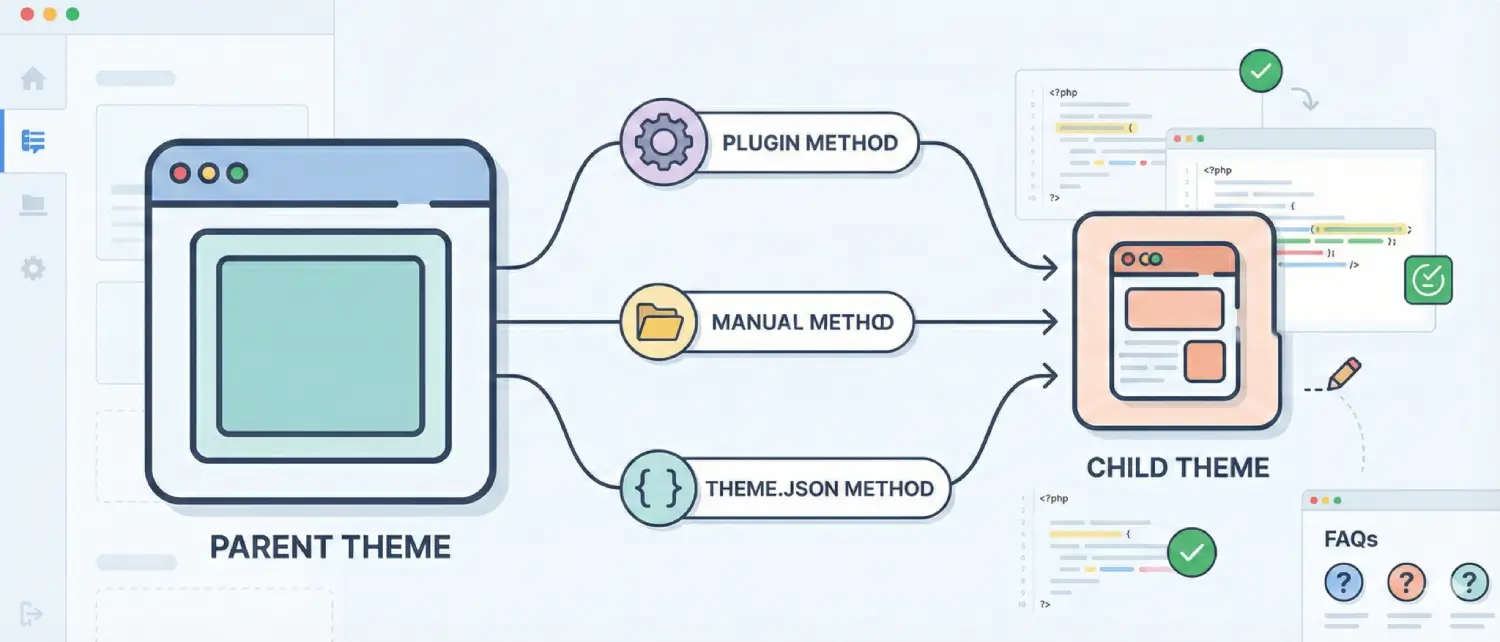
A child theme is a theme that allows a user to make changes to it safely, without those changes being lost when…
A WordPress and WooCommerce scaling guide for Object Cache Pro, Redis object cache, database load and dynamic performance.
Reduce WordPress form and comment spam with honeypots, moderation, rate limits, SMTP authentication, anti-spam plugins, WooCommerce checks, and hosting logs.
The evolution of the WordPress content management system from a fundamental blogging engine to a dominant global application framework has necessitated a…
A WooCommerce B2B scaling guide for wholesale pricing, buyer portals, bulk orders, inventory sync, APIs and hosting performance.
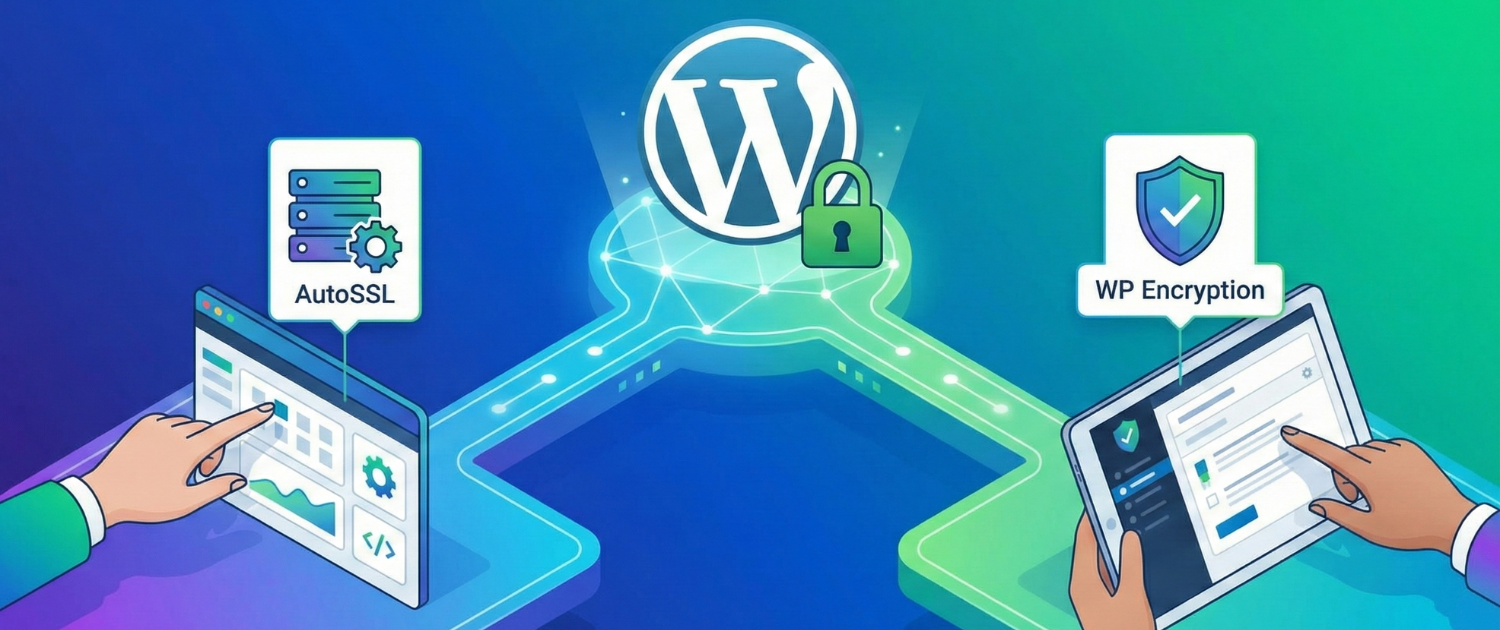
Set up WordPress SSL with HTTPS redirects, mixed content fixes, Cloudflare cautions, HSTS safety, renewal checks and hosting security steps.
A WordPress translation guide comparing Google Translate, DeepL and Voxfor Multilanguage for SEO, quality control and global content.
A practical guide to Voxfor Multilanguage Plugin, including DeepL translation, hreflang, visual editing and WooCommerce use cases.
Compare WooCommerce bulk price update plugins for CSV imports, supplier price changes, VAT, markup rules and Voxfor Advanced Price Management.
Voxfor custom WooCommerce development covers plugins, API integrations, pricing automation, checkout reliability, HPOS and secure store workflows.
Duplicating a WordPress Page can be a huge time-saver for site owners. Instead of building a similar page from scratch, you can…
Your engagement strategies with audience members heavily rely on how you handle comments in WordPress website. The commenting option lets readers create…
Once being introduced to the world of WordPress slider, the beginners must be aware of what the sliders are and why the…
WordPress user roles control what each user can or cannot do on your website by grouping sets of capabilities (specific permissions). This…
Since it is important to discuss the particular WordPress page builders, novices must be familiar with the meaning of page builders and…
WordPress powers approximately 43% of all websites globally, but the platform itself is just the foundation. What truly transforms WordPress from a basic…
Spruce up your WordPress menu by adding social media icons! It's a fun and easy way for visitors to connect with you…