Being a software developer in 2025 means thriving in a world where artificial intelligence (AI) is reshaping how we code and build products. In this guide, we’ll cover the essential knowledge you need to start coding, how to advance your skills, choosing the right path for the future, must-know tools (from AI assistants to SEO and design software), and why “extra” skills like design and writing can boost your career. We’ll also discuss how to leverage AI in your workflow wisely – as a powerful helper, not a crutch. Consider this a complete roadmap for aspiring developers in the current AI-driven days of 2025.
Any great developer has a solid foundation in the basics. Regardless of the sophistication of AI coding tools, you have to learn the fundamentals of programming and the fundamental methods on your own. Key fundamentals include:
Programming languages and syntax: Begin by learning at least one or two popular languages (e.g., Python, JavaScript, or Java). You should be comfortable reading and writing code in these languages – this remains critical even with AI helpers. In fact, a recent industry study found that fluency in programming languages is still considered essential by developers, and the importance of knowing language syntax even increased in the age of AI. As one expert put it, “You are going to be entirely unsuccessful if you cannot read the language [your code is written in]”. In other words, AI can generate code, but you need the knowledge to understand and validate it. Basic concepts like variables, loops, functions, and object-oriented principles form the grammar of coding – and you’ll rely on them daily.
Computer science fundamentals: Understanding data structures (arrays, lists, trees, etc.) and algorithms is crucial as you progress. These help you write efficient, optimized code and solve problems effectively. Grasping how memory and complexity work will set you apart when building larger projects. Many top coding programs emphasize mastering data structures and algorithms early, because they improve your “engineering-thinking” and ability to devise efficient solutions.
Version control: Learn how to use Git and platforms like GitHub for source code management. Version control is fundamental for collaborating with others and tracking your code changes. Even as a beginner, using Git to manage your projects will teach you good habits for teamwork.
Development tools basics: Get comfortable with the tools of the trade. This includes IDEs or code editors (VS Code, for example), command-line basics, and debugging tools. Knowing how to set up a development environment and troubleshoot issues is part of the basic toolkit for any developer.
In short, start by coding. Build simple programs, script small tasks, and learn by doing. AI can accelerate many tasks, but you’ll need a baseline of coding literacy and problem-solving skills to use those tools effectively. As Google DevOps research lead notes, “Programming basics remain a priority” for developers today – they form the foundation on which all advanced skills (and AI assistance) are built.
Growing Your Skills: From Novice to Advanced Developer
Once you have the basics down, the next step is continuous learning and upskilling. Software development is a field of constant evolution, so a great developer is always progressing from fundamental knowledge to more advanced expertise. Here’s how to grow:
Deepen your understanding: Don’t stop at surface-level knowledge of one language. Explore multiple programming languages and paradigms. Every language has something to learn – Python is popular in AI and data science, JavaScript is needed to develop the web, and languages such as Rust or Go are becoming popular in systems programming. Being bilingual will turn you into an efficient engineer because you will be able to easily place yourself in any situation, and this, to the employer, is a treasure trove. Also, learn different programming paradigms (object-oriented, functional programming, etc.) to broaden your approach to problem-solving.
Structured learning of computer science topics: As you become proficient in basic coding, tackle more advanced CS topics. This includes algorithm design, complexity analysis, system design, and design patterns. Understanding common design patterns and software architecture will help you build scalable, maintainable systems. You should also learn about cloud computing and how modern applications are deployed – cloud services (AWS, Azure, GCP) and containerization (Docker, Kubernetes) are now core parts of software engineering.
Practice by building projects: Apply your skills in real or realistic projects. Create a personal site or some plain old application, work on a big open-source project, or implement coding challenges. Nothing is better a teacher than experience. It also contributes to creating a portfolio of work, and this will be very instrumental in finding employment in the future. According to numerous professionals, it is a good idea to develop a GitHub portfolio that will demonstrate your skills. Each project will teach you new concepts (databases, APIs, performance optimization, etc.) and solidify your understanding.
Embrace DevOps and testing practices: As you advance, learn how to write clean, tested code and use tools that automate the development process. Get used to writing unit tests and testing frameworks (such as Jest or PyTest). Know what continuous integration/continuous deployment (CI/CD) pipelines are and how the code passes through the stages of development to production. A DevOps hat is a hat that modern developers must wear frequently; familiarity with how to deploy applications and establish automated workflows is an appreciated ability.
Never stop learning: The most important meta-skill is the ability to continuously learn and adapt. The tech world changes rapidly, and “a continuous-learning attitude” is often cited as a must-have trait for developers. Read documentation, follow developer blogs, take online courses, and stay curious. In a 2025 AI-driven landscape, new tools and frameworks emerge frequently – your willingness to learn will keep you ahead of the curve.
By steadily moving from basic to intermediate to advanced topics, you’ll build a robust skillset. Think of it as climbing a ladder: each rung (new language, new framework, new concept) gives you a broader view of the field. Over time, this progression prepares you to tackle complex, “big picture” engineering problems – exactly the kind of work human developers are increasingly focused on as AI handles the rote tasks.
Choosing Your Path: Which Development Skills to Focus On?
Software development offers many career paths and specializations. How do you choose the right development skills to focus on for a future-proof career? The answer will depend on your interests, but you should also consider industry trends. Here are some tips for navigating your options in 2025:
Explore common career tracks: As a starting point, understand the typical roles. These include front-end developer (building user interfaces), back-end developer (server-side logic and databases), full-stack developer (a bit of both), mobile app developer (iOS/Android apps), data engineer, DevOps engineer, etc.. Research what each role does day-to-day and which aligns with your passion. For example, if you love visuals and user interaction, front-end or UI development might appeal. If you enjoy logic, data, and systems, back-end or data engineering could be a fit.
Consider high-growth fields: The tech careers in highest demand for 2025 have a distinct emphasis on AI and data. There is a boom in such roles as AI/machine learning engineer, data analyst/scientist, cloud engineer, and cybersecurity specialist. On the one hand, AI and ML engineers are in demand since almost all industries are interested in the creation of intelligent systems. Cloud computing skills are another sure thing – an enormous percentage of companies utilize cloud services, and it is driving demand for cloud-sensitive developers. Cybersecurity skills are also critical given the rise in cyber threats. While you don’t need to pursue all of these, being aware of these hot areas can guide your learning. You might decide to minor in one – e.g., a front-end developer who also learns some AI basics to build smart features.
Follow your interests (with an eye on the market): Ultimately, the “correct” development skill motivates you to keep improving. In case web development is your passion, specialize in it – although you should consider upgrading your profile with knowledge about modern frameworks (React, Next.js) and web performance best practices. You can sink deeper into Python and machine learning libraries, should you be data-lovers. Their niche is discovered by trying various things early in development (with courses or mini projects) and discovering what works. Keep an eye on job postings and salary trends too, as they reveal what skills employers value. A great strategy is to build a T-shaped skillset: broad familiarity with many technologies, but deep expertise in one or two areas that interest you most.
Stay adaptable: The tech landscape can shift. New languages/paradigms can gain popularity. Do not get too well-bound to one system or language. It will be easier to pivot on strong fundamentals. Indicatively, learning JavaScript could also help you acquire TypeScript or Dart more easily in the future. Many experienced engineers stress that no language or framework is permanently future-proof – the key is the ability to learn new ones when needed. So choose a path to get started (you can’t learn everything at once!), but remain open to evolving it. Your career might involve several skill pivots as technology evolves.
To conclude it all, you are to select a specialization that will make you excited, though equip yourself with a blend of skills. The core coding skill with the expertise in one of the high-growth areas (AI, cloud, etc.) can work. As an example, an older software engineer who studies AI, APIs or prompt engineering can make contributions to state-of-the-art projects in his/her company. A high number of the most sought-after tech positions in 2025 will be software development-based positions with additional areas, such as AI engineering, data analytics, and UX design. Through making the right decision, you will be setting yourself up to experience long term growth in the profession.
Must-Know Tools for Developers in 2025
Today’s developers have an incredible array of tools at their disposal. In this section, we highlight some top tools in key categories that every aspiring developer should be aware of. These tools can boost your productivity, help you build better products, and even expand your capabilities beyond coding. We’ll focus on three categories – AI-powered development tools, SEO/analytics tools, and design/prototyping tools – each with five examples to explore.
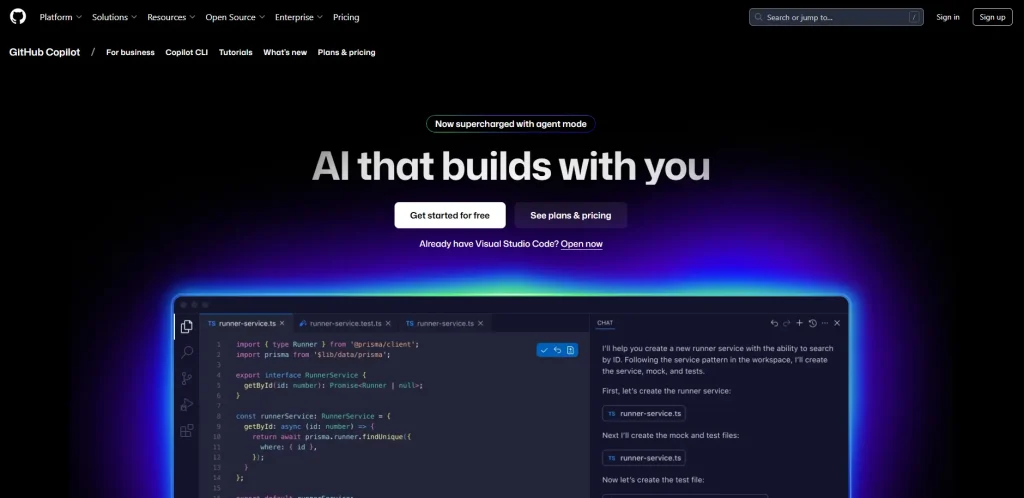
GitHub Copilot
An AI-powered coding assistant that autocompletes code and offers suggestions inside your editor. Copilot (built on OpenAI Codex) can suggest entire functions or blocks of code based on your context. It has essentially become a “pair programmer” in your IDE, helping with routine code as you type. Developers praise Copilot for revolutionizing daily coding tasks by integrating AI seamlessly into the workflow. It has multiple languages upportsand can even generate tests or documentation comments. Keep in mind, it’s great for productivity, but you should always review its output (Copilot suggestions are not always perfect).
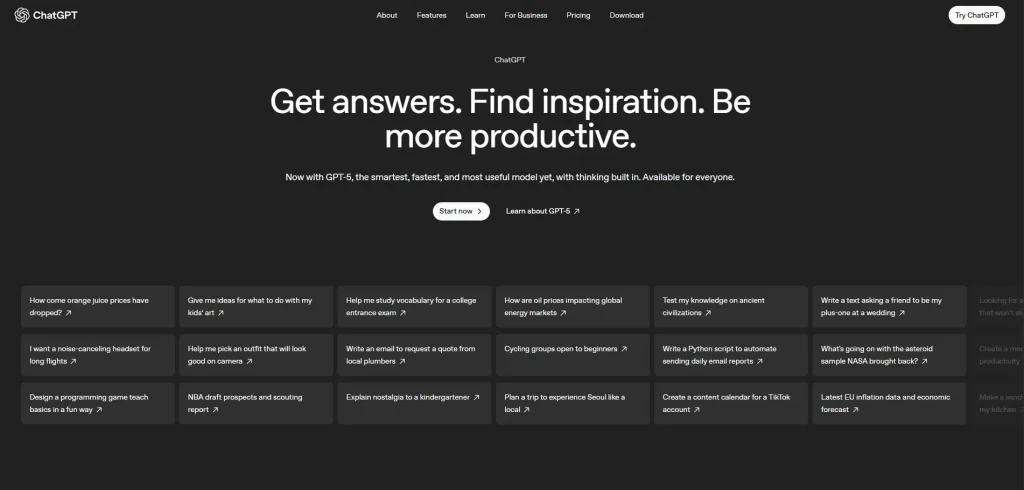
ChatGPT (OpenAI)
A conversational AI model you can use for coding help, debugging, and learning. ChatGPT isn’t an IDE extension but rather a chatbot you interact with. You can describe a problem or ask for code snippets, and it will attempt to generate a solution or explain a concept. Many developers use ChatGPT like a smarter Stack Overflow – asking for explanations of algorithms, help with a regex, or even to generate boilerplate code. It’s also useful for brainstorming approaches to a problem. For example, AI assistants like ChatGPT and Claude can produce functional code much faster than typing from scratch. Still, they cannot think like a seasoned developer in terms of making architectural decisions or understanding project context. So treat ChatGPT as a helper for ideas and drafts, then refine the code using your own judgment.
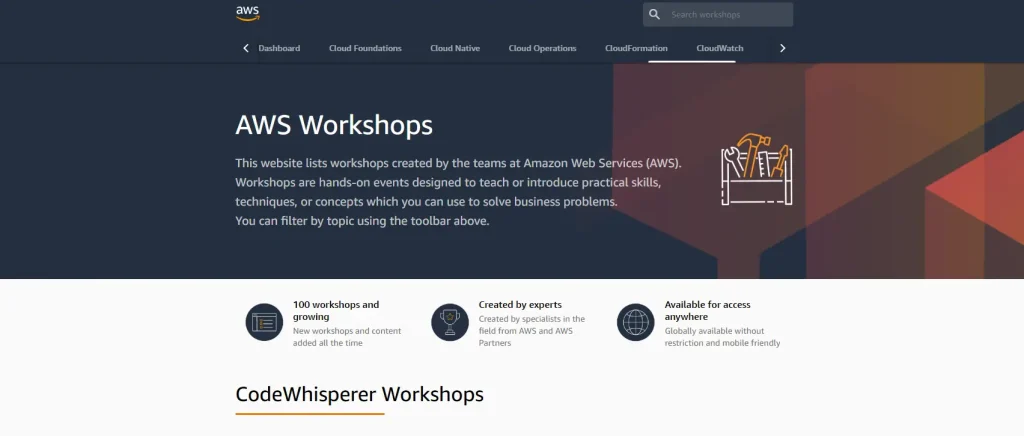
Amazon CodeWhisperer
An AI code recommendation service from AWS that integrates into IDEs. Like Copilot, CodeWhisperer can autocomplete code and generate snippets based on the context in your editor. It’s especially handy if you work with AWS services. Amazon describes CodeWhisperer as a machine-learning-powered tool that improves developer productivity by providing contextual code suggestions in real time. It supports multiple languages and is free for personal use. If you’re developing cloud applications on AWS, this is a tool to try out.
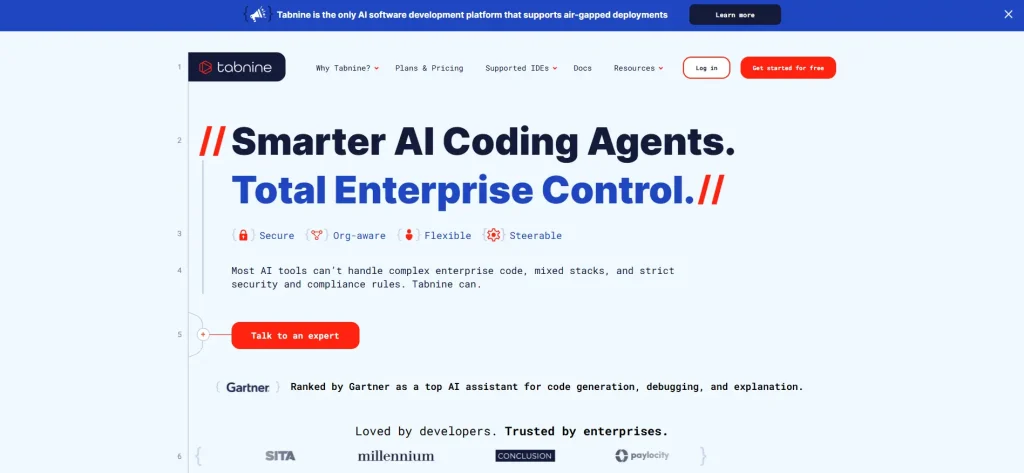
Tabnine
A popular AI code completion tool that runs locally or in the cloud. Tabnine has been around for a few years and uses generative AI to autocomplete your code based on context. It supports many IDEs and languages. One advantage is that Tabnine emphasizes privacy (your code context can stay local). It was one of the earliest AI assistants – essentially “autocompleting code” using trained models. Tabnine can suggest the next line or even entire functions as you write, speeding up coding by reducing keystrokes.
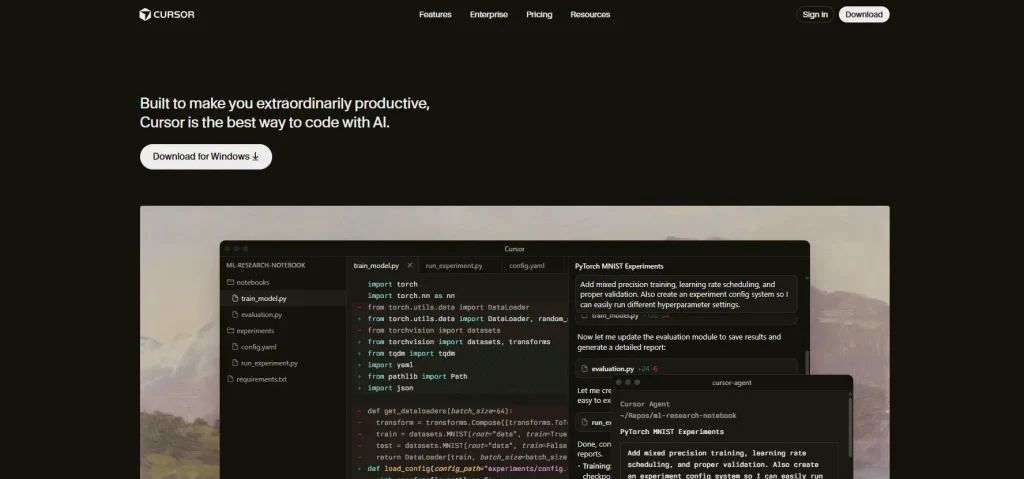
Cursor
(AI-Powered IDE) – Cursor is an example of a new breed of AI-integrated development environments. It’s like an IDE (based on VS Code) combined with an AI assistant. With Cursor, you can chat with your codebase – ask questions about the code, request refactoring, or get explanations. It also supports natural language edits (e.g., “make this function asynchronous” and it will modify the code). Tools like Cursor showcase how future IDEs might work: deeply integrated AI that understands your whole project and can make intelligent changes. While Cursor is a newer tool (more popular among power users), it hints at where things are going. Even if you stick to VS Code + extensions for now, keep an eye on AI-first IDEs in the coming years.
Tip: These AI tools are fantastic for boosting productivity – over 80% of developers say AI assistants have enhanced their productivity. They can generate boilerplate code, catch mistakes, and even write tests. But don’t become overly reliant without understanding what the code does. Always review AI-generated code for accuracy, security, and performance issues. Think of AI as augmenting your work, not replacing your own critical thinking. The best developers use AI to handle tedious tasks while they focus on higher-level problem-solving.
SEO and Analytics Tools (Understand and Optimize Your Web Presence)
Modern developers (especially if you work on web applications or any consumer-facing product) need a grasp of basic SEO and analytics. You want users to find and use what you build! Here are five tools to help you monitor traffic, optimize for search engines, and analyze performance:
Google Analytics 4 (GA4)
Google’s free web analytics platform is an essential tool for any web developer or site owner. GA4 lets you track website traffic, user behavior, and key metrics. You can see how many users visit, which pages are popular, how long they stay, and much more. This insight is crucial for improving your product – for example, if you notice users dropping off on a certain page, you might investigate why. GA4 is the latest version that unifies web and mobile analytics and focuses on events and user journey. It’s considered one of the best for site analytics in 2025. Knowing how to set up Google Analytics and read its reports is a valuable skill, even for developers (not just marketers), because it informs technical decisions about performance and features.
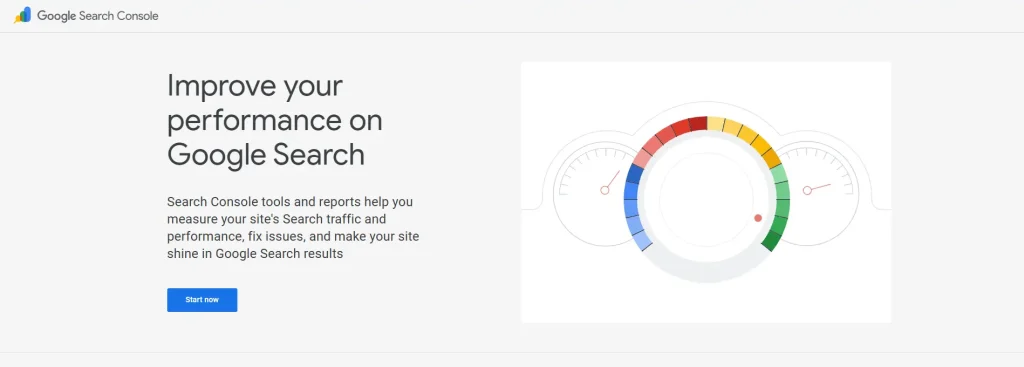
Google Search Console (GSC)
Another free tool from Google, focused on your site’s search presence. Search Console shows Google search performance results. It is what follows your site ranks and impressions and clicks and what your average position is on those queries. It is a treasure trove of SEO information regarding your visibility in the site. The GSC also notifies you about such problems as crawling errors, mobile usability problems or security issues that might influence SEO. Search Console allows you to fix your site and make it discoverable, as a developer. For instance, you can see if a new page you added is being indexed properly or if there’s a spike in searches for a feature you built. GSC is often the first recommendation as an alternative to paid SEO suites because of how much insight it provides for free.
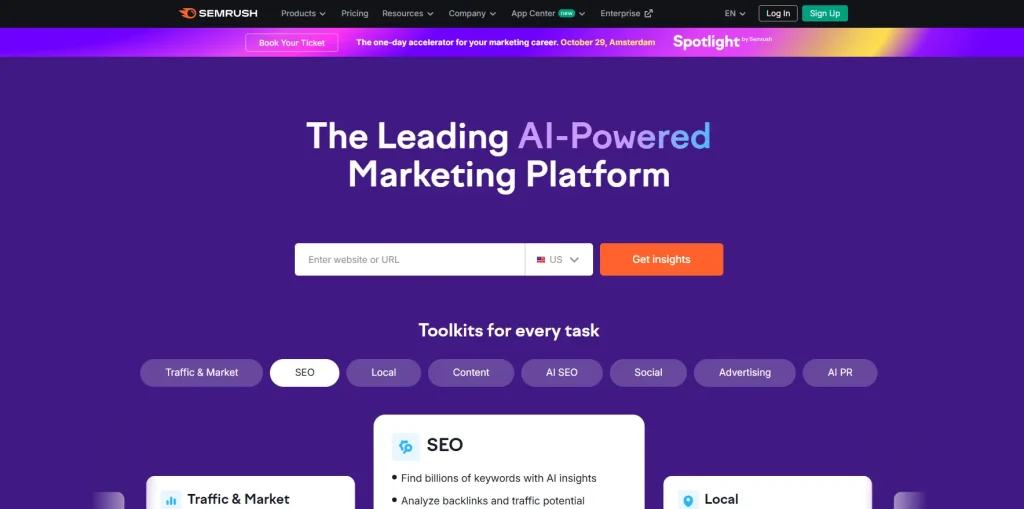
Semrush
A powerful all-in-one SEO tool used for keyword research, competitor analysis, and site audits. Semrush is a paid platform popular among SEO professionals. From a developer perspective, you might use Semrush to get ideas on what content or features attract users (through keyword research), and to spy on what competitors’ sites are doing. It can show you which keywords drive traffic to your site vs competitors, and suggest improvements. Semrush also introduced AI-driven features – for example, it can monitor how your brand appears in AI-generated answers (like chatbots) across different AI platforms, which is a new frontier in SEO. While you may not use Semrush daily as a pure developer, being aware of it (and similar tools like Ahrefs) is useful, especially if you ever work in a startup or build a product where you need growth insight. Many teams use Semrush to shape content strategy and even product decisions based on market interest.
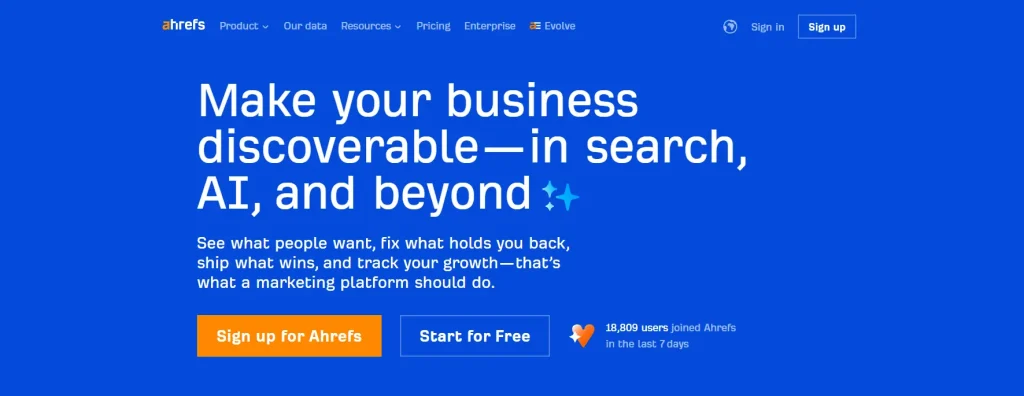
Ahrefs
Another top-tier SEO suite, known for its excellent backlink analysis and keyword tools. Ahrefs, like Semrush, provides data on search rankings, backlinks (who’s linking to your site), and content ideas. Some SEO experts prefer Ahrefs for competitor research because of its comprehensive data. It’s great for checking the health of your website link profile and finding opportunities to improve search rankings. As a developer, you might use Ahrefs during a technical SEO audit – for instance, to find broken links or to see which content on your site is most valued. If you develop content-heavy sites (like blogs or e-commerce), understanding Ahrefs reports can help you fine-tune website structure and internal linking for better SEO.
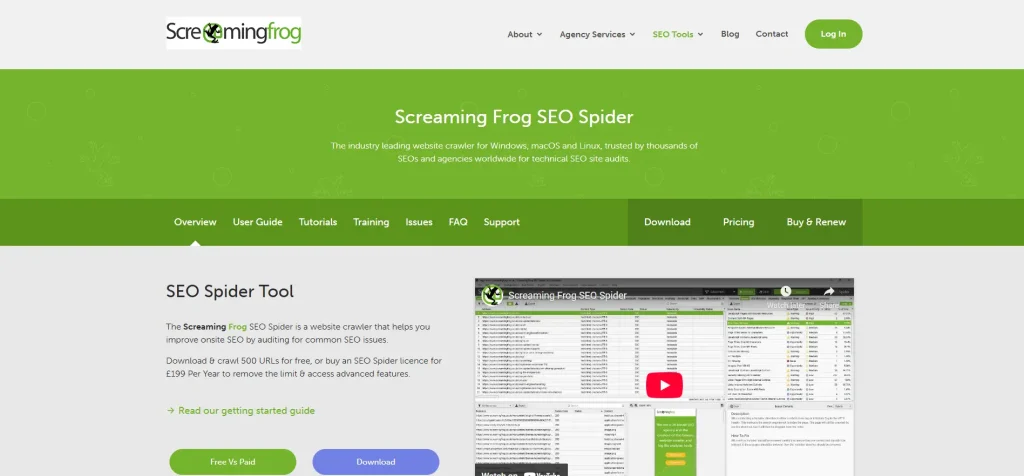
Screaming Frog SEO Spider
A specialized desktop application, like a search engine bot that crawls your website. Screaming Frog is beloved by technical SEOs for finding issues such as broken links, duplicate content, missing meta tags, and other on-page problems. Think of it as an X-ray for your website – it scans all your pages and outputs a detailed report of elements. Developers often use Screaming Frog during site migrations or performance overhauls to ensure nothing is amiss. It’s especially handy for larger websites. One cool integration: you can connect Screaming Frog with Google Analytics and Search Console to combine crawl data with real user data. For example, you could crawl your site and, alongside each URL, see its page views (from GA) or its search click-through rate (from GSC), all in one spreadsheet – very useful for prioritizing fixes. Screaming Frog has a free version (Limited URLs Crawls) and a paid version for unlimited crawling.
These SEO/analytics tools ensure that once you’ve developed something, you can measure its success and optimize its reach. In 2025, even developers are expected to have a data-informed mindset – using analytics to drive decisions. By getting familiar with these tools, you’ll be able to collaborate better with marketing/SEO teams and also build products that perform well in the real world (fast, discoverable, and user-friendly).
Design and Prototyping Tools
In the AI era, pure coding skills are not the only thing that matters. Great developers also appreciate good design and user experience. Having some design knowledge helps you build software that not only works but delights users. It also makes collaboration with design teams much smoother. Here are five popular design and prototyping tools every developer should know of:
Figma
The leading interface design and prototyping tool, widely used for designing app and web layouts. Figma is collaborative (multiple people can design together in real-time) and has become an industry standard for UI/UX design. As a developer, learning the basics of Figma can be incredibly useful. You can inspect design files to get CSS properties, export assets, and understand the intended user flow. In fact, having basic design skills and knowing tools like Figma can make you a more well-rounded engineer. It allows you to better translate designs to code and even contribute minor design tweaks yourself. Many companies now expect front-end developers to be comfortable using Figma. There are even courses like “Figma for Developers” that teach how to leverage it for responsive design work.
Adobe Photoshop
A powerhouse for image editing and graphics creation. Photoshop has been around for decades and is used for everything from UI asset prep to photo editing. While as a developer you might not create graphics from scratch, it helps to know how to make basic edits, optimize images for the web, or slice a design if needed. For instance, you might use Photoshop (or its alternatives) to export optimized images, adjust a logo dimensions, or create sprites. Understanding concepts like layers, masks, and export formats (PNG vs JPEG, etc.) will come in handy when working on the visual aspects of projects.
Canva
A user-friendly online design tool. Canva is not as advanced as Photoshop or Figma, but it’s excellent for quick designs, especially for non-designers. Developers who work in small teams or on personal projects might use Canva to whip up social media graphics, simple logos, or presentation images without needing a dedicated designer. It provides templates and a drag-and-drop interface. While you won’t design a complex app UI in Canva, it’s a great tool for complementary skills like creating a slide deck, banner, or blog post image related to your project.
Why these tools matter: In today’s job market, developers who understand design principles have an edge. “Software should not only function but also be user-friendly,” and learning UI/UX principles plus tools like Figma or Sketch helps you create products users love. Even at a basic level, it improves your collaboration and problem-solving. You’ll be able to communicate with designers better and even make minor design decisions independently when needed. Companies highly value engineers who can bridge the gap between design and development. So investing some time in design tools is absolutely worth it – it cultivates an eye for usability and empathy for the end-user, which will reflect in the quality of the software you build.
Why Developers Should Learn Design and Writing
In the “AI days” of 2025, purely technical skills, while vital, are not the only skills a developer needs. To truly excel, you should develop complementary skills like design and content writing/communication. Here’s why expanding your skill set beyond coding is so important:
Understanding Design and User Experience: As discussed, knowing design tools is great – but beyond tools, learn the principles of good design and UX. This doesn’t mean you must become a full-fledged designer. It means appreciating consistency, alignment, intuitive navigation, responsive layouts, accessibility, and so on. By understanding the basics of typography, color theory, spacing, and UX heuristics, you’ll start writing code with the user in mind. For instance, a developer with design sense will implement features in a way that looks polished rather than clunky. They’ll proactively catch UX issues (like a button that’s not obvious or a workflow that’s confusing) and adjust or flag them. This makes you a better collaborator – instead of a wall between dev and design, you become a bridge. Teams thrive on cross-functional understanding, and engineers who “get” design are highly valued. Even product managers appreciate developers who can contribute ideas on improving user experience.
Communication and Content Writing: Software development is a team sport and also often involves explaining technical concepts to non-technical stakeholders. Strong communication skills (verbal and written) are important. In fact, many surveys of engineers put “communication and teamwork” as top skills alongside technical abilities. Clear communication means you can document your code well, write helpful comments and README files, and create user guides or API documentation that others can understand. If you have a knack for writing, consider writing technical blog posts or tutorials. This not only reinforces your own understanding but also builds your reputation in the community. Content writing skills can also come in handy if you ever need to produce developer marketing materials, onboarding docs, or even just persuasive emails within your company. Remember that being able to “elucidate complex phenomena to non-technical stakeholders” is a hallmark of a senior engineer. It’s what can eventually propel you into tech lead or architect roles.
Holistic problem solving: Broader knowledge makes you a more creative problem solver. If you understand a bit of design, a bit of marketing, and a bit of business, you can propose solutions that aren’t just technically sound but also match user needs and business goals. For example, knowing SEO might influence how you design a URL structure or how you dynamically render content for performance. Knowing content strategy might influence the features you build for a CMS. Knowing design might inspire a simpler implementation that achieves the same user goal with less complexity. In the age of AI, rote coding can be generated, but the holistic thinking of how a product should function and succeed requires a human touch. Thus, a mix of technical and “soft” or creative skills will future-proof your career.
Adaptability in your career: The tech industry often rewards those who can wear multiple hats, especially in smaller companies or startups. If you can code and make a decent UI and write a blog post about the product, you become a triple threat that’s hard to replace. Even in larger organizations, these extra skills set you apart for leadership positions – where you need to coordinate between engineering, design, marketing, etc. A survey of skills for the future shows that a “mix of technical and human skills” is what keeps you ahead in an AI-driven workplace. AI can automate certain tasks, but qualities like creativity, communication, and empathy (which design and writing cultivate) are uniquely human strengths.
In short, invest time in non-coding skills like design and writing. It could be as simple as taking an online course in UX design for developers, or practicing writing by answering questions on Stack Overflow in a clear, helpful way. These efforts have big payoffs: they make you a more complete developer – one who can build great software and ensure it succeeds with users.
Leveraging AI in Your Development Process (Without Losing Quality)
A major theme of being a developer in 2025 is figuring out how to work effectively with AI tools. AI can supercharge your development process – generating code, suggesting solutions, writing tests, and more – but you have to use it wisely. Blindly relying on AI without solid development knowledge of your own can backfire, resulting in low-quality work. Here’s how to strike the right balance:
Use AI as an accelerator, not a replacement: AI coding assistants (like the ones we listed earlier) are best viewed as productivity boosters. They handle tedious or boilerplate tasks, freeing you to focus on high-level design, complex debugging, or creative solutions. For example, you might use AI to quickly draft a function or suggest a refactor, but you still need to verify that the solution is optimal and fits the requirements. Google CEO noted that AI has boosted their engineering productivity by about 10% – a significant gain – but it doesn’t mean engineers are replaced. In practice, AI helps you code faster, but you’re still in the driver’s seat deciding what to build and how.
Always review AI-generated code: Treat AI suggestions as you would a junior developer’s contributions – helpful, but in need of code review. Studies show that while tools like GitHub Copilot improve productivity, only ~30% of AI-suggested code is directly accepted by developers. The rest is modified or discarded. In one report, 75% of developers said they manually review every AI-generated code snippet before merging it. This highlights that human oversight is non-negotiable. AI can and will make mistakes or produce suboptimal code. Common issues include inefficient algorithms, security vulnerabilities, or just code that doesn’t handle edge cases. As a knowledgeable developer, you must catch and correct these. For instance, if Copilot writes a SQL query, double-check it for correctness and security (like SQL injection flaws). If ChatGPT drafts an API integration, ensure it properly handles errors. Use your expertise to filter AI output.
Be mindful of quality and maintainability: One observed side effect of AI coding is an increase in repetitive code and “quick fixes” that might not be the best long-term design. Developers have reported that code duplication in projects went up when AI suggestions were used freely – likely because the AI doesn’t realize that the function it just suggested already exists somewhere else, or because it tends to use generic solutions. To combat this, apply good software engineering practices. Refactor AI-generated code to remove duplication, improve naming, and fit your project style. Maintain coding standards – many AI tools allow you to provide context or style guidelines, which you should leverage. Essentially, don’t turn off your brain just because the AI gave you something. If anything, you need to apply more critical thinking: “Is this the best way to do this? Does it introduce any bugs? Can I simplify this further?” Your goal is to have AI do the heavy lifting, and then you polish the result to meet the quality bar.
Learn how to guide AI (prompt engineering): Getting the most out of AI may require learning how to communicate with it effectively. This emerging skill is sometimes called prompt engineering. It involves phrasing your requests or code comments in a way that yields better suggestions. For example, telling the AI the intention (write a function to do X in O(n) time) or giving it a usage example can result in more tailored code. Developers who master this can drastically cut down iteration time – they essentially “pair program” with the AI more smoothly. In 2025, some even consider prompt engineering a high-value skill for developers. So experiment with how you ask ChatGPT or Copilot for help. Be specific about constraints or styles (like “use functional programming approach” or “add comments explaining each step”). Over time, you’ll learn the quirks of each tool and how to steer them to produce better output.
Stay updated and keep improving your core skills: AI is a fast-moving field. New models (like GPT-4, GPT-5, or others) and tools are released frequently. Keep an eye on these developments – they can become powerful additions to your toolbox. However, also recognize that your core development skills remain the bedrock. The more knowledgeable you are, the better you can leverage AI. It’s been observed that developers who are already strong tend to use AI to become even more productive, while those without fundamentals might misuse AI and end up with nonsense code. In other words, an AI won’t magically turn a novice into a senior developer overnight. If someone with zero coding knowledge relies on AI to build an app, the result might work superficially but be full of hidden problems that they can’t detect, leading to low-quality software. So continue to sharpen your own skills. AI is a tool, and tools are only as effective as the craftsperson using them.
By respecting these guidelines, you can harness AI as a force multiplier in your development process. The combination of a skilled developer + AI assistance often produces results faster and better than either alone. Companies are noticing this synergy – many report both higher throughput and improved code quality when developers effectively incorporate AI. Use AI to work smarter, but always apply your human judgment, creativity, and due diligence.
A Roadmap to Becoming a Developer in 2025
To tie everything together, let’s outline a quick roadmap you can follow if you’re aspiring to become (or level up as) a developer in the current AI-driven environment. Think of these as stages or steps in your journey:
Master the Fundamentals: Start by learning a programming language and core coding concepts. Build small projects to practice. Aim to understand how to break down problems and implement solutions in code without relying on any AI – this builds your problem-solving muscle. Also, get familiar with tools like Git and basic debugging. This stage is all about creating a solid base to build upon.
Work on Real Projects and Data Structures: Once you’re comfortable with basic coding, challenge yourself with slightly larger tasks. Learn data structures and algorithms – perhaps through a structured course or by solving coding challenge problems. Simultaneously, work on a personal project (e.g., a simple web app, a game, a bot) to improve your skills in a practical context. This is where you’ll also learn software engineering basics like structuring code, writing tests, and using libraries/APIs.
Explore AI Tools and Continue Learning: As you gain confidence, start incorporating AI tools into your workflow. For example, use GitHub Copilot while coding to see how it can assist (but don’t let it make you lazy – use it as a guide). Try using ChatGPT when you’re stuck or need an explanation of a concept. At the same time, keep learning new technologies relevant to your field: if you’re into web dev, maybe learn a front-end framework; if into data, learn about databases or machine learning basics. This is a good time to also complete some structured courses or certifications (like a cloud certification or a frontend certificate) to solidify important skills.
Develop a Specialization (and broaden your “extra” skills): After getting a generalist skill set, decide on an area to specialize in, based on demand and your interests. This could be becoming really good at front-end development, or focusing on AI/ML, or becoming a DevOps expert – whatever motivates you. Dive deeper into that specialty: build an impressive project in that domain or contribute to an open-source project. In parallel, start polishing your complementary skills. Learn the basics of UI/UX design tools like Figma – maybe redesign a UI in Figma and then implement it to practice both design and dev. Work on your communication: write a blog post about something you learned, or make a well-documented project on GitHub that others can read. These will greatly enhance your profile.
Build Your Portfolio and Network: Once your project is complete then you can showcase it. Create a portfolio site or a GitHub repository that highlights your best work. Ensure you have at least a couple of projects that demonstrate the skills you claim (if you say you know React, have a React app in your portfolio; if you do machine learning, have a small ML project in there). Additionally, engage with the developer community – join forums, attend meetups (even virtual), contribute to discussions on Reddit or Stack Overflow. Increasing your network can open doors to mentorship and job opportunities and expose you to diverse perspectives and problems, which furthers your learning.
Land That First Job (or Freelance Gig) and Keep Growing: With your skills, specialization, and portfolio in hand, you’re ready to land a developer role. When you start working on real-world projects, you’ll learn a ton – often much faster than through self-study alone. Embrace on-the-job learning. Continue to leverage AI tools at work to boost your productivity (many companies will encourage this, as it leads to faster delivery). Just remain mindful of writing quality code and not cutting corners. Seek mentorship from senior colleagues. And never stop the cycle of learning – the industry will keep evolving, and so should you. Maybe today it’s AI-assisted coding, tomorrow it could be something like AR-assisted debugging – who knows! Keep an open and curious mindset.
By following this roadmap, you’ll equip yourself not just to “become a developer,” but to become a well-rounded, future-ready developer who can thrive in the AI era. The journey requires dedication, practice, and adaptability, but it’s a highly rewarding one. Developers today get to build amazingly powerful applications – often with a level of assistance (from AI and otherwise) that would have been unimaginable a decade ago. Take advantage of these opportunities, and remember that the best developers combine strong technical foundations with creative thinking and continuous learning.
Conclusion
The path to becoming a developer in 2025 involves blending timeless fundamentals with modern tools and an adaptive mindset. You need the solid footing of coding basics and computer science knowledge, layered with advanced skills in areas like cloud or AI that are shaping the industry’s future. You should choose a focus that excites you, but also stay flexible to ride new waves of technology. Equipping yourself with powerful tools – whether it’s an AI coding assistant, an SEO analytic platform, or a design prototyping app – will amplify your impact and productivity as a developer. And by stepping outside the pure coding box to learn design sensibility and communication skills, you’ll elevate yourself from a coder to a true creator of products and solutions.
Crucially, as AI becomes an everyday part of software development, remember that it’s your expertise that guides it to success. AI can generate code and answers in seconds, but only a skilled developer can mold that into reliable, elegant software. Use AI to automate the mundane, to inspire new ideas, and to speed up your workflow – but always apply your own judgment and standards. It’s this synergy of human skill and AI power that defines “being a developer in AI days.”
Embarking on this journey now is ideal. The demand for capable developers is strong, and those who can collaborate with AI will lead the next generation of innovation. Whether you’re starting from scratch or leveling up, take it step by step as outlined in our roadmap. Build things, break things, learn relentlessly, and don’t be afraid to wear multiple hats. By following this guide and roadmap, you’ll be well on your way to a thriving development career in today’s AI-driven tech world – building the software that shapes our tomorrow.
About the writer
Hassan Tahir wrote this article, drawing on his experience to clarify WordPress concepts and enhance developer understanding. Through his work, he aims to help both beginners and professionals refine their skills and tackle WordPress projects with greater confidence.









 Lifetime VPS Europe
 Lifetime VPS Asia
 Lifetime WooCommerce Hosting
 Lifetime Hosting
 France Lifetime Dedicated Servers
 Germany Lifetime dedicated servers
 Lifetime Game Dedicated Servers
 Chicago, US
 Tokyo, Japan
 Singapore
 Hong Kong
 Seoul, South Korea
 Amsterdem, Netherlands
 London, UK
 Stockholm, Sweden
 Oslo, Norway
 Vienna, Austria
 Zurich, Switzerland
 Sydney, Australia
 Wordpress Hosting
 VPS Hosting
 DDOS Protection
 Submit Ticket
 Full Management
 Guides
 Videos and Podcasts
 Discover Creative Ideas
 MetaAgentOS High-Ticket Support System
 Voxfor Mega Menu
 Voxfor Advanced Price Management For WooCommerce
 Voxfor Secure Live Chat and AI Support
 Voxfor Multilanguage
 Voxfor AI Content Summary


