Lifetime VPS Europe
 Lifetime VPS Asia
 Lifetime WooCommerce Hosting
 Lifetime Hosting
 Lifetime Game Dedicated Servers
 Chicago, US
 Tokyo, Japan
 Singapore
 Hong Kong
 Seoul, South Korea
 Amsterdem, Netherlands
 London, UK
 Stockholm, Sweden
 Oslo, Norway
 Vienna, Austria
 Zurich, Switzerland
 Sydney, Australia
 Wordpress Hosting
 VPS Hosting
 DDOS Protection
 Submit Ticket
 Full Management
 Guides
 Videos and Podcasts
 Discover Creative Ideas
 Cybersecurity Services
 Voxfor Mega Menu
 Voxfor Advanced Price Management For WooCommerce
 Voxfor Secure Live Chat and AI Support
 Voxfor Multilanguage
 Voxfor AI Content Summary
 Voxfor Autopilot

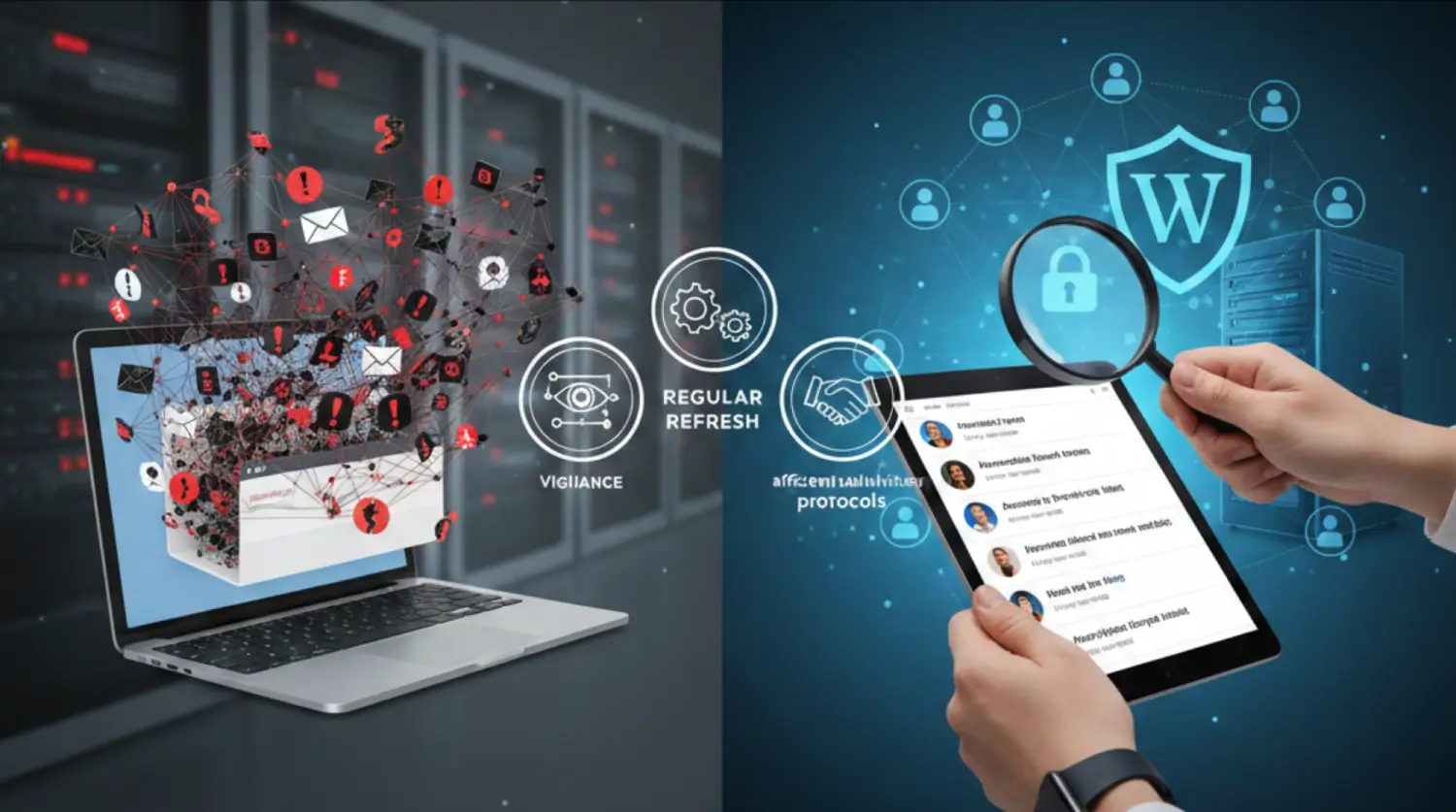
DDoS protection is not a complete availability cure. It is a set of traffic filtering, firewall, rate limiting, monitoring, hosting and response practices that reduce the chance that abusive traffic will take a website, VPS, store or game server offline.
Quick Answer: What Voxfor DDoS Protection Should Help With
Voxfor DDoS protection is for business-critical workloads that need a DDoS-aware hosting path: VPS services, WordPress websites, WooCommerce stores, APIs, dedicated servers and game communities. The goal is to help filter abusive traffic, keep legitimate users reachable, give support teams useful information and reduce the operational damage of an attack.
No responsible provider should promise that every attack can be blocked with zero impact. A large or complex DDoS event can still create latency, partial disruption or support work. The right question is not “can any provider promise uninterrupted service?” The better question is: what protection layer applies to my workload, what traffic patterns are covered, what should I monitor and who do I contact during an attack?
For current offer details, use the primary service page for Voxfor DDoS protection services. This article is a practical guide for understanding the risk and preparing a cleaner response plan.
DDoS Is Not One Single Problem
A DDoS attack tries to exhaust a resource: network capacity, server capacity, application workers, database connections, login endpoints or game-server ports. The United States Cybersecurity and Infrastructure Security Agency explains denial-of-service attacks as attempts to make systems unavailable to legitimate users. That simple definition matters because each attack type needs a different response path.
Use the table below to separate common symptoms before choosing the fix.
| Attack or abuse type | Common symptom | Likely protection layer | Voxfor next step |
|---|---|---|---|
| Volumetric DDoS | Large traffic flood, packet flood or sudden bandwidth pressure | Network filtering and upstream mitigation | Open a DDoS support case with IP, time window and traffic symptoms |
| Application-layer flood | Website loads slowly, PHP workers max out, checkout or login times out | Web rules, rate limits, caching, WAF and app tuning | Review WordPress or WooCommerce hosting plus security controls |
| Login brute force | Many failed login attempts, CPU spikes around wp-login or XML-RPC | Login protection, 2FA, rate limits and XML-RPC policy | Use WordPress hardening, not only DDoS mitigation |
| API abuse | Repeated expensive API requests, scraping or endpoint overload | Rate limits, authentication, caching and endpoint-specific rules | Collect logs and define safe thresholds |
| Game-server attack | Players disconnect, ping spikes, server port receives abusive traffic | Game-aware hosting path, port filtering and incident monitoring | Review dedicated game server fit and support path |
What DDoS Protection Does Not Replace
DDoS mitigation is not the same as complete website security. It can help with abusive traffic, but it does not fix vulnerable plugins, weak administrator passwords, bad PHP code, slow database queries or a WooCommerce checkout that breaks under normal load.
- DDoS protection does not remove malware from a WordPress site.
- DDoS protection does not replace patching plugins, themes and core software.
- DDoS protection does not stop every login attack by itself.
- DDoS protection does not make a slow application fast if the bottleneck is code, database or cache configuration.
- DDoS protection does not remove the need for logs, backups and a support plan.
That is why a serious plan connects DDoS filtering with application hardening. For WordPress login abuse, use the Voxfor guide to WordPress brute-force protection. For broader firewall and plugin choices, review WordPress security and firewall options.
Which Voxfor Workloads Should Think About DDoS?
DDoS risk matters most when downtime has a real business cost. A small brochure site may only need sensible hosting and basic monitoring. A public store, customer portal, API, community server or campaign landing page needs a stronger response plan because a short outage can affect revenue and trust.
- VPS workloads: public apps, APIs, control panels and hosted services should have logging, firewall rules and a clear support path. Start from Voxfor VPS plans when choosing the hosting layer.
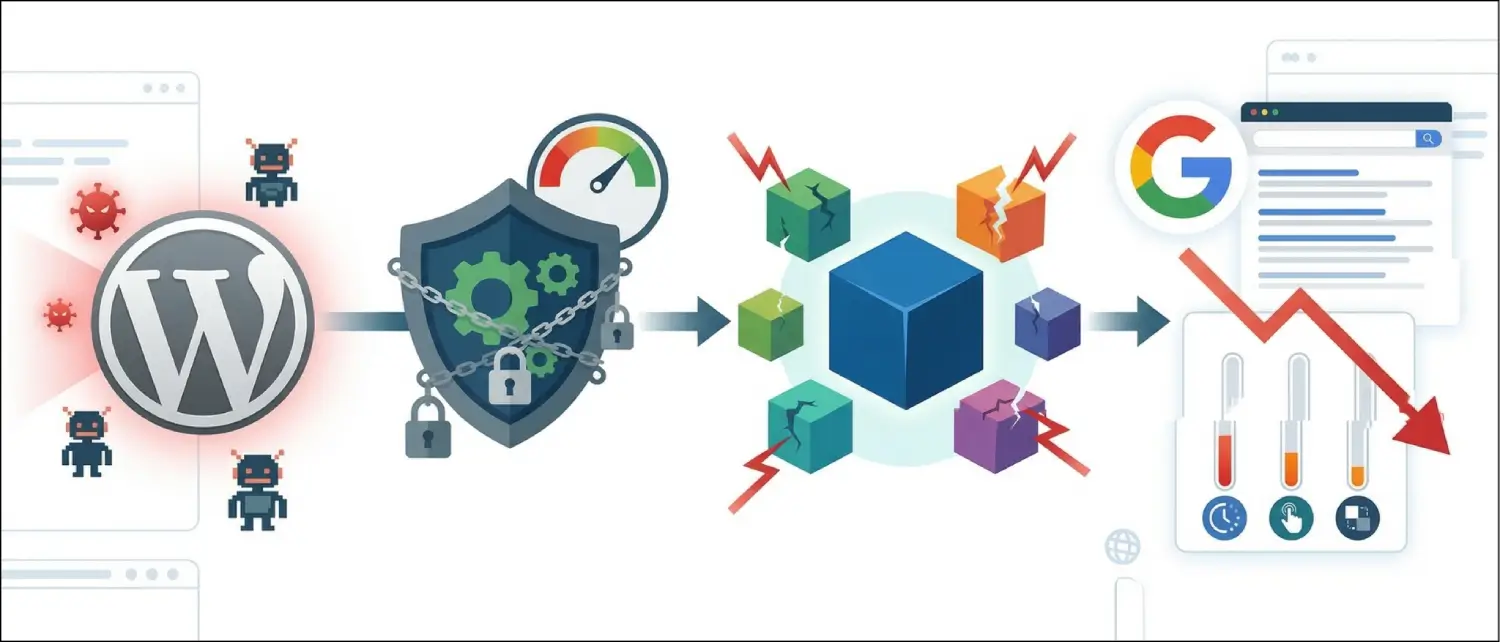
- WordPress sites: DDoS may combine with plugin load, login floods or cache misses. The hosting stack and WordPress security controls should be reviewed together.
- WooCommerce stores: checkout, cart, account and webhook endpoints need special attention because they can be expensive requests. Review Voxfor WooCommerce hosting for store-specific hosting needs.
- Game servers: player experience is sensitive to latency and packet disruption. For communities and esports-style use, check Voxfor game dedicated servers and the longer lifetime dedicated game server guide.
- Campaigns and launches: product launches, high-traffic content and paid campaigns should have a traffic baseline and emergency contact path before they go live.
Before an Attack: Prepare the Evidence and Contacts
The worst time to design an incident process is while the site is already unreachable. Prepare a small DDoS response note before you need it.
- List the domain, server IP, affected ports and service type.
- Record what normal traffic looks like: normal visits, regions, peak hours and common endpoints.
- Keep hosting, DNS, CDN, firewall and application log access available to the right people.
- Document who can change firewall rules, DNS, cache settings and application settings.
- Define what should happen if checkout, login, API or game ports are targeted.
- Keep a support contact path ready for Voxfor DDoS protection services.
During an Attack: What to Collect Before Changing Everything
During a suspected attack, collect a small amount of useful evidence before making broad changes. This helps support understand whether the problem is network traffic, an application endpoint, a login flood or a server resource bottleneck.
- Write down the first known time of disruption and whether it is still happening.
- Check whether the whole server is affected or only one domain, port, page or endpoint.
- Capture examples of errors, slow pages, timeout messages, high CPU, high bandwidth or player disconnects.
- Save recent access-log samples if available.
- Check whether the traffic is concentrated on login, XML-RPC, checkout, search, API routes or game ports.
- Contact support with the affected IP/domain, service type, symptoms and time window.
Avoid guessing with aggressive blocking rules if you do not understand the traffic yet. Blocking too broadly can stop legitimate users, payment gateways, search crawlers, webhooks or administrators from reaching the service.
After an Attack: Review the Weakest Point
After traffic stabilizes, review what actually failed. The mitigation layer may have helped, but the outage may also reveal an application weakness.
| What failed? | Likely follow-up |
|---|---|
| Network bandwidth was saturated | Review DDoS protection level, support path and upstream filtering options. |
| PHP workers or database were exhausted | Review caching, expensive plugins, checkout behavior and hosting resources. |
| Login or XML-RPC was targeted | Add 2FA, login limits and XML-RPC rules. See the xmlrpc.php security guide. |
| WooCommerce checkout slowed down | Review cart fragments, payment webhooks, cache exclusions and store hosting. |
| Game server players disconnected | Review target ports, player region, server resources and game-specific DDoS support. |
This review prevents a common mistake: blaming every outage on DDoS. Sometimes the attack exposes a weak page, plugin, endpoint or server configuration that should be fixed even after the traffic flood ends.
How to Talk About DDoS Protection Honestly
Security pages lose trust when they promise impossible certainty. Instead of saying a site will remain reachable in every scenario, say what can be prepared, monitored and escalated. Instead of promising the same response for every attack, explain the response path and what information helps support act faster. Instead of listing third-party security brands, focus on the architecture the customer actually receives from Voxfor.
For buyers, honest wording is more useful than hype. Ask what is included with the current plan, what requires a special DDoS service, which workloads are protected, how support should be contacted and whether application-layer hardening is also needed.
Recommended Next Step
If your site or server is already under attack, gather the affected domain or IP, service type, time window, symptoms and any logs you can access, then contact support through the Voxfor DDoS protection services path. If you are planning ahead, review the workload first: VPS, WordPress, WooCommerce, API or game server. The right protection plan depends on what needs to stay online and what kind of traffic is expected.
Frequently Asked Questions
Can DDoS protection promise uninterrupted service?
No provider should present uninterrupted service as a universal promise for every attack. DDoS protection reduces risk and can help keep services reachable, but attack size, attack type, application bottlenecks and support response all matter.
Does DDoS protection stop WordPress brute-force logins?
Not by itself. Login abuse needs WordPress-level controls such as strong passwords, 2FA, rate limits, XML-RPC policy, firewall rules and monitoring. DDoS filtering and login hardening should work together.
Do WooCommerce stores need special DDoS planning?
Yes, if checkout revenue matters. WooCommerce stores should protect cart, checkout, account pages, payment webhooks and login flows. Store owners should also tune caching and hosting so legitimate checkout traffic stays stable.
What should I send support during a DDoS incident?
Send the affected domain or IP, service type, time window, symptoms, affected ports or pages, recent logs if available and any traffic pattern you noticed. Clear information helps the support path move faster.
Is DDoS protection the same as a WAF?
No. DDoS protection focuses on abusive traffic that exhausts resources. A WAF focuses on web application rules and suspicious requests. Some setups use both because network floods and application-layer abuse are different problems.