
- Lifetime Solutions
VPS SSD:
Lifetime Hosting:
DEDICATED SERVERS:
- VPS Locations
- Managed Services
- Support
- WP Plugins
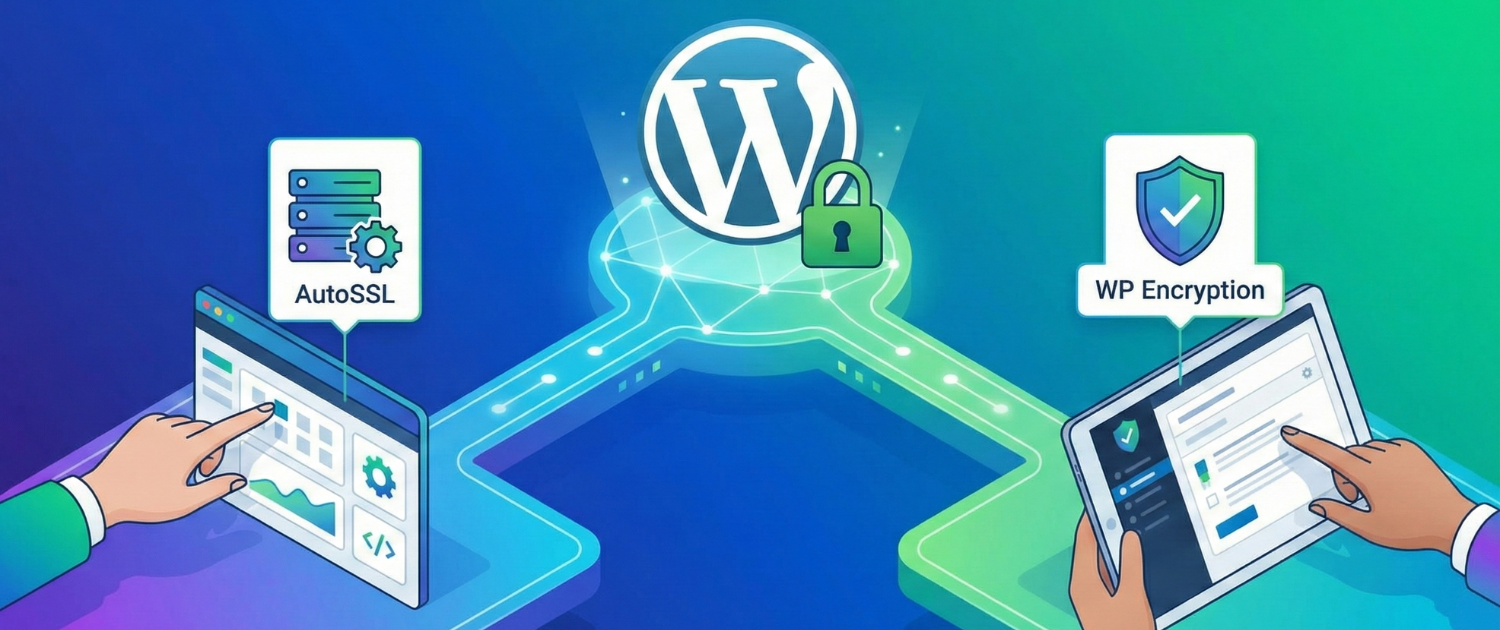
WordPress SSL means your site loads over HTTPS with a valid TLS certificate. It protects traffic between the visitor and the server, removes browser “Not Secure” warnings, and is essential for logins, forms, WooCommerce checkout and customer trust. SSL alone does not make WordPress fully secure, but a broken SSL setup can damage security, SEO and conversions very quickly.
It focuses on safe setup paths, mixed content fixes, redirect checks, renewal monitoring and the mistakes that commonly break WordPress after enabling HTTPS. If your host already provides AutoSSL or managed WordPress SSL, use that first. Use plugins or manual certificate work only when your hosting environment requires it.
The right SSL method depends on who controls the server and DNS. Do not start by installing multiple SSL plugins. First identify whether your hosting account, control panel, CDN or VPS is supposed to issue the certificate.
| Setup path | Good for | Main caution |
|---|---|---|
| Managed WordPress hosting or AutoSSL | Business sites, blogs and stores where the host manages certificates | Still test redirects, mixed content, login, forms and renewals |
| cPanel AutoSSL | Shared or managed hosting with domain validation available in the panel | DNS must point correctly before the certificate can issue |
| Plugin-assisted Let’s Encrypt | Hosts without automatic SSL but with enough file/DNS access | Renewal and validation can fail if files, DNS or cron are misconfigured |
| Cloudflare Full or Full Strict | Sites using Cloudflare in front of a real origin certificate | Flexible SSL is not end-to-end encryption and should not be used for checkout, forms or private data |
| Manual VPS setup | VPS users managing Nginx, Apache or Certbot directly | Protect private keys, test redirects and monitor certificate renewal |
For most Voxfor WordPress customers, the clean path is to use managed WordPress hosting with SSL support and then verify WordPress settings, redirects and mixed content. VPS users who manage the web server directly should follow server-level certificate and redirect steps, such as a clean HTTP to HTTPS redirect in Nginx.
Changing a WordPress site from HTTP to HTTPS touches URLs, redirects, cookies, cache, CDN behavior and sometimes database references. A short preparation step prevents the two worst outcomes: a redirect loop or a broken admin login.
If the site was recently migrated, finish the migration checks first. DNS propagation, old cache and copied database URLs can all create SSL symptoms that are not really certificate problems. Voxfor’s WordPress migration checklist is useful before enabling HTTPS on a moved site.
A browser trusts your WordPress site because the certificate is issued by a trusted certificate authority and matches the domain being visited. Today the common protocol is TLS, even though many people still call the setup “SSL.” Free certificates from Let’s Encrypt are enough for most WordPress sites when renewal is working correctly.
On managed hosting or cPanel, install the certificate through the host panel and wait for the domain to validate. On a VPS, install certificates through the server stack, usually with Certbot or your control panel. Avoid copying private keys into random tools, tickets or documents. Private keys should stay on the server or inside the trusted certificate-management system.
After the certificate is installed, visit the HTTPS version of the domain in a private browser window. Confirm there is no browser warning and that the certificate covers the exact hostname you use, such as `www.example.com` or `example.com`.
Once HTTPS works, redirect HTTP traffic to HTTPS. The cleanest setup is one direct 301 redirect from the old HTTP URL to the final HTTPS URL. Avoid stacking several redirect layers across WordPress plugins, `.htaccess`, Nginx, Cloudflare and hosting-panel rules unless you know exactly which layer owns the redirect.
| Check | Healthy result | Problem signal |
|---|---|---|
| HTTP homepage | Redirects once to HTTPS | Too many redirects or a long redirect chain |
| WordPress Address and Site Address | Both use the correct HTTPS domain | Mixed HTTP/HTTPS values in Settings |
| Admin login | `/wp-admin/` loads over HTTPS | Login loop, cookie warning or blocked dashboard |
| Canonical domain | Only one final version, with or without www | Both www and non-www competing in search |
Really Simple SSL and similar plugins can help WordPress sites detect HTTPS and handle redirects, but do not rely on a plugin to hide a broken server setup. If a host or CDN already redirects traffic, adding another redirect plugin can create loops.
Mixed content happens when an HTTPS page still loads images, scripts, stylesheets, fonts, iframes or internal links over HTTP. The browser may block active mixed content such as scripts, and even image warnings can reduce visitor trust.
Mixed content is especially risky on WooCommerce because checkout trust depends on a clean secure page. If payment or checkout reliability is already a concern, review WooCommerce payment processing problems after enabling SSL.
Cloudflare SSL mode must match the origin server setup. Cloudflare’s Full Strict mode validates a real certificate on the origin server and is the preferred model for serious WordPress sites. Flexible SSL only encrypts the visitor-to-Cloudflare connection. The connection from Cloudflare to the origin server can remain unencrypted, which is not suitable for logins, forms, membership sites, admin panels or WooCommerce checkout.
If Cloudflare creates a redirect loop, do not keep adding plugins until the site works by accident. Check Cloudflare SSL mode, origin certificate status, WordPress HTTPS settings and server redirects together. The goal is one secure path from browser to Cloudflare to origin server.
HSTS tells browsers to use HTTPS for your domain automatically. It can improve protection against downgrade attempts, but it also raises the risk of lockouts if the certificate expires or the HTTPS setup breaks. Do not enable HSTS on a new SSL setup until renewals, redirects, login, forms and checkout have been stable for a reasonable period.
HSTS preload is stricter again. Only consider it when you understand the requirements on hstspreload.org, control all subdomains that matter, and have a reliable certificate renewal process. For most small WordPress sites, correct HTTPS, clean redirects and renewal monitoring matter more than rushing into preload.
Do not stop after the padlock appears on the homepage. Test the paths that affect users, search engines and revenue.
SSL is one part of WordPress security. Keep plugins and themes updated, use strong admin access, restrict unnecessary file editing, and protect forms from injection and script attacks. For broader application-layer protection, review Voxfor’s WordPress XSS prevention guide.
Voxfor can help when SSL issues are tied to hosting, migrations, redirects, VPS configuration, Cloudflare, checkout errors or mixed content that keeps returning. Managed WordPress hosting is the safer route for site owners who do not want to manage certificate renewal, redirect rules and server configuration themselves.
For VPS projects, SSL should be treated as part of the server build: certificate issue and renewal, web-server redirect rules, firewall, backups, monitoring and rollback. If you manage your own server, review the certificate path before pushing a production store or lead-generation site live.
For most WordPress sites, the right SSL setup is simple: use a valid certificate from the host or Let’s Encrypt, force HTTPS with one clean redirect, fix mixed content, test real user flows, and monitor renewals. Avoid Flexible SSL for sensitive sites, do not enable HSTS too early, and do not treat HTTPS as a replacement for full WordPress security.
No. SSL protects traffic between the browser and server, but WordPress still needs updates, secure admin access, backups, malware protection, safe plugins and hosting-level hardening.
Mixed content means an HTTPS page still loads one or more resources over HTTP. It commonly happens with old image URLs, scripts, stylesheets, fonts, iframes, widgets or page-builder templates.
Flexible SSL is not the right choice for WordPress sites with logins, forms, membership areas, admin access or WooCommerce checkout because it does not provide full browser-to-origin encryption. Use Full or Full Strict with a valid origin certificate when the setup allows it.
Enable HSTS only after HTTPS, redirects, certificate renewal, forms, login and checkout have proven stable. Enabling it too early can make certificate mistakes harder for visitors and site owners to work around.
WooCommerce checkout handles customer details, sessions and payment handoff. A broken SSL setup can trigger browser warnings, failed payments, trust loss and support tickets.

Hassan Tahir writes about WordPress hosting, security and performance for Voxfor. This guide focuses on practical HTTPS setup decisions that affect trust, checkout reliability and site maintenance.




 Lifetime VPS Europe
 Lifetime VPS Asia
 Lifetime WooCommerce Hosting
 Lifetime Hosting
 Lifetime Game Dedicated Servers
 Chicago, US
 Tokyo, Japan
 Singapore
 Hong Kong
 Seoul, South Korea
 Amsterdem, Netherlands
 London, UK
 Stockholm, Sweden
 Oslo, Norway
 Vienna, Austria
 Zurich, Switzerland
 Sydney, Australia
 Wordpress Hosting
 VPS Hosting
 DDOS Protection
 Submit Ticket
 Full Management
 Guides
 Videos and Podcasts
 Discover Creative Ideas
 Voxfor Autonomous AI Workers
 Voxfor Mega Menu
 Voxfor Advanced Price Management For WooCommerce
 Voxfor Secure Live Chat and AI Support
 Voxfor Multilanguage
 Voxfor AI Content Summary
 Voxfor Autopilot