Lifetime VPS Europe
 Lifetime VPS Asia
 Lifetime WooCommerce Hosting
 Lifetime Hosting
 Lifetime Game Dedicated Servers
 Chicago, US
 Tokyo, Japan
 Singapore
 Hong Kong
 Seoul, South Korea
 Amsterdem, Netherlands
 London, UK
 Stockholm, Sweden
 Oslo, Norway
 Vienna, Austria
 Zurich, Switzerland
 Sydney, Australia
 Wordpress Hosting
 VPS Hosting
 DDOS Protection
 Submit Ticket
 Full Management
 Guides
 Videos and Podcasts
 Discover Creative Ideas
 Voxfor Autonomous AI Workers
 Voxfor Mega Menu
 Voxfor Advanced Price Management For WooCommerce
 Voxfor Secure Live Chat and AI Support
 Voxfor Multilanguage
 Voxfor AI Content Summary
 Voxfor Autopilot
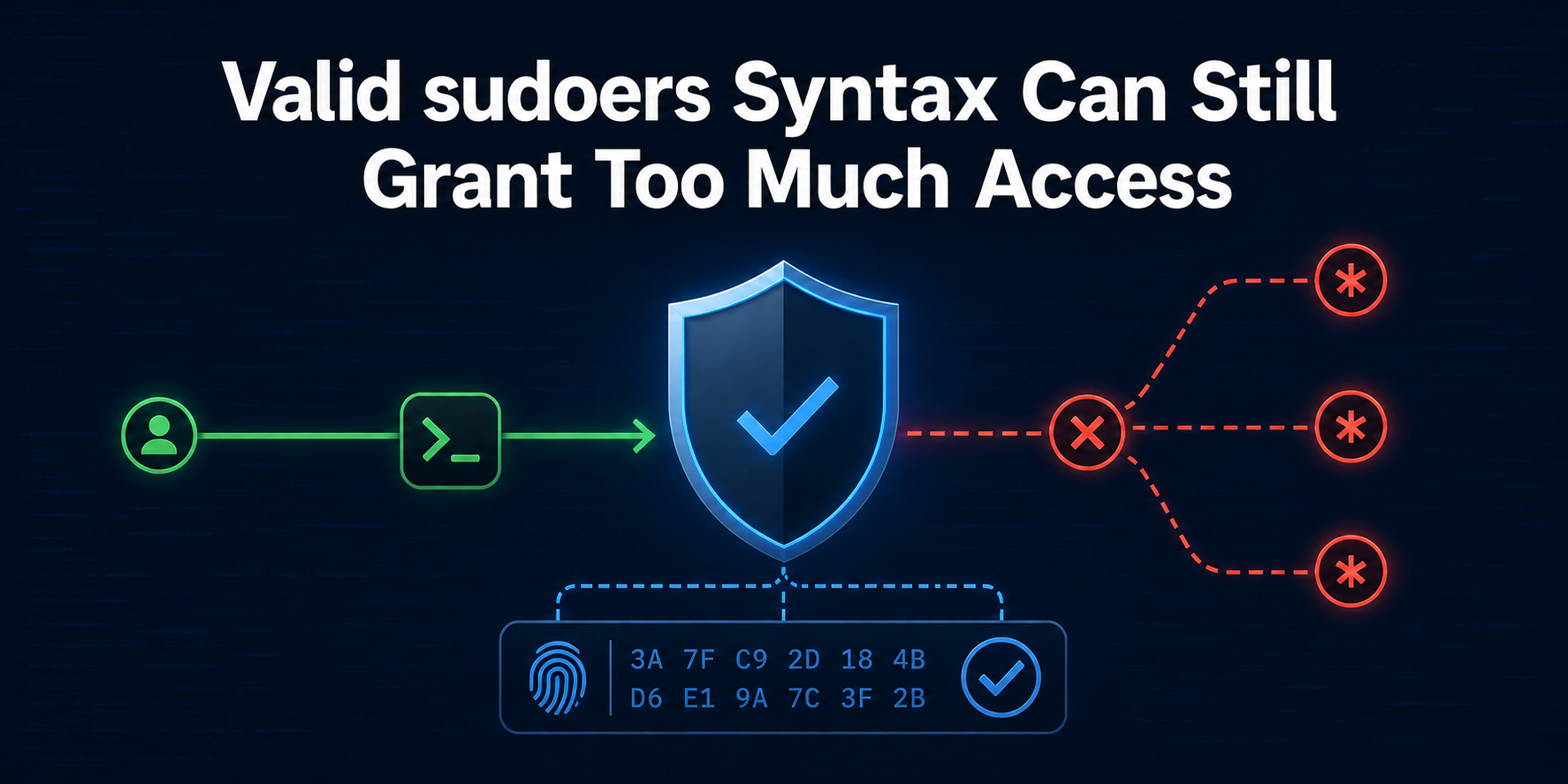
visudo -c can return “parsed OK” for a rule that authorizes more than its reviewer intended. That is not a parser defect. Syntax validation answers whether sudo can read the policy; it does not prove that the allowed command, argument string, executable bytes, run-as identity and recovery path form a safe delegation.
This guide builds a privileged but disposable lab for one harmless reporting command. The lab proves an exact argument succeeds, an extra argument fails, a wildcard silently widens the authorization, and a command digest rejects changed bytes. The host’s real /etc/sudoers is never edited: each check bind-mounts the candidate file over that path only inside a private mount namespace.
Intended readers are senior Linux operators or agency administrators who can retain a separate root session while changing authorization policy. The workflow is deliberately fail-closed. A candidate is not ready merely because it parses or because the intended command works once; the negative controls must fail for the expected reason, and the restored candidate must pass again.
Parsing Is Only the First Policy Gate
Current upstream sudoers(5) documentation separates command matching from file syntax. A command specification can constrain the path, the command-line arguments and, optionally, one or more file digests. If arguments are present in the rule, the user’s command arguments are joined into one string and matched against that expression. Shell-style wildcards can therefore cross spaces and punctuation in surprising ways.
Three questions belong in a pre-deployment review:
- Can the policy be parsed? This catches malformed aliases, tags and command specifications.
- What does the delegated identity actually see?
sudo -lexposes the effective rule after includes, aliases and matching are evaluated. - Does the boundary reject nearby behavior? The intended command must work, while a wrong argument and changed executable must not.
Parser acceptance is necessary, not sufficient. Google Cloud’s sudoers troubleshooting guidance makes the same operational distinction: a file can have a syntax problem, a permission problem or a logical problem. Only the first is primarily a parse concern. A valid rule that grants a shell-capable program or an unsafe wildcard is a logical overgrant.
Before any live change, preserve a second administrative route. A previously tested private Tailscale SSH administration path can reduce dependence on the public SSH path, but it is not a substitute for the provider console. Keep an authenticated root session open and prove the console works before replacing a policy file.
Build a Private Policy Lab
Begin by creating one fixed marker-owned path, a root-owned command and a helper that enters a private mount namespace. This input refuses to reuse an existing path. The command prints only its version string, received arguments and effective identity; it reads no production data and contacts no network service.
set -euo pipefail
sudo -v

SUDOERS_LAB=/tmp/voxfor-sudoers-150-lab
SUDOERS_MARKER=voxfor-sudoers-150-owned
REPORT="$SUDOERS_LAB/bin/voxfor-safe-report"
POLICY="$SUDOERS_LAB/sudoers"

test ! -e "$SUDOERS_LAB"
sudo install -d -m 0755 "$SUDOERS_LAB/bin"
printf '%s\n' "$SUDOERS_MARKER" | sudo tee "$SUDOERS_LAB/.marker" >/dev/null
sudo tee "$REPORT" >/dev/null <<'SCRIPT'
#!/bin/sh
printf 'report:v1 argument=%s uid=%s euid=%s\n' "${1-}" "$(id -ru)" "$(id -u)"
SCRIPT
sudo chmod 0755 "$REPORT"

sudoers_lab() {
  local policy=$1
  shift
  sudo unshare -m -- bash -euo pipefail -c '
    mount --bind "$1" /etc/sudoers
    shift
    exec "$@"
  ' _ "$policy" "$@"
}

sudo --version | sed -n '1p'
sudo stat -c 'command=%U:%G mode=%a path=%n' "$REPORT"
Run this on a disposable Linux host or maintenance clone, even though the namespace prevents a persistent /etc/sudoers replacement. The helper still executes privileged code and assumes unshare, mount, runuser, sudo and visudo are installed. It uses the existing unprivileged nobody identity so no account or group is created.
Now write the strict candidate. The alternate file contains only a root rule and the one delegated command. visudo checks that exact file, while sudo -l runs as nobody inside the namespace where the candidate temporarily appears at /etc/sudoers.
sudo tee "$POLICY" >/dev/null <<EOF
Defaults env_reset
root ALL=(ALL:ALL) ALL
nobody ALL=(root) NOPASSWD: $REPORT status
EOF
sudo chmod 0440 "$POLICY"

sudoers_lab "$POLICY" visudo -cf /etc/sudoers
sudoers_lab "$POLICY" runuser -u nobody -- sudo -n -l
Upstream visudo(8) documentation defines -c for check-only mode and -f for an alternate file. Checking an alternate file is useful for staging, but includes and local ownership rules can make a fragment behave differently after installation. That is why the lab also evaluates the candidate as the delegated identity, not only as a file parser.
Prove Exact Command and Argument Scope
An acceptance test needs one allowed input and at least one adjacent denied input. Here, status is the approved operation. The second invocation adds extra; if it succeeds, the rule is broader than the stated contract. sudo -n makes an unexpected password prompt a failure instead of allowing an unattended test to hang.
STRICT_OK=$(sudoers_lab "$POLICY" \
  runuser -u nobody -- sudo -n -- "$REPORT" status)
grep -F 'report:v1 argument=status uid=0 euid=0' <<<"$STRICT_OK"

if STRICT_BAD=$(sudoers_lab "$POLICY" \
  runuser -u nobody -- sudo -n -- "$REPORT" status extra 2>&1); then
  printf 'unexpected authorization: %s\n' "$STRICT_BAD" >&2
  exit 10
else
  printf 'strict_negative=denied\n'
fi
One successful invocation is weaker than this result. The pair proves the policy selects root as the run-as identity and that the nearest unapproved argument string is rejected. Add more negative cases when the real command has flags, paths or subcommands. For example, a backup wrapper that should read one fixed job name deserves tests for a second job, an absolute path, option injection and a missing argument.
Do not infer the denial layer from one generic error. Unix mode bits, ACLs, mount flags, SELinux or AppArmor can reject execution independently of sudoers. The Linux authorization-layer diagnosis shows how to identify the first rejecting control instead of widening every layer. In this lab, the command is executable and the positive case succeeds, so the negative result belongs to command-policy matching.
Make the Wildcard Counterexample Visible
Wildcards are compact, but compact is not the same as narrow. Compass Security’s analysis of dangerous sudoers wildcard entries demonstrates why a filename or argument wildcard can admit separators, spaces and downstream program behavior a reviewer did not visualize.
Replace the exact status string with status*, validate it, then repeat the previously denied call. This is an intentional unsafe candidate inside the private namespace; it must never be installed.
sudo tee "$POLICY" >/dev/null <<EOF
Defaults env_reset
root ALL=(ALL:ALL) ALL
nobody ALL=(root) NOPASSWD: $REPORT status*
EOF
sudo chmod 0440 "$POLICY"
sudoers_lab "$POLICY" visudo -cf /etc/sudoers

WILDCARD_RESULT=$(sudoers_lab "$POLICY" \
  runuser -u nobody -- sudo -n -- "$REPORT" 'status extra')
grep -F 'argument=status extra uid=0 euid=0' <<<"$WILDCARD_RESULT"
Both candidates parse. Only the execution matrix exposes the difference. For a real tool that interprets multiple options, reads configuration files, executes hooks or accepts output paths, the impact can be much larger than an extra printed word. Prefer a fixed command and exact arguments. When variable input is genuinely required, place validation in a small root-owned wrapper that rejects unexpected values, uses absolute paths, clears unsafe environment state and calls a non-shelling program with an explicit argument vector.
Never delegate a general shell, editor, pager, interpreter, package manager or utility with an escape-to-shell feature merely because the initial subcommand looks narrow. The policy boundary includes what the authorized program can reach after it starts.
Bind Authorization to Reviewed Command Bytes
Exact arguments do not stop an authorized command from being replaced later. Ownership and directory permissions are the first defense: the delegated user must not be able to modify the executable or any traversed directory. A sudoers digest adds a second condition by binding the rule to reviewed bytes. Upstream sudoers(5) supports SHA-2 digests before a command path.
Restore the strict argument and calculate the digest from the root-owned command. The original bytes should pass.
REPORT_DIGEST=$(sudo sha256sum "$REPORT" | awk '{print $1}')
sudo tee "$POLICY" >/dev/null <<EOF
Defaults env_reset
root ALL=(ALL:ALL) ALL
nobody ALL=(root) NOPASSWD: sha256:$REPORT_DIGEST $REPORT status
EOF
sudo chmod 0440 "$POLICY"

sudoers_lab "$POLICY" visudo -cf /etc/sudoers
DIGEST_OK=$(sudoers_lab "$POLICY" \
  runuser -u nobody -- sudo -n -- "$REPORT" status)
grep -F 'report:v1 argument=status uid=0 euid=0' <<<"$DIGEST_OK"
printf 'digest=%s\n' "$REPORT_DIGEST"
Next, change only report:v1 to report:v2. The path, owner, mode, argument and policy remain the same. A successful call would mean the digest is not enforcing the intended byte identity, so the script exits nonzero in that case.
sudo sed -i 's/report:v1/report:v2/' "$REPORT"
sudo chmod 0755 "$REPORT"

if DIGEST_BAD=$(sudoers_lab "$POLICY" \
  runuser -u nobody -- sudo -n -- "$REPORT" status 2>&1); then
  printf 'changed command unexpectedly authorized: %s\n' "$DIGEST_BAD" >&2
  exit 11
else
  printf 'digest_changed=denied\n'
fi
A negative control is useful only if the approved state can be restored. Recreate the reviewed command, require its hash to equal the policy digest and run the positive case again.
sudo tee "$REPORT" >/dev/null <<'SCRIPT'
#!/bin/sh
printf 'report:v1 argument=%s uid=%s euid=%s\n' "${1-}" "$(id -ru)" "$(id -u)"
SCRIPT
sudo chmod 0755 "$REPORT"
test "$(sudo sha256sum "$REPORT" | awk '{print $1}')" = "$REPORT_DIGEST"

RESTORED_OK=$(sudoers_lab "$POLICY" \
  runuser -u nobody -- sudo -n -- "$REPORT" status)
grep -F 'report:v1 argument=status uid=0 euid=0' <<<"$RESTORED_OK"
A digest is not a deployment system. Every legitimate command update changes the hash and therefore needs a reviewed policy update in the same change. A broader AIDE trusted-baseline workflow can detect drift across many files and attributes; it complements the command-specific admission check but does not replace ownership or sudoers matching.
Promote With a Recovery Window
DigitalOcean’s sudoers editing guide correctly emphasizes visudo, backups and scoped command grants. Production promotion needs several additional controls because an isolated candidate omits local include order, aliases and distribution-specific defaults.
Start from a fresh terminal with the intended delegated account and keep the existing root session open. Back up the current file or drop-in with its ownership, mode and hash. Stage the candidate in the same filesystem, set owner root:root and mode 0440, and use visudo -c -f against the complete intended policy. Install atomically only after that check passes; do not edit the live file in place with a general text editor.
Immediately run sudo -l as the delegated identity, then repeat the exact positive and negative matrix. Inspect every matching entry because multiple specifications can apply and later entries can change tags or permissions. Test from a new login while the retained root session remains available. If any expectation differs, restore the backup through that root session, validate the restored policy and retest access before closing the incident window.
Automation belongs after the manual evidence is deterministic. A fail-closed Ansible second-run gate can prove a managed drop-in converges without recurring changes, but it must not turn a vague wildcard into an approved rule. Store the candidate, digest, positive cases, negative cases and recovery command in version control; keep host-specific secrets out of the fixture.
This two-gate principle also appears in the systemd-analyze security workload acceptance guide: a configuration score or parser result describes declared policy, while a separate runtime test proves the intended workload. For sudoers, release approval requires both parse/effective-policy evidence and behavioral boundaries.
Verification Receipt and Scoped Rollback
Debian 13 with sudo 1.9.16p2 produced the following receipt. The lab ran in one private mount namespace and removed its owned path afterward. Values are representative of the exact inputs above; a different current distribution can report a different sudo version or digest while preserving the pass/fail pattern.
sudo=1.9.16p2
strict_parse=/tmp/voxfor-sudoers-150-lab/sudoers: parsed OK
strict_list=(root) NOPASSWD: /tmp/voxfor-sudoers-150-lab/bin/voxfor-safe-report status
strict_positive=report:v1 argument=status uid=0 euid=0
strict_negative=denied
wildcard_counterexample=report:v1 argument=status extra uid=0 euid=0
digest=e2c350b4cf1d94f1ce44ba69c7522808011d895e3597a78cadecf3c07e97c855
digest_positive=report:v1 argument=status uid=0 euid=0
digest_changed=denied
restored_positive=report:v1 argument=status uid=0 euid=0
Accept the candidate only when visudo parses it, sudo -l lists the expected run-as identity and exact command, the approved argument runs as root, the nearby extra argument is denied, the wildcard challenge demonstrates why the wildcard is rejected, the reviewed digest runs, changed bytes are denied and restored bytes run again. In production, also require correct ownership and mode, a tested new login, a retained root session and a working provider console. Any missing observation leaves the change unapproved.
Cleanup is deliberately narrower than a generic /tmp deletion. It checks the exact path and marker before removal. If the marker or path differs, it stops. A production rollback is different: restore the explicit backed-up policy file from the retained root session, run visudo -c, repeat sudo -l and the behavior matrix, and only then close the recovery session.
test "$SUDOERS_LAB" = /tmp/voxfor-sudoers-150-lab
test "$(sudo cat "$SUDOERS_LAB/.marker")" = "$SUDOERS_MARKER"
sudo rm -rf -- "$SUDOERS_LAB"
test ! -e "$SUDOERS_LAB"
printf 'cleanup=absent path=%s\n' "$SUDOERS_LAB"
Frequently Asked Questions
Is visudo -c enough to approve a sudoers change?
No. It proves the file can be parsed and catches important structural errors, but it does not prove the rule grants only the intended behavior. Pair it with sudo -l, one or more allowed invocations, nearby denied invocations, correct ownership/mode checks and a recovery test.
Does a sudoers command path automatically restrict every argument?
Only according to the command specification. A path without an argument expression can allow the command with arbitrary arguments, while an explicit argument string constrains matching. Review the current sudoers(5) semantics for the deployed version and test the exact positive and negative argument strings.
Why can a wildcard match more than expected?
Command arguments are matched as one joined string, and shell-style wildcards can include whitespace and separators. A pattern that appears to mean “one value” can therefore authorize extra material. Prefer exact arguments or a minimal root-owned validating wrapper when variable input is unavoidable.
Does a command digest replace root ownership and safe directory permissions?
No. The executable and every traversed directory must still be protected from the delegated user. A digest makes changed bytes fail matching, but ownership, update procedure, include order and the behavior of the authorized program remain separate security decisions.
Should the test use the production /etc/sudoers file?
Not for the first reproduction. Use a disposable host or a private policy namespace with a harmless command, then validate the complete staged production policy. Retain a root session and provider console because local include behavior and defaults can differ from the isolated fixture.
What should trigger an immediate rollback?
Rollback when parsing fails, the effective list differs, an intended command is denied, an unapproved argument succeeds, changed bytes still run under a digest rule, ownership or mode is wrong, or a fresh delegated login cannot reproduce the matrix. Restore the known backup, validate it and retest before ending the recovery window.