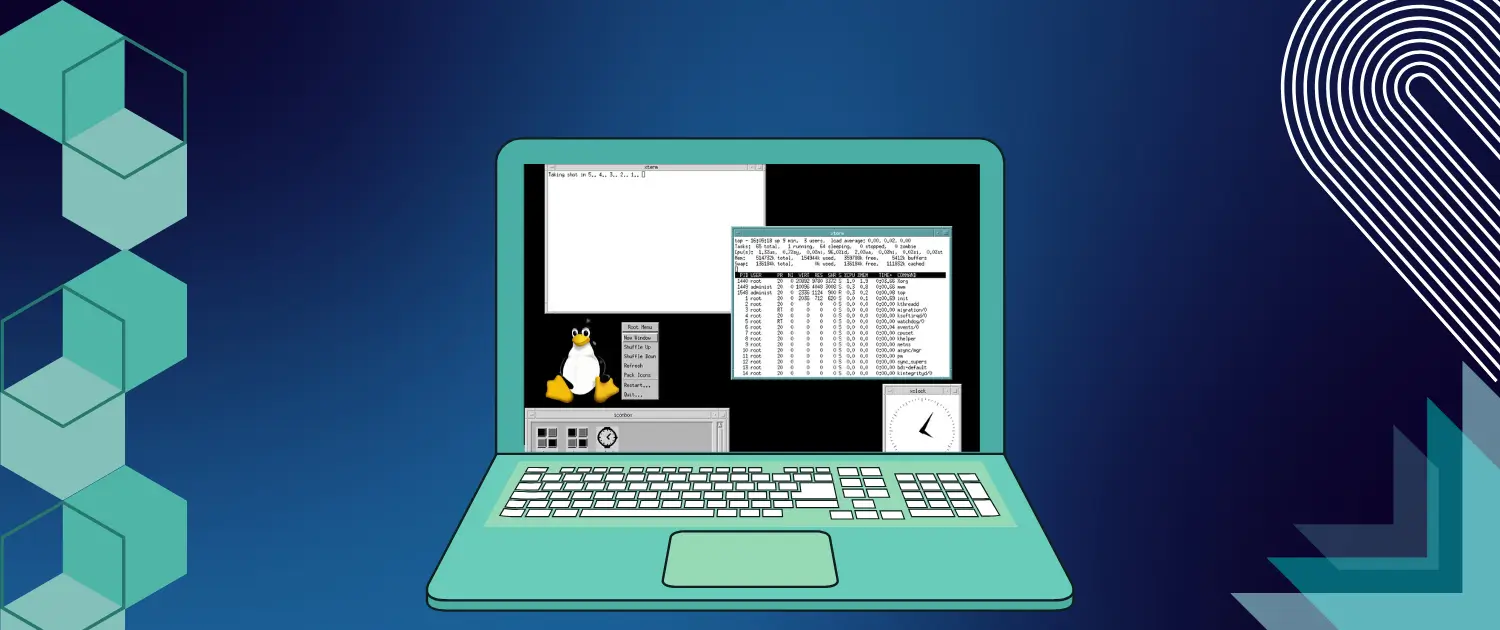
The X Toolkit Intrinsics (Xt) library and the Motif toolkit have played pivotal roles in shaping the graphical user interface (GUI) ecosystem on UNIX-like systems. Motif stands out for its distinctive, professional “look and feel” that was once the default aesthetic on many commercial UNIX workstations. Despite the rise of modern frameworks like GTK and Qt, Motif endures in specialized environments, particularly for legacy applications that rely on its stable widget set.
This guide will showyou how to install Motif on Linux, ensuring compatibility with older or specialized software. We will cover two primary approaches: installing Motif from your distribution’s official package repositories and compiling Motif from source. You will also gain insights into troubleshooting, environment variable management, performance tuning, and more. Following these steps, you can integrate Motif into your modern Linux environment while keeping your system stable and secure.
Motif is a GUI toolkit built atop the X Window System (X11) and the X Toolkit Intrinsics (Xt). Historically, Motif was once the cornerstone of many proprietary UNIX systems, establishing a recognizable interface through its standard widget set. Key components include:
Today’s open-source incarnation, often called “Open Motif,” remains updated for modern UNIX-like systems, showcasing Motif’s continued relevance for specific industry applications.
Motif persists in sectors like engineering, aerospace, manufacturing, and telecommunications, where long-established software fulfills critical business functions. Such codebases often cannot be feasibly rewritten, and keeping Motif available ensures these systems operate smoothly on up-to-date Linux distributions.
Compared to more rapidly evolving toolkits, Motif is notably conservative. This measured development pace yields a highly stable, backward-compatible toolkit suitable for mission-critical applications. Upgrading your OS typically does not invalidate Motif-based programs.
Studying Motif can be informative for anyone interested in the history or inner workings of the X Window System. Motif’s architecture demonstrates how event-driven GUIs were implemented in earlier generations of UNIX-like systems and can inspire solutions for contemporary challenges.
Most mainstream distributions (Ubuntu, Debian, Fedora, RHEL/CentOS, openSUSE) include Motif packages or offer straightforward ways to compile the toolkit from source.
Motif packages or source builds exist for both 32-bit and 64-bit environments. Confirm that you obtain the correct binaries or specify the proper flags when compiling.
Motif requires X11. X11 libraries are preinstalled or easily obtainable via package managers on most modern systems.
Should you decide to build Motif rather than install it from a repository, ensure you have a compiler (gcc or clang), make or similar build tools, and the necessary development libraries (libx11-dev, libxt-dev, etc.).
Verifying system prerequisites before installing Motif will help you avoid common pitfalls, especially if you run a minimal or custom Linux setup.
Installing Motif from your distribution’s repository is the simplest solution for most users. This approach typically requires a single command and automatically resolves dependencies. The downside is that the packaged version might not be the most recent.
Compiling from source is the way to go if you need the latest release, a specific development branch, or if your distribution does not include Motif in its standard repositories. This method demands more setup but offers maximum control over compiler flags, library paths, and optional features.
Begin by updating your system’s package lists and upgrading existing packages. Examples:
# Debian/Ubuntu
sudo apt update && sudo apt upgrade

# Fedora
sudo dnf upgrade

# RHEL/CentOS
sudo yum update
# openSUSE
sudo zypper refresh && sudo zypper update
This ensures you have the most current system state before installing new software.
Motif typically depends on X11 libraries and other base components. Installing the development package ensures you have both runtime libraries and header files:
# Debian/Ubuntu
sudo apt install libmotif-dev

# Fedora
sudo dnf install motif motif-devel

# RHEL/CentOS
sudo yum install motif motif-devel
# openSUSE
sudo zypper install motif-develAfter installation, check if your system recognizes Motif:
ldconfig -p | grep libXm
If libXm.so appears in the linker cache, Motif is installed. Compile a quick test program to confirm:
#include <Xm/Xm.h>
#include <stdio.h>

int main(void) {
    printf("Motif is installed and accessible.\n");
    return 0;
}

cc test.c -o test -lXm
If it compiles without errors, your installation is fully functional.
Compiling from source is an excellent option if your distribution’s Motif package is outdated or unavailable. It allows you to select optimization flags and specify your install directory.
Obtain the source tarball for Open Motif from an official repository or a recognized mirror:
wget https://example.com/motif-2.3.8.tar.gz
tar -xzf motif-2.3.8.tar.gz
cd motif-2.3.8Replace the URL and version number with whatever the latest release is.
Install the required build tools and libraries. On Debian/Ubuntu, for example:
sudo apt update
sudo apt install build-essential libx11-dev libxt-dev libxmu-dev libxft-dev \libjpeg-dev libpng-dev
Other distributions have equivalent packages—consult their documentation for exact package names.
Motif source packages often use Autotools, so configuration typically involves:
./configure --prefix=/usr/local/motifUse the –prefix to specify an installation directory. Adjust compiler flags or disable/enable features if necessary:
CFLAGS="-g -O2" ./configure --prefix=/usr/local/motifOnce configuration completes successfully, compile using:
makeTo utilize all CPU cores, try:
make -j$(nproc)Install system-wide (or into your chosen prefix):
sudo make installIf you used /usr/local/motif as the prefix, all libraries (libXm.so, libMrm.so) and headers (Xm/*.h) will be placed accordingly.
Update the dynamic linker cache if installing to a system-wide or a commonly used directory:
sudo ldconfigVerify Motif’s presence:
ldconfig -p | grep libXmIf you do not see Motif libraries, add the path (e.g., /usr/local/motif/lib) to /etc/ld.so.conf.d/:
echo "/usr/local/motif/lib" | sudo tee /etc/ld.so.conf.d/motif.conf
sudo ldconfigIf you installed Motif in a non-standard location, add the Motif bin directory to your PATH:
echo 'export PATH="/usr/local/motif/bin:$PATH"' >> ~/.bashrc
Also, include the Motif library path in LD_LIBRARY_PATH (if needed):
echo 'export LD_LIBRARY_PATH="/usr/local/motif/lib:$LD_LIBRARY_PATH"' >> ~/.bashrc
Reload your shell or log out and log in again to make these changes effective.
Check that the uil utility is accessible:
which uil
Your PATH is set properly if the command returns the correct path. Similarly, confirm your linker configuration:
echo $LD_LIBRARY_PATH
ldconfig -p | grep libXm
If Motif libraries do not appear, reconfirm that you added the correct directory.
Symptoms: The compiler or configure script fails due to missing X11/Xlib.h or other headers.
Solution: Install the necessary X11 dev packages (for example, libx11-dev, libxt-dev, etc.).
Symptoms: Error messages like error while loading shared libraries: libXm.so: cannot open shared object file.
Solution: Ensure your library paths are updated in /etc/ld.so.conf.d/ or LD_LIBRARY_PATH, then run sudo ldconfig.
Symptoms: Undefined references to Motif functions or cryptic build failures.
Solution: Check the config.log file for clues. Make sure your system meets all build requirements.
Symptoms: An older Motif-based application does not run or crashes with a newer library.
Solution: Some legacy apps might need an older Motif version. Consider building that version separately under a different prefix or see if a patch exists to update the application.
Motif includes a suite of widgets suitable for creating robust GUIs, particularly for specialized engineering or scientific tools. Although the aesthetic may appear dated, it remains functional and efficient.
Countless mission-critical applications in specific industries still rely on Motif. Installing or compiling Motif ensures you can maintain, update, or even slightly modernize these programs without rewriting them in newer frameworks.
Motif provides a glimpse into X11 programming fundamentals. Experiments with Motif can expand your skill set if you are an enthusiast or a systems programmer aiming to understand older UI paradigms.
Keep Motif current, mainly if you rely on it for mission-critical applications. With package managers, updates happen automatically. If compiling from the source, bookmark Motif’s official site or Git repository and check regularly for new releases.
If you incorporate custom patches or specialized build scripts, track your changes in Git. This approach makes it easy to roll back if an update or experimental modification causes unexpected behavior.
Retain notes on how you configured and installed Motif, including compiler flags, environment variables, and library paths. This documentation simplifies replication across multiple systems or at a later date.
Use compiler optimizations like -O2 or -O3 if your application can benefit from them. If you need debugging, append -g:
CFLAGS="-O2 -g" ./configure --prefix=/usr/local/motifSome users enable architecture-specific flags like—march=native to optimize for their CPUs. However, binaries built with these settings may fail on different hardware. If you plan to distribute your Motif build, consider standard optimization flags for compatibility.
Motif relies on the X11 protocol. For graphical responsiveness, ensure your system has stable drivers and a well-configured X environment. While Motif’s 2D widgets pose minimal strain on modern hardware, a reliable setup can help avoid unexpected issues.
Motif endures because of its reliability, backward compatibility, and popularity in legacy contexts. Whether you are tasked with maintaining decades-old engineering software or exploring the fundamentals of X11-based development, Motif remains a potent toolkit.
Following this guide, you can install Motif on Linux via distribution repositories or by compiling from source. You have also seen strategies for configuring environment variables, troubleshooting library path issues, and optimizing performance. With these insights, you can integrate Motif into your modern Linux environment without neglecting critical security patches or sacrificing system stability.
Although newer toolkits often emphasize sleek visuals and feature-rich design, Motif’s steadfast approach to stability still resonates in industries where reliability and minimal disruption are paramount. Mastering Motif equips you to keep legacy systems alive and well and connects you to the historical roots of UNIX-like GUI development. Embrace the knowledge of Motif’s classic design philosophy, and you will be ready to tackle any challenge from maintaining or revitalizing older, yet indispensable, software.

Vinayak Baranwal wrote this article. Use the provided link to connect with Vinayak on LinkedIn for more insightful content or collaboration opportunities.





 Lifetime VPS Europe
 Lifetime VPS Asia
 Lifetime WooCommerce Hosting
 Lifetime Hosting
 France Lifetime Dedicated Servers
 Germany Lifetime dedicated servers
 Lifetime Game Dedicated Servers
 Chicago, US
 Tokyo, Japan
 Singapore
 Hong Kong
 Seoul, South Korea
 Amsterdem, Netherlands
 London, UK
 Stockholm, Sweden
 Oslo, Norway
 Vienna, Austria
 Zurich, Switzerland
 Sydney, Australia
 Wordpress Hosting
 VPS Hosting
 DDOS Protection
 Submit Ticket
 Full Management
 Guides
 Videos and Podcasts
 Discover Creative Ideas
 MetaAgentOS High-Ticket Support System
 Voxfor Mega Menu
 Voxfor Advanced Price Management For WooCommerce
 Voxfor Secure Live Chat and AI Support
 Voxfor Multilanguage
 Voxfor AI Content Summary


