Lifetime VPS Europe
 Lifetime VPS Asia
 Lifetime WooCommerce Hosting
 Lifetime Hosting
 Lifetime Game Dedicated Servers
 Chicago, US
 Tokyo, Japan
 Singapore
 Hong Kong
 Seoul, South Korea
 Amsterdem, Netherlands
 London, UK
 Stockholm, Sweden
 Oslo, Norway
 Vienna, Austria
 Zurich, Switzerland
 Sydney, Australia
 Wordpress Hosting
 VPS Hosting
 DDOS Protection
 Submit Ticket
 Full Management
 Guides
 Videos and Podcasts
 Discover Creative Ideas
 Cybersecurity Services
 Voxfor Mega Menu
 Voxfor Advanced Price Management For WooCommerce
 Voxfor Secure Live Chat and AI Support
 Voxfor Multilanguage
 Voxfor AI Content Summary
 Voxfor Autopilot
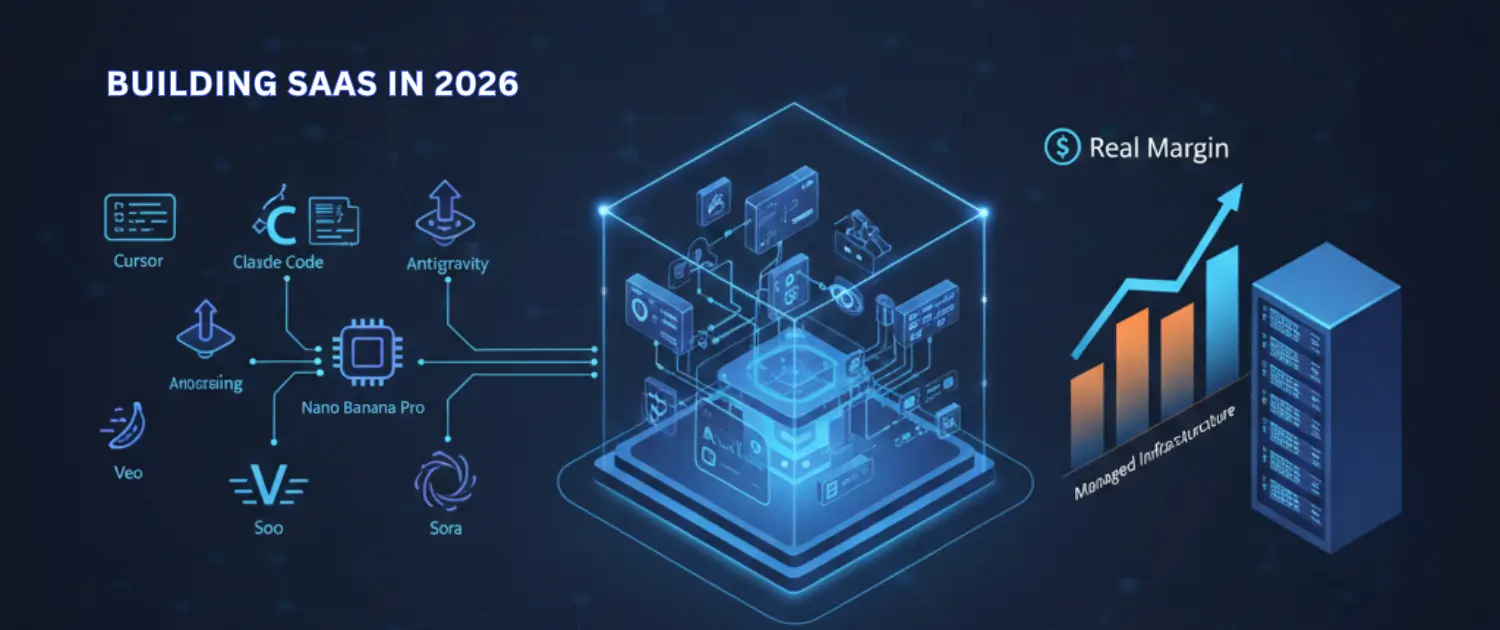
The opportunity is not to declare that SaaS is dead. Useful SaaS products still matter. The real shift is that many businesses no longer want another dashboard to manage. They want an AI workflow that is deployed, monitored, secured, improved and supported. That operating layer is where the value sits.
Quick Answer: What Is the AI Service Layer?
The AI service layer is the practical work around AI tools: workflow design, VPS hosting, agent deployment, API integration, monitoring, logs, backups, permissions, human approvals, support and ongoing improvement. It turns a demo, prompt or local script into a business process that people can rely on.
This is commercially important because AI tools are easier to access than ever, but production operations are still hard. A client can subscribe to a model, install a coding agent or test an automation builder. What they usually cannot do alone is define the workflow, connect the data, deploy it safely, watch failures, control costs and keep it running after the first week.
That is where Voxfor fits naturally: managed VPS infrastructure, AI automation services, Voxfor autonomous technical work, AI agent hosting and deployment support around real business workflows.
Tools Are Inputs. Operations Are the Product.
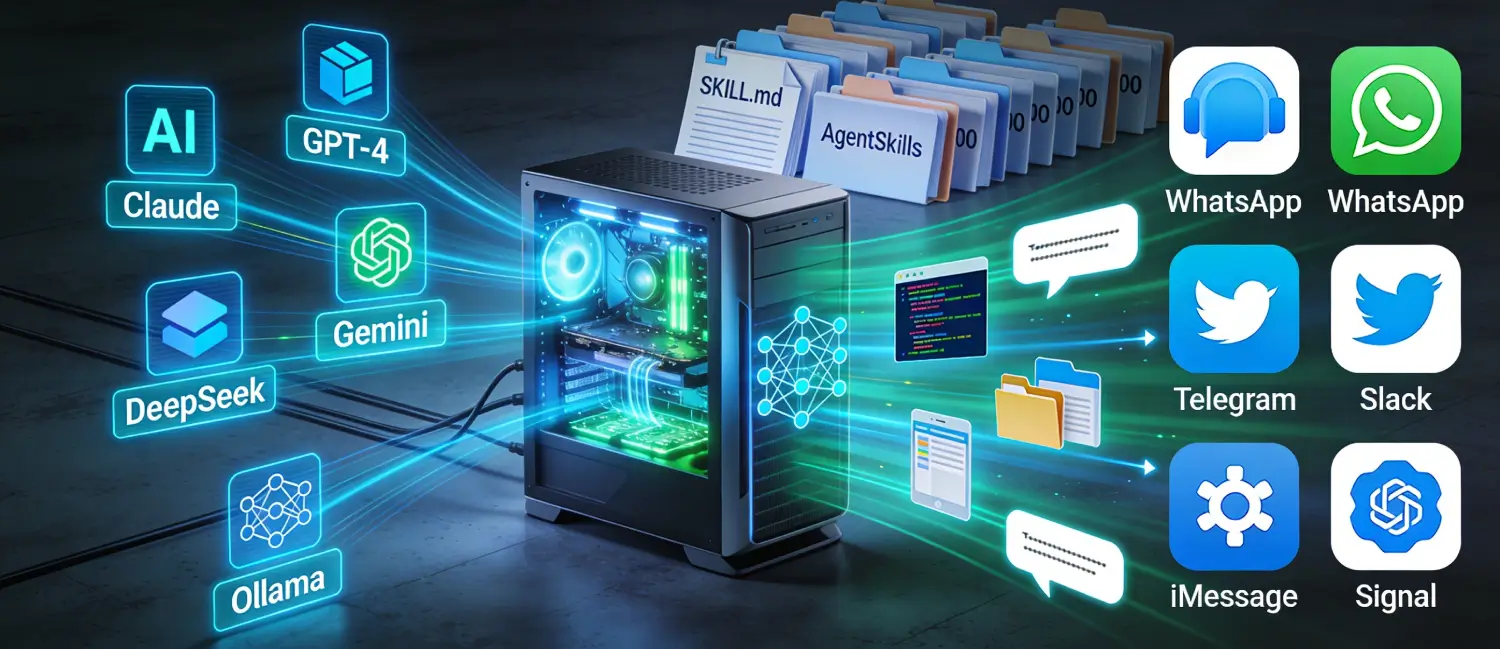
AI coding tools, chat models, image generators, video tools and automation builders are inputs. They help create or execute work faster, but they are not the finished service by themselves. The finished service is the outcome a client can trust: a support triage system, a reporting workflow, a migration assistant, an internal operations agent or a private AI workspace that keeps working without constant hand-holding.
That is why long tool rankings age badly. Model names, prices and feature lists change quickly. The durable question is simpler: what business process should run, where should it run, who can approve it, what happens when it fails and who maintains it?
An agency, freelancer or technical team can build a stronger offer by packaging the operating layer instead of only reselling access to a tool. The client is not paying for a prompt. The client is paying for a workflow that saves manual effort, reduces operational confusion or gives their team a safer way to use AI.
Who Buys the AI Service Layer?
| Buyer | What they usually need | Service-layer offer |
|---|---|---|
| Small business owner | Less manual admin, faster answers and simple reporting | Hosted automation, support triage and monthly maintenance |
| Agency | Repeatable AI services for many clients without rebuilding from zero | White-label workflow packages, deployment standards and monitoring |
| Developer or founder | A prototype that can run outside a laptop | Managed VPS, CI/deployment, logs, backups and availability checks |
| Internal operations team | AI workflows that respect data boundaries and approval rules | Private agent workspace, access controls, audit logs and human review |
| Content or SEO team | Structured drafts, summaries and review workflows without publishing unsafe output | AI-assisted editorial pipeline with checks, roles and rollback |
The common pattern is the same: the buyer wants the result, not the burden. They want someone to design, deploy and operate the workflow so their team can use it safely.
The Operating Model: Discover Build Deploy Monitor Improve
A serious AI service layer needs a repeatable operating model. Without one, every client becomes a custom mess of prompts, accounts, API keys, local scripts and undocumented decisions.
- Discover the workflow. Define the trigger, input, output, users, risks and success criteria. A vague “add AI” request should become a specific workflow.
- Choose the runtime. Decide whether the workflow belongs inside WordPress, on a VPS, inside a private agent workspace or behind a separate API.
- Build with boundaries. Limit what the AI can read, write, send, delete or publish. Add human approval where the workflow affects customers, money, security or public content.
- Deploy with rollback. Use predictable deployment steps, backups, environment variables, access controls and a clear way to disable the workflow.
- Monitor the workflow. Track errors, failed API calls, slow responses, unexpected outputs, token or API cost and user feedback.
- Improve from real usage. Update prompts, rules, integrations and documentation based on actual failures and team feedback.
This is the difference between an AI experiment and an AI service. The experiment proves that something is possible. The service keeps it useful.
Where Managed VPS Fits
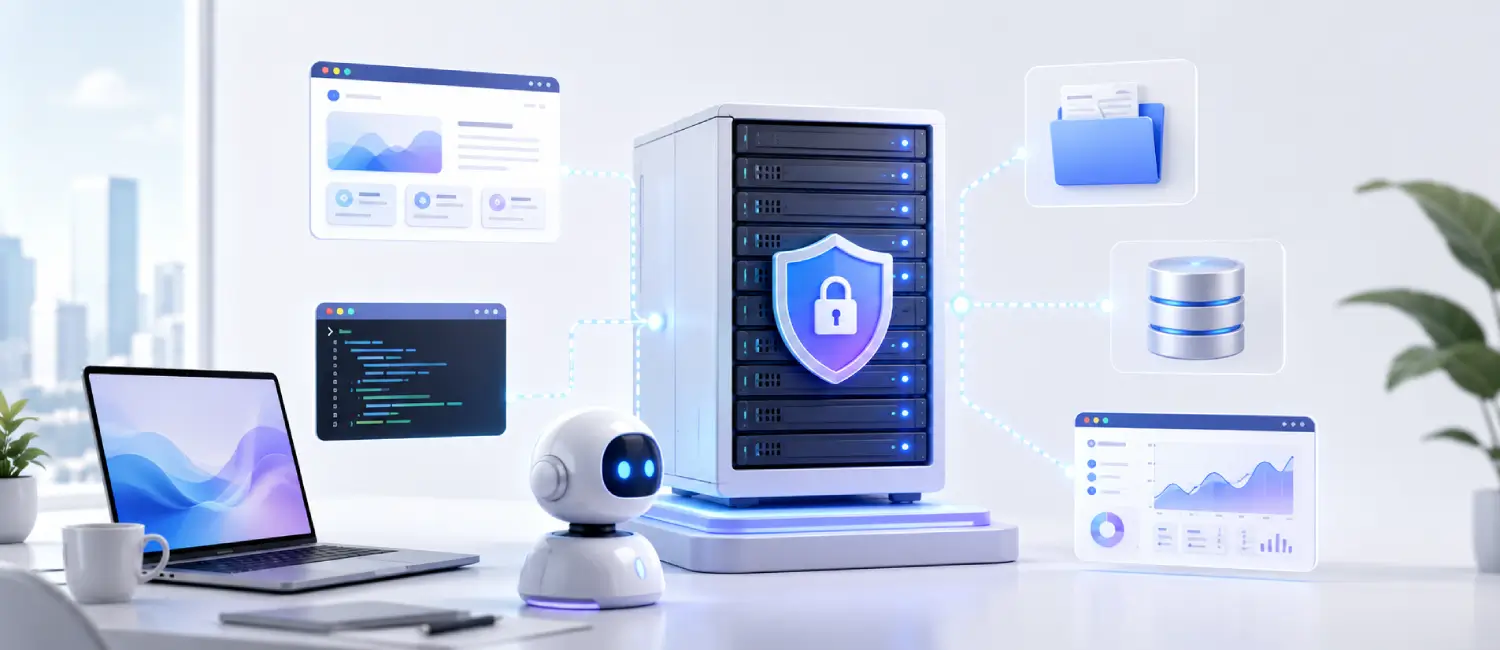
Many AI workflows start locally and then fail when a client needs them to run all day. A managed VPS gives the workflow a stable home: a server with controlled access, logs, scheduled jobs, background workers, backups and predictable deployment.
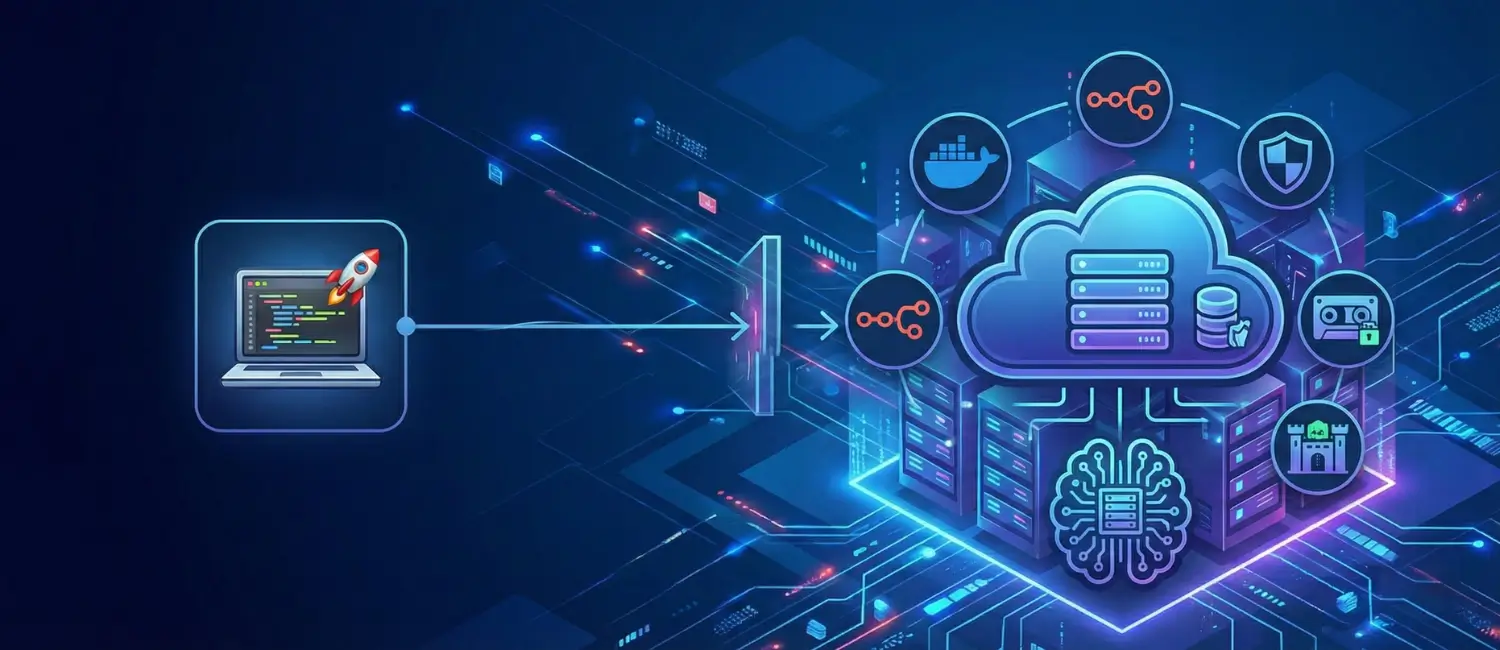
A VPS is not required for every AI project. A simple WordPress plugin may be enough for content summaries or lightweight chat. But a VPS becomes useful when the workflow needs long-running agents, private services, custom APIs, queues, webhooks, Docker containers or tools that should not live inside the public WordPress request cycle.
For this path, start with AI Agent VPS hosting or the broader managed cloud VPS strategy. If the project is still at the infrastructure planning stage, compare the available Voxfor VPS plans before choosing where the workflow should run.
Examples of AI Service-Layer Packages
The strongest offers are specific. “AI automation” is too broad. A client should understand what will be deployed, what is included and what remains under human control.
| Package | What it includes | Good fit |
|---|---|---|
| AI support triage | Question classification, suggested replies, routing, escalation rules and reporting | Service businesses, hosting companies and WooCommerce stores |
| Private AI workspace | VPS-hosted agent tools, access control, API key handling, logs and backup planning | Teams that want AI help without mixing every workflow into public SaaS dashboards |
| Content operations assistant | Draft briefs, summaries, metadata checks, internal-link suggestions and human review steps | Blogs, agencies, SEO teams and documentation-heavy websites |
| Deployment and operations package | Server setup, environment configuration, availability checks, rollback notes and support handoff | Founders and developers moving an AI MVP from local testing to production |
| Workflow automation retainer | Monthly improvement, bug fixes, prompt updates, integration checks and cost review | Businesses that need ongoing operations, not one-time setup |
For a deeper service path, review Voxfor AI automation services. For technical implementation, migrations, incidents and DevOps-style help, use Voxfor autonomous AI worker services.
Safe Deployment Checklist
Before offering an AI workflow as a managed service, check the operational details. These are the trust signals clients actually feel after launch.
- Access: who can use the workflow, who can change prompts and who can view logs?
- Secrets: where are API keys stored, and can they be rotated without rebuilding the whole system?
- Approvals: which actions require human review before sending, publishing, deleting or updating data?
- Logging: can the operator see failures, slow runs, unexpected outputs and cost spikes?
- Backups: are prompts, configuration, databases and important files backed up?
- Rollback: can the workflow be disabled quickly if it behaves badly?
- Documentation: does the client know what the workflow does, what it cannot do and who supports it?
- Maintenance: who reviews model changes, API changes, plugin updates and hosting issues?
AI Agents Need Guardrails Not Just Hosting
Hosting an AI agent is not only a server decision. The service needs guardrails. An agent that can read, write, call APIs or touch customer data must have boundaries that match the business risk. A content drafting agent can be more flexible than an agent that changes orders, sends invoices or edits production code.
If the workflow involves persistent agents, use the Voxfor guide to run an AI agent 24/7 on a VPS. If the project involves an OpenClaw setup, the OpenClaw VPS setup guide covers the hosting and security mindset for an persistent agent environment.
For private model interfaces, the Open WebUI on VPS guide is relevant. For tool automation and agent integrations, review the MCP server on VPS guide. These are infrastructure examples, not proof that every workflow will be reliable by default. The business value still comes from workflow design and ongoing operation.
How to Price the Service Layer Without Overpromising
Pricing should reflect operational responsibility, not hype. A one-time setup can work for a simple workflow, but most production AI services need some level of ongoing care. Models change, APIs fail, clients ask for changes, prompts drift and hosting needs updates.
- Setup fee: discovery, workflow design, deployment and initial documentation.
- Hosting fee: VPS, backups, monitoring and server administration if included.
- Operations retainer: prompt updates, integration checks, logs, bug fixes and improvement requests.
- Usage pass-through: AI model/API costs when the client should pay based on volume.
- Support scope: response expectations, included requests and out-of-scope work.
Avoid promising fixed savings claims, assured labor replacement or assured rankings. A better offer is measurable but honest: define the manual task being reduced, the response time being improved, the handoff being clarified or the operational risk being lowered.
When SaaS Still Makes Sense
Some clients should absolutely use SaaS. If the problem is standard, the budget is small, the compliance risk is low and the team can operate the tool itself, a mature SaaS product may be the fastest path. The service-layer opportunity appears when the client needs customization, ownership, integrations, private hosting, monitoring, review workflows or someone accountable for keeping the system useful.
This balanced framing matters. A credible AI operations provider does not tell every client to avoid SaaS. It helps the client decide which parts should be bought, which parts should be customized and which parts need managed infrastructure.
Recommended Next Step
If you are building an AI service offer, start with one repeatable workflow and one operating environment. Define the business outcome, deploy it in a controlled place, add logs and approvals, document the support scope and review it after real usage. If the workflow needs persistent infrastructure, private tools or managed operations, start with Voxfor’s managed hosting services, AI Agent VPS hosting or Voxfor AI technical services.
Frequently Asked Questions
What is the AI service layer?
The AI service layer is the operational work that makes AI useful in a business: deployment, hosting, integrations, permissions, logs, approvals, monitoring, support and ongoing improvement.
Is SaaS dead because of AI?
No. SaaS still works for many standard problems. The change is that clients are less impressed by generic dashboards and more interested in managed workflows that solve a specific operational problem.
Where does VPS hosting fit in AI operations?
VPS hosting gives AI workflows a controlled runtime for agents, APIs, queues, private tools, logs and scheduled jobs. It is useful when the workflow should run beyond a local computer or public plugin.
What should an AI operations package include?
At minimum, it should define the workflow, runtime, access controls, data boundaries, deployment process, monitoring, support scope, backup plan and rollback process.
Can agencies sell AI services without building full software?
Yes. Agencies can package workflow design, configuration, deployment, hosting, monitoring and support around existing tools. The value is in making the workflow reliable for the client, not pretending every component was built from scratch.