Lifetime VPS Europe
 Lifetime VPS Asia
 Lifetime WooCommerce Hosting
 Lifetime Hosting
 Lifetime Game Dedicated Servers
 Chicago, US
 Tokyo, Japan
 Singapore
 Hong Kong
 Seoul, South Korea
 Amsterdem, Netherlands
 London, UK
 Stockholm, Sweden
 Oslo, Norway
 Vienna, Austria
 Zurich, Switzerland
 Sydney, Australia
 Wordpress Hosting
 VPS Hosting
 DDOS Protection
 Submit Ticket
 Full Management
 Guides
 Videos and Podcasts
 Discover Creative Ideas
 Voxfor Autonomous AI Workers
 Voxfor Mega Menu
 Voxfor Advanced Price Management For WooCommerce
 Voxfor Secure Live Chat and AI Support
 Voxfor Multilanguage
 Voxfor AI Content Summary
 Voxfor Autopilot
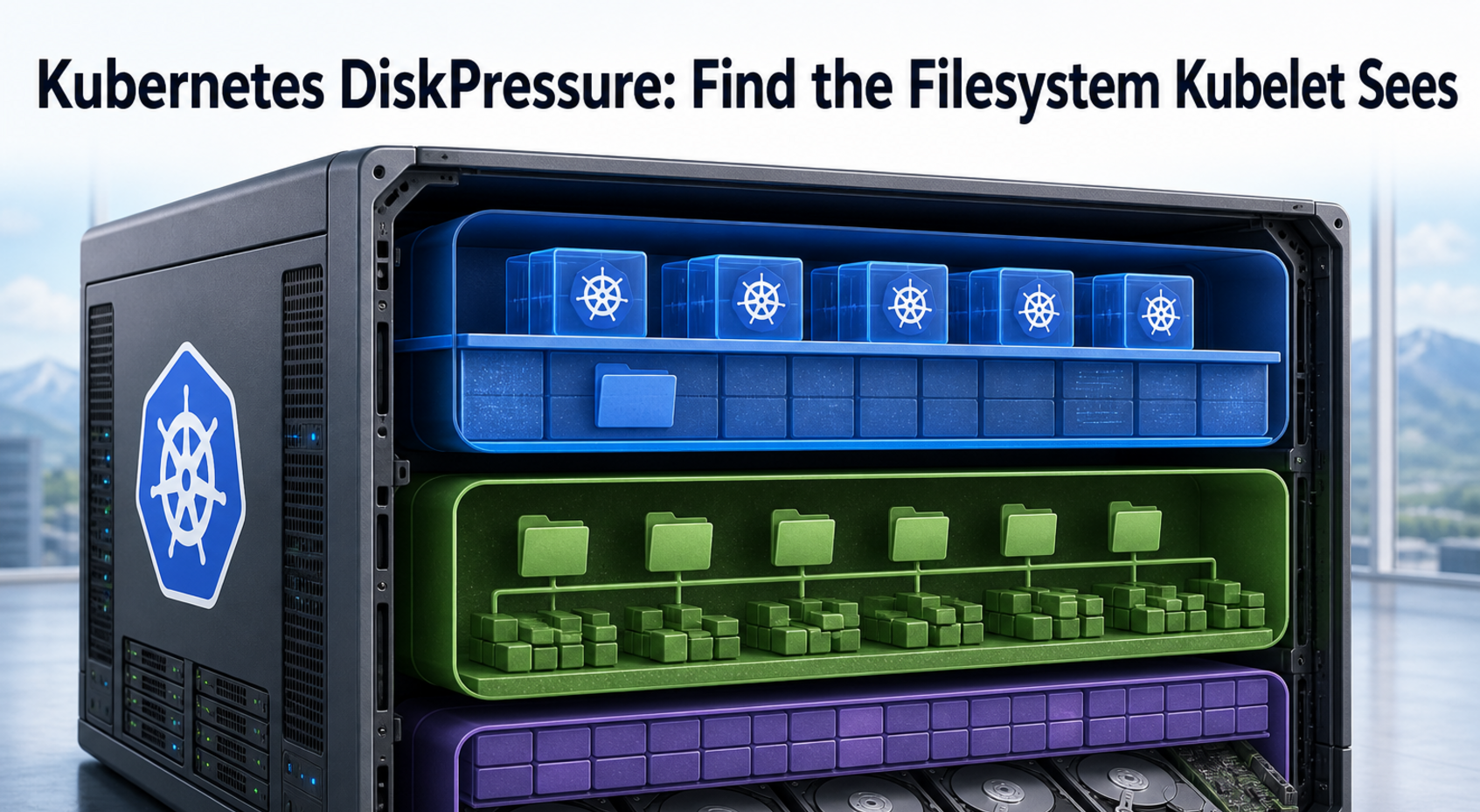
Kubernetes sets DiskPressure=True when available bytes or free inodes cross a kubelet eviction threshold on nodefs, imagefs, or containerfs. That condition does not identify a directory, and the three names do not always represent three separate disks. A healthy-looking root filesystem can therefore coexist with a pressured runtime filesystem—or with inode exhaustion that df -h never shows.
Start with the signal the kubelet evaluated. Preserve the node condition, events, effective thresholds, and Summary API statistics before deleting anything. Only then map the kubelet’s filesystem identity to a real mount and reclaim the owner: unused images, dead containers, writable layers, logs, emptyDir, inodes, or an undersized node.
DiskPressure is a family of signals
Current Kubernetes node-pressure eviction documentation maps six disk signals to one DiskPressure condition: available bytes and free inodes for nodefs, imagefs, and containerfs. A threshold is reserved headroom, so pressure can begin before a filesystem reaches 100%.
| Kubelet identity | What it can represent | Signals |
|---|---|---|
nodefs |
Main node filesystem, including /var/lib/kubelet, disk-backed emptyDir, and node/container logs |
nodefs.available, nodefs.inodesFree |
imagefs |
Optional runtime filesystem holding read-only image layers; it may also hold writable layers when containerfs is not separate |
imagefs.available, imagefs.inodesFree |
containerfs |
Optional accounting identity for writable layers; in supported layouts it aliases either nodefs or imagefs rather than a third independent filesystem |
containerfs.available, containerfs.inodesFree |
Names are not mount guarantees. In a single-filesystem node, all three identities can resolve to the root disk. With a separate runtime disk, imagefs and containerfs share that disk while nodefs remains separate. A split-image layout instead places read-only images on imagefs while writable layers remain with nodefs/containerfs.
As of the Kubernetes v1.36 documentation reviewed on August 4, 2026, separate containerfs behavior requires the KubeletSeparateDiskGC feature gate, and only CRI-O 1.29 or later is documented as supporting it. Do not configure or monitor containerfs merely because a dashboard exposes the name; confirm the Kubernetes version, feature gate, CRI runtime, and actual Summary API fields.
Capture one immutable pressure receipt
Cleanup destroys evidence. Record the condition transition, scheduler-facing taint, recent eviction or image-GC events, and effective kubelet configuration first. Run these commands from an authorized administration workstation:
NODE=worker-3

kubectl get node "$NODE" -o jsonpath='{range .status.conditions[?(@.type=="DiskPressure")]}{.type}={.status} reason={.reason} transition={.lastTransitionTime} message={.message}{"\n"}{end}'
kubectl get node "$NODE" -o jsonpath='{range .spec.taints[*]}{.key}={.value}:{.effect}{"\n"}{end}'
kubectl get events -A --field-selector "involvedObject.kind=Node,involvedObject.name=$NODE" --sort-by=.lastTimestamp
Event history is finite, so save the output with the incident. ImageGCFailed, EvictionThresholdMet, and Pod eviction messages can distinguish a reclamation failure from a workload that simply replenished space faster than kubelet removed it.
Next, ask the kubelet for the configuration it is actually using. The API-server proxy needs appropriate RBAC, and some managed services restrict it:
kubectl get --raw "/api/v1/nodes/${NODE}/proxy/configz" \
  | jq '.kubeletconfig | {
      evictionHard,
      evictionSoft,
      evictionSoftGracePeriod,
      evictionMinimumReclaim,
      evictionPressureTransitionPeriod,
      mergeDefaultEvictionSettings,
      imageGCHighThresholdPercent,
      imageGCLowThresholdPercent,
      containerLogMaxSize,
      containerLogMaxFiles
    }'
If configz is unavailable, capture the distribution’s kubelet configuration file and systemd arguments on the node instead. Do not assume /var/lib/kubelet/config.yaml is authoritative until the running kubelet arguments confirm that path.
The Kubelet Summary API exposes the filesystem view used for node and runtime accounting. Preserve it before cleanup:
kubectl get --raw "/api/v1/nodes/${NODE}/proxy/stats/summary" > "${NODE}-stats-summary.json"
jq '.node | {nodefs: .fs, imagefs: .runtime.imageFs, containerfs: .runtime.containerFs}' \
  "${NODE}-stats-summary.json"
A missing containerFs object can be a valid layout result; it is not proof that metrics collection failed. Compare timestamps and both availableBytes and inodesFree rather than converting everything into one percentage.
Match each effective threshold to the field with the same identity. For an absolute bytes threshold, compare the configured quantity with availableBytes; for a percentage threshold, calculate availableBytes / capacityBytes × 100. Apply the same rule to inodes using inodesFree or inodesFree / inodes × 100. Preserve the original units and sample timestamp, account for any soft-threshold grace period, and remember that aliased identities can report the same underlying filesystem. The triggering signal is the one whose observed available value is below its effective threshold—not simply the mount with the largest directory.
Map kubelet identities to real mounts
At this stage, kubelet’s names answer which accounting surface crossed a threshold. Host tools answer what actually occupies that surface. Use approved SSH access or Kubernetes node debugging; kubectl debug node/... mounts the host filesystem at /host, but privileges and available tools depend on cluster policy. The command blocks below assume SSH or another shell rooted on the host. From a debug container, either enter chroot /host where policy and tooling allow or prefix host paths with /host; otherwise df / inspects the debug image instead of the node.
On the host, begin with mount identity and two independent capacity views:
df -hT / /var/lib/kubelet /var/log
df -ih / /var/lib/kubelet /var/log
findmnt -T /var/lib/kubelet -o SOURCE,TARGET,FSTYPE,OPTIONS
findmnt -T /var/log/pods -o SOURCE,TARGET,FSTYPE,OPTIONS
Inspect the actual CRI runtime before adding a runtime path. Containerd commonly uses /var/lib/containerd, while CRI-O commonly uses /var/lib/containers/storage; neither path is universal. Kubernetes recommends crictl for CRI-aware inspection:
sudo crictl info
sudo crictl images
sudo crictl ps -a
Once the real paths are known, keep every size walk on one filesystem with du -x. A representative receipt might include:
sudo du -xhd1 /var/lib/kubelet 2>/dev/null | sort -h
sudo du -xhd1 /var/log/pods 2>/dev/null | sort -h
sudo lsof +L1
Deleted-but-open files deserve special attention. The Kubernetes local ephemeral-storage guide states that periodic directory scans do not account for those open descriptors, even though the blocks remain allocated. Project-quota monitoring can track them more accurately, but it requires supported filesystems, mount options, user namespaces, CRI/OCI support, and feature gates. Treat it as an engineering change, not an incident-time toggle.
If mount, inode, or kernel evidence shows that the fault belongs below Kubernetes rather than to a kubelet/CRI owner, continue with the Linux Guides for the underlying host investigation before changing eviction settings.
Let the pressured surface choose reclamation
Blind cleanup mixes ownership boundaries. Do not delete files directly from /var/lib/kubelet/pods or a runtime content store while kubelet and the CRI are using them. Preserve the receipt, cordon if operationally appropriate, and choose the smallest action that releases the measured resource.
When imagefs bytes are low
Unused-image garbage collection already belongs to kubelet. According to the Kubernetes garbage-collection contract, it checks unused images every five minutes and removes least-recently-used images after the high threshold until usage reaches the low threshold. External garbage collectors can remove objects kubelet expects to exist.
Investigate ImageGCFailed, CRI errors, images still referenced by running containers, and a high/low threshold pair that leaves too little reclaim. Avoid docker system prune on a CRI node. Builder cache can occupy the same physical disk while remaining outside kubelet’s image manager; use safe BuildKit cache pruning only after proving BuildKit owns the bytes.
When nodefs bytes are low
Dead Pod state, container logs, disk-backed emptyDir, and kubelet data can compete on nodefs. Identify the largest owning namespace, Pod UID, or host log directory before changing retention. If CRI logs dominate, align application volume with kubelet’s containerLogMaxSize and containerLogMaxFiles settings, then verify rotation on the node. Do not substitute Docker daemon or Compose logging settings for kubelet-owned CRI log rotation.
Removing a completed Job object is not the same as manually deleting its files. Let controllers, kubelet, and the runtime perform cleanup so API ownership and on-disk state remain consistent.
When containerfs or writable layers are low
Writable-layer growth belongs to an application or sidecar, not to the read-only image. Locate Pods whose root filesystems grow, move durable data to the correct volume, cap caches or temporary artifacts, and set an ephemeral-storage budget. Restarting the Pod releases its writable layer but does not correct unbounded application growth.
For split-image nodes, verify the supported alias relationship: nodefs = containerfs while read-only images occupy imagefs. In the other supported split layout, imagefs = containerfs on the runtime disk while nodefs remains separate. Current custom containerfs eviction thresholds are ignored, and arrangements that attempt a third independent image/container filesystem are unsupported. Let the discovered layout determine the fix rather than copying an incompatible example from another cluster.
When inodes are low
Inode pressure can appear with gigabytes free. Count files inside the owning filesystem, then identify the workload creating high-cardinality small files. For a deeper host-level comparison, see Maildir inode exhaustion while free bytes remain; the workload differs, but the bytes-versus-object-capacity evidence pattern is the same.
Expanding a filesystem can add inodes on some filesystems, but it is not a substitute for retention. Do not raise inodesFree thresholds until the creation rate and cleanup owner are known.
Pressure eviction changes the safety contract
Node-pressure eviction is not API-initiated eviction. Kubelet can fail Pods without honoring a PodDisruptionBudget, and hard thresholds use a zero-second termination grace period. A PDB protects voluntary API evictions; it cannot turn a starving node into a graceful maintenance window.
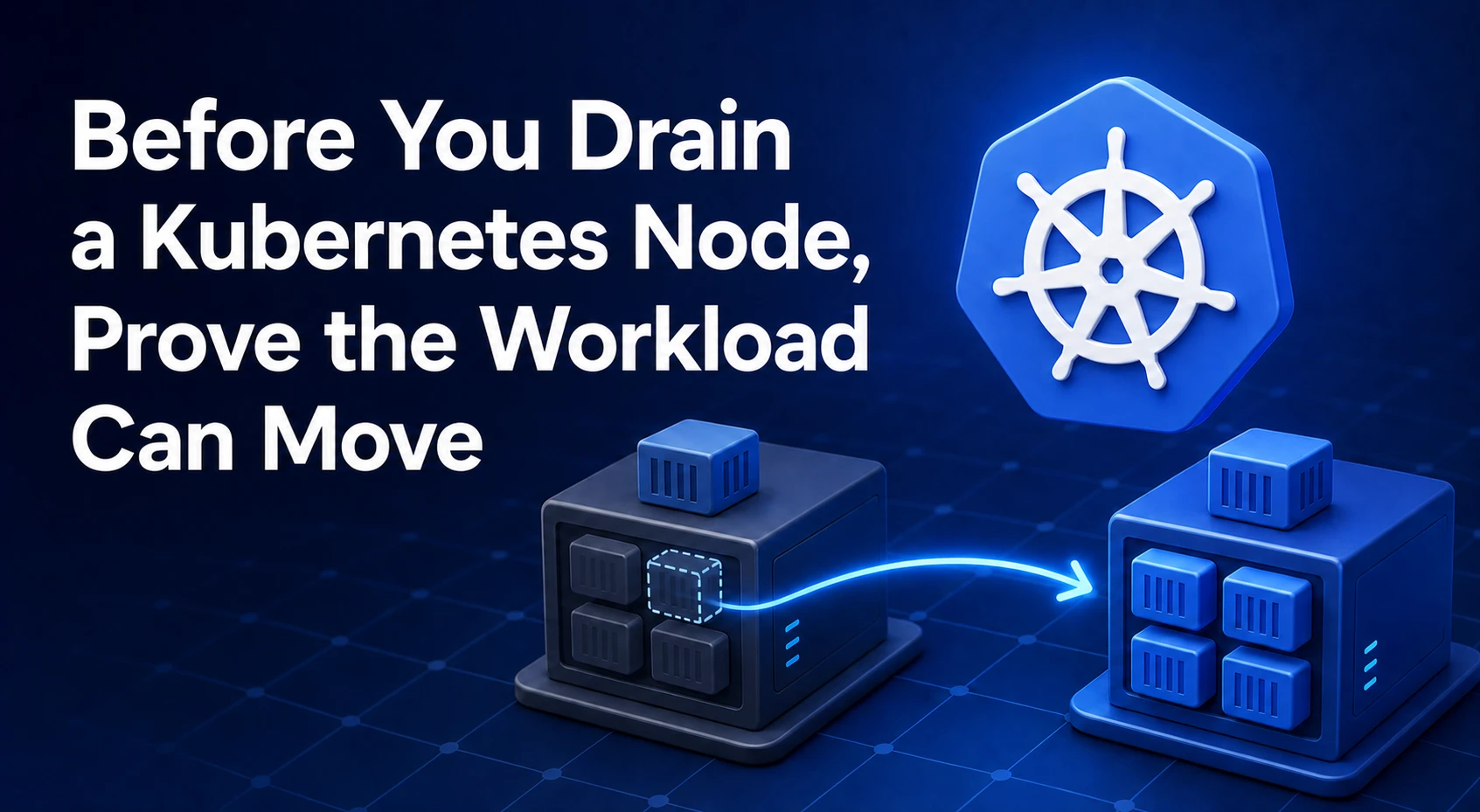
For controlled maintenance after containment, follow Kubernetes node-drain readiness checks rather than assuming a successful pressure eviction proves replicas can move. Confirm capacity on other nodes before draining, especially when large image pulls could transfer DiskPressure to the destination.
Before selecting Pods, kubelet attempts node-level reclamation. If Pod eviction becomes necessary, ranking considers whether usage exceeds requests, Pod priority, and relative excess—not a simple universal BestEffort, then Burstable, then Guaranteed order. Missing ephemeral-storage requests make it harder to express workload importance because any positive use exceeds a zero request.
Build a headroom contract, not a lower alarm
Durable recovery makes growth bounded before widening a disk. Add ephemeral-storage requests so the scheduler accounts for local demand, and limits so one Pod has an explicit eviction boundary:
resources:
  requests:
    ephemeral-storage: "1Gi"
  limits:
    ephemeral-storage: "4Gi"
Under supported layouts, kubelet counts writable layers, container logs, and disk-backed emptyDir toward local ephemeral storage. Memory-backed emptyDir follows memory accounting instead. A separate mount created outside supported node/runtime layouts may not be measured the way an operator expects, so validate Summary API values after any storage redesign.
Log retention belongs in the same capacity contract. Current Kubernetes documentation lists containerLogMaxSize: 10Mi and containerLogMaxFiles: 5 as defaults, but workload output rate and log-shipping delay determine whether those values fit. Central collection does not excuse unbounded node retention.
Configuration changes have a dangerous merge edge. Kubernetes defaults hard thresholds to nodefs.available<10%, imagefs.available<15%, and 5% free inodes on Linux, among other signals. If any hard threshold is customized, unspecified values become zero unless MergeDefaultEvictionSettings is true. Supply the complete intended map or explicitly enable merging; never patch one line and assume the others remain protected.
Persistent undersizing is an infrastructure decision only after evidence proves it. A larger node merely delays recurrence when logs, writable layers, or image churn remain unbounded, so retain the measured growth and reclaim rates before changing capacity.
FAQ: Decisions after DiskPressure appears
Does Kubernetes DiskPressure mean the root disk is full?
No. Kubernetes reports DiskPressure when a configured bytes-or-inodes signal for nodefs, imagefs, or containerfs crosses its threshold. Those identities may share a disk or point to different filesystems, and the threshold normally triggers before 100% usage.
Why is DiskPressure true when df -h shows free space?
df -h reports free bytes for the mount you queried. DiskPressure can instead come from free inodes, another runtime filesystem, deleted-but-open files, or a condition that is waiting through evictionPressureTransitionPeriod before clearing.
Does a PodDisruptionBudget stop disk-pressure eviction?
No. Kubelet node-pressure eviction is different from API-initiated eviction and does not honor PodDisruptionBudgets. Hard eviction thresholds can terminate a selected Pod with zero seconds of grace.
Should I use docker system prune or an external image cleaner?
Not as a generic DiskPressure fix. Kubernetes warns that external garbage-collection tools can disrupt kubelet ownership of containers and images. Identify the CRI and resource owner, then let kubelet/runtime GC handle images or use the owning tool for a separately proven builder cache.
What counts toward Kubernetes local ephemeral storage?
Local accounting can include container writable layers, node-level container logs, and disk-backed emptyDir volumes. Memory-backed emptyDir is accounted as memory, and unsupported custom mount layouts may not be included as expected.
Can I safely disable DiskPressure eviction?
Disabling or zeroing thresholds removes a starvation safeguard and can let the node fail less predictably. Fix the growth owner first, then set a complete threshold and minimum-reclaim policy from measured pull, log, writable-layer, and recovery demand.
When is a DiskPressure node recovered?
Recovery is proven when the owning bytes-or-inodes signal remains above threshold plus reclaim headroom, DiskPressure stays false beyond the configured transition period, the taint clears, workloads schedule and run normally, and the original growth rate does not immediately return.
Release the node after two stable transitions
One df sample is not an acceptance test. Record both the resource transition and the control-plane transition:
- The exact
nodefs,imagefs, orcontainerfssignal rises above its threshold plusevictionMinimumReclaim, then stays there through representative image pulls, logs, and writable-layer activity. DiskPressure=Falseremains stable beyondevictionPressureTransitionPeriod; the pressure taint is gone, replacement Pods schedule, and no newImageGCFailedor eviction event appears.
Keep the before/after Summary API files, event window, mount map, cleanup owner, configuration diff, and observed growth rate in the incident record. That evidence separates a durable capacity contract from a cleanup that only reset the countdown. Continue with Voxfor DevOps operations guides when the next task moves from node storage into deployment, monitoring, or runtime reliability.