Lifetime VPS Europe
 Lifetime VPS Asia
 Lifetime WooCommerce Hosting
 Lifetime Hosting
 Lifetime Game Dedicated Servers
 Chicago, US
 Tokyo, Japan
 Singapore
 Hong Kong
 Seoul, South Korea
 Amsterdem, Netherlands
 London, UK
 Stockholm, Sweden
 Oslo, Norway
 Vienna, Austria
 Zurich, Switzerland
 Sydney, Australia
 Wordpress Hosting
 VPS Hosting
 DDOS Protection
 Submit Ticket
 Full Management
 Guides
 Videos and Podcasts
 Discover Creative Ideas
 Voxfor Autonomous AI Workers
 Voxfor Mega Menu
 Voxfor Advanced Price Management For WooCommerce
 Voxfor Secure Live Chat and AI Support
 Voxfor Multilanguage
 Voxfor AI Content Summary
 Voxfor Autopilot

If repeated Docker builds are consuming VPS storage, do not begin with a system-wide prune. First prove that BuildKit owns the missing space, identify the builder that created it, and inspect which records are reclaimable. A builder-specific prune can then recover eligible cache without deleting named volumes or stopping running containers.
Build cache is valuable: it avoids downloading unchanged dependencies and rebuilding stable layers. Unbounded cache is still an availability risk on a small root filesystem. The safe goal is therefore not “delete everything Docker knows.” It is to retain a useful cache window while restoring enough free bytes and inodes for builds, package updates, logs and application writes.
Classify the pressure before touching Docker
Start at the filesystem. A percentage from docker system df cannot tell you whether the host is short of bytes, short of inodes or full somewhere outside Docker.
df -hT
df -ih
sudo du -xhd1 /var/lib/docker 2>/dev/null | sort -h
sudo docker system df -v
df -hT shows space on each mounted filesystem; df -ih exposes inode exhaustion, which can produce the same No space left on device error even when gigabytes remain. Keep du on one filesystem with -x, and treat its result as attribution evidence rather than permission to delete files under Docker’s data root.
Large container logs are a separate owner. The bounded Docker log workflow covers the json-file path and rotation settings. BuildKit cleanup will not fix an unbounded log, just as log rotation will not remove old build records.
Do not remove files below /var/lib/docker manually
Docker and BuildKit maintain metadata that maps content-addressed blobs to images, snapshots and cache records. Removing directories with rm bypasses that state and can leave an inconsistent store. Use the owning Docker command after proving the object class.
Capture enough evidence to compare later:
date -u
docker version
docker info --format 'DockerRootDir={{.DockerRootDir}} Driver={{.Driver}}'
docker system df
A host with a separate Docker data mount may show healthy root capacity but a full builder filesystem. Conversely, a large Docker total does not prove build cache is the dominant part; images, stopped containers, volumes and logs have different cleanup contracts.
Separate cache from every other Docker object
Docker’s official pruning guide treats images, containers, networks, volumes and build cache as separate object classes. That distinction is the main safety boundary during a disk incident.
| Object class | Read-only evidence | Narrow cleanup owner | Main mistake to avoid |
|---|---|---|---|
| BuildKit cache | docker buildx du |
docker buildx prune for one builder |
Pruning the wrong builder or destroying useful cache without a retention boundary |
| Images | docker image ls and docker system df -v |
docker image prune |
Removing an image needed for fast rollback or an offline restart |
| Containers | docker ps -a |
docker container prune |
Deleting stopped containers before preserving their logs or writable state |
| Volumes | docker volume ls |
docker volume prune |
Treating “unused” as disposable application data |
| Container logs | host file and logging-driver evidence | logging configuration and rotation | Expecting a cache prune to cap future log growth |
Avoid docker system prune --volumes as an incident reflex. That command crosses several object boundaries and explicitly includes unused volumes. A BuildKit-cache problem needs a BuildKit-cache response unless separate evidence justifies other cleanup work.
Runtime configuration belongs to another layer. The Docker and Compose responsibility guide separates application declarations from builder cache. Cleaning cache does not rewrite a Compose project, but a later image rebuild may take longer because reusable layers are gone.
Find the builder that owns the bytes
Buildx can manage more than one builder, and each builder maintains its own cache. A developer shell may use default while CI selects a named docker-container builder. Pruning whichever builder happens to be active can therefore report a small recovery while the real cache remains untouched.
docker buildx ls
docker buildx inspect
docker buildx du
Record the selected builder, driver, endpoint and status. Then inspect every plausible named builder explicitly:
docker buildx du --builder REPLACE_WITH_BUILDER
docker buildx du --builder REPLACE_WITH_BUILDER --verbose
The official docker buildx du reference states that output applies to the selected builder. Its summary separates shared, private, reclaimable and total bytes; verbose records add description, type, last-use time and usage count.
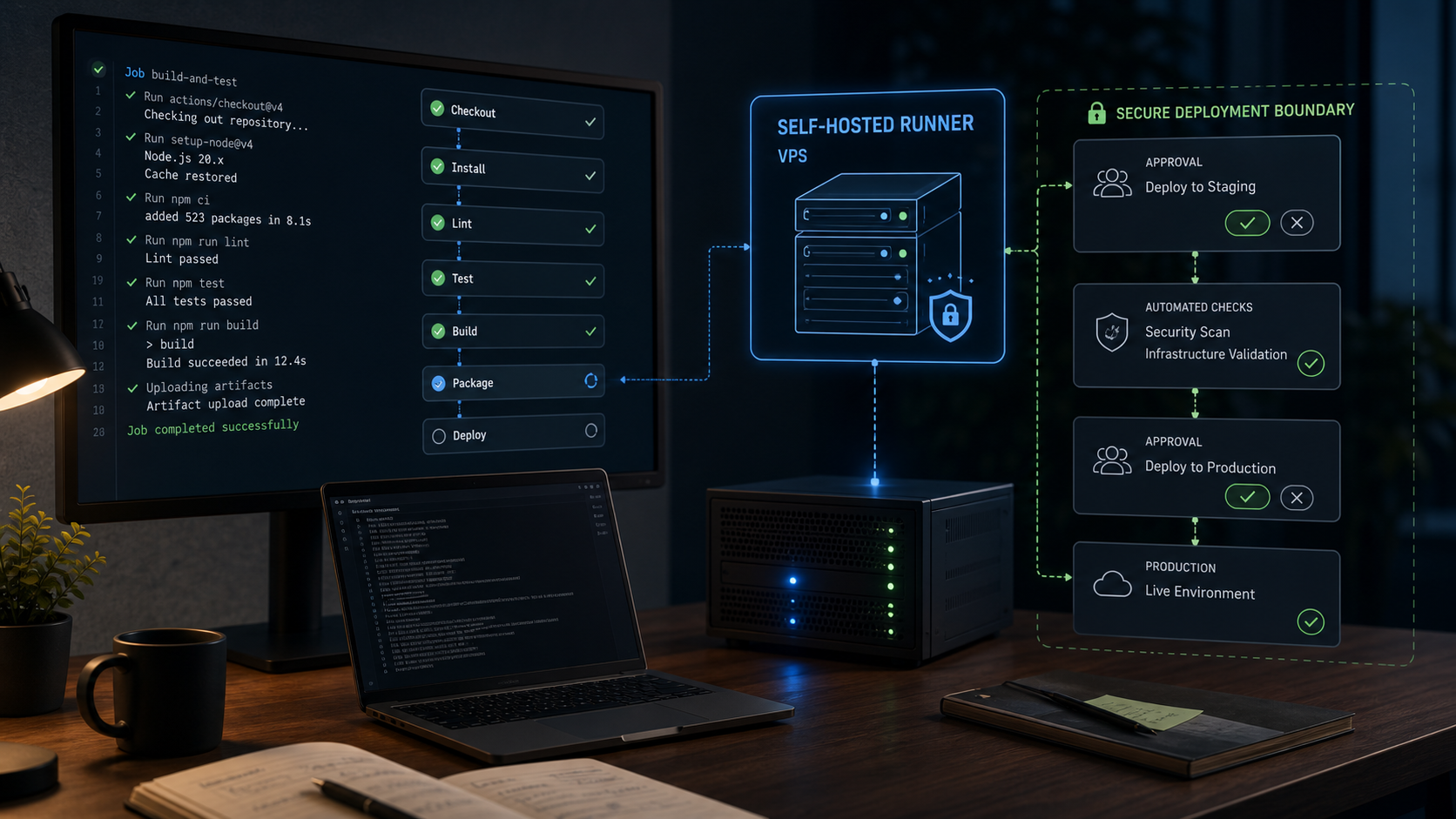
Repeated CI builds are a common source of local cache churn. Review the self-hosted CI runner boundary because one persistent runner can accumulate layers for several repositories and trust levels. Cache policy should follow the runner’s workload and rollback needs instead of a global cron command copied from another host.
Interpret reclaimable, shared and mutable correctly
RECLAIMABLE=false means BuildKit considers the record actively used and will not remove it through prune, even with --all. An asterisk beside an ID marks a mutable record whose ownership or size may change. An asterisk beside size marks data shared with another resource, commonly an image.
Shared bytes explain an important surprise: pruning a shared cache record can remove cache metadata without returning all displayed bytes because an image still references the underlying layer. Measure filesystem free space after cleanup; do not equate the reclaimable summary with guaranteed recovered capacity.
Define the cleanup boundary in writing
Before pruning, choose the builder and one retention rule. Age is usually easier to review than “all unused cache,” but the right window depends on release frequency, network cost and rollback practice.
Ask three operational questions:
- How far back can a production rollback require rebuilding an older commit?
- Which dependency downloads would be slow, rate-limited or unavailable during recovery?
- How much free space must remain for one full build plus normal application and logging activity?
For a builder whose normal cache reuse window is seven days, begin with an interactive, age-filtered prune. Keep the confirmation prompt so the operator sees the selected scope:
docker buildx prune --builder REPLACE_WITH_BUILDER --filter 'until=168h'The current docker buildx prune reference supports filters for age, type, description, sharing state and other record properties. Multiple filters are ANDed. That detail matters: adding filters narrows a set; it does not create separate cleanup passes.
Protect cache mounts when their rebuild cost is high
Package-manager directories created through RUN --mount=type=cache appear as exec.cachemount records. If those downloads are expensive and another cache class owns most growth, exclude them explicitly:
docker buildx prune --builder REPLACE_WITH_BUILDER --filter 'until=168h' --filter 'type!=exec.cachemount'This is not a universal recommendation. A stale cache mount can itself be large, and cache contents are not application backups. Use verbose du evidence to decide whether retaining that type helps the next expected builds.
When the incident is about immediate host headroom rather than record age, current Buildx also accepts --min-free-space or --max-used-space. Those flags prune least-recently-used records toward a capacity condition. Choose one documented policy, record the before state, and avoid combining several unfamiliar boundaries during the first recovery.
Prove the recovery instead of trusting “Total reclaimed”
Run the same read-only checks after prune:
docker buildx du --builder REPLACE_WITH_BUILDER
docker system df
df -hT
df -ih
docker ps --format 'table {{.Names}}  {{.Status}}  {{.Image}}'
Three outcomes must agree. Filesystem free capacity should cross the incident threshold, the intended builder should show a smaller eligible cache set, and running application containers should remain healthy. If the prune output claims reclaimed data but df barely moves, inspect shared image layers, another builder, open deleted files and non-Docker directories instead of repeating a broader prune.
Perform one representative image build with plain progress and record its duration:
docker buildx build --builder REPLACE_WITH_BUILDER --progress=plain --load -t REPLACE_WITH_TEST_TAG REPLACE_WITH_BUILD_CONTEXTUse an approved project and tag; do not improvise against a production pipeline during recovery. The result establishes whether required dependencies remain reachable and shows the cache-hit cost of the chosen retention boundary.
Replace emergency pruning with garbage collection
Manual prune acts immediately. BuildKit garbage collection runs periodically against ordered policies. Docker’s current Build garbage collection guide explains that the configuration path depends on the builder driver.
For Docker Engine’s default docker driver, the daemon configuration can enable builder GC and set a storage allowance:
{
  "builder": {
    "gc": {
      "enabled": true,
      "defaultKeepStorage": "20GB"
    }
  }
}
Treat this as a fragment, not a replacement /etc/docker/daemon.json. Merge it with existing registry, logging, networking and runtime settings; validate the complete file; back it up; and schedule any daemon reload or restart according to the host’s application tolerance. A copied 20 GB value is not automatically safe on a 30 GB VPS or efficient on a large dedicated builder. Derive the allowance from measured build working set and required host reserve.
Custom docker-container, Kubernetes and remote builders use BuildKit configuration such as buildkitd.toml rather than the default Docker daemon path. Current BuildKit thresholds include reserved cache, maximum cache use and minimum free space. Builder driver and storage location must be known before a policy is changed.
Decide whether local cache still fits the CI workflow
A persistent local cache works well when one trusted builder repeatedly compiles related branches. It becomes less effective when ephemeral runners disappear, several builders duplicate the same layers or one branch churns a large context.
BuildKit supports explicit external cache export and import. Docker’s cache storage backend documentation describes inline, local, registry and gha support under specific drivers and image-store conditions. External cache can improve CI reuse, but it moves capacity, retention, credentials and cost to another system; it does not eliminate governance.
Never pass build secrets through COPY or ordinary build arguments merely to make caching convenient. Docker’s current guidance directs secret material through the dedicated secret mechanism. Cache destinations also need separate scopes when branches must not overwrite each other’s exported state.
Keep build-cache retention, artifact retention and production rollback images as three explicit contracts. A release pipeline should not rely on mutable builder cache as its only rollback source.
FAQ: BuildKit cache pressure
What is Docker build cache?
Docker BuildKit cache stores reusable build results, source snapshots and cache-mount data so later image builds can skip unchanged work. It is separate from running containers and can grow as Dockerfiles, dependencies, contexts and branches change.
Does docker buildx prune stop running containers?
docker buildx prune targets eligible cache records for the selected builder. It does not stop running containers or delete named volumes, although later builds may be slower after reusable cache records are removed.
Why did prune recover less disk than the reclaimable total?
Some BuildKit records share underlying bytes with images or other resources. Pruning can remove cache metadata while shared layers remain referenced, so verify actual free space with df after cleanup.
Can every Buildx builder have different cache?
Yes. Each builder instance maintains its own cache. Use docker buildx ls, then pass --builder to both du and prune so inspection and cleanup target the same instance.
Should I use docker system prune --volumes for BuildKit pressure?
No. docker system prune --volumes crosses image, container, network, cache and volume boundaries. Use builder-specific evidence and docker buildx prune when BuildKit cache is the proven owner.
How old should cache be before pruning?
Choose an age longer than the normal build-reuse and rollback window for that builder. A seven-day example can fit frequent CI, but release cadence, dependency availability and recovery requirements determine the real boundary.
How can I keep BuildKit cache from filling the disk again?
Configure garbage collection for the actual builder driver, set capacity thresholds from measured workload and host reserve, and monitor both filesystem free space and builder cache use. Recheck the policy after build volume or dependency patterns change.
Keep the next incident narrower
Record four values with the change: builder name, cache total before and after, filesystem free space before and after, and representative build duration. Those measures show whether the policy recovered capacity without turning every build into a cold start.
Close only when the reclaimed space, retained build inputs and next cache-growth alert all agree with the documented cleanup boundary.