Lifetime VPS Europe
 Lifetime VPS Asia
 Lifetime WooCommerce Hosting
 Lifetime Hosting
 Lifetime Game Dedicated Servers
 Chicago, US
 Tokyo, Japan
 Singapore
 Hong Kong
 Seoul, South Korea
 Amsterdem, Netherlands
 London, UK
 Stockholm, Sweden
 Oslo, Norway
 Vienna, Austria
 Zurich, Switzerland
 Sydney, Australia
 Wordpress Hosting
 VPS Hosting
 DDOS Protection
 Submit Ticket
 Full Management
 Guides
 Videos and Podcasts
 Discover Creative Ideas
 Cybersecurity Services
 Voxfor Mega Menu
 Voxfor Advanced Price Management For WooCommerce
 Voxfor Secure Live Chat and AI Support
 Voxfor Multilanguage
 Voxfor AI Content Summary
 Voxfor Autopilot
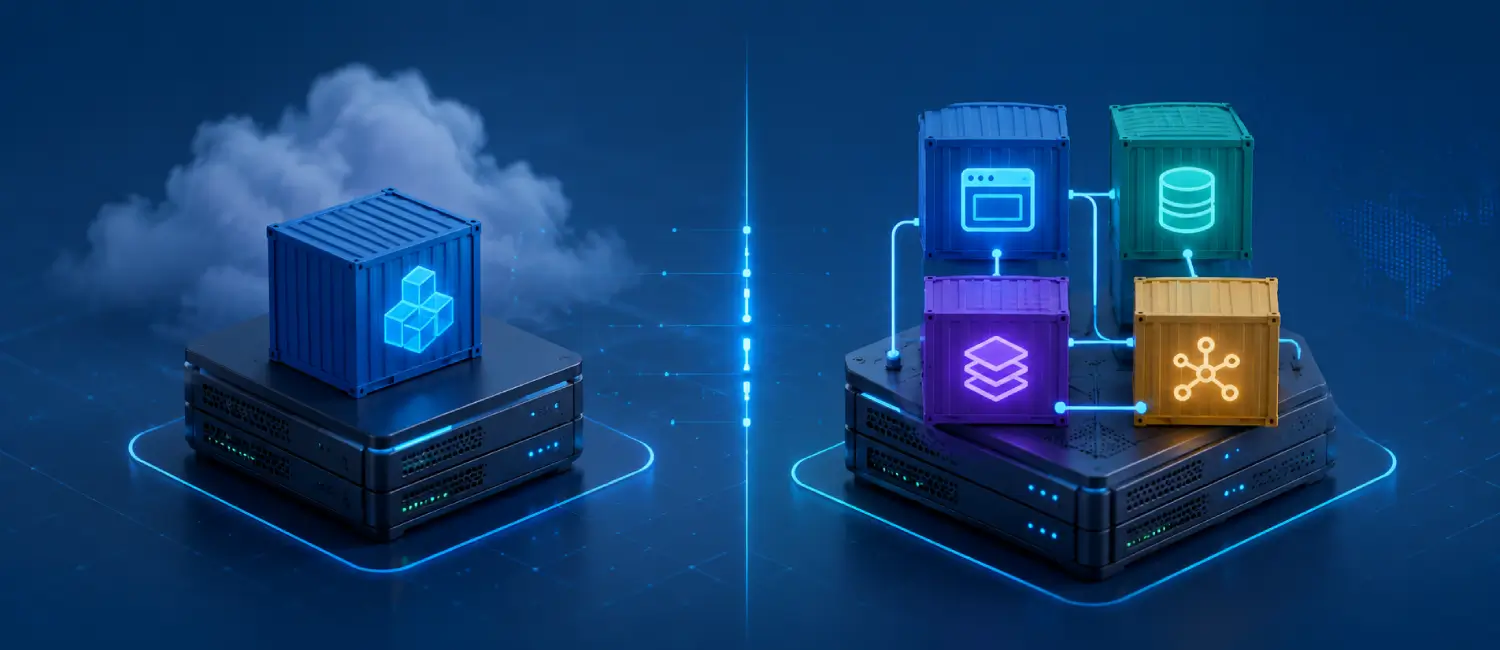
Docker and Docker Compose solve related but different problems on a VPS. Docker is the engine and command-line tool for building, pulling, and running containers. Docker Compose is the project file and workflow for running several services together, such as a web app, database, cache, worker, and reverse proxy.
Use plain Docker when the task is one container, a short test, or a simple utility. Use Docker Compose when the application has more than one moving part or needs a repeatable deployment file. On a VPS, Compose usually becomes easier to maintain once databases, volumes, networks, environment files, and service restarts matter.
The Short Difference
| Choice | Use it for | Watch carefully |
|---|---|---|
| Docker CLI | One container, quick tests, packaged utilities, simple demos. | Long command history, manual ports, manual volumes, and missing documentation. |
| Docker Compose | Apps with web, database, cache, worker, reverse proxy, or persistent volumes. | Environment files, volume backups, service dependencies, and update process. |
| Deployment panel | Teams that want a UI for Git-based app deployment and service management. | Panel backups, access control, and where secrets are stored. |
| Cluster tooling | Multi-server scheduling, node failure planning, and larger platform operations. | Operational complexity, networking, and observability. |
When Plain Docker Is Enough
Plain Docker is useful when you want to run a single container and understand exactly which ports, volumes, and environment variables are being used. It is also helpful for testing an image before it becomes part of a longer deployment process.
docker run --rm hello-worlddocker run -d
--name example-app
-p 127.0.0.1:3000:3000
--env-file .env.production
example/app:latestThe downside is that a long docker run command becomes difficult to audit over time. If the app needs a database, a cache, a worker, and a shared network, a command copied from shell history is not a reliable deployment document.
When Docker Compose Is the Practical Choice
Docker Compose turns the stack into a readable project file. The file can describe services, ports, environment files, volumes, networks, restart policy, and basic dependencies. That makes it easier to review, move, back up, and rebuild the same app on the same VPS or a replacement server.
services:
  web:
    image: example/app:latest
    env_file:
      - .env.production
    ports:
      - "127.0.0.1:3000:3000"
    depends_on:
      - db
    restart: unless-stopped

  db:
    image: postgres:16
    environment:
      POSTGRES_DB: app
      POSTGRES_USER: app
      POSTGRES_PASSWORD: change-this-password
    volumes:
      - app_db:/var/lib/postgresql/data
    restart: unless-stopped

volumes:
  app_db:
With Compose, the daily commands are simple and repeatable:
docker compose pull
docker compose up -d
docker compose logs -f
docker compose ps
VPS Deployment Patterns
For many VPS projects, a clean pattern is one reverse proxy on ports 80 and 443, then one Compose project per application. Each app gets its own folder, environment file, compose file, and backup notes. This keeps app ownership clear without mixing every service into one large file.
/home/deploy/apps/customer-portal/compose.yaml/home/deploy/apps/automation/compose.yaml/home/deploy/apps/monitoring/compose.yaml
This layout is useful for self-hosted tools, private dashboards, automation services, and AI interfaces. For related examples, see the Voxfor guides on self-hosted apps on a lifetime VPS, Open WebUI on a VPS, and Coolify on a lifetime VPS.
Security Notes for Docker on a VPS
Containers are not a replacement for server security. Review exposed ports, admin panels, database access, Docker socket access, host mounts, image sources, and environment files. Bind internal services to localhost or private networks when they do not need public access.
- Keep secrets out of public repositories.
- Limit public ports to the services that must be reachable.
- Avoid exposing databases directly to the internet.
- Review container images before using them for sensitive workloads.
- Restrict access to the Docker socket.
- Patch the host and refresh container images on a planned schedule.
Backups and Migration
Backups are the main operational difference between a useful VPS stack and a risky lab. The compose file is only part of the system. You also need environment files, named volumes, uploaded files, database dumps, reverse-proxy configuration, and notes about DNS or external services.
Before changing an important container, know which data must survive a rebuild. For databases, use a database-aware export as well as volume-level backups. For file services, test restoring a sample folder. For automation tools, export workflows and back up credentials according to the app’s documentation.
Updating a Compose Project
A controlled update should show what changed, refresh images, restart services, and check logs. Keep the previous image tag or release commit available when the service is important.
cd /home/deploy/apps/example-app
docker compose pull
docker compose up -d
docker compose ps
docker compose logs --tail=100
If the update fails, return to the previous image tag or compose file, start the stack again, and check whether data migrations ran. For apps tied to Git-based deployment, the related Voxfor guide on auto deploying GitHub apps to a VPS may be useful.
Which Setup Should You Use?
Use Docker CLI for one container or a short technical test. Use Docker Compose when the service needs a database, cache, worker, queue, reverse proxy, shared volume, or a deployment file that another person can understand. Use a panel such as Coolify when a team wants Git-based app deployment with a UI. Move to cluster tooling only when one VPS is no longer the right operating model.
About the Writer
This guide was prepared by the Voxfor editorial team for VPS users planning containerized apps, private tools, and deployment workflows. Voxfor works with Linux VPS hosting, Docker-based deployments, WordPress infrastructure, and application hosting for technical site owners and teams.
Frequently Asked Questions
Is Docker Compose required on a VPS?
No. Docker Compose is not required for every VPS. It becomes useful when the app has multiple services, persistent volumes, environment files, and a repeatable update process.
Can Docker Compose run AI tools?
Yes. Compose can run AI interfaces, vector databases, document processors, and supporting services on a VPS, as long as CPU, RAM, storage, authentication, and backups are planned carefully.
What should be backed up in a Compose project?
Back up compose files, environment files, named volumes, database exports, uploaded files, reverse-proxy configuration, and notes needed to rebuild the service on another server.
Should databases run in containers?
Databases can run in containers for many VPS projects, but they need database-aware backups, resource monitoring, controlled updates, and storage planning. Some teams prefer managed databases for critical workloads.
Is Docker Compose the same as Kubernetes?
No. Compose is a straightforward way to define and run services, usually on one host. Kubernetes is a larger orchestration platform for scheduling, scaling, networking, and operations across clusters.
How should Compose projects be organized?
Use one folder per app, keep compose and environment files documented, separate persistent data into known volumes or paths, and write down restore steps for each service.