Lifetime VPS Europe
 Lifetime VPS Asia
 Lifetime WooCommerce Hosting
 Lifetime Hosting
 Lifetime Game Dedicated Servers
 Chicago, US
 Tokyo, Japan
 Singapore
 Hong Kong
 Seoul, South Korea
 Amsterdem, Netherlands
 London, UK
 Stockholm, Sweden
 Oslo, Norway
 Vienna, Austria
 Zurich, Switzerland
 Sydney, Australia
 Wordpress Hosting
 VPS Hosting
 DDOS Protection
 Submit Ticket
 Full Management
 Guides
 Videos and Podcasts
 Discover Creative Ideas
 Cybersecurity Services
 Voxfor Mega Menu
 Voxfor Advanced Price Management For WooCommerce
 Voxfor Secure Live Chat and AI Support
 Voxfor Multilanguage
 Voxfor AI Content Summary
 Voxfor Autopilot

Quick answer: A lifetime VPS can replace selected SaaS subscriptions when the workload is stable, the team wants more data control, and someone is responsible for updates, backups, monitoring, access control, and recovery. It is a strong fit for internal tools, automation, monitoring, private Git, lightweight dashboards, and self-hosted file workflows, but it should not be treated as a replacement for every managed SaaS product.
The right question is not “Can a VPS run this app?” In many cases it can. The better question is “Can this team operate the app safely after launch?” Self-hosting turns subscription management into infrastructure management. That can be worth it, but only when the operational responsibility is clear.
What a Lifetime VPS App Stack Can Replace
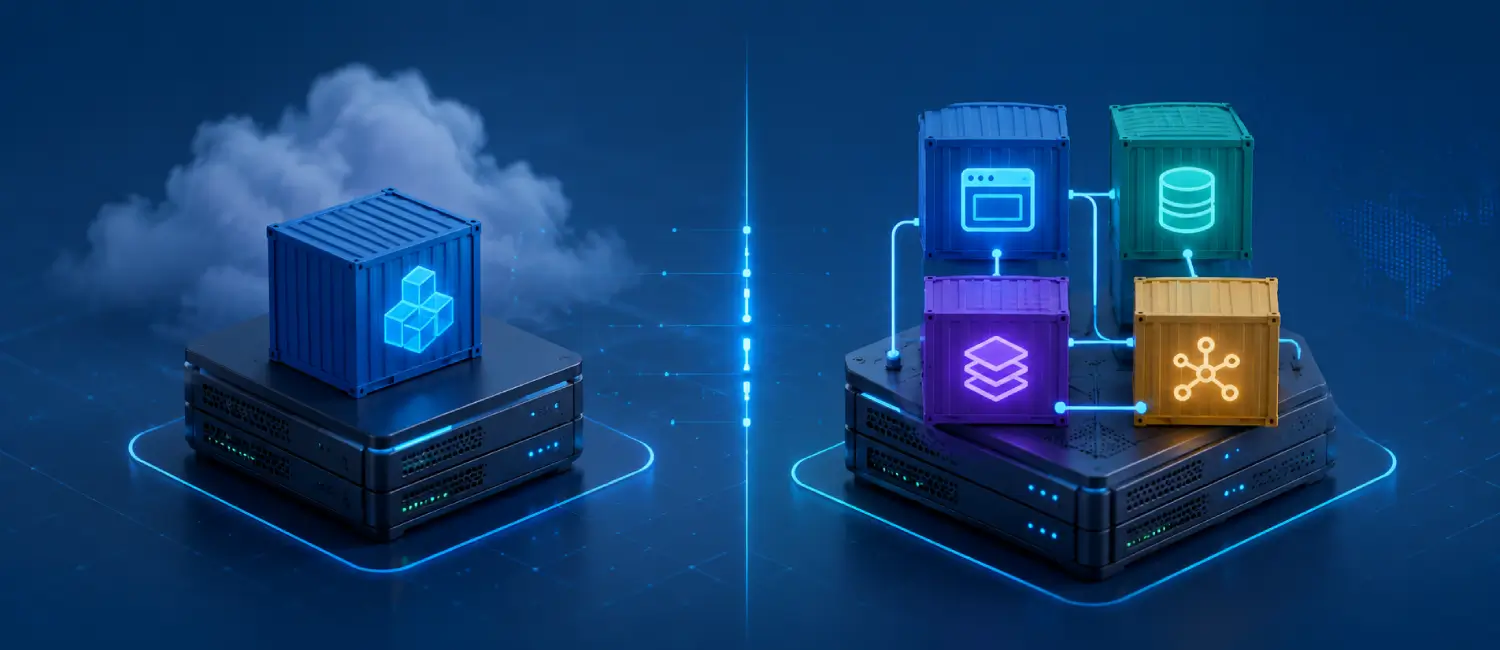
A VPS can run many of the tools that small teams buy as separate SaaS products. Common examples include password vaults, automation workflows, monitoring dashboards, Git repositories, private file storage, note systems, internal CRMs, support dashboards, link monitors, and small AI agent backends. Docker Compose makes this approach practical because each service can have its own container, network, volume, and environment settings.
This does not mean every SaaS bill should disappear. Payment processing, accounting, compliance-heavy tools, email deliverability platforms, enterprise identity, and customer-critical platforms may still belong with specialized managed vendors. Use the VPS where control, predictable usage, privacy, and customization matter more than vendor-managed convenience.
SaaS Replacement Decision Matrix
| Tool category | Self-hosting fit | Reason to keep SaaS |
|---|---|---|
| Password vault for a small technical team | Good fit if backups and HTTPS are handled carefully. | Keep SaaS if enterprise identity, audits, or managed recovery are required. |
| Workflow automation | Good fit for internal tasks, webhooks, and private integrations. | Keep SaaS if non-technical staff need vendor support and templates. |
| Monitoring dashboards | Good fit for private dashboards and infrastructure visibility. | Keep SaaS if the team needs managed alerting, retention, and external probes. |
| File sync and team documents | Good fit for privacy-focused users with storage planning. | Keep SaaS if mobile polish, office collaboration, and support are more important. |
| Git hosting | Good fit for private repos and small development teams. | Keep SaaS if the workflow depends on broad marketplace integrations. |
| Billing, tax, and compliance tools | Usually a poor replacement target. | Managed vendors reduce legal and operational complexity. |
Starter App Stack for a VPS
A practical starter stack should begin with one or two low-risk tools. Vaultwarden can cover self-hosted password vault use cases for technical users. n8n can handle workflow automation. Grafana can show monitoring dashboards. Gitea can host private Git repositories. Nextcloud can provide private file and collaboration workflows, but it needs more planning around storage, database load, and user expectations.
| App type | Example app | Operational note |
|---|---|---|
| Password vault | Vaultwarden | Protect HTTPS, admin access, database files, and regular backups. |
| Automation | n8n | Review workflow secrets, execution volume, queue behavior, and backup of credentials. |
| Monitoring | Grafana | Keep data volumes persistent and document alerting limits. |
| Private Git | Gitea | Back up repositories, database, attachments, and SSH keys. |
| Private cloud | Nextcloud | Plan storage, preview generation, database tuning, and file backup strategy. |
What Responsibility Moves to Your Team?
When you replace a SaaS product with a self-hosted app, the vendor is no longer operating the service for you. Your team becomes responsible for server updates, container updates, SSL certificates, firewall rules, app configuration, user access, backup validation, monitoring, logs, and incident response. If nobody owns those tasks, the stack may become more fragile than the subscriptions it replaced.
- Security: limit SSH, use strong credentials, protect admin panels, and update containers on a schedule.
- Backups: back up volumes, databases, app configuration, and secrets needed for restoration.
- Monitoring: watch disk, CPU, memory, service health, certificate renewal, and failed login patterns.
- Documentation: keep a short runbook for restart commands, restore steps, DNS, and app owners.
A Safe Migration Roadmap
- List the SaaS tools, monthly cost pattern, users, data sensitivity, and business risk.
- Select one low-risk internal tool for the first VPS deployment.
- Deploy it with Docker Compose, persistent volumes, HTTPS, and a firewall baseline.
- Run both the SaaS tool and the self-hosted tool in parallel for a short validation period.
- Test backup and restore before moving important data.
- Move only the workflows that the team can support confidently.
VPS Sizing and Stack Planning
Start with the workload, not the app list. A password vault and small monitoring dashboard need less storage than a file cloud. Automation tools may be light at idle but heavy during workflow bursts. Git hosting depends on repository size and team activity. A private cloud depends heavily on file volume, previews, database activity, and background jobs.
For planning, document CPU, RAM, storage, expected users, database size, backup destination, domain names, and ports before deploying. Leave headroom for logs, updates, temporary files, and restore tests. A lifetime VPS works well when the workload is predictable enough to size once and operate calmly.
Reference Stack Layout
A simple VPS app stack should be boring and repeatable. Use one reverse proxy for public web traffic, one Compose file per app or app group, named volumes for persistent data, a clear directory layout, and a documented backup destination. Keep secrets in environment files with restricted permissions and avoid storing them in public repositories.
| Layer | Purpose | Review item |
|---|---|---|
| Firewall | Expose only SSH, HTTP, HTTPS, and approved admin ports. | Check after every new app. |
| Reverse proxy | Routes app domains and handles HTTPS. | Confirm renewal and redirects. |
| Application containers | Run each service with clear environment settings. | Document image tags and update method. |
| Persistent volumes | Store databases, uploads, repositories, and app state. | Include in backup and restore tests. |
| Monitoring | Tracks resource use and service health. | Alert before disk or memory becomes urgent. |
Migration Risk Checklist
Before canceling a SaaS plan, test the replacement under normal work conditions. Invite the real users, run real data through the workflow, and check what happens when a password is lost, a container fails, storage fills, or the person who deployed the app is unavailable. A VPS stack is only useful when the team can operate it during an ordinary workweek and during a small incident.
- Confirm export and import paths from the SaaS product before migration.
- Keep the SaaS subscription active until the restore process has been tested.
- Document who approves user access, app updates, and firewall changes.
- Set a rollback date for the first month so the move can be reversed if the workflow fails.
When Not To Replace SaaS
Do not replace a SaaS product only because the monthly bill is annoying. Keep the managed service when the app is customer-critical, legally sensitive, heavily audited, used by non-technical staff without internal support, or tied to many third-party integrations that would be expensive to rebuild. In those cases, the SaaS fee may be paying for operational maturity, not only software access.
About the Writer
Hassan Tahir wrote the original article. This version was manually reviewed and expanded by the Voxfor editorial team for VPS buyers comparing SaaS subscriptions with self-hosted app stacks.
Frequently Asked Questions
Can a VPS replace every SaaS subscription?
No. A VPS is better for selected stable workflows than for every SaaS category. Compliance-heavy, payment-heavy, customer-critical, or deeply integrated SaaS tools may still belong with managed vendors.
Which self-hosted app should I start with?
Start with a low-risk internal tool such as monitoring, a small automation workflow, private Git, or a technical password vault. Avoid moving customer-critical workflows before backups and restore steps are proven.
What are the hidden costs of replacing SaaS?
The main hidden costs are maintenance time, backups, restore testing, monitoring, security hardening, updates, storage growth, and incident response. These tasks need an owner.
Why use a lifetime VPS for self-hosting?
A lifetime VPS can make sense for predictable app stacks where the team wants one long-term infrastructure base instead of several unrelated subscription plans.
Is Docker Compose required?
No, but Docker Compose is a practical way to define services, volumes, networks, and environment settings in one repeatable file. It also makes rebuilds and migrations easier to document.
How should backups be handled?
Back up persistent volumes, databases, configuration files, and secrets required for restoration. Test restores before trusting the app with important data.