Lifetime VPS Europe
 Lifetime VPS Asia
 Lifetime WooCommerce Hosting
 Lifetime Hosting
 Lifetime Game Dedicated Servers
 Chicago, US
 Tokyo, Japan
 Singapore
 Hong Kong
 Seoul, South Korea
 Amsterdem, Netherlands
 London, UK
 Stockholm, Sweden
 Oslo, Norway
 Vienna, Austria
 Zurich, Switzerland
 Sydney, Australia
 Wordpress Hosting
 VPS Hosting
 DDOS Protection
 Submit Ticket
 Full Management
 Guides
 Videos and Podcasts
 Discover Creative Ideas
 Voxfor Autonomous AI Workers
 Voxfor Mega Menu
 Voxfor Advanced Price Management For WooCommerce
 Voxfor Secure Live Chat and AI Support
 Voxfor Multilanguage
 Voxfor AI Content Summary
 Voxfor Autopilot

A new VPS can carry three different clocks. The provider may label it running when the virtual machine starts, cloud-init may report done after its configured stages finish, and the workload may still fail its first real request. Treating those clocks as one status turns a small provisioning defect into repeated rebuilds with no preserved evidence.
The useful question is not “Did cloud-init run?” It is which boundary first failed: datasource discovery, received user data, schema, a boot module, package or network work, service activation, or application acceptance. Capture that boundary before cleaning state. Then repair only the layer that owns it.
This field procedure assumes console or SSH access to a newly created Linux guest. Evidence commands are non-destructive, although the capture block creates files inside one protected incident directory. Never paste decoded user data, tokens, SSH keys or provider metadata into a public ticket.
A green status can still hide an incomplete machine
Current cloud-init boot-stage documentation divides work across Detect/Local, Network, Config and Final. Network readiness and ordinary service startup can overlap with later cloud-init work. In particular, cloud-final.service may still be installing packages or running user scripts after the guest is already reachable.
Completion therefore has a narrow meaning. cloud-init status --wait can tell an automation client when cloud-init stops processing, and status --long exposes result detail. Neither command knows whether your web route returns the expected release, a queue worker can authenticate, or a database migration left the application usable.
Use three independent gates:
- Compute gate: provider state is running and console/SSH access works.
- Provisioning gate: cloud-init reaches its terminal result without an unresolved error.
- Acceptance gate: an external probe proves the intended workload, identity and dependency behavior.
Capacity and provider features can be evaluated separately from this guest-level diagnosis; changing plans cannot repair malformed user data.
FAQ
Which cloud-init logs should I read first?
Read /var/log/cloud-init.log for cloud-init decisions, stages and module errors, then /var/log/cloud-init-output.log for stdout and stderr produced by configuration commands. Add the four cloud-init systemd unit journals when boot ordering or service exit state matters.
Why can runcmd appear in the configuration without running?
cloud-init processes runcmd during Config by writing a script, then the scripts-user module executes that script during Final. A failure in cloud-final.service, package networking or the generated script can therefore leave valid runcmd configuration without the intended application effect.
Is cloud-init clean a safe way to retry provisioning?
No. cloud-init clean removes state used to prevent first-boot modules from running again, and a later boot can repeat changes against a non-fresh machine. Prefer a corrected replacement instance or an evidence-backed module/application repair.
Can cloud-init succeed while my service still fails?
Yes. cloud-init can finish after creating files and starting a unit, while the application later fails authentication, migration, dependency, proxy or external-path checks. Workload readiness needs a protocol-level acceptance test outside the guest.
What should I preserve before rebuilding the VPS?
Preserve cloud-init status/result, datasource and instance identity, image ID, exact payload hash, analyzed timing, both cloud-init logs, relevant unit journals and the external probe result. Remove secrets before sharing the bundle.
Should I replace the instance or repair it in place?
Replace a reproducible, immutable instance so the corrected first-boot path is tested cleanly. Back up and narrowly repair a unique stateful guest when replacement would risk data loss, documenting the owning layer, rollback and external acceptance proof.
Freeze first-boot evidence before changing state
Begin with one capture directory whose permissions prevent casual disclosure. The commands below preserve status, timing, instance metadata and logs without rerunning anything.
incident_dir="/root/cloud-init-incident-$(date -u +%Y%m%dT%H%M%SZ)"
sudo install -d -m 0700 "$incident_dir"
sudo cloud-init status --long | sudo tee "$incident_dir/status-long.txt"
sudo cloud-init analyze show | sudo tee "$incident_dir/analyze-show.txt"
sudo cp -a /var/log/cloud-init.log /var/log/cloud-init-output.log "$incident_dir/"
sudo cp -a /run/cloud-init "$incident_dir/run-cloud-init"
/run/cloud-init can identify the detected datasource and early decisions. /var/log/cloud-init.log records internal stage/module behavior, while /var/log/cloud-init-output.log carries stdout and stderr from configuration commands. The official debugging guide recommends these artifacts because they answer different questions.
Record identity without publishing secrets
Instance data is valuable when the wrong datasource, image, region or instance ID explains a once-per-instance decision. Query only the fields you need, then redact the bundle before sharing it.
sudo cloud-init query v1.datasource
sudo cloud-init query v1.instance_id
cloud-init --version
Also record the provider image ID, template revision, creation timestamp, user-data source and a local SHA-256 hash of the exact submitted payload. A hash lets two teams confirm they tested the same input without copying a secret-bearing document into chat.
sha256sum ./submitted-user-data.yamlDo not hash a reconstructed snippet and call it proof. Hash the payload actually sent by the provisioning system, and preserve the guest-received representation separately when the datasource exposes it safely.
Build a short failure timeline
cloud-init analyze blame ranks stages by duration, while analyze show preserves their order. A slow module is not automatically a failed one, but the timeline can reveal a metadata timeout, package wait or final script that completed long after your deployment controller began probing.
sudo cloud-init analyze blame | head -30
sudo journalctl -u cloud-init-local -u cloud-init -u cloud-config -u cloud-final --no-pager
The supporting decision tree maps each gate to its evidence owner. Follow the first failed branch instead of starting with a full replay.
Which boundary owns the miss?
Random log greps create plausible stories. A fixed order reduces that bias and keeps an application failure from being misclassified as a cloud-init failure.
| First failed gate | Best evidence | What the result changes |
|---|---|---|
| Datasource or payload absent | /run/cloud-init, cloud-init query, provider console |
Repair metadata delivery, image support or instance identity before touching modules |
| Payload received but invalid | guest-received user data plus cloud-init schema |
Correct YAML, MIME or module keys; rebuild or replay only after validation |
| Stage/module error | status --long, cloud-init log, systemd journal |
Fix owning module dependency, network, package or command |
| Service inactive after Final | service unit status and application log | Repair application/unit configuration rather than cloud-init state |
| Service active but probe fails | external protocol probe and dependency evidence | Diagnose release, firewall, DNS, TLS, authentication or data readiness |
Datasource and user data come before YAML theories
If the guest never received the intended payload, perfect YAML cannot help. Inspect datasource identity, instance ID and early logs for DataSource selection. Confirm that the chosen image supports the provider datasource and that metadata access was available during Local/Network stages.
Payload transport can also change content. Multipart MIME boundaries, base64 handling, line endings, template interpolation and size limits may produce input different from the file reviewed in Git. Validate the guest-received payload when safe, not only the source template.
The cloud-init CLI reference exposes schema and query commands, but supported arguments vary by installed release. Check local help before copying version-specific flags:
cloud-init schema --help
cloud-init query --help
Config and Final do different work
A frequent diagnostic trap is finding runcmd in processed configuration and assuming its commands executed at that moment. Current boot-command documentation explains that the runcmd module writes a script during Config; the scripts-user module executes it later in Final.
Consequently, a valid runcmd section can coexist with failure in cloud-final.service. Search both cloud-init logs and the Final unit journal. Package repositories, DNS, locks, expired signing keys and external downloads commonly fail at this boundary even though metadata and YAML were correct.
sudo systemctl status cloud-final.service --no-pager
sudo journalctl -u cloud-final.service -b --no-pager
sudo grep -nE 'ERROR|WARNING|Traceback|scripts-user|runcmd' /var/log/cloud-init.log
Cloud-init may be finished while the application is wrong
After Final succeeds, move the investigation downstream. Verify the expected unit exists, inspect its effective configuration, and test the application through the same network path users will take. An active unit only proves that the service manager considers its main process alive.
For a web workload, compare local and external observations. Run the loopback check inside the guest:
sudo systemctl is-active example-app.service
curl --fail --silent --show-error http://127.0.0.1:8080/health
Run the public URL check from an independent external probe host, not from the VPS itself:
curl --fail --silent --show-error https://app.example.com/healthThe first request tests the application process; the second adds listener exposure, reverse proxy, firewall, DNS and TLS. Replace both with workload-specific, non-destructive checks. A successful home page is weak evidence when the real acceptance path needs authentication, a database read or a queue round trip.
Choose the smallest safe repair boundary
Repair policy depends on whether the machine is reproducible and whether it already owns unique state. Replacement is usually cleaner for an immutable fleet. A corrected image or payload plus a fresh instance exercises the real first-boot path and avoids hidden state left by partial execution.
A unique stateful guest may require in-place repair. Back up application data and configuration first, identify the exact owning layer and document rollback. Record which team owns the image, user data, application state and external acceptance test before attempting the change.
Prefer application repair after cloud-init has handed off
When cloud-init created the files and unit correctly but application startup failed, fix the unit, package, credential or application configuration directly. Do not reset all cloud-init state just to restart one service.
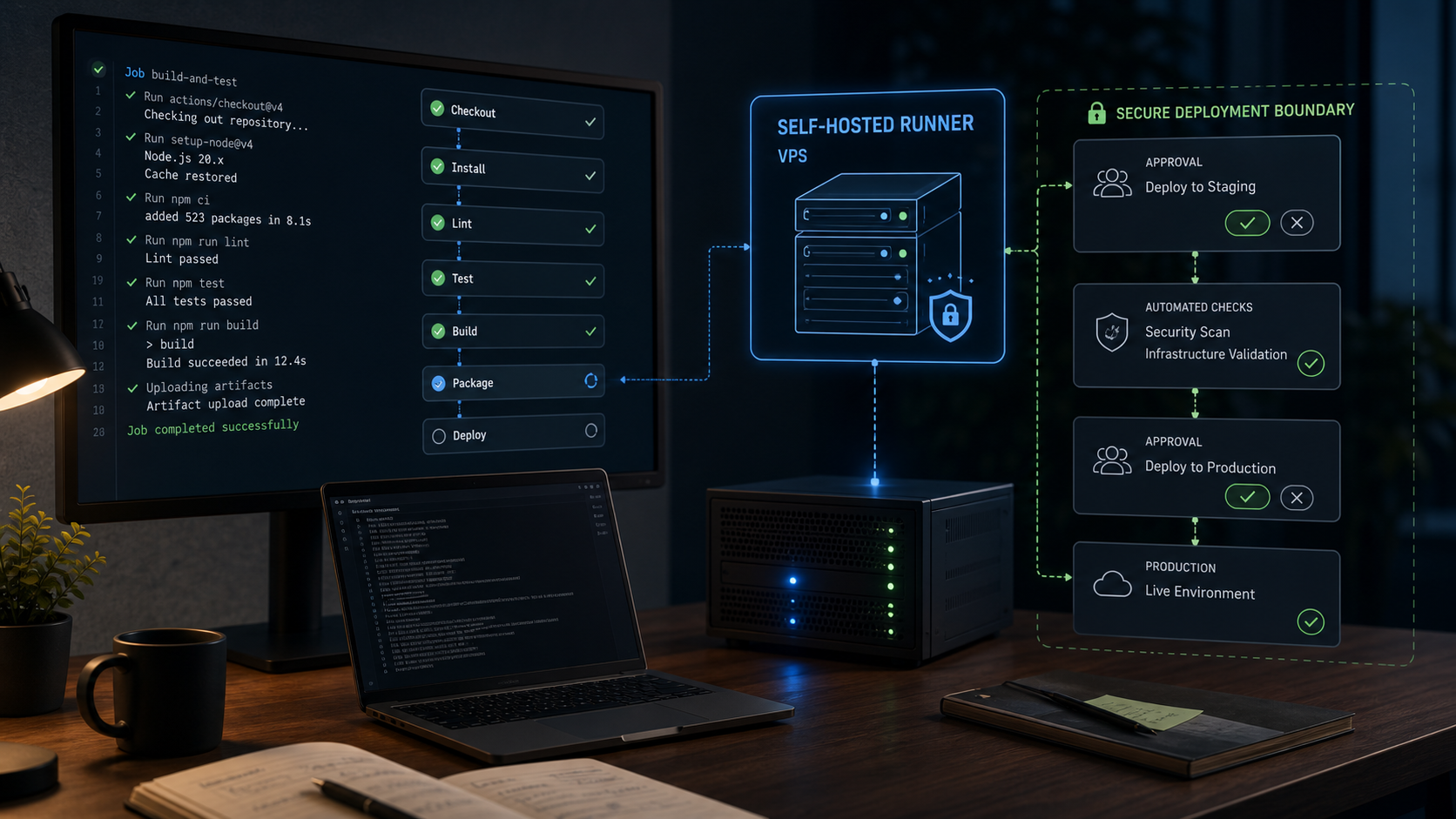
When Git already drives releases, move application deployment into a rollback-aware deployment pipeline so cloud-init owns the host baseline and deployment tooling owns release health.
Use module-level replay only with explicit evidence
cloud-init supports running a named module through cloud-init single, but module names, frequency and side effects matter. Inspect current module documentation, the installed version and local help before acting.
sudo cloud-init single --helpA bounded replay needs four facts in the change record: module name, why its previous effect is safe to repeat, what prerequisite changed, and how success plus rollback will be verified. User creation, SSH keys, filesystem growth, package operations and scripts may not be harmless when repeated.
Treat clean-and-rerun as destructive
The official rerun guide warns that rerunning cloud-init does not perfectly reproduce a fresh boot and can be destructive. cloud-init clean removes artifacts that make modules behave as already-run; rebooting afterward can replay first-boot effects against a machine that is no longer fresh.
Do not run a memorized clean --logs --reboot command during diagnosis. On a disposable instance, create a corrected replacement instead. On a stateful server, require a backup, console access, local documentation for the installed version and an approved change plan before any clean operation.
Make readiness observable outside the guest
Judge provisioning by the declared workload outcome, not by cloud-init’s final status. Write acceptance before launching the next instance so the deployment controller does not confuse SSH reachability with readiness.
Useful evidence can include:
- instance ID and expected image/payload hash;
cloud-init status --waitterminal result;- expected system account, file mode or package version;
- service activation and bounded recent logs;
- local application health;
- external DNS/TLS/protocol path;
- safe authentication, database read or queue round trip;
- alerting and backup-agent registration where they belong to baseline readiness.
Set a timeout that reflects repository access and expected package work. Timeout is a failed deployment, not permission to declare success early. Preserve evidence automatically, quarantine the instance, then replace or repair according to its state model.
Fleet automation should emit one compact result with provider instance ID, image ID, payload hash, cloud-init result, first failed gate and external probe result. That record distinguishes a recurring template defect from a one-off repository or metadata outage.
Turn the root cause into an image regression test
Do not close on “reran it and it worked.” Record the first failed gate, evidence that proved ownership, exact change, rollback boundary and acceptance result. Include image and payload identifiers so the faulty input can be retired rather than rediscovered.
For example: datasource present -> payload hash matched -> schema passed -> Final failed on repository DNS -> resolver path repaired -> module not replayed -> application deployment rerun -> external authenticated health passed. That sentence is more useful than a screenshot of green status because it tells the next operator what was proven and what remained untouched.
Add the failed boundary to image or payload validation before another instance is created. Schema checks belong before submission; disposable boot tests should prove cloud-init terminal state and the workload probe; payload hashes should travel with build records. A repair that never reaches the template simply schedules the same incident for a later rebuild.
The durable lesson is simple: preserve first boot, stop at the first failed boundary and make readiness an external fact.