Lifetime VPS Europe
 Lifetime VPS Asia
 Lifetime WooCommerce Hosting
 Lifetime Hosting
 Lifetime Game Dedicated Servers
 Chicago, US
 Tokyo, Japan
 Singapore
 Hong Kong
 Seoul, South Korea
 Amsterdem, Netherlands
 London, UK
 Stockholm, Sweden
 Oslo, Norway
 Vienna, Austria
 Zurich, Switzerland
 Sydney, Australia
 Wordpress Hosting
 VPS Hosting
 DDOS Protection
 Submit Ticket
 Full Management
 Guides
 Videos and Podcasts
 Discover Creative Ideas
 Voxfor Autonomous AI Workers
 Voxfor Mega Menu
 Voxfor Advanced Price Management For WooCommerce
 Voxfor Secure Live Chat and AI Support
 Voxfor Multilanguage
 Voxfor AI Content Summary
 Voxfor Autopilot
A private registry becomes part of the deployment path the moment CI pushes an image that production must later pull. Installing Harbor is therefore the easy decision. The harder one is accepting ownership of its certificates, database, artifact storage, scanner data, robot credentials, cleanup jobs and restore procedure.
For a small team, one well-sized VPS can be a sensible Harbor host when a maintenance window is acceptable and every deployed image also has a reproducible build or a tested backup path. Start with trusted HTTPS, three separate identities, measured storage growth and a release test that covers push, scan, pull and credential revocation. Do not call the registry production-ready until its metadata and blobs have been restored together in a separate environment.
Harbor’s current documentation supports both Docker Compose and Helm deployments. This article focuses on the Compose path for a single VPS. A Kubernetes or multi-node Harbor design has different storage, database, Redis and availability requirements; copying this layout onto a second server does not create high availability.
What are you agreeing to operate?
Harbor is not merely a directory full of image tarballs. It places an API and web portal in front of an OCI registry, keeps project and artifact metadata in PostgreSQL, runs background work through its job service, uses Redis for transient state, and can add Trivy scanning, replication, webhooks, audit records and metrics. That breadth is why teams choose it over a minimal Distribution registry—and why it needs more care.
The first design document can be short, but it should name each stateful element and its owner:
| Component | What must survive | Operational question |
|---|---|---|
| Registry storage | Manifests, layers and OCI artifacts | Where are the blobs, and how are they restored? |
| PostgreSQL | Projects, users, policies, artifact metadata and job records | Is the database captured consistently with artifact storage? |
| Configuration | harbor.yml, generated config, version and installer inputs |
Can the same topology be rebuilt without guessing? |
| TLS and secrets | Certificate chain, private key, Harbor secret material and credentials | Who can read and rotate each secret? |
| Scanner and jobs | Trivy database/cache, scan results, queues and logs | What can be rebuilt, and what evidence must be retained? |
| CI/CD identities | Project-scoped robot names, permissions and expiry | Can one pipeline be revoked without disrupting every consumer? |
Harbor’s installation prerequisites list a minimum of 2 CPU, 4 GB RAM and 40 GB disk, with 4 CPU, 8 GB RAM and 160 GB disk recommended. Those are deployment baselines, not a promise that 160 GB will hold a team’s images indefinitely. Scan concurrency, layer churn, build caches, replication and retention policy all change the real requirement.
When Harbor is more than the team needs
A minimal OCI Distribution registry can fit a trusted, narrowly scoped environment that only needs authenticated push and pull. A hosted registry can remove much of the certificate, database, storage and upgrade work. Harbor earns its operating cost when the team will actually use project RBAC, robot accounts, scanning, quotas, retention, replication or audit features.
Choose the smaller service when nobody will own Harbor’s background jobs or restore tests. Choose Harbor when those controls reduce real delivery risk—not because its dashboard looks complete after installation.
Size from image churn, not repository count
Ten repositories can consume less space than one application that publishes large images on every commit. OCI layers are content-addressed and may be shared, so repository count and the sum of local image sizes both mislead. Measure new unique blob bytes entering Harbor, how long releasable versions stay, and how much temporary space maintenance may need.
Start with an estimate, then replace it with observed Harbor growth:
- Measure total registry-storage growth over a representative week.
- Separate normal releases from unusual imports or one-time migrations.
- Decide which production, rollback and compliance versions must remain pullable.
- Add database, logs, Trivy data and upload headroom.
- Leave free space for upgrades, backups and garbage collection rather than sizing to 100% utilization.
A planning model can be written as:
required storage = retained unique layer bytes
                 + database, scanner and log allowance
                 + backup or snapshot staging allowance
                 + maintenance and growth headroom
Avoid multiplying every image’s displayed size by every tag. Several tags can point to one digest, and several images can reuse layers. Conversely, a stream of slightly changed large layers can defeat the deduplication you expected.
Capture the host baseline before installation
Run read-only checks and keep the results with the deployment record:
docker version
docker compose version
df -hT
df -i
lsblk -f
ss -lntup
Review both bytes and inodes. Confirm which filesystem will hold Harbor’s data_volume, where Docker stores container data, and whether backups will stage on the same disk. If image blobs, Docker data, logs and backup archives all share one nearly full root filesystem, a scanner update or CI burst can interrupt the registry and the applications pulling from it.
This is also where bounded Docker logs matter. Log rotation protects host capacity, but it does not replace shipping important audit or incident records to a separate system.
Draw three identities before the first push
One administrator password in a CI variable turns every pipeline into a Harbor system administrator. Instead, draw three access paths before creating projects:
| Identity | Normal permission | Keep out of it |
|---|---|---|
| Human administrator | System configuration and emergency recovery | Routine build jobs and application manifests |
| CI robot | Pull and push inside one project | System administration and unrelated projects |
| Deployment robot | Pull inside one project | Push, delete, policy changes and the web portal |
Harbor project robot accounts are designed for project automation. Their secrets are displayed or exported when created and cannot later be retrieved, although an operator can refresh them. Set an expiry, store the secret in the CI or deployment platform’s protected secret store, and rehearse rotation before the original credential expires.
Keep the first administrator secret out of automation
harbor_admin_password in harbor.yml initializes the administrator only on Harbor’s first start. Current documentation notes that later portal changes take precedence. Generate unique initial credentials, protect the configuration file, change the administrator password through the supported interface, and do not leave the value in a shared shell history, ticket or repository.
If several humans need access, an approved OIDC or LDAP integration can centralize lifecycle and group membership. That is not a reason to skip a break-glass administrator. Store recovery access separately, test it on a schedule, and document what happens if the identity provider is unavailable.
Treat robot rotation as a deployment change
Create a second credential, update one consumer, prove it can pull or push as intended, then revoke the old credential and prove the old one fails. A successful new login alone does not show that stale access has been removed.
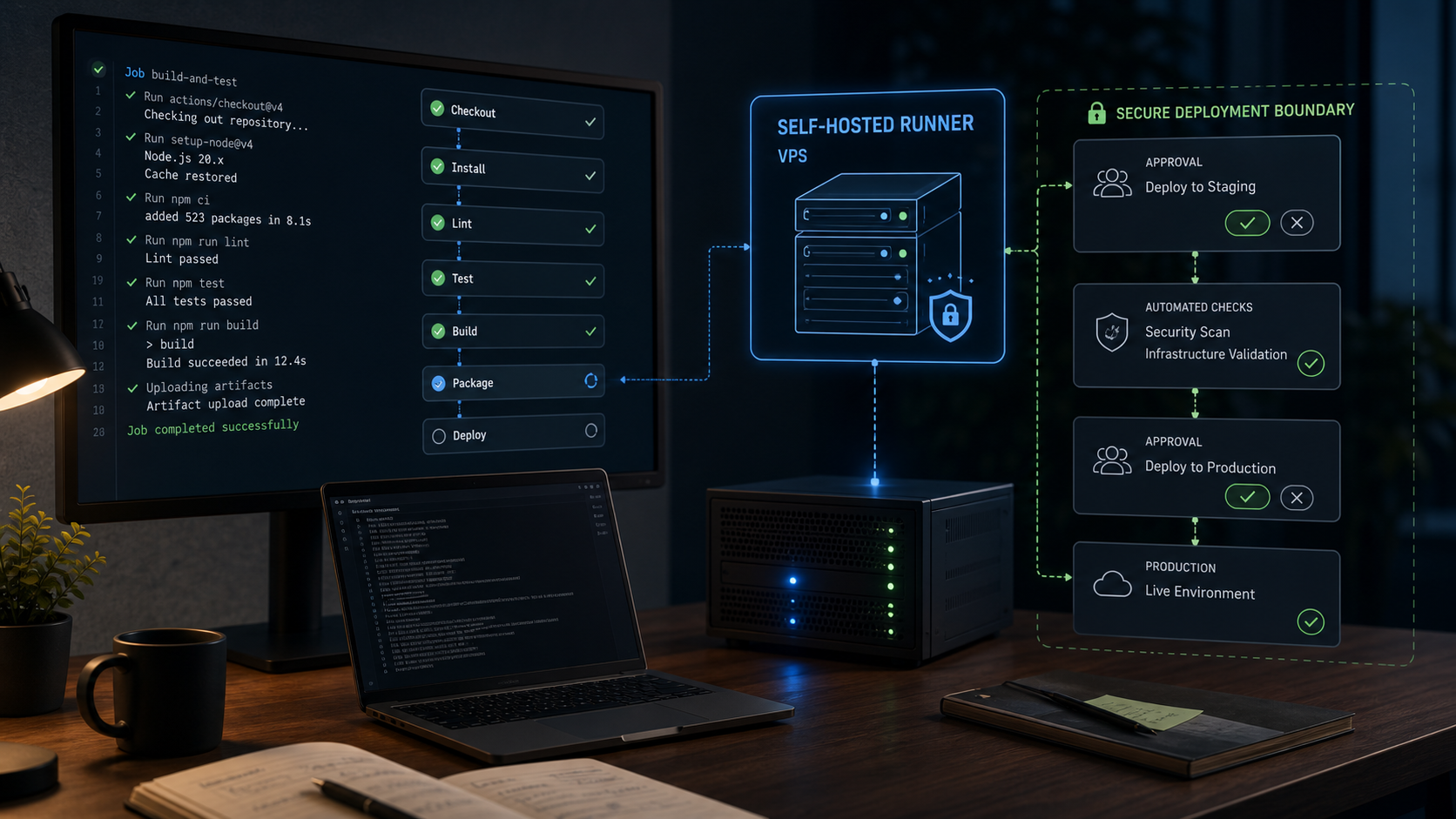
For CI, keep build execution and registry authority separate. The self-hosted CI runner boundary explains why an untrusted build should not automatically inherit broad production credentials. Harbor narrows repository access, but it cannot make a compromised runner trustworthy.
Install against a rehearsal contract
Use the current supported Harbor release from the official Harbor releases page. Pin the intended patch version, retain the installer/version record, and verify published checksums or signatures when the release provides them. Do not copy a versioned download URL from an old tutorial and silently deploy whatever it names.
The stable configuration boundary matters more than a long installer transcript. Current harbor.yml documentation requires a real hostname and supports HTTPS certificate paths, a persistent data_volume, log rotation and optional metrics. A redacted design excerpt might look like this:
hostname: registry.example.com

https:
  port: 443
  certificate: /etc/harbor/tls/fullchain.pem
  private_key: /etc/harbor/tls/privkey.pem

data_volume: /srv/harbor-data

log:
  level: info
  local:
    rotate_count: 14
    rotate_size: 100M
    location: /var/log/harbor

metric:
  enabled: true
  port: 9090
  path: /metrics
This is an architecture example, not a complete production file. Start from the template shipped with the pinned installer, preserve required fields, use unique database and administrator secrets, and follow the matching official configuration reference. Keep the metrics port private to the monitoring path; enabling it does not mean it belongs on the public internet.
Trusted TLS is part of registry compatibility
Harbor’s HTTPS guidance recommends a trusted certificate for production and limits plain HTTP to air-gapped development or test environments. Use an FQDN with correct A and, when published, AAAA records. Confirm clients trust the full chain.
Do not “solve” certificate failure by adding the registry to Docker’s insecure-registry list. That removes an important transport guarantee and spreads a temporary shortcut to every build and deployment node. Repair DNS, the certificate chain, hostname or client trust instead.
Certificate renewal also needs a test. A renewed file on disk does not prove Harbor’s proxy is serving it. Check the public certificate after renewal and perform an authenticated pull from a separate client.
Define success before running the installer
Write a release contract that can fail clearly:
- every expected Harbor container is healthy after a reboot,
- the portal and API present the trusted certificate,
- a CI robot can push only to its project,
- a deployment robot can pull but cannot push,
- a test image receives the expected scan result,
- the pushed digest can be pulled on a clean client,
- the old credential fails after rotation,
- disk, certificate and failed-job alerts reach a channel independent of Harbor,
- a separate restore instance can serve the selected digest.
Installation is complete when this contract passes, not when the web portal first loads.
Prove the complete image journey
Use a harmless test image and a project created for the rehearsal. Avoid putting passwords directly on the command line. A typical client-side sequence is:
printf '%s' "$HARBOR_ROBOT_SECRET" |
  docker login registry.example.com
  --username 'robot$project+ci-push'
  --password-stdin

docker tag example-app:rehearsal
  registry.example.com/project/example-app:rehearsal
docker push registry.example.com/project/example-app:rehearsal
docker image inspect
  registry.example.com/project/example-app:rehearsal
  --format '{{json .RepoDigests}}'
Robot prefixes and names depend on Harbor configuration; copy the generated username rather than guessing it. Run the pull test from a clean or ephemeral client so an old local layer cannot create a false pass. Record the digest, not only the mutable tag.
Scan results need an ownership rule
Trivy can find known vulnerabilities and selected configuration or secret issues when those checks are enabled. It cannot prove who built the image, that every package has a fix, or that the image is safe for one application. Decide which severity and fix-availability conditions block promotion, who can accept an exception, and when stored images are rescanned after the vulnerability database changes.
A scanner outage needs an explicit outcome. A fail-open policy may be appropriate for an emergency rebuild in one environment; a high-risk production pipeline may need to stop. Harbor provides the result, while the organization owns the release rule.
Test the denied paths
Positive tests prove that authorized work can proceed. Negative tests prove that boundaries exist. Verify that the pull-only robot cannot push, one project’s CI robot cannot access another private project, and a revoked credential cannot authenticate. Keep the denial output free of secret values, then include the expected failures in the release evidence.
Storage cleanup has two separate levers
Tag retention and garbage collection solve different parts of storage lifecycle. A retention rule decides which artifacts remain eligible in a project. Garbage collection later removes unreferenced blobs from the storage backend. Deleting a tag or artifact does not necessarily return disk space immediately.
Harbor’s retention documentation is especially important because multiple rules use OR logic, and deletion happens at artifact level. Several tags that share one digest may all remain when one matches. Always run the retention dry-run, review protected production and rollback tags, and have the application owner approve the result before a real run. Retention execution is not reversible.
Current garbage-collection guidance provides a dry run, history and a two-hour protection window for recent uploads. Review the actual version’s behavior before scheduling it. Start at low usage, retain the job log, watch latency and free space, and verify that a known retained digest still pulls afterward.
A cleanup run is not a backup test
Retention can intentionally remove a rollback image. Garbage collection can make that removal physical. Neither proves that a remaining artifact can be recovered after host loss. Before tightening retention to solve a disk alert, measure incoming unique bytes and decide whether the real fix is more capacity, fewer builds, better tag policy or an external storage architecture.
Alert before the filesystem reaches an emergency threshold. Useful signals include free bytes and inodes, failed pushes, registry and job-service errors, scan backlog, certificate expiry and backup age. Harbor exposes Prometheus-format metrics for several components; scrape them over a private route and combine them with host-level disk and container health.
Recovery must rejoin metadata and blobs
A directory copy of registry blobs without matching Harbor metadata is not a complete Harbor backup. A database dump without the artifact storage is not complete either. Recovery needs the configuration and secret material that reconnect those two sides on a compatible Harbor version.
The official Harbor backup tutorial currently describes a Helm/Kubernetes deployment using Velero. It explicitly calls the result crash-consistent, excludes Redis, backs up only a subset of data and documents jobs or sessions that may need cleanup after restore. Do not present that tutorial as a complete Docker Compose recipe.
For a single Compose host, choose a backup method supported by the storage and database design. Put Harbor into a controlled read-only or quiet state when the method requires it. If the team cannot produce an application-consistent database-and-storage point while services run, schedule a short stop rather than promising consistency that the tooling does not provide.
Build a recovery manifest
Store the following outside the Harbor host and protect secrets separately from ordinary documentation:
Harbor version and installer checksum
redacted harbor.yml plus protected secret/config backup
certificate chain and private-key recovery reference
database backup identity, timestamp and integrity result
artifact-storage backup identity, timestamp and integrity result
data_volume or external-storage mapping
external PostgreSQL/Redis/storage dependencies, if used
retention, replication and scanner policy export or reconstruction notes
expected test project, tag and immutable digest
Encrypt the backup, restrict its reader identity and keep at least one copy outside the VPS failure domain. A provider snapshot can be a useful short-term layer, but it may capture a busy database and filesystem at different moments. It also shares provider-account and region risks unless another copy exists.
Restore somewhere that cannot overwrite production
Build a separate network, hostname and storage target with no production CI credentials. Restore the pinned compatible Harbor version, database, blobs and required secret material. Then verify:
- expected projects, users and policies exist,
- a selected repository shows the expected digest,
- a clean client can pull that digest and start the image safely,
- scan and background-job state is understood rather than assumed healthy,
- robot credentials are either recovered according to policy or deliberately rotated,
- restored retention and cleanup settings cannot delete artifacts unexpectedly.
Record restore duration and the amount of data recovered. That evidence turns “we back up Harbor” into a recovery-time and recovery-point result the team can plan around.
Decide when one VPS has reached its limit
A single Compose VPS is one availability zone, one kernel, one Docker daemon and usually one local database/storage failure domain. Backups make it recoverable; they do not make it continuously available.
Move beyond the single-host design when deployments cannot tolerate the registry’s maintenance or restore window, image pull traffic outgrows the network/storage path, or the team needs region-level continuity. Harbor’s HA architecture expects multiple application replicas plus highly available PostgreSQL, Redis and shared PVC or object storage. Each dependency needs its own backup, monitoring, failover and upgrade procedure.
Replication to another registry can improve disaster options, but it is not automatically synchronous and may copy unwanted deletion or policy mistakes depending on configuration. Define direction, lag, credentials and failover tests. A second endpoint that nobody has pulled from is an assumption, not a recovery plan.
For predictable small-team use, the host needs measured storage growth, network throughput, console recovery and enough headroom for scanning, backups and upgrades. Root access still leaves the team responsible for Harbor, Docker, TLS, monitoring and restoration. If that ownership has no named operator, use a registry service whose operating boundary is explicit.
FAQ
Can Harbor run on one VPS?
Yes. Harbor documents a Docker Compose deployment and a 2 CPU/4 GB/40 GB minimum, with 4 CPU/8 GB/160 GB recommended. Size storage from measured unique layer growth and retention, and accept that one VPS is a single availability boundary.
Should CI use the Harbor admin account?
No. Give each pipeline a project-scoped robot account with only required pull/push permissions, an expiry and a tested rotation path. Keep the system administrator out of build variables.
Does deleting old Harbor tags free disk space?
Not necessarily. Retention or deletion removes artifact references according to policy; garbage collection later reclaims unreferenced blobs. Dry-run both controls and verify a retained digest after cleanup.
What belongs in a Harbor backup?
Preserve Harbor’s compatible version and configuration, secret/certificate recovery material, PostgreSQL metadata and artifact storage as one recoverable point. Include external dependencies and test the restore away from production.
Is a second Harbor VPS enough for high availability?
No. Real HA also needs shared or replicated artifact storage, highly available PostgreSQL and Redis, multiple Harbor replicas and a tested traffic/failover design. A second independent registry may help disaster recovery, but only with explicit replication and validation.
Release Harbor only after the evidence agrees
Before CI depends on the registry, collect one release record: pinned Harbor version, trusted certificate test, host/storage baseline, three identity roles, successful push and clean pull by digest, expected scan decision, denied cross-project and revoked-credential tests, retention/GC dry-run results, independent alerts, backup identities and a completed non-production restore.
Repeat the smaller parts after credential rotation, certificate renewal, Harbor upgrades and policy changes. Repeat the restore on a schedule that matches the registry’s importance. If the evidence shows that one VPS can no longer meet the required pull availability or recovery time, move the database, storage and application layers as an architecture change instead of adding another untested copy.
Harbor is ready when a deployment can retrieve the right artifact, an unauthorized identity cannot change it, storage growth remains bounded, and another operator can restore the registry without reconstructing its state from memory. The portal is useful; that operational agreement is the product.