Lifetime VPS Europe
 Lifetime VPS Asia
 Lifetime WooCommerce Hosting
 Lifetime Hosting
 Lifetime Game Dedicated Servers
 Chicago, US
 Tokyo, Japan
 Singapore
 Hong Kong
 Seoul, South Korea
 Amsterdem, Netherlands
 London, UK
 Stockholm, Sweden
 Oslo, Norway
 Vienna, Austria
 Zurich, Switzerland
 Sydney, Australia
 Wordpress Hosting
 VPS Hosting
 DDOS Protection
 Submit Ticket
 Full Management
 Guides
 Videos and Podcasts
 Discover Creative Ideas
 Voxfor Autonomous AI Workers
 Voxfor Mega Menu
 Voxfor Advanced Price Management For WooCommerce
 Voxfor Secure Live Chat and AI Support
 Voxfor Multilanguage
 Voxfor AI Content Summary
 Voxfor Autopilot
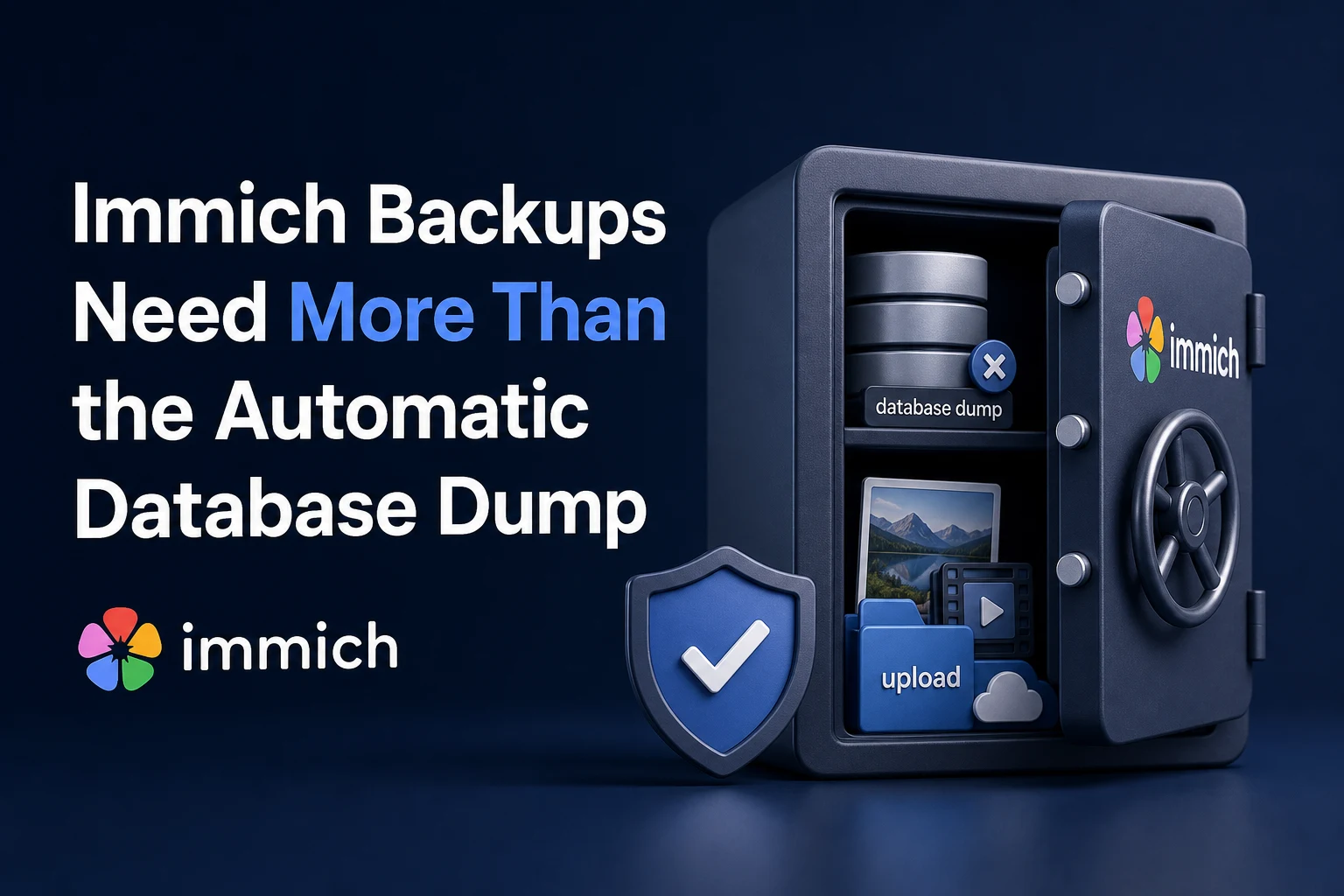
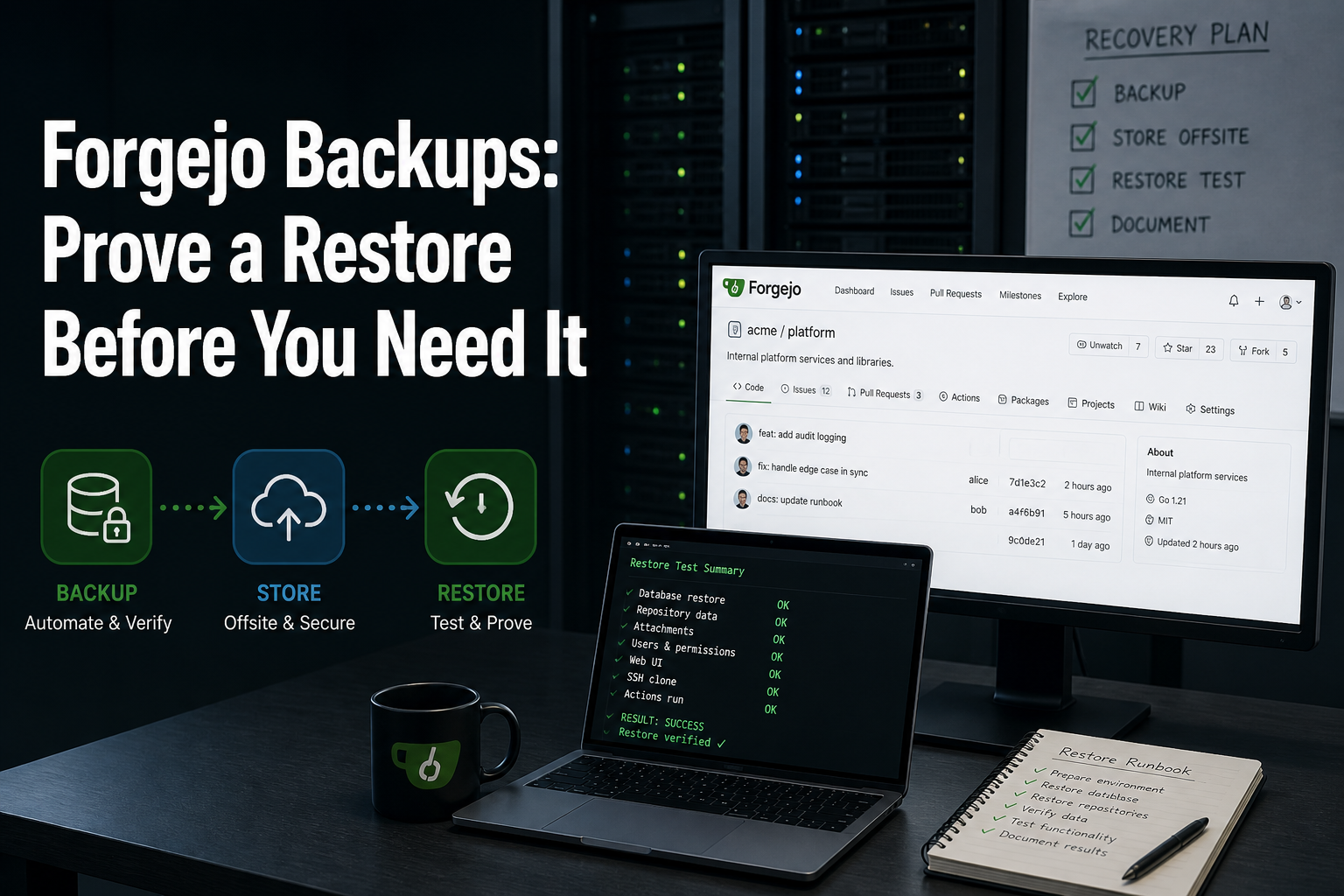
Immich can create automatic PostgreSQL dumps, but those files do not contain the photos and videos people expect to recover. A usable Immich backup pairs one database recovery point with the matching originals under UPLOAD_LOCATION, any external-library mounts, and enough deployment information to recreate those paths. Until that set has survived an isolated restore, it is only backup material—not proven recovery.
That distinction matters on a self-hosted server because Immich stores file paths and user metadata in PostgreSQL. According to Immich’s backup and restore documentation, the application does not scan a photo folder and reconstruct everything the database knew. Losing either side can leave albums, users, faces, sharing data, or assets disconnected from the files on disk.
Capacity planning must account for local media growth, machine-learning jobs and recovery-copy bandwidth, while at least one recovery copy remains in another failure domain.
Start with the restore boundary, not the backup tool
Backup products answer how bytes are copied; they do not decide which bytes form one working Immich instance. Begin by recording four owners of state:
- Database: asset paths, users, albums, metadata, relationships, jobs, and application state. Immich’s scheduled dump normally appears under
UPLOAD_LOCATION/backups. - Original media: browser, mobile, and CLI uploads under
UPLOAD_LOCATION/upload, plusUPLOAD_LOCATION/librarywhen Storage Template is enabled. Profile images live underUPLOAD_LOCATION/profile. - External libraries and mount topology: files outside
UPLOAD_LOCATIONstill need protection, and the restored Compose file must expose them at compatible container paths. - Recovery configuration:
docker-compose.yml, non-secret environment structure, version information, volume mappings, backup-repository location, and a separately protected way to retrieve repository keys or credentials.
Thumbnail and encoded-video directories are different. Immich can regenerate that derived content, so excluding it may reduce backup size at the cost of a longer recovery. Originals and database state are not interchangeable with generated previews.
Use read-only discovery before changing a schedule. The following commands identify Compose services and the two primary host paths without printing the full environment file:
docker compose config --services
grep -E '^(UPLOAD_LOCATION|DB_DATA_LOCATION)=' .env
Configuration ownership is easy to miss when one command launches several containers. Docker and Compose responsibilities provides useful context for deciding which files describe the deployment and which volumes contain durable application data.
Capture one recovery point instead of two unrelated copies
The cleanest backup window prevents application writes while the database and media snapshot are taken. Immich’s documentation recommends stopping immich-server; PostgreSQL can remain available long enough to produce a logical dump, while new uploads and metadata changes stay paused. After the backup tool has captured the dump and media set, start the server and verify normal health.
Where downtime is unacceptable, capture the database first and the filesystem second. The restored filesystem might then contain a few files created after the dump that PostgreSQL does not reference. Reversing the order is more dangerous: the later database can contain rows for media that never reached the earlier filesystem copy.
This ordering reduces the failure surface; it does not make two long-running jobs transactionally identical. Busy libraries, slow remote storage, and large upload windows widen the gap. A short maintenance window remains preferable whenever the recovery-point objective allows it.
Immich also lets an administrator create a database dump from Administration > Job Queues. For automated or advanced environments, its current documentation shows a logical dump pattern like this, with placeholders replaced from the deployment rather than guessed:
DB_DATABASE_NAME="immich"
DB_USERNAME="postgres"
docker exec -t immich_postgres pg_dump --clean --if-exists --dbname="$DB_DATABASE_NAME" --username="$DB_USERNAME" | gzip > "/backup-staging/immich-database.sql.gz"
Do not treat DB_DATA_LOCATION as a casual file-copy substitute for pg_dump while PostgreSQL is running. Logical dumps provide a defined database recovery artifact, while a live copy of database files can be inconsistent unless the storage/database snapshot method explicitly guarantees correctness.
The same state-boundary lesson appears in other self-hosted services, though the files differ. Compare Immich’s PostgreSQL/media pairing with Vaultwarden backup boundaries to see why naming every durable owner matters more than copying a container name.
Decide what must be present after a blank-server failure
One useful plan distinguishes irreplaceable content from data that can be rebuilt. The table is a recovery decision, not a directory-cleanup checklist:
| State surface | Recovery role | Can it be regenerated? |
|---|---|---|
| PostgreSQL dump | Recreates users, asset records, paths, albums, metadata, and relationships | No; the media folders do not rebuild it |
upload/ |
Holds original uploaded assets on default/newer layouts | No |
library/ |
Holds originals when Storage Template places assets there | No when used |
profile/ |
Holds user profile images | Not reliably from database alone |
| External-library mounts | Supplies assets Immich references outside UPLOAD_LOCATION |
No; protect them separately |
thumbs/ and encoded-video/ |
Speeds display and playback after restore | Yes, through regeneration jobs, with time/CPU cost |
| Compose and environment map | Recreates services, paths, versions, and mounts | Reconstructable only if accurately documented; secrets stay protected separately |
Path discovery must follow the running configuration rather than an old tutorial. For example, current Immich documentation notes that library/ is not used by default on new systems unless Storage Template is active. External libraries may sit on a different device entirely. Backing up only the directories visible in one example can silently omit the actual originals.
Immich’s system integrity checks provide another boundary: untracked files exist on disk but not in the database; missing files are referenced by the database but absent on disk; checksum mismatches indicate changed or corrupt content. Those reports help evaluate a restored set, but they do not replace a second copy of the originals.
Make the second copy survive the same incident
A snapshot stored beside the source protects against some application mistakes, but not against VPS loss, filesystem damage, account compromise, or a deletion command that reaches both paths. Keep at least one versioned copy outside the source failure domain—another host, protected object storage, or offline media with an access path the recovery operator can actually use.
Immich publishes a template Borg backup script that versions database and media together and can send another archive to a remote repository. Treat it as a design example: paths, retention, encryption, SSH access, repository keys, available capacity, and scheduling identity must be reviewed for the real server. Membership in the Docker group is effectively privileged access to the Docker daemon, so a non-root scheduler is not automatically low risk.
Versioning protects more than hardware failure. A simple mirror can faithfully copy accidental deletion or corruption before anyone notices. Retained historical snapshots allow the operator to choose a point before the damage. MinIO Object Lock backup design explains when immutability adds a deletion boundary, while WooCommerce retention-window reasoning shows how recovery-point and retention decisions follow data-change risk rather than a universal number of days.
Encryption introduces a second requirement: recovery staff must be able to retrieve the key when the source host and usual password manager are unavailable. Store credentials separately from both source and repository, test retrieval, and document ownership. An encrypted archive with an unavailable key has a recovery value of zero.
Monitoring should prove that new archives were created, transferred, checked, and retained—not merely that a cron process started. Record archive timestamp, database-dump timestamp, source path set, backup-tool result, remote-copy result, and the last successful restore drill. Alert on missed windows and shrinking repository headroom before retention pruning becomes an emergency.
Prove recovery without experimenting on the live library
A restore drill belongs on an isolated host or network where it cannot write to production storage, send user notifications, or collide with the live Immich hostname. Start from a fresh supported Compose deployment, recreate compatible volume mounts, place the matching media and backup dump under the intended paths, then use Immich’s onboarding or maintenance restore flow.
Version context matters. Current Immich documentation warns that the backup/restore process changed in v2.5.0 and that a backup from another version may require migrations. Prefer a compatible target, keep the source version in the recovery record, and use the documentation version selector for older backups. Do not improvise by deleting the production database to “test” whether a dump works.
Acceptance should cover both application behavior and storage evidence:
- Immich reaches healthy status without mount-check errors.
- A known administrator and a representative non-admin user can authenticate in the isolated instance.
- Recent and older photos open at original quality; sample video playback or regeneration behaves as expected.
- Albums, sharing relationships, metadata, and external-library samples match the chosen recovery point.
- Maintenance reports show no unexplained missing files or checksum mismatches; any untracked files are investigated rather than deleted blindly.
- Logs contain no unresolved migration, permission, storage, or background-job failure.
- Recovery time and data age satisfy the documented objectives.
Borrowing isolation and evidence ideas from Proxmox restore-drill practice can make the exercise repeatable even though Immich recovery occurs at application level rather than VM level.
Once the drill passes, preserve a compact recovery record: backup identifier, source/target versions, required mounts, key-retrieval owner, elapsed time, integrity results, exceptions, and the next review date. That note is the operational output. A folder full of archives without an accepted restore path is not.
FAQ: Restore questions that matter
Does Immich automatically back up photos and videos?
No. The automatic Immich backup creates a PostgreSQL database dump containing metadata and file paths, not the photo and video files. Pair each usable dump with a protected copy of the matching original-media locations.
Can Immich rebuild its database from the photo folders?
No. Immich does not scan its managed library and reconstruct users, albums, metadata, relationships, or all asset records. Recovery requires a valid database backup as well as the media files it references.
Which Immich folders are essential to back up?
Protect UPLOAD_LOCATION/upload, profile, and library when Storage Template uses it, plus every external-library source. Include database dumps and deployment/mount records; follow the running configuration because paths can differ between installations.
Should the Immich database or filesystem be backed up first?
Stop immich-server while capturing both whenever possible. If writes must continue, Immich recommends database first and filesystem second, which favors extra unreferenced files over database rows pointing at missing media.
Can Immich thumbnails and encoded video be excluded?
Yes, when the recovery plan accepts the time and compute needed to regenerate them. Original uploads, storage-template originals, profiles, database state, and external-library files remain critical.
How often should an Immich restore be tested?
Test after material Immich version, storage, mount, backup-tool, credential, or topology changes and on a recurring schedule that matches the recovery risk for the library. Every drill should use an isolated target and record recovery time, data age, integrity results, and unresolved exceptions.