Lifetime VPS Europe
 Lifetime VPS Asia
 Lifetime WooCommerce Hosting
 Lifetime Hosting
 Lifetime Game Dedicated Servers
 Chicago, US
 Tokyo, Japan
 Singapore
 Hong Kong
 Seoul, South Korea
 Amsterdem, Netherlands
 London, UK
 Stockholm, Sweden
 Oslo, Norway
 Vienna, Austria
 Zurich, Switzerland
 Sydney, Australia
 Wordpress Hosting
 VPS Hosting
 DDOS Protection
 Submit Ticket
 Full Management
 Guides
 Videos and Podcasts
 Discover Creative Ideas
 Voxfor Autonomous AI Workers
 Voxfor Mega Menu
 Voxfor Advanced Price Management For WooCommerce
 Voxfor Secure Live Chat and AI Support
 Voxfor Multilanguage
 Voxfor AI Content Summary
 Voxfor Autopilot
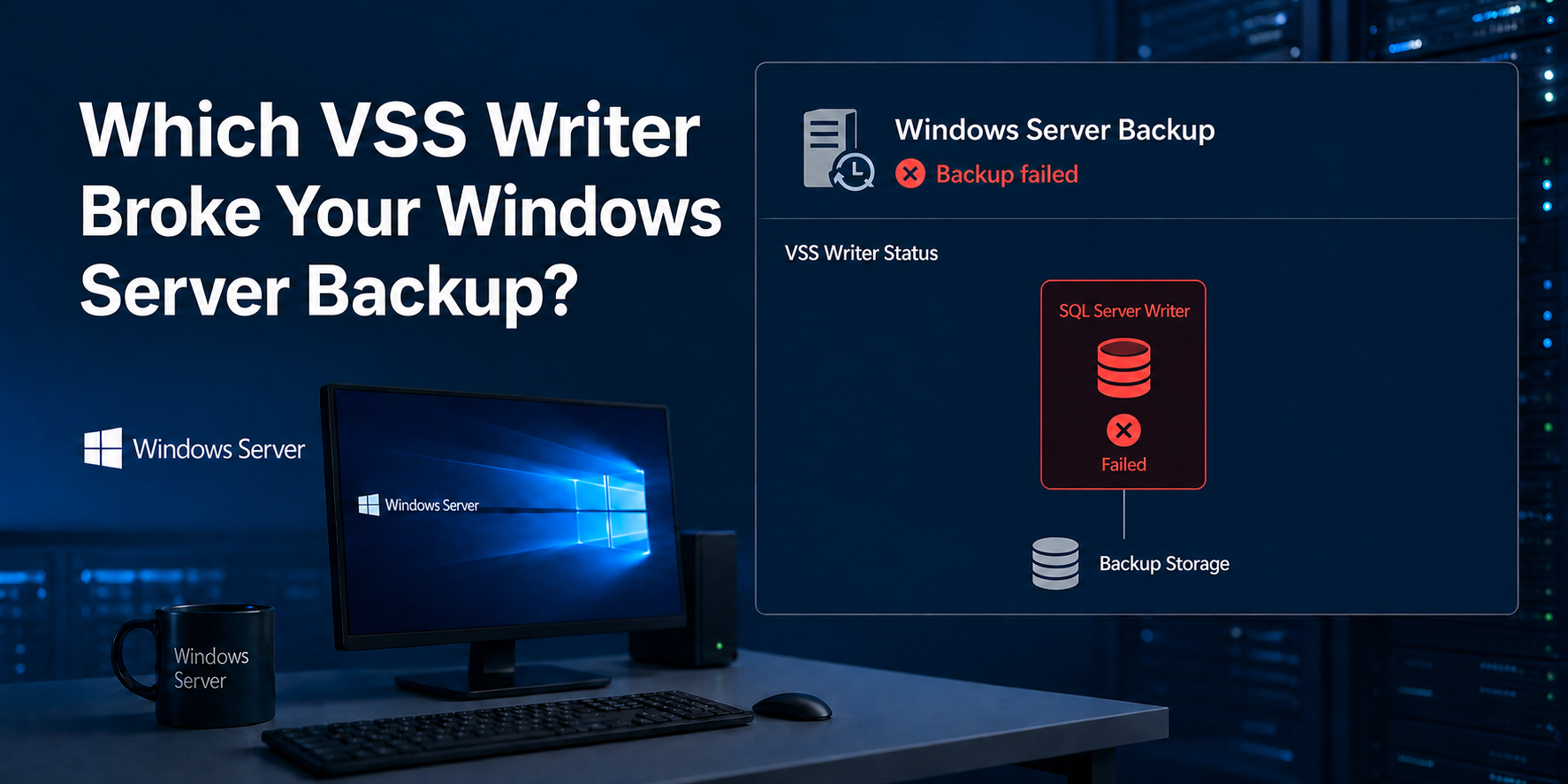
A failed VSS writer name is a lead, not a root cause. Preserve the backup timestamp, capture writer state, correlate application and provider events, then map the named writer to its owning workload before restarting anything. The recovery evidence should show that the same requester finishes, required writers remain healthy, and a restore proves the promised consistency.
Windows Volume Shadow Copy Service coordinates live applications with backup software and storage snapshot providers. That coordination is why a backup can fail even while files remain readable and the server looks healthy. Microsoft’s VSS architecture reference documents four participating roles: requester, VSS service, writer and provider. Confusing those roles is how a narrow SQL, registry, provider or timing fault becomes an unnecessary server-wide reset.
Freeze the evidence window before restarting anything
Start with the exact failed job. Record its start time, end time, backup product, protected volumes, consistency mode and job identifier. Do not restart VSS, application services or Windows yet; a restart can turn a useful failed state into Stable while deleting the only temporal link to the owner.
From an elevated Command Prompt, capture subscribed writer state:
vssadmin list writersSave the complete output, including Writer name, Writer Id, State and Last error. A single console snapshot cannot prove what happened during the failed job, but it narrows the next event search. Run it once before intervention, once immediately before the retry and once after the retry.
Next, export Application events around the job rather than reading unrelated warnings from the whole day:
$Start = (Get-Date).AddMinutes(-30)
Get-WinEvent -FilterHashtable @{LogName='Application'; StartTime=$Start} |
  Where-Object { $_.ProviderName -match 'VSS|SQLWRITER|SQLVDI|Microsoft-Windows-Backup' } |
  Select-Object TimeCreated, ProviderName, Id, LevelDisplayName, Message |
  Format-List
Adjust $Start to cover the recorded attempt. Include System events from VolSnap, storage, filesystem and filter-driver sources when the Application log does not identify an owner. The useful unit is one correlated attempt, not a pile of every VSS event on the machine.
Capture the requester and provider at the same time
Writer evidence alone can misattribute a failure. Record active jobs and installed providers:
wbadmin get status
vssadmin list providers
vssadmin list shadows
vssadmin list shadowstorage
wbadmin get status covers Windows Server Backup, not every third-party requester. Check the backup product console and services for another running job. Provider output matters because SAN, hypervisor, endpoint-protection and backup agents can install storage or filter components that participate below the writer.
On a virtual server, establish whether the failing requester runs inside the guest or on the host. Voxfor’s KVM virtualization explainer helps separate guest Windows coordination from host snapshot mechanics; the two layers can protect the same VM while offering different consistency guarantees.
Read VSS as four contracts, not one service
VSS is a coordinator. The requester selects components and asks for a shadow copy; each writer prepares application data; the provider creates and maintains the point-in-time view. Microsoft says writers flush transactions and caches before briefly freezing application writes. The freeze cannot exceed 60 seconds, and provider commit cannot exceed 10 seconds, or the operation can abort.
This path explains two common traps. First, a writer can report a timeout when the provider or storage path kept the freeze open too long. Second, a provider can create a shadow while one required application writer never prepared consistent data. Snapshot existence and application consistency are different facts.
Stable is only a point-in-time observation
Stable means the writer is not currently reporting a failed state to the enumeration request. It does not prove that the writer joined the previous snapshot, will survive the next freeze or covered every application component. A reboot that makes every line say Stable therefore resets symptoms; it does not establish cause.
One failed writer can stop the whole job
Microsoft’s Windows Server troubleshooting example shows a SQL Writer error failing the backup operation. The correct diagnosis came from matching Microsoft-Windows-Backup Event 521 with nearby SQLWRITER and SQLVDI events, then identifying the SQL instance and database involved. Treat a named writer as a pointer into its application’s own logs, configuration and health.
Use state and error together
Writer state, last error and event timing form one decision surface. No single column should authorize a restart.
| Observation | What it supports | Next evidence | Unsafe shortcut |
|---|---|---|---|
Stable before retry |
Writer currently answers enumeration | Same writer state after retry plus job and restore proof | Declaring recovery after a reboot |
Failed with retryable error |
Owner may recover after its transient condition clears | Owning application/service logs and same-attempt events | Restarting every VSS-related service |
Failed with non-retryable error |
Owner rejected or could not prepare data | Product-specific error, component health and vendor guidance | Re-registering all VSS DLLs |
| No writers listed | Enumeration or event-subscription path is broken | VSS events, service configuration and recent install/uninstall history | Assuming every writer was removed |
| Writer timeout near freeze | Writer, provider, filter or I/O path exceeded coordination window | VolSnap/provider/storage latency and overlapping requesters | Blaming the named writer alone |
Retryable does not mean safe to ignore
Retryable status describes VSS behavior, not business impact. If a second attempt succeeds without explanation, retain both attempts and inspect what changed: an overlapping job ended, storage latency fell, the application completed a long operation or a provider recovered. Repeated transient errors deserve ownership and monitoring because the next failure may occur during the only valid backup window.
Non-retryable means move into the owner
Non-retryable status moves the investigation toward the owning application, not toward a broader Windows reset. SQL Writer evidence belongs with SQL Server instance and database health. System Writer failures require Windows component and event evidence. Third-party writer names belong with the installed product and its supported recovery procedure.
No writers is a separate failure mode
vssadmin list writers returning no rows is not equivalent to a long list of failed writers. Microsoft documents cases where writer event subscription is blocked after setup, installation or removal activity. Preserve recent software-change history, VSS events and service configuration before modifying registrations.
Intervene at the owning layer
Map the writer name to an application or Windows component, then define what interruption is acceptable. A database writer may require database-owner approval. A directory-service or system writer may make a casual service restart inappropriate. Vendor writers may require an agent upgrade or product-specific repair rather than any Microsoft service change. Keep the change boundary to one confirmed owner.
Prove ownership before stopping a service
Use the event provider, writer ID, application logs and installed-role inventory together. When Microsoft-Windows-Backup reports a VSS failure and SQLVDI names one instance at the same timestamp, that instance becomes a testable owner. Stopping the affected instance for one approved diagnostic backup can isolate responsibility, but it also makes the application unavailable and may produce a file-consistent rather than application-consistent result. Document that tradeoff before the test.
When a reboot or Windows update is genuinely part of the approved repair, preserve console access and rollback evidence first. Voxfor’s tested RDP return-path procedure provides the adjacent access-safety workflow; it is not a reason to reboot merely because a writer is failed.
Provider and shadow storage failures need different owners
Multiple providers, a nearly exhausted diff area, filesystem errors, storage latency or filter-driver conflict can prevent the provider from completing inside the VSS window. Check provider identity, shadow-storage allocation and System events. Avoid deleting all shadow copies as a diagnostic reflex: existing copies may support user recovery or another backup product, and deletion does not repair a slow or incompatible provider.
Host-level backup adds another ownership boundary. A hosting provider can verify hypervisor jobs and storage, while guest administrator credentials and application writers remain customer-controlled on an unmanaged server. Voxfor’s managed-versus-unmanaged ownership guide clarifies that operational split without changing the technical evidence required here.
Look for requester overlap
Two backup products, a manual DiskShadow session, Windows Server Backup and host integration can overlap. Compare start/end timestamps across every requester. Do not disable one permanently from correlation alone; schedule a controlled non-overlap test, rerun the same protected set and preserve the result.
DiskShadow can enumerate detailed components from an elevated prompt:
diskshadow
list writers detailed
list providers
list shadows all
exit
DiskShadow is itself a requester. Use it for inspection or an approved test, not concurrently with the production backup. Avoid copied scripts that specify nowriters; excluding writers deliberately removes application-consistency participation and cannot validate the failed production path.
Replay the same path and prove consistency
After one bounded repair, capture vssadmin list writers again and rerun the same requester, component selection, volumes and consistency mode that failed. Switching to another backup product or a crash-consistent host snapshot may produce a green job while leaving the original contract broken.
For Windows Server Backup, retain version and job evidence:
wbadmin get status
wbadmin get versions
Do not point an ad-hoc test at the only existing remote backup folder. Microsoft’s wbadmin reference warns that another backup to the same computer and remote share can overwrite the previous backup, and a failed new attempt can leave no usable version. Use the production job’s approved target or a disposable isolated target with enough capacity.
Build a seven-fact acceptance receipt
Record all seven facts before closing the incident:
- The failed writer, state and error were captured before intervention.
- Same-attempt application, requester and provider events were retained.
- One owning-layer change was approved and documented.
- Every required writer was stable immediately before the retry.
- The intended requester completed with the intended consistency mode.
- Required writers remained stable immediately after completion.
- Representative application data or metadata restored successfully in isolation.
Application restore matters because catalog visibility is not usable-data proof. Restore one SQL database under a different name, recover a representative file plus ACLs, or run the vendor-supported application verification for the protected role. Keep the restore disconnected from production until identity, timestamps and integrity are confirmed.
Hypervisor restore testing answers a different question: can the VM be reconstructed after host loss? If an isolated Windows guest cannot return through its normal remote path, Voxfor’s Windows VPS console-recovery guide provides the adjacent console and access checks; those checks still do not replace in-guest VSS consistency proof.
Keep recurrence observable without blind resets
Persist a small evidence set per job: requester, start/end time, protected volumes, writer-state snapshots, VSS/application/provider event IDs, consistency mode, backup version and restore-test result. Alert on failed jobs and repeated writer/provider events, but avoid polling every writer so aggressively that the monitor becomes another competing requester.
Maintenance history belongs beside the evidence. Record Windows patches, storage/filter-driver changes, backup-agent upgrades, application updates and schedule changes. Correlation across several attempts is stronger than a single Stable screenshot.
When ownership remains ambiguous after a controlled retry, escalate with the complete attempt bundle rather than running blanket registration scripts. Continue through Voxfor’s Windows operations archive for adjacent server work, while keeping VSS writer health and restore proof as their own backup controls.
FAQ: Questions Windows backup operators ask
Does Stable mean a VSS writer is healthy?
No. Stable is a point-in-time enumeration state. Writer health is proven only when the required writer participates in the intended snapshot, remains stable afterward and the resulting backup passes an application-aware restore test.
Should I restart the Volume Shadow Copy service when a writer fails?
Not as the first action. Capture the writer state and same-attempt events, identify the application or Windows component that owns the writer, then interrupt only that owner under an approved service boundary. Restarting VSS broadly can erase useful state without fixing the owner.
Can one failed VSS writer fail an entire Windows Server backup?
Yes. A required writer error can abort the VSS-aware backup operation. Microsoft documents this behavior in a SQL Writer case, where backup, SQLWRITER and SQLVDI events identified the responsible SQL instance.
Is a hypervisor snapshot automatically application-consistent?
No. Hypervisor snapshot completion proves a host-side point-in-time operation, while application consistency depends on guest integration and successful writer participation. Verify both the host job and the guest application’s restore result.
Should I re-register every VSS DLL to repair failed writers?
No. Blanket registration scripts change many components without identifying the failed writer owner, provider or requester. Use current Microsoft or vendor guidance for the specific component after preserving evidence and confirming ownership.
Can overlapping backup jobs cause VSS failures?
Yes. Concurrent requesters can compete for VSS coordination, writer sessions or provider resources. Correlate every backup product and DiskShadow session by timestamp, then run a controlled non-overlap retry before changing schedules permanently.
What proves a VSS backup incident is resolved?
Resolution requires stable required writers before and after the same requester succeeds, retained application/provider evidence, the intended consistency mode and an isolated restore that validates representative application data or metadata.