The artificial general intelligence race is no longer a theoretical debate. Elon Musk predicted AGI could arrive as early as 2026. OpenAI shipped GPT-5.3 Codex, a model that helped deploy itself. Anthropic launched Claude Opus 4.6 with parallel agent teams. And somewhere between these trillion-dollar headlines, a quiet revolution is happening: businesses that plug into the right automation layer are turning these breakthroughs into 24/7 operational autopilots that work while they sleep.
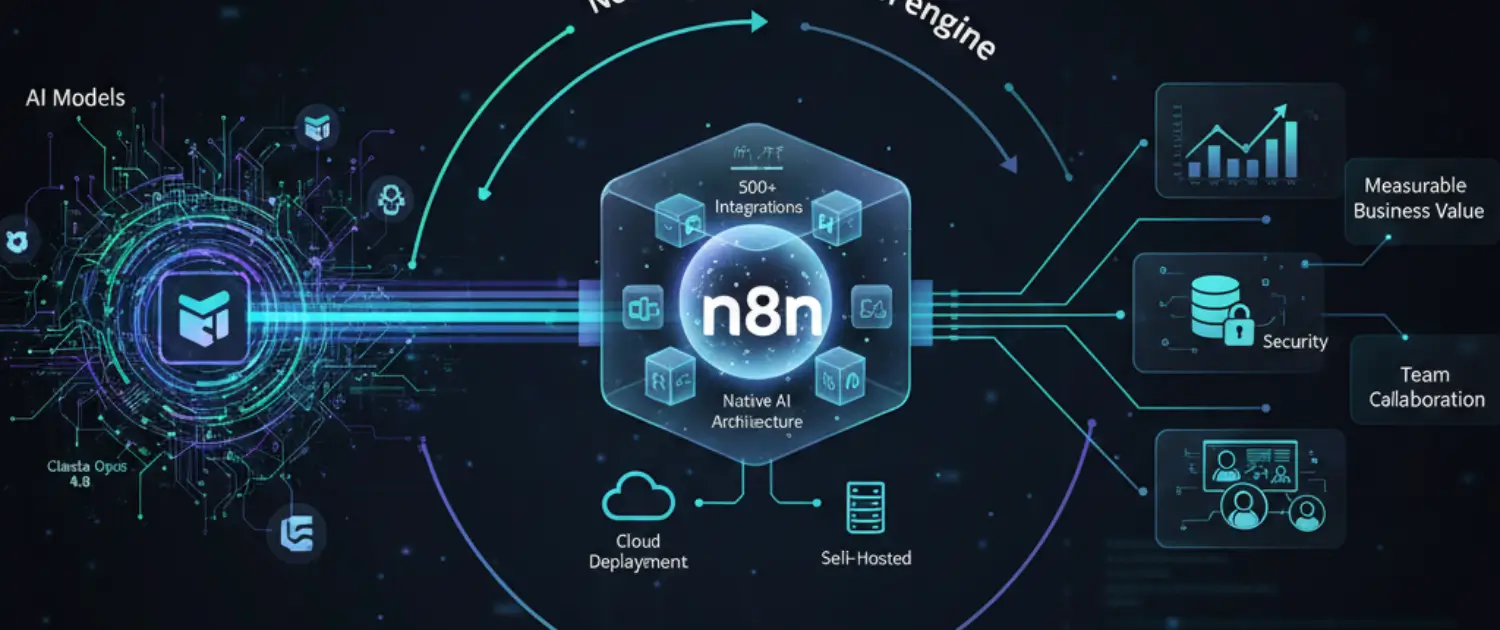
That automation layer, for a rapidly growing number of technical teams, is n8n, a source-available, self-hostable workflow platform with over 500 integrations, native AI agent support, and a pricing model that makes Zapier and Make look like luxury taxes.
This is the complete guide to building your business autopilot with n8n in 2026.
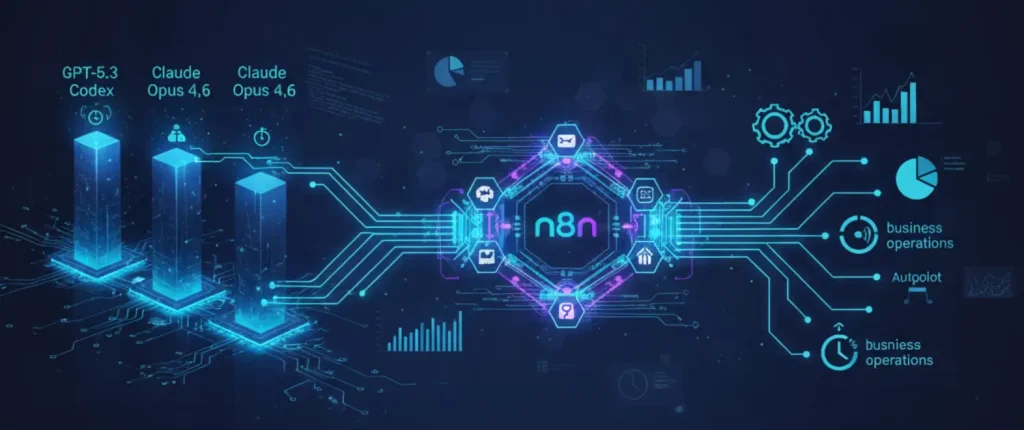
Every major AI lab is now shipping models that don’t just answer questions, they act. GPT-5.3 Codex debugs, deploys, monitors, and iterates across terminals, IDEs, and browsers autonomously. Claude Opus 4.6 coordinates 16 parallel agents to build a 100,000-line compiler. Kimi K2.5 orchestrates up to 100 simultaneous AI agents through its Agent Swarm architecture.
The implication for businesses is direct: if AI models can now operate autonomously, the bottleneck is no longer intelligence, it’s the infrastructure that connects that intelligence to your CRM, your email, your database, your Slack, and your customer-facing channels. n8n is that connective tissue. It sits between the frontier models and your actual business operations, turning raw AI capability into structured, reliable, repeatable workflows.
As Forbes predicted for 2026, organizations that fail to implement autonomous AI systems will fall behind competitors who do. The question isn’t whether to automate, it’s how fast you can build the automation layer that lets these increasingly powerful models work for you around the clock.
n8n is a visual workflow automation platform built for technical teams. Unlike Zapier (designed for non-technical users) or Make (a middle ground), n8n gives you full programmatic control while keeping the visual drag-and-drop builder that makes iteration fast.
The key differentiators that matter in 2026:
n8n’s most powerful use cases is building custom AI chatbots that connect to your actual business data, not generic responses, but answers grounded in your documents, your CRM records, and your product catalog.
The architecture works like this:
In most cases, a fully branded, AI-powered website chatbot can be deployed in a few hours using n8n’s pre-built templates. However, actual timelines depend on your specific integrations, permissions, and data sources. The chatbot template on GitHub provides a lightweight JavaScript widget that plugs into any HTML or WordPress site.
For businesses, this means building a support bot that actually resolves tickets, a sales bot that qualifies leads and books meetings, or an onboarding bot that walks new customers through setup, running around the clock on your own infrastructure.
The n8n community shares hundreds of pre-built workflow templates that you can import, customize, and deploy:
Every template is exportable as JSON, meaning you can share workflows across teams, back them up in Git, and replicate them across environments.
Vibe coding, describing what you want in natural language and letting AI generate the implementation, has exploded in 2026 as a dominant paradigm for rapid product development. Reddit communities are calling it “the 2026 business niche,” with frontier models bridging the gap between intent and working code more effectively than ever.
n8n sits at the intersection of vibe coding and production automation. The visual workflow builder is already a form of vibe coding, you describe the logic by connecting nodes rather than writing syntax. But the real power comes from combining n8n with the MCP (Model Context Protocol) server.
With MCP enabled, you can tell Claude Desktop: “Build me a workflow that monitors my Stripe for new subscriptions, enriches the customer data from Clearbit, adds them to my HubSpot CRM, and sends a personalized welcome sequence via Mailchimp.” Claude then directly searches, triggers, and executes n8n workflows through the MCP connection.
The key insight serious founders understand: vibe coding accelerates building, but it doesn’t solve ownership. n8n provides the governance layer with visual audit trails, execution logs, version control, and deterministic fallback logic that turns vibed-up prototypes into production systems you can trust.
The most sophisticated n8n deployments in 2026 are multi-agent systems that operate as genuine business autopilots:
Webhook triggers and scheduled crawlers continuously ingest data from your website forms, social channels, email inbox, support tickets, and payment systems. Everything flows into a central processing pipeline.
The AI Agent node, powered by whichever frontier model fits the task, analyzes incoming data, classifies intent, extracts entities, and decides what action to take. Route code-related queries to GPT-5.3 Codex, complex reasoning tasks to Claude, and routine classification to a local Ollama model to keep API costs near zero.
Tool nodes execute the decisions: updating CRM records, sending emails, creating Jira tickets, posting Slack messages, generating invoices, scheduling meetings, or triggering other sub-workflows. Each action is logged and auditable.
For high-stakes decisions, refund approvals, contract changes, and large purchase orders, the workflow pauses and requests human review before proceeding. This isn’t a limitation; it’s the trust architecture that separates toy demos from production systems.
Execution data feeds back into evaluation workflows that monitor agent performance, track drift, and flag regressions. A/B test different prompts, compare model outputs, and iterate without downtime.
For horizontal scaling, n8n supports Queue Mode with Redis, distributing workflow executions across multiple worker instances. When one server isn’t enough, add workers, no code changes required.
The non-negotiable security checklist for any self-hosted n8n deployment:
Bottom line: n8n is powerful, but self-hosting means you own the security perimeter. Treat your n8n instance like a production server because that’s exactly what it is.
For teams getting started with self-hosted n8n, here’s the production-ready minimal stack:
# docker-compose.yml Minimal production n8n stack
version: "3.8"
services:
  n8n:
    image: n8nio/n8n:latest
    restart: always
    ports:
      - "5678:5678"
    environment:
      - N8N_BASIC_AUTH_ACTIVE=true
      - N8N_BASIC_AUTH_USER=${N8N_USER}
      - N8N_BASIC_AUTH_PASSWORD=${N8N_PASSWORD}
      - N8N_ENCRYPTION_KEY=${N8N_ENCRYPTION_KEY}
      - DB_TYPE=postgresdb
      - DB_POSTGRESDB_HOST=postgres
      - DB_POSTGRESDB_DATABASE=n8n
      - DB_POSTGRESDB_USER=${POSTGRES_USER}
      - DB_POSTGRESDB_PASSWORD=${POSTGRES_PASSWORD}
      - WEBHOOK_URL=https://your-domain.com/
    volumes:
      - n8n_data:/home/node/.n8n
    depends_on:
      - postgres

  postgres:
    image: postgres:16
    restart: always
    environment:
      - POSTGRES_DB=n8n
      - POSTGRES_USER=${POSTGRES_USER}
      - POSTGRES_PASSWORD=${POSTGRES_PASSWORD}
    volumes:
      - postgres_data:/var/lib/postgresql/data

volumes:
  n8n_data:
  postgres_data:
Use PostgreSQL instead of the default SQLite for any deployment beyond personal testing. Store all secrets in environment variables or a secrets manager; never hardcode credentials in the compose file.
Before going live with self-hosted n8n, verify every item:
This is where n8n’s advantage becomes clear for scaling businesses. Pricing as of February 2026 check each vendor pricing page for current rates, as these change frequently.
| Feature | n8n Self-Hosted | n8n Cloud | Zapier | Make |
| Starting price | Free (fair-code license) | €24/month | $29.99/month | $9/month |
| Pricing unit | Unlimited | Per execution | Per task (each step counts) | Per operation |
| Free tier | Unlimited for internal use | 14-day trial | 100 tasks/month | 1,000 ops/month |
| 10-step workflow × 1,000 runs | $0 (infra costs only) | ~1,000 executions | 10,000 tasks | 10,000 operations |
| AI agent support | Advanced (LangChain native) | Advanced | Basic | Basic |
| Self-hosting | Yes (free for internal use) | N/A | No | No |
| Total integrations | 500+ | 500+ | 8,000+ | 2,000+ |
| Custom code nodes | Full JS/Python | Full JS/Python | Limited | Limited |
| Data sovereignty | Complete (your infra) | EU/US hosted | No self-host | No self-host |
| MCP server | Yes | Yes | No | No |
The cost difference becomes dramatic at scale. A business running 50 workflows averaging 8 steps each, executing 5,000 times per month, would consume 200,000 tasks on Zapier. On self-hosted n8n, the same workload costs nothing beyond server infrastructure. Even n8n Cloud is more economical because it charges per workflow execution, not per step.
The Model Context Protocol (MCP) is one of the most underrated features in n8n’s 2026 toolkit. It turns your n8n instance into a server that any MCP-compatible AI client can connect to and interact with.
To enable it: navigate to Settings → Instance-level MCP and toggle Enable MCP access (requires instance owner or admin permissions). Once enabled, you can authenticate MCP clients via OAuth2 or an Access Token.
What this means in practice:
Key limitations to note: MCP-triggered executions have a 5-minute timeout, binary input data isn’t supported, and workflows with multi-step forms or human-in-the-loop interactions cannot be triggered via MCP.
The strategic implication: as the AGI race produces increasingly capable AI models, MCP ensures your n8n automation layer can immediately leverage whatever new model ships next without rebuilding your workflows.
Use a free local model (via Ollama) for routine classification and routing, and invoke expensive frontier models (GPT-5.3, Claude Opus) only for complex reasoning tasks. n8n’s conditional routing makes this straightforward, as an IF node checks complexity and routes accordingly.
Export any workflow as JSON. Import it into a different n8n instance. Every credential reference stays parameterized so that you can maintain separate dev/staging/production environments with identical logic.
Break complex automations into smaller, reusable sub-workflows. Your main workflow calls them like function calls, easier debugging, faster testing, and manageable maintenance as your automation library grows.
Self-hosted n8n supports Queue Mode with Redis, distributing workflow executions across multiple worker instances. When one server isn’t enough, add workers without code changes.
n8n includes built-in evaluation features for AI workflows that run the same input through different models or prompt versions, compare outputs, and track quality metrics over time. This is how you prevent AI drift in production.
Combine a Webhook trigger with a Wait node to build human approval flows. The workflow pauses, sends a Slack message with Approve/Reject buttons, and only continues when a human clicks. Essential for financial approvals, content review, or customer escalations.
n8n is free to use and self-host for internal business purposes. But if you plan to embed n8n inside a SaaS product, resell automation as a service, or let external users trigger workflows using their own credentials, you need a separate commercial agreement (n8n Embed). Know this before you architect.
Startups and solopreneurs who need enterprise-grade automation without enterprise budgets. Self-host for free, build AI agents that handle support, lead qualification, and content creation while you focus on product.
Agencies and service businesses that want to productize their operations. Build client-facing chatbots, automated reporting pipelines, and onboarding flows, then replicate them across clients by importing JSON templates. Note: providing consulting services related to n8n is explicitly allowed under the Sustainable Use License.
Development teams building AI-powered products. Use n8n as the orchestration layer between your frontier AI models and production systems. The LangChain integration and MCP server make it arguably the most developer-friendly automation platform available.
Data-sensitive organizations in healthcare, finance, or government that need complete control over where their data lives and how it’s processed, provided you follow the security checklist above.
If you need reliable VPS infrastructure for your self-hosted n8n deployment, Voxfor provides affordable cloud hosting optimized for automation workloads.
The AGI race isn’t slowing down. Every quarter brings models that are faster, smarter, and more capable of autonomous action. The businesses that thrive won’t be the ones with the “best” AI model, those are commoditized and accessible to everyone. The winners will be the ones with the best automation infrastructure connecting those models to real business operations.
n8n, with its source-available codebase, 500+ integrations, native AI agent architecture, MCP protocol bridge, and cost structure that rewards complexity rather than punishing it, is one of the strongest candidates for that infrastructure layer in 2026. Whether you self-host it for complete control or run it on n8n’s cloud for zero-maintenance convenience, the result is the same: a non-stop automation engine that turns the latest AI breakthroughs into measurable business value the moment they ship.
The tools are here. The models are here. The only variable left is how quickly you build the system that connects them.

Netanel Siboni is a technology leader specializing in AI, cloud, and virtualization. As the founder of Voxfor, he has guided hundreds of projects in hosting, SaaS, and e-commerce with proven results. Connect with Netanel Siboni on LinkedIn to learn more or collaborate on future project.





 Lifetime VPS Europe
 Lifetime VPS Asia
 Lifetime WooCommerce Hosting
 Lifetime Hosting
 France Lifetime Dedicated Servers
 Germany Lifetime dedicated servers
 Lifetime Game Dedicated Servers
 Chicago, US
 Tokyo, Japan
 Singapore
 Hong Kong
 Seoul, South Korea
 Amsterdem, Netherlands
 London, UK
 Stockholm, Sweden
 Oslo, Norway
 Vienna, Austria
 Zurich, Switzerland
 Sydney, Australia
 Wordpress Hosting
 VPS Hosting
 DDOS Protection
 Submit Ticket
 Full Management
 Guides
 Videos and Podcasts
 Discover Creative Ideas
 MetaAgentOS High-Ticket Support System
 Voxfor Mega Menu
 Voxfor Advanced Price Management For WooCommerce
 Voxfor Secure Live Chat and AI Support
 Voxfor Multilanguage
 Voxfor AI Content Summary


