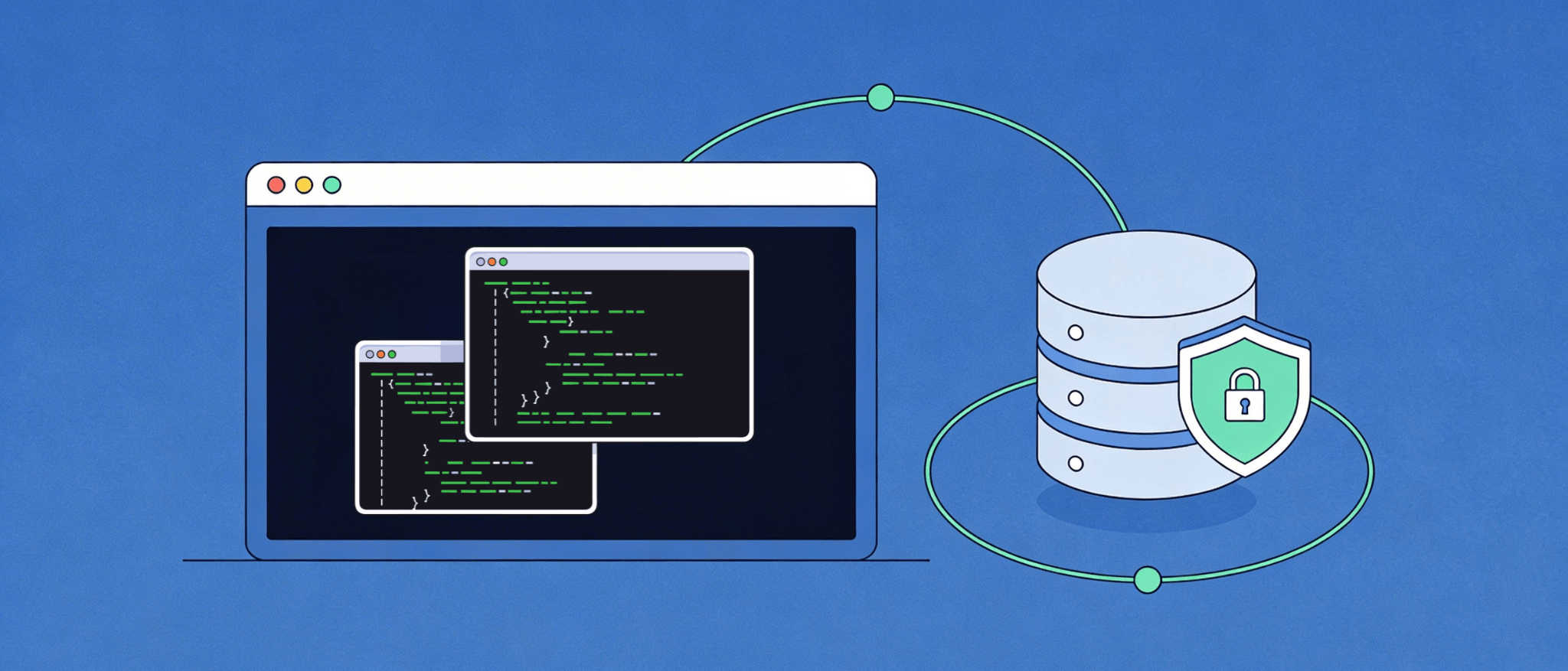
SQL injection is currently one of the most serious and frequently used vulnerabilities of web applications. PHP users who deal with MySQL or other databases have no choice but to learn the mechanics of SQL injection and how to prevent it: this is not just an essential security practice. The guide dissects the mechanics of SQL injection attacks, illustrates vulnerable code patterns, and offers a step-by-step approach with modern PHP techniques to remove this type of vulnerability.
SQL injection (SQLi) is a type of code injection attack in which an attacker can alter the SQL queries that an application submits to its database. Rather than entering regular data in a form or URL parameter, an attacker will create malicious input that is meant to change the SQL statement itself to enable the attacker to bypass authentication, access sensitive information, manipulate data, or even delete whole database tables.
The Open Web Application Security Project (OWASP) indicates that SQL injection is always among the highest security threats to web applications. The real-life example: SQL injection was used by the hacking group ResumeLooters to steal more than two million email addresses and personal records of 65 websites, which targeted recruitment and retail websites.
The concept of the attack is misleadingly basic. Once the user-provided data is directly entered into an SQL query and is not sanitized or validated, it is included in the executable SQL query. The database is not able to differentiate between the logic intended by the developer and the injected commands by the attacker.
Knowledge of the underlying cause of SQL injection can assist programmers in identifying susceptible patterns within their code. The most prevalent reasons.:
Consider a typical PHP login form that directly concatenates user input into a query:
<?php
$username = $_POST['username'];
$password = $_POST['password'];

$query = "SELECT * FROM users WHERE username = '$username' AND password = '$password'";
$result = mysqli_query($conn, $query);
?>

This code is critically vulnerable. If an attacker enters the following for the username field:

admin' --

The resulting query becomes:

SELECT * FROM users WHERE username = 'admin' --' AND password = '...'

The double dash (--) is an SQL comment, so everything after it is ignored. The attacker logs in as admin without knowing the password.Dynamic queries that append user input to identifiers are equally dangerous:
<?php
$spoiled_data = "1; DROP TABLE users;";
$query = "SELECT * FROM users WHERE id = $spoiled_data";
?>

This produces the destructive sequence:

SELECT * FROM users WHERE id = 1; DROP TABLE users;
Depending on the database server configuration, this can permanently wipe an entire table in a single request.
Even seemingly harmless features like page navigation can be exploited. Consider this pattern from the PHP official documentation:
<?php
$offset = $_GET['offset']; // No input validation!
$query = "SELECT id, name FROM products ORDER BY name LIMIT 20 OFFSET $offset";
$result = pg_query($conn, $query);
?>
An attacker can append encoded SQL to the offset value and execute privileged commands. In some database configurations, this can even be escalated to operating system-level access.
The security experts agree: a prepared statement with parameterized queries is the main security measure against SQL injection. This isolates data and SQL code completely, such that whatever is input by the user is never interpreted as valid SQL.
This can be done in two main tools of PHP developers: PDO (PHP Data Objects) and MySQLi. PDO is object-oriented and supports 12 different database systems, and is favorable by around 75% of developers when doing new projects because of its named placeholder support and object-oriented design. MySQLi is MySQL-specific but has good performance in dedicated MySQL applications.
PDO named placeholder syntax makes code highly readable and maintainable:
<?php
// Step 1: Establish a PDO database connection
$host     = 'localhost';
$dbname   = 'your_database';
$username = 'your_username';
$password = 'your_password';

try {
    $pdo = new PDO("mysql:host=$host;dbname=$dbname;charset=utf8mb4", $username, $password);
    // Disable emulated prepared statements — use real ones
    $pdo->setAttribute(PDO::ATTR_EMULATE_PREPARES, false);
    // Enable error reporting
    $pdo->setAttribute(PDO::ATTR_ERRMODE, PDO::ERRMODE_EXCEPTION);
} catch (PDOException $e) {
    die("Database connection failed: " . $e->getMessage());
}

// Step 2: Define SQL with named placeholders (no user input yet)
$sql = "SELECT * FROM users WHERE username = :username AND password = :password";

// Step 3: Prepare the statement
$stmt = $pdo->prepare($sql);

// Step 4: Bind user inputs to placeholders with type enforcement
$stmt->bindParam(':username', $_POST['username'], PDO::PARAM_STR);
$stmt->bindParam(':password', $_POST['password'], PDO::PARAM_STR);

// Step 5: Execute
$stmt->execute();

// Step 6: Fetch results
$user = $stmt->fetch(PDO::FETCH_ASSOC);
?>
Setting PDO::ATTR_EMULATE_PREPARES to false is critical, it forces PHP to use real prepared statements sent to the database server, rather than PHP-side string emulation that can still be vulnerable to certain bypass techniques. The charset=utf8mb4 in the DSN string also prevents multi-byte character injection attacks.
For shorter queries, question mark placeholders offer a more compact syntax:
<?php
$stmt = $pdo->prepare("SELECT * FROM users WHERE email = ?");
$stmt->execute([$_POST['email']]);
$results = $stmt->fetchAll(PDO::FETCH_ASSOC);
?>For developers using MySQLi, the approach is slightly different but equally secure:
<?php
$conn = new mysqli('localhost', 'username', 'password', 'database');

if ($conn->connect_error) {
    die("Connection failed: " . $conn->connect_error);
}

// Prepare the statement
$stmt = $conn->prepare("SELECT * FROM users WHERE username = ? AND password = ?");

// Bind parameters: 'ss' means both are strings
$stmt->bind_param('ss', $_POST['username'], $_POST['password']);

// Execute and fetch
$stmt->execute();
$result = $stmt->get_result();
$user = $result->fetch_assoc();

$stmt->close();
$conn->close();
?>Following a structured approach ensures no step is skipped when handling user input:
Before passing data to any query, confirm it meets the expected format:
<?php
$username = isset($_POST['username']) ? trim($_POST['username']) : '';

if (empty($username) || strlen($username) > 50) {
    die("Invalid username input.");
}
// Apply additional rules: alphanumeric only, no special characters, etc.
?>Never embed user data directly. Write the query template first:
$sql = "SELECT * FROM users WHERE username = ?";Send the SQL template to the database server for pre-compilation:
$stmt = $pdo->prepare($sql);Attach real user values to the placeholders with explicit type declarations:
$stmt->bindParam(1, $username, PDO::PARAM_STR);The database replaces placeholders with the bound values at execution time, treating them purely as data, not as SQL code:
$stmt->execute();Retrieve the result set using PDO fetch methods:
$results = $stmt->fetchAll(PDO::FETCH_ASSOC);

foreach ($results as $row) {
    echo htmlspecialchars($row['username']);
}
Note: Always apply htmlspecialchars() when outputting data to HTML to prevent Cross-Site Scripting (XSS) alongside SQL injection protection.
Run comprehensive security tests against all input fields. Test with edge-case inputs including special characters (‘, “, ;, –), null bytes, and Unicode sequences. Integrate automated vulnerability scanning tools into your development pipeline to catch regressions early.
| Feature | PDO | MySQLi |
| Database support | 12+ databases (MySQL, PostgreSQL, SQLite, MSSQL, etc.) | MySQL only |
| Named placeholders | ✅ Supported | ❌ Not supported |
| Object-oriented API | ✅ Full OOP | ✅ OOP + procedural |
| Developer preference | ~75% of new projects | Strong MySQL-specific following |
| Real prepared statements | ✅ (with ATTR_EMULATE_PREPARES=false) | ✅ Always real |
| Portability | High — easy to switch databases | Low — MySQL-specific |
For new projects or applications that may need to switch database backends in the future, PDO is the recommended choice. MySQLi is a solid option when the application is definitely MySQL-bound and performance at the MySQL API level is a priority.
Prepared statements are the primary defense, but a robust security posture involves multiple complementary layers:
Prepared statements cannot parameterize dynamic table names or column names. When these must be user-influenced, maintain a strict whitelist of allowed values and validate against it:
<?php
$allowed_columns = ['username', 'email', 'created_at'];
$order_by = in_array($_GET['sort'], $allowed_columns) ? $_GET['sort'] : 'username';
$sql = "SELECT * FROM users ORDER BY $order_by"; // Only whitelisted values reach here
?>Database user accounts used by your PHP application should only have the permissions they actually need. A web application that only reads data should not have DROP, DELETE, or ALTER privileges. Limit the blast radius of any successful attack.
A WAF can detect and block common SQL injection patterns at the network level before requests ever reach PHP code. This is an additional safety net, not a replacement for secure coding.
Do not give end users the raw database error message; they contain table names, column names and query structure, which attackers use to further optimize their attacks. Server-side log errors and responses with generic user messages:
<?php
$pdo->setAttribute(PDO::ATTR_ERRMODE, PDO::ERRMODE_EXCEPTION);
// Catch exceptions and log them without exposing them to the user
try {
    $stmt->execute();
} catch (PDOException $e) {
    error_log($e->getMessage()); // Log internally
    die("An error occurred. Please try again later."); // Generic message to user
}
?>Security practices evolve. Periodic code audit, dependency and penetration testing will assure that the newly discovered bypass methods and zero-days are not left unpatched.
| Mistake | Why It’s Dangerous | Correct Approach |
| String concatenation in queries | Embeds input as executable SQL | Use prepared statements always |
Relying on mysql_real_escape_string() | Removed in PHP 7, bypassable in some contexts | Use PDO or MySQLi prepared statements |
| Emulated prepared statements enabled | PHP-side escaping, not true separation | Set ATTR_EMULATE_PREPARES to false |
| Dynamic table/column names are unvalidated | Cannot be parameterized; bypass possible | Use strict whitelisting |
| Exposing DB error messages | Reveals schema details to attackers | Log errors server-side only |
| No input length/type validation | Allows oversized or wrong-type payloads | Validate before binding |
SQL injection can be avoided completely through responsible code writing. The basic principle is easy not to treat user input as SQL code. Through PDO or MySQLi prepared statements and parameterized queries, application of stringent input validation, the concept of least privilege, and overlay with other security mechanisms such as WAFs and periodic audits, PHP developers can create applications that are resistant to this type of attack.
Security is not a one-time fix; it is an ongoing practice. Every new feature that touches a database is an opportunity to introduce or prevent a vulnerability. Making prepared statements the default, non-negotiable coding standard is the single most impactful step any PHP development team can take to protect their applications and users.

Hassan Tahir wrote this article, drawing on his experience to clarify WordPress concepts and enhance developer understanding. Through his work, he aims to help both beginners and professionals refine their skills and tackle WordPress projects with greater confidence.





 Lifetime VPS Europe
 Lifetime VPS Asia
 Lifetime WooCommerce Hosting
 Lifetime Hosting
 France Lifetime Dedicated Servers
 Germany Lifetime dedicated servers
 Lifetime Game Dedicated Servers
 Chicago, US
 Tokyo, Japan
 Singapore
 Hong Kong
 Seoul, South Korea
 Amsterdem, Netherlands
 London, UK
 Stockholm, Sweden
 Oslo, Norway
 Vienna, Austria
 Zurich, Switzerland
 Sydney, Australia
 Wordpress Hosting
 VPS Hosting
 DDOS Protection
 Submit Ticket
 Full Management
 Guides
 Videos and Podcasts
 Discover Creative Ideas
 MetaAgentOS High-Ticket Support System
 Voxfor Mega Menu
 Voxfor Advanced Price Management For WooCommerce
 Voxfor Secure Live Chat and AI Support
 Voxfor Multilanguage
 Voxfor AI Content Summary


