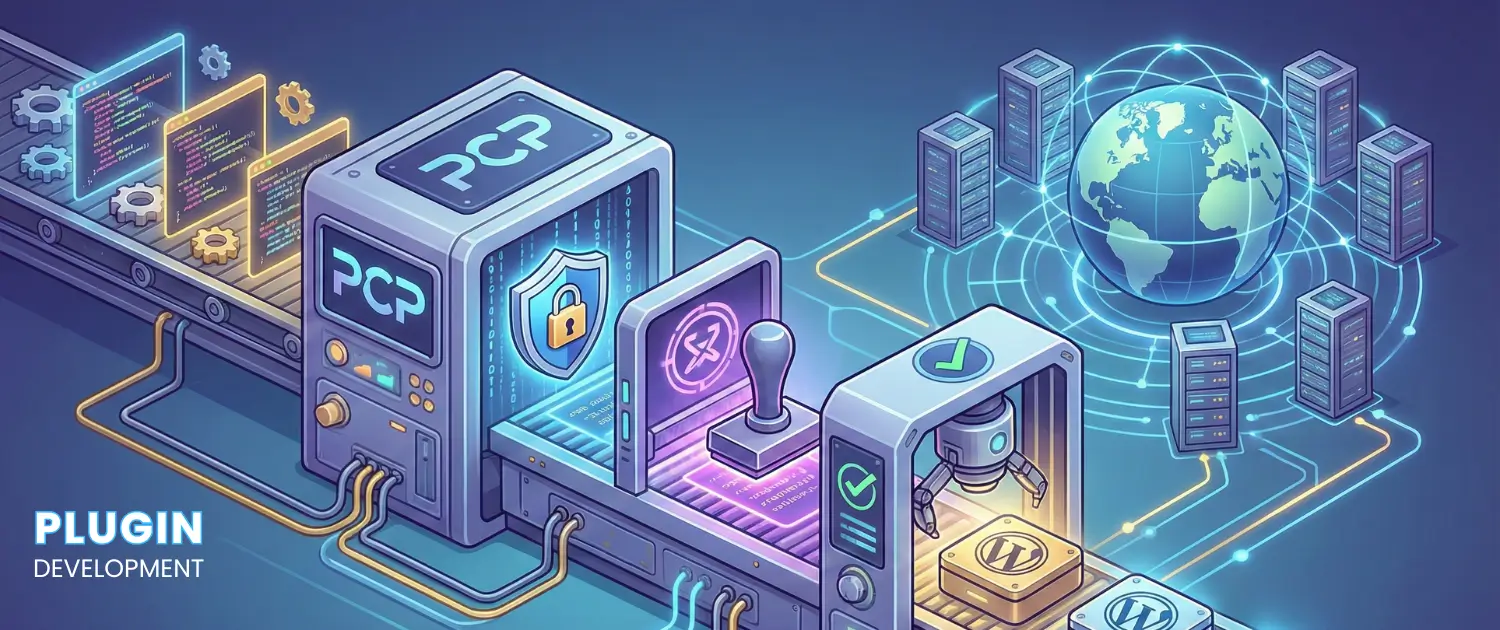
The evolution of the WordPress content management system from a fundamental blogging engine to a dominant global application framework has necessitated a parallel evolution in the standards governing its extensibility. A WordPress plugin is defined as a discrete software package designed to extend or augment the core ...

WordPress powers over 40% of the web, but many plugins suffer from poor architecture, leading to maintenance nightmares as they grow. Object-Oriented Programming (OOP) and design patterns offer a structured approach to building plugins that are maintainable, testable, and scalable. This guide dives deep into structuring a ...

The WordPress admin toolbar (admin bar) is a powerful interface element that provides quick access to backend and frontend tools. For site administrators, developers, or plugin creators, customizing this toolbar can streamline workflows, highlight critical actions, or display real-time notifications. By following this guide, you will learn ...

Integrating a Third-Party Payment Gateway effectively into WordPress plugins for selling digital products is essential. This guide demonstrates all the important procedures, starting with gateway selection and ending with complex security protocols and compliance standards. Your knowledge of developing payment plugins will help you reach a point ...

WordPress offers developers powerful tools for storing and managing settings, configurations, and custom data. Two critical functions for handling these tasks are update_option() and update_site_option(). While they may seem interchangeable at first glance, they serve distinct purposes, especially in multisite environments.
In this guide, we'll break down the ...

Creating a WordPress plugin requires the integration of the powerful WordPress Media Library function. The plugin functionality gets increased by this feature which enables users to dynamically upload and select images. This guide demonstrates the integration process through which the Media Library becomes part of your customization ...

One of the most critical aspects of developing WordPress plugins is managing database migrations. As your plugin evolves, you may need to release new features and changes required to the database schema. This guide will walk you through the process of handling database migrations effectively, ensuring that ...

When developing a WordPress plugin, you'll often need to extend or modify how WordPress works. Two of the most important tools in your developer toolbox are add_action() and add_filter(). These functions connect your custom code to the WordPress hook system, allowing you to either run code at ...





 Lifetime VPS Europe
 Lifetime VPS Asia
 Lifetime WooCommerce Hosting
 Lifetime Hosting
 France Lifetime Dedicated Servers
 Germany Lifetime dedicated servers
 Lifetime Game Dedicated Servers
 Chicago, US
 Tokyo, Japan
 Singapore
 Hong Kong
 Seoul, South Korea
 Amsterdem, Netherlands
 London, UK
 Stockholm, Sweden
 Oslo, Norway
 Vienna, Austria
 Zurich, Switzerland
 Sydney, Australia
 Wordpress Hosting
 VPS Hosting
 DDOS Protection
 Submit Ticket
 Full Management
 Guides
 Videos and Podcasts
 Discover Creative Ideas
 MetaAgentOS High-Ticket Support System
 Voxfor Mega Menu
 Voxfor Advanced Price Management For WooCommerce
 Voxfor Secure Live Chat and AI Support
 Voxfor Multilanguage
 Voxfor AI Content Summary


