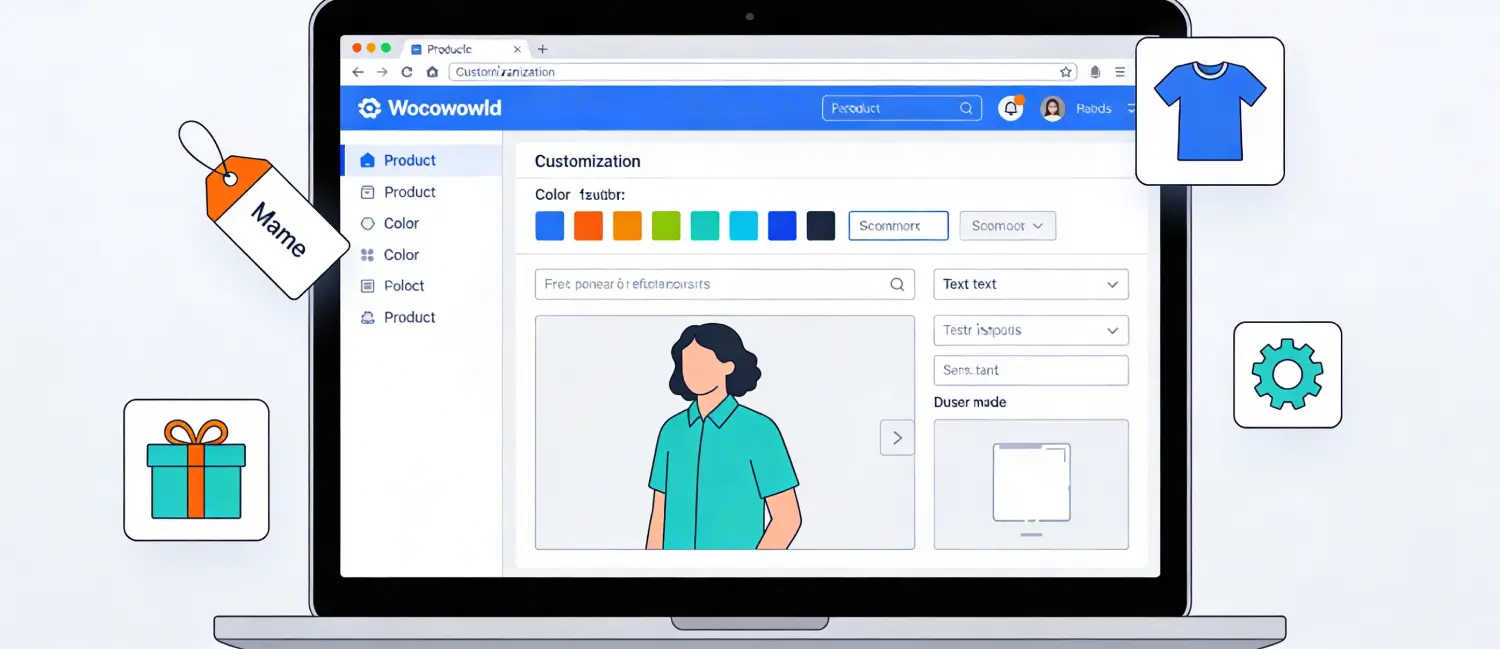
Personalization of the product is no longer an extra feature, but rather a necessity of the current online shopper. To the owners of WooCommerce stores, one of the most effective tools to achieve higher conversion rates, larger average order value, and long-term loyalty is to allow their customers to personalize their purchases.
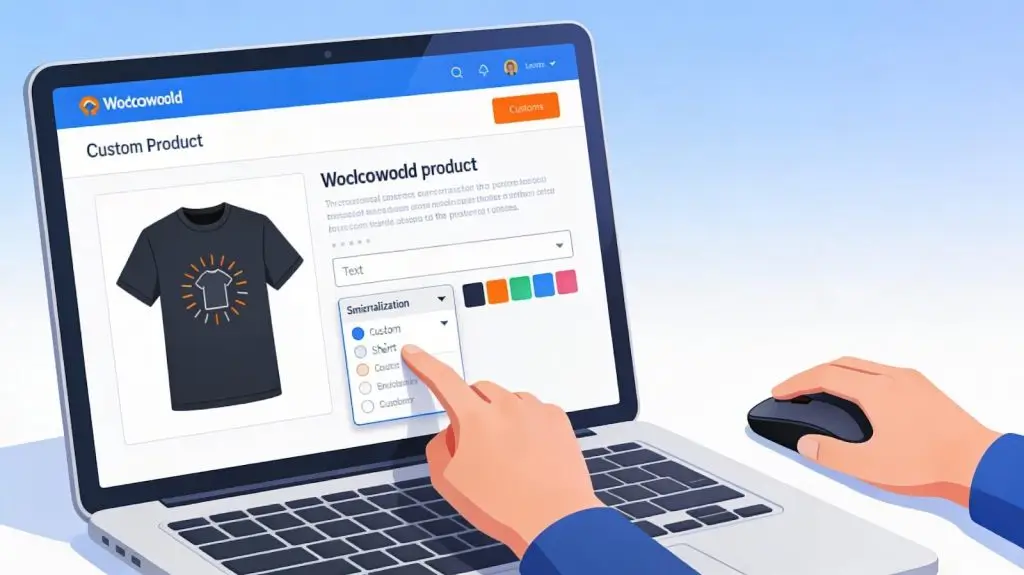
WooCommerce product personalization refers to the ability for customers to tailor a product to their specific preferences directly on the product page, before adding it to the cart. This goes beyond standard product variations (like size and color) to include custom text inputs, file uploads, color pickers, engraving options, personalized messages, and more. When a shopper can engrave a name on a pendant, print a logo on a t-shirt, or choose custom packaging for a gift, the product transforms from generic to genuinely theirs, and that emotional ownership drives purchasing decisions.
By default, WooCommerce only supports simple product variations such as size and color. In order to achieve real personalization and enhance it, store owners turn to custom-made plugins, which introduce custom fields, conditional logic, live previews, and dynamic pricing to the product pages.
The business case for personalization is overwhelmingly strong. Here are the key statistics every WooCommerce merchant should know:
These numbers confirm that personalization is not just a nice-to-have feature, it is one of the highest-return strategies in eCommerce.
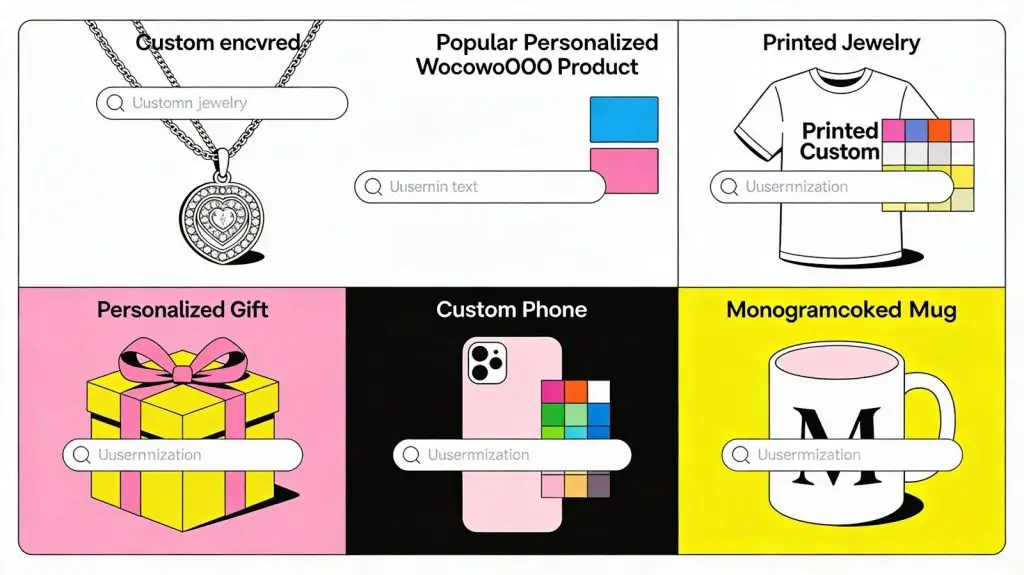
Not all personalization is the same. There are several practical approaches to implement in a WooCommerce store:
It should enable customers to insert names, initials, dates or personal messages on products. This works well with jewelry, gifts, stationery and keepsakes.
Let shoppers upload their own images, logos, or artwork for print-on-demand products like t-shirts, mugs, phone cases, and cushions.
Replace standard dropdown menus with visual color swatches or material selectors that give shoppers an instant visual representation of their choices.
In the case of furniture, home decor or cut-to-order materials, enable buyers to specify precise measurements and get a dynamically priced product.
In food and beverage stores, Ideal, the customer chooses toppings, flavors, fillings, dietary needs or delivery notes.
Offer curated boxes where customers pick individual items, add gift wrapping, or include personalized cards, particularly powerful for subscription boxes and gifting markets.
Choosing the right plugin is crucial. Here’s a comparison of the most popular options available in 2026:
| Plugin | Best For | Key Features | Pricing |
| WooCommerce Product Options & Fields | All store types | 15+ field types, role-based options, conditional logic, dynamic pricing | Premium |
| Flexible Product Fields (WPDesk) | Beginners | 18 field types, free version available, no coding | Free/Pro |
| Advanced Product Fields | Made-to-order stores | Text inputs, file uploads, conditional logic, dropdowns | Premium |
| WP Configurator Pro | Apparel, furniture, gadgets | Live previews, unlimited configurations and conditional logic | Premium |
| Fancy Product Designer | Print-on-demand | Advanced layers, textures, image upload, font customization | Premium |
| YITH Product Add-Ons | Engraving & monogramming | Checkboxes, file uploads, radio buttons, global options | Free/Pro |
| PPOM for WooCommerce | Budget-friendly stores | 19+ input fields, custom pricing, field conditions | Free/Pro |
| Zakeke Product Customizer | High-end & luxury goods | 3D customization, AR preview, interactive experience | Premium |
| Extendons WooCommerce Product Designer | B2C and B2B stores | Text editing, clipart, shape tools, real-time previews, Pixabay integration | Premium |

Before installing any plugin, map out what your products need. Ask: Do customers need to enter text? Upload files? Choose from visual swatches? Understanding your use case helps you pick the most fitting tool.
Select a plugin from the table above based on your budget and feature requirements. Install and activate it through your WordPress dashboard under Plugins → Add New.
Navigate to the plugin settings and create field groups. Assign them globally (applies to all products) or at the individual product level. Use conditional logic to show or hide certain fields based on earlier customer selections, for example, only showing an engraving text field when the customer selects a metal finish.
Many plugins allow you to charge additional fees for specific options, for example, +$5 for gift wrapping or a per-character charge for engraved text. Configure pricing rules to automatically update the product total as customers make their selections.
In case your plug-in allows it, turn on real-time previews to allow customers to view exactly how their customized product will appear before they buy. This considerably lowers turnover and turnaround.
Ensure all custom fields and previews display correctly on mobile, tablet, and desktop. Most modern plugins use responsive designs, but always verify before launching.
Some product types naturally benefit more from personalization than others:
| Product Type | Personalization Examples | Why It Converts |
| Gifts & Keepsakes | Name engraving, custom messages, photo prints | High emotional value; customers pay more for meaningful items |
| Apparel & Accessories | Custom text, logo upload, color or size options | Shoppers express identity and style through personalized clothing |
| Food & Beverage | Custom packaging, dietary selections, flavor choices | Personal touches make products feel premium |
| Home Décor | Custom dimensions, material choices, personalized prints | Buyers want products tailored to their space |
| Stationery & Print | Names, event details, font selection | Personalization makes products functional and unique |
| B2B & Corporate | Logo uploads, bulk input fields, specifications | Businesses require branded, exact-spec products |
Beyond on-page customization, AI-driven personalization analyzes customer behavior and surfaces relevant products automatically. Personalized recommendations increase conversion rates by up to 288%, and stores implementing recommendation engines see sessions with significantly higher average order values. WooCommerce integrations with tools like Klaviyo can automate behavior-based recommendations and cart abandonment flows.
Showing recently viewed products, dynamic homepage banners, and user-specific discounts creates a store experience that feels built for each shopper. Advanced personalization can lift conversions by 20–30% and significantly improve customer retention.
Personalized emails achieve 2.5x higher click-through rates and are six times more likely to drive a conversion. Pairing WooCommerce with an email automation platform like Klaviyo allows you to send product recommendations, personalized offers, and reorder reminders based on individual purchase history.
Show different product options to different customer types, for example, displaying wholesale pricing fields only to registered B2B buyers, or showing premium add-ons to loyalty program members.
WooCommerce product personalization is a proven revenue multiplier. With 80% of consumers preferring stores that offer personalized experiences, and companies excelling at personalization generating up to 40% more revenue, the investment in the right plugins and strategy delivers returns that other optimizations can match. Whether you start simple with a custom text field for a greeting card or build a full 3D product configurator for luxury goods, every step toward personalization moves your store closer to higher conversions, larger orders, and more loyal customers.
The e-commerce personalization software market is on track to grow from $263.2 million to $2.4 billion by 2033. The stores that invest now will be the market leaders of tomorrow.

Hassan Tahir wrote this article, drawing on his experience to clarify WordPress concepts and enhance developer understanding. Through his work, he aims to help both beginners and professionals refine their skills and tackle WordPress projects with greater confidence.





 Lifetime VPS Europe
 Lifetime VPS Asia
 Lifetime WooCommerce Hosting
 Lifetime Hosting
 France Lifetime Dedicated Servers
 Germany Lifetime dedicated servers
 Lifetime Game Dedicated Servers
 Chicago, US
 Tokyo, Japan
 Singapore
 Hong Kong
 Seoul, South Korea
 Amsterdem, Netherlands
 London, UK
 Stockholm, Sweden
 Oslo, Norway
 Vienna, Austria
 Zurich, Switzerland
 Sydney, Australia
 Wordpress Hosting
 VPS Hosting
 DDOS Protection
 Submit Ticket
 Full Management
 Guides
 Videos and Podcasts
 Discover Creative Ideas
 MetaAgentOS High-Ticket Support System
 Voxfor Mega Menu
 Voxfor Advanced Price Management For WooCommerce
 Voxfor Secure Live Chat and AI Support
 Voxfor Multilanguage
 Voxfor AI Content Summary


