Lifetime VPS Europe
 Lifetime VPS Asia
 Lifetime WooCommerce Hosting
 Lifetime Hosting
 Lifetime Game Dedicated Servers
 Chicago, US
 Tokyo, Japan
 Singapore
 Hong Kong
 Seoul, South Korea
 Amsterdem, Netherlands
 London, UK
 Stockholm, Sweden
 Oslo, Norway
 Vienna, Austria
 Zurich, Switzerland
 Sydney, Australia
 Wordpress Hosting
 VPS Hosting
 DDOS Protection
 Submit Ticket
 Full Management
 Guides
 Videos and Podcasts
 Discover Creative Ideas
 Cybersecurity Services
 Voxfor Mega Menu
 Voxfor Advanced Price Management For WooCommerce
 Voxfor Secure Live Chat and AI Support
 Voxfor Multilanguage
 Voxfor AI Content Summary
 Voxfor Autopilot
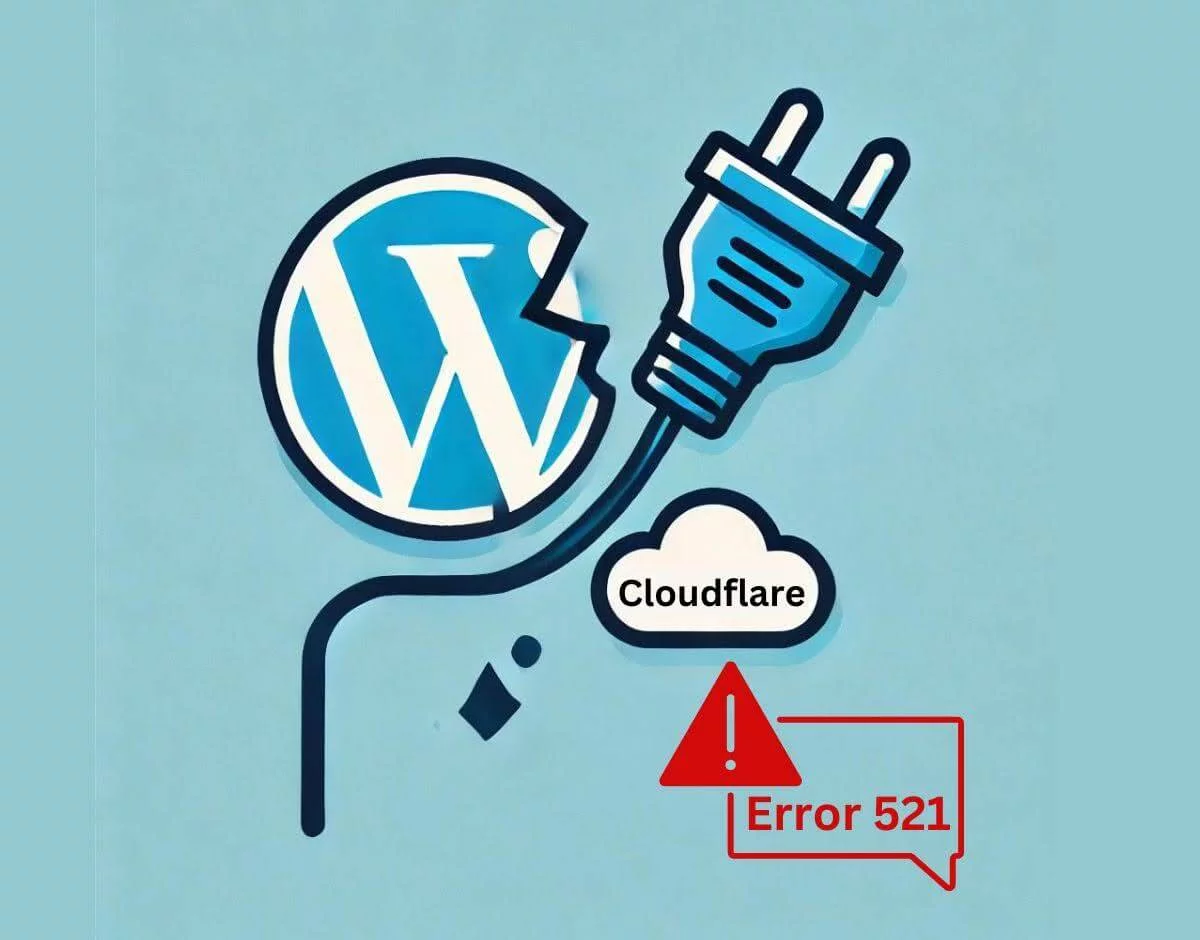
If you manage a WordPress website using Cloudflare, you might have seen Error 521. Checking error logs can help diagnose the issue. This error can be extremely frustrating, disrupting your website’s performance and leaving visitors staring at a blank screen. Check the error code to diagnose the issue. Website owners and developers need to resolve error messages quickly to maintain an uninterrupted online presence.
The Cloudflare Error 521 Usually indicates an issue with the connection between your website host and the reverse proxy web server, which could lead to error code 521 in WordPress. There are several reasons why this may occur, from server overload to hosting issues. To ensure that your website remains accessible and performs optimally, you must understand and resolve this error as soon as possible.
What Does Cloudflare Error 521 Mean?
Companion discussion topic: If the server hosting your website refuses to connect to Cloudflare, you will receive Cloudflare Error 521. Visitors cannot access your site due to this connection refusal, adversely affecting your website’s performance and user experience.
In most cases, Error 521 indicates a server-side issue, indicating the problem lies with your hosting provider. With a suitable plugin, you can easily manage your WordPress site, even if the IP is from Cloudflare. A WordPress hosting plan has reliable performance and simple management.
Causes of Cloudflare Error 521
The first thing is to understand the common causes of Cloudflare Error 521 and what things to do so that you can troubleshoot and fix it. Here are the primary reasons why this error might occur, including blocking Cloudflare IPs:
- Server Overloading:
If your server is overwhelmed with traffic or resource demands, it may refuse connections from Cloudflare, leading to Error 521. Check the error code for further details to determine if it’s error code 521 or another issue. If necessary, monitoring your server load and upgrading your hosting plan can help mitigate this issue.
- Too Many Requests:
Requests at high volume can overwhelm your hosting provider’s server resources, resulting in the server returning a ‘connection refused’ response to Cloudflare. The most important thing is to ensure that your hosting provider can handle the traffic volume since this error may happen.
- Server Caching Issues:
Problems with server caching can also cause error 521, and consulting the error logs can help you find out more. Clearing your server’s cache, therefore, helps ensure resource requests from Cloudflare are processed correctly and avoid connection issues.
5 Effective Methods to Fix Cloudflare Error 521
While sometimes Cloudflare Error 521 can indicate more significant issues afoot, there are still some simple things you can try if you’re getting Cloudflare Error 521, and that’s more worrying. Now, let’s discover five realistic ways to make your website work again smoothly.
Method 1 | Check If Your Server Is Down

Check if Your server is operational and running smoothly. Cloudflare error 521 usually indicates that Cloudflare cannot connect to your server. Here’s how to check if the server is down:
- Hosting account: Access your hosting provider’s dashboard to check the server status.

- Ping your server: On Windows, use the command line, Mac—Terminal; the command is ping your server. Enter the command to verify whether your Origin web server is running properly and whether there may be some DNS issues. Ping [your server IP Address]. A lack of response means that the server didn’t respond, which can lead to an error.

- Use online tools to diagnose the error code: Websites like DownDetector can help determine if your server is down. Please enter your website URL to check its status.

If your server is down, contact your hosting provider for immediate assistance. They can help identify and resolve the underlying issues causing the downtime.
Method 2 | Disable Your VPN Connection
Sometimes, VPN connections can interfere with Cloudflare’s ability to connect to your server. To troubleshoot:

- Temporarily disable your VPN: Follow your VPN provider’s instructions to disable the VPN on your device.
- Check firewall settings: Make sure that your firewall is not blocking Cloudflare’s requests. If necessary, adjust your firewall rules to allow traffic from Cloudflare.

After disabling your VPN, see if you can reaccess your website and if blocking Cloudflare is causing the problem. Typically, if the error message disappears, the VPN is the cause of the problem. The methods mentioned above will help you prevent server overload and connection problems – by implementing the best available robust security measures, such as DDoS Protection Services.
Method 3 | Clear Server Cache
Clearing your server cache can resolve many connectivity issues, including Cloudflare Error 521. Here’s how to do it:
- Log in to your website’s backend: Access your WordPress dashboard or hosting control panel to check for any issues with your Origin server.
- Clear server cache: Locate the cache management settings and clear the server cache. This approach ensures that Cloudflare receives fresh resource requests from the Origin web server.

- Refresh your website: After clearing the cache, Refresh your website to check if the error still occurs. If the error continues, consult the Cloudflare Community for further assistance on ways to fix error 521.

It might be worth exploring reliable and scalable Cloud Hosting Services if you’re encountering this error frequently.
For more details, check out How to Prevent Brute Force Attacks in WordPress.
Method 4 | Check Your SSL Certificate
An invalid or misconfigured SSL certificate can also cause Error 521. Follow these steps to verify your SSL certificate and check it’s not causing error code 521:
- Verify SSL installation, including a Cloudflare Origin certificate: Ensure your SSL certificate is correctly installed on your Origin web server. Online tools like SSL Checker can be used to verify the installation and diagnose issues like error code 521.

- Check HTTPS settings and error logs: Make sure your website’s HTTPS settings are correctly configured. Incorrect settings can prevent Cloudflare from connecting to your Origin web server, causing error code 521 in WordPress.

- Disable HTTPS redirect to troubleshoot connection issues between Cloudflare and your Origin server: Temporarily disable the HTTPS redirect feature in your website’s settings. If the error disappears, the redirect might have been causing the issue.

You must ensure your SSL certificates are configured correctly to avoid connection errors. If you see How to Fix SSL Handshake Failed Error Code 525, follow it to fix this error.
Method 5 |Upgrade Your Hosting Plan
High traffic volumes and inadequate server resources can trigger Cloudflare Error 521. If your website receives significant traffic, consider upgrading your hosting plan:

- Dedicated server: It provides you with unique and essential resources for your website, and it almost performs at its best, even in high traffic times.
- Virtual Private Server (VPS): Offers dedicated resources within a shared environment, balancing performance and cost.
- Cloud server: Verify that the Cloudflare IP is correctly configured to prevent error code 521. Scalable resources that adjust based on your website’s needs, providing flexibility and reliability.
Upgrading your hosting plan can enhance your website’s performance and prevent future occurrences of Error 521.
Preventive Measures to Avoid Cloudflare Error 521
Maintaining a seamless user experience on your WordPress website depends on not only preventing Cloudflare Error 521 but also blocking Cloudflare requests. Find the best hosting plan to manage traffic and run your website reliably. Moving to a Windows VPS Server with better resource management would be best. By implementing the following preventive measures, you can significantly decrease this error, and your website continues to be available and efficient.
Regular Server Maintenance
Regular server maintenance is essential for the smooth operation of your website; it is recommended to review the error logs periodically. Keeping your server in good condition helps reduce many issues that would have caused Cloudflare Error 521.
- Perform Routine Server Updates:
Make sure to keep your server’s software and operating system up to date; because of this, you are now getting the latest additions related to security patches and performance improvements. Keep your WordPress installation and plugins updated to ensure that your WordPress installation and plugins don’t cause any compatibility issues affecting your server’s performance.
- Monitor Server Health:
Server monitoring tools can help you monitor your server’s health and performance metrics, such as CPU, memory usage, and disk space. You can set alerts whenever strange server activity or performance deteriorates and take immediate action before problems escalate.
- Schedule Regular Backups:
Back up your site’s data and configs regularly so that you can restore your site quickly if any server issues or the like happen. Keep backups in a secure, far-distant location to get backups if you lose data.
Optimizing Website Performance

Providing a better user experience on an optimal website also reduces the load on your server, reducing the chance of Cloudflare Errors. Cloudflare IP ranges management will prevent Cloudflare Error 521 and help you optimize websites in Cloudflare.
- Implement Caching Solutions:
Utilize caching plugins such as W3 Total Cache or WP Super Cache to create static versions of your pages for your server to load, reducing your server strain and making your load times faster. Ensure returning visitors don’t need to download your site from the Origin web server but rather load cached versions from the Cache webserver.

- Optimize Images and Media:
Compress images using tools like TinyPNG or ShortPixel to reduce their file size without compromising quality and ensure that your Origin web server handles fewer data requests. Reduce your initial page load times with lazy loading offscreen images and videos until users reach them by using lazy loading.

- Minimize HTTP Requests:
CSS and JS combine and minify (reduces the number of HTTP requests) and help speed up page load time. Remove any unnecessary plugins and scripts that may be acting as bloated and affect website performance — such as removing them may fix error 521.

If your site has many visitors, switch to a server with a more powerful hosting solution and the ability to take on higher loads.
Choosing the Right Hosting Plan

Choosing the proper plan for your website’s traffic and efficient performance is critical.
- Assess Your Hosting Needs:
It will help evaluate your website’s current and future traffic patterns and resource needs to choose a hosting plan that can adapt to present and future demands. When selecting the host plan, you must address bandwidth, storage, and the server resources needed.
- Opt for Scalable Solutions:
Look for hosting plans that offer scalability, meaning you can upgrade the resources without a headache as your website grows. Consider cloud hosting solutions, which provide flexible resource allocation and high availability.
- Prioritize Reliable Hosting Providers:
Research and select hosting providers known for their reliability, performance, and customer support, especially ones experienced in handling content delivery networks. Find yourself hosting providers with automatic backups, DDoS protection, blocking Cloudflare IP ranges, and 24/7 technical support.
Final Words
Cloudflare is not always to blame for Error 521, but it’s a frustrating thing to deal with. The good news is that you can have a minor issue with a bit of knowledge and the right approach. Knowing why the error happens and what solutions are effective, such as adjusting Cloudflare IP ranges, will help you quickly solve the error and keep your WordPress website available.
In addition, prevention methods, including regular server maintenance, a well-optimized website, choosing the right hosting package, and excellent security practices, can drastically decrease the error rate in the future.
Maintaining an interruption-free website is critical for providing a seamless user experience and ensuring your business runs smoothly. Fix errors promptly to avoid disruptions. Following the configuration steps described in this blog will allow you to keep your website running and provide visitors with a reliable and secure browsing experience.