Lifetime VPS Europe
 Lifetime VPS Asia
 Lifetime WooCommerce Hosting
 Lifetime Hosting
 Lifetime Game Dedicated Servers
 Chicago, US
 Tokyo, Japan
 Singapore
 Hong Kong
 Seoul, South Korea
 Amsterdem, Netherlands
 London, UK
 Stockholm, Sweden
 Oslo, Norway
 Vienna, Austria
 Zurich, Switzerland
 Sydney, Australia
 Wordpress Hosting
 VPS Hosting
 DDOS Protection
 Submit Ticket
 Full Management
 Guides
 Videos and Podcasts
 Discover Creative Ideas
 Voxfor Autonomous AI Workers
 Voxfor Mega Menu
 Voxfor Advanced Price Management For WooCommerce
 Voxfor Secure Live Chat and AI Support
 Voxfor Multilanguage
 Voxfor AI Content Summary
 Voxfor Autopilot
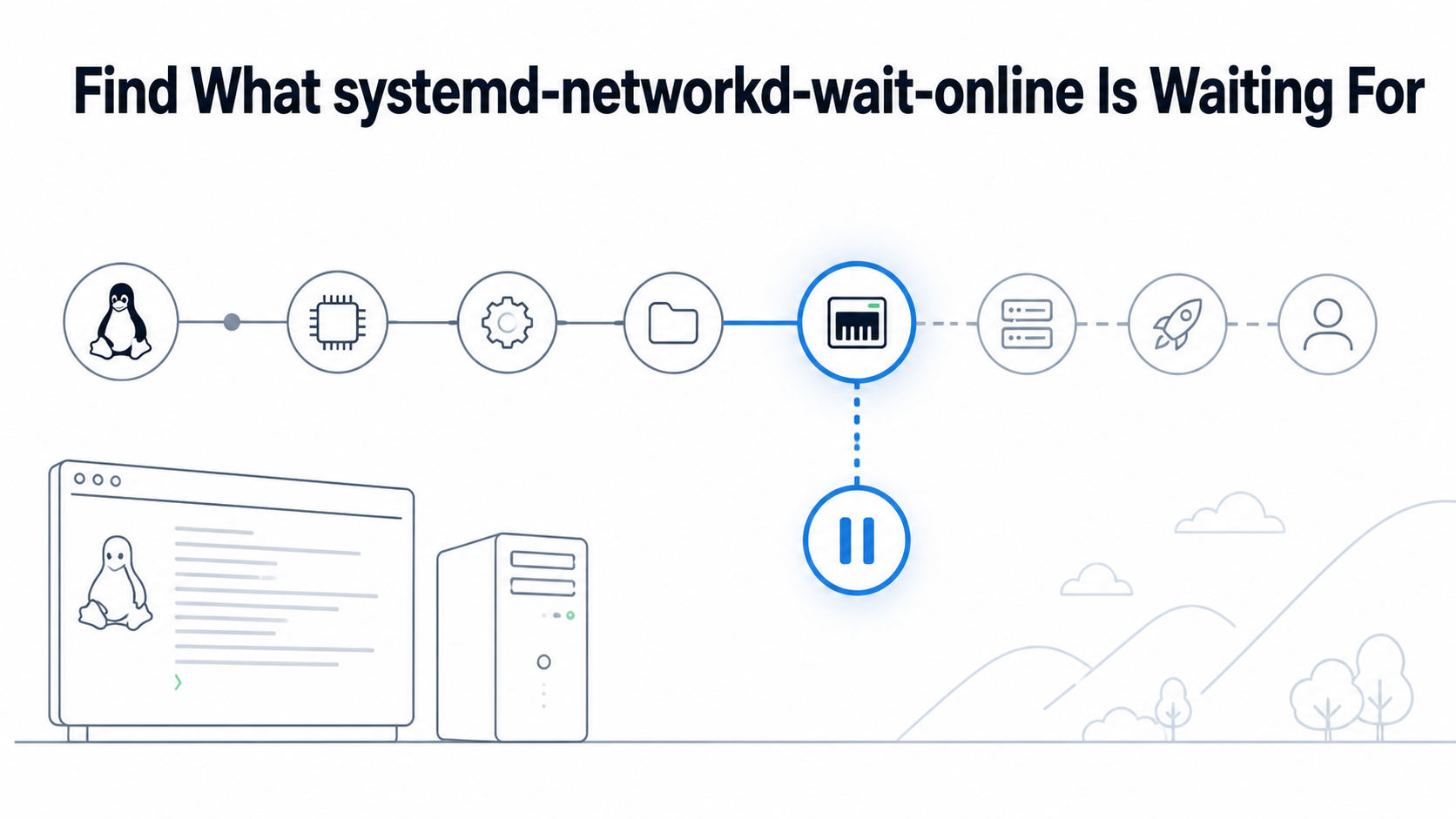
Two clocks make this boot incident confusing. A primary NIC can obtain an address within seconds, yet systemd-networkd-wait-online.service can remain active until its 120-second timeout. One interface may already work while another managed link remains configuring, or the qualifying link may not have reached the required operational state or address family.
Do not begin by masking the service. First identify the network manager, the unit invocation actually loaded, every link included in that invocation, and the service that asked for network-online.target. The safe result is not merely a faster reboot. It is a narrower readiness contract that still starts each real network consumer with the route, address family, and name resolution it needs.
Two clocks explain the apparent contradiction
Capture elapsed time and ordering from the affected boot. systemd-analyze blame ranks unit activation time, but parallel startup means a long unit is not automatically on the critical path. Pair it with the chain and unit result:
systemd-analyze time
systemd-analyze blame | head -n 25
systemd-analyze critical-chain network-online.target
systemctl show systemd-networkd-wait-online.service
  -p ActiveState -p SubState -p Result -p ExecMainStatus
journalctl -b -u systemd-networkd-wait-online.service --no-pager
Current upstream systemd wait-online documentation defines a default timeout of 120 seconds. With no options, the service waits for all links known and managed by systemd-networkd to become configured or failed, plus at least one link whose operational state is at least degraded. A timeout identifies an unsatisfied contract, not the specific interface.
If the service completed quickly, follow the real longest chain instead. A slow DHCP transaction, cloud metadata request, mount, database recovery, or application readiness check can overlap with boot without being owned by wait-online. Likewise, cloud-init completion versus VPS readiness is a separate contract; cloud-init status --wait does not prove every later service has usable network dependencies.
Who defines “online” on this server?
systemd-networkd-wait-online is meaningful only when systemd-networkd owns relevant links. Systems rendered by NetworkManager use NetworkManager-wait-online.service instead. Netplan is a generator, not the runtime manager: its YAML may produce files under /run/systemd/network/ for the networkd backend.
Record all three layers—the renderer, loaded wait unit, and consumer—before editing anything:
systemctl is-active systemd-networkd NetworkManager
systemctl cat systemd-networkd-wait-online.service
systemctl show systemd-networkd-wait-online.service -p ExecStart
systemctl list-dependencies --reverse network-online.target
systemctl list-dependencies --after network-online.target
networkctl list
The authoritative systemd network-online guidance explains that network management software defines what “online” means. network.target only indicates that the network management stack has started; network-online.target actively delays consumers that declare a stronger startup need. Software designed to handle dynamic connectivity should normally react to changes instead of assuming the network remains continuously available.
Reverse dependencies answer the policy question: which unit benefits from delaying boot? A remote mount, legacy daemon, backup job, or one-shot registration client may genuinely require a route before it starts. A resilient web service that binds locally and reconnects later may not. If repeated dependency failure has already caused systemd to refuse restarts, diagnose start-limit-hit from the original application failure rather than treating the restart guard as a second network problem.
Responsibility also changes the correct action. When an agreement assigns OS and network troubleshooting to a provider, collect the link evidence below and hand off the named failure; provider-managed IP and connectivity diagnostics belong at that operational boundary. Self-managed operators should keep console or hypervisor access available before changing remote networking.
FAQ: Answers before touching the wait policy
What does systemd-networkd-wait-online wait for by default?
It waits for every link known and managed by systemd-networkd to become configured or failed, plus at least one link to reach an operational state of at least degraded. The default service invokes the program without interface filters and normally times out after 120 seconds.
Why does it wait when the server already has an IP address?
Another managed link can still be in configuring, or the link with an address may not satisfy the required operational state or address family. One successful ping therefore does not prove that the complete wait contract is true.
Is it safe to mask systemd-networkd-wait-online.service?
Only after proving that no boot consumer requires network-online.target. Masking removes the readiness provider but does not fix the underlying link, DHCP, route, or DNS condition; dependent units may simply fail later.
Should an unused Netplan interface use optional: true?
Yes, when that device is genuinely unnecessary for boot and Netplan uses the networkd renderer. Generate and inspect the resulting configuration, keep console access, then prove the required interface and dependent services still work after reboot.
What proves the boot-delay repair is complete?
A reboot must show a shorter relevant critical chain, all required links reaching their intended states, expected IPv4/IPv6 routes and DNS, successful startup of each real network consumer, and no delayed failure after the acceptance window.
Build a link-state worksheet from the failed boot
networkctl exposes setup state, operational state, addresses, routes, and the .network file matched to each link. Collect its output before a restart or netplan apply erases the failed transition:
networkctl list --no-pager
networkctl status --all --no-pager
networkctl status ens3 --no-pager
networkctl cat @ens3
ip -brief link
ip -brief address
ip -4 route show table all
ip -6 route show table all
journalctl -b -u systemd-networkd --no-pager
Replace ens3 with every candidate link, including unplugged physical ports, bridges, bonds, VLANs, tunnel devices, and virtual Ethernet pairs. The loaded match matters more than a filename you expected networkd to use. Current upstream systemd.network documentation states that network files are processed in lexical order and the first matching file is applied; later matches are ignored.
networkctl cat @ens3 requires systemd 254 or newer. On an older release, read the Network File: path reported by networkctl status ens3, then inspect that file and any same-name .d/*.conf drop-ins from /etc/systemd/network, /run/systemd/network, and /usr/lib/systemd/network in precedence order.
Separate setup state from operational state
Setup state answers whether networkd finished applying configuration: configuring, configured, or failed are materially different. Operational state describes link usability from off and no-carrier through carrier, degraded, and routable. Default wait-online behavior needs all managed links to finish configuring or fail, then at least one qualifying online link.
degraded does not necessarily mean an internet route. A link-local address can satisfy a lower operational threshold, while routable indicates a routable address exists. Neither state proves that DNS works or that one remote endpoint accepts traffic. When the later consumer fails on resolution, keep DNS evidence separate; DNSSEC SERVFAIL chain diagnosis is useful only after basic route and resolver reachability are established.
Identify why a required link never finishes
Common blockers include an unused NIC waiting for carrier, DHCP that never receives a lease, IPv6 Router Advertisement expectations on a network without RA, a bridge whose member/parent relationship is incomplete, and a generated .network file that matches more links than intended. networkctl status plus boot journal lines should name the transition rather than leaving you to infer it from ping.
Preserve mixed-interface intent. On a dual-uplink server, --any can be truthful when either path independently satisfies every boot consumer. It is unsafe when the links satisfy different partial dependencies—for example, when a private storage route must exist even though public networking came online first. Similarly, ignoring a bridge member may be correct because the bridge carries Layer 3, but ignoring the bridge itself can start consumers without any host address.
Wait contracts are not interchangeable
Change the network definition when link role is wrong; change the unit invocation when the system-wide waiting policy is wrong; change the consumer when it does not truly need boot-time online ordering. These are different repairs.
| Evidence | Smallest candidate change | Do not use it when |
|---|---|---|
| Unplugged or spare link is genuinely optional | RequiredForOnline=no or Netplan optional: true |
Link is a failover path required by a boot consumer |
| Only one named interface supplies every startup dependency | Interface-specific wait unit or --interface= |
Another required route can appear on a different link |
| Either of several complete uplinks is sufficient | --any with named interfaces and needed family/state |
Links satisfy different partial dependencies |
| Consumer can bind locally and retry dynamically | Remove its Wants=/After=network-online.target requirement |
Startup performs irreversible remote work without retry |
Required link needs IPv4, IPv6, or routable specifically |
Set matching family/operational-state contract | Link-local or either-family connectivity is sufficient |
Mark optional links at the configuration owner
For direct networkd configuration, a drop-in can exclude a genuinely optional link from online decisions without disabling its normal configuration:
# /etc/systemd/network/20-spare-uplink.network.d/online.conf
[Link]
RequiredForOnline=no
Use the section and setting supported by the systemd version installed on the server, then confirm the merged result with networkctl cat @INTERFACE. Do not edit generated files under /run/systemd/network/; the next Netplan generation or reboot will replace them.
Netplan’s current YAML reference defines optional: true for networkd-rendered devices that are not required for boot:
network:
  version: 2
  renderer: networkd
  ethernets:
    ens3:
      dhcp4: true
    ens4:
      dhcp4: true
      optional: true
Apply optional only to the device whose absence is acceptable. In a bridge or bond design, update the logical ownership described by Netplan rather than blindly marking every physical member optional. Run netplan generate first; on a remote server, prefer netplan try with console access because a syntax-valid file can still remove the route carrying your SSH session.
Narrow wait-online only when policy is truly global
An interface-specific instance such as [email protected] waits for one named interface. Adding that instance does not narrow boot when unfiltered systemd-networkd-wait-online.service is still pulled into network-online.target; both jobs can run, and the generic one can still consume the full timeout. Before switching providers, inspect target dependencies and wants symlinks, then ensure the target pulls the intended interface instance without retaining a competing generic wait path. Preserve one truthful readiness provider for consumers that still require the target.
--any exits when at least one considered interface is online. --operational-state=routable, --ipv4, and --ipv6 strengthen other dimensions. Support varies by installed systemd release, so check the installed command’s --help and local man page before creating an override.
Avoid a broad ExecStart= override when a .network or Netplan property can express link ownership. Overrides become local policy that future administrators may not see in the source network configuration. If an override is necessary, save systemctl cat output, clear the inherited ExecStart= correctly, specify exact interfaces/states, and verify the loaded command after daemon-reload.
Masking wait-online removes the readiness provider entirely. That can be a valid architecture decision only when no consumer needs it. It does not repair DHCP, carrier, bridge, route, or DNS failures, and it can move the delay into a remote mount or application retry storm.
Validate the configuration type you actually changed
Preserve the old file, keep provider console or hypervisor access, and avoid treating a second SSH session as recovery. SSH hardening is useful only while a route exists; combine VPS first-login and firewall setup with an out-of-band return path before editing network ownership.
- Netplan YAML: run
netplan generateto parse and generate backend configuration. On a remote host, usenetplan trywith console access so an unconfirmed change can roll back.netplan applyactivates the generated configuration but is not a substitute for the later reboot test. - Direct
.networkfiles: systemd does not provide one universal offline validator for every supported release. Inspect the matched file and drop-ins, then consult the installednetworkctl(1)manual before reloading. On releases that supportnetworkctl reload, a new, changed, or removed.networkfile can automatically reconfigure every matching interface, so treat reload—and any laternetworkctl reconfigure INTERFACE—as capable of disrupting the active route and keep both behind console access. - systemd unit drop-ins: run
systemctl daemon-reload, inspectsystemctl cat, and usesystemd-analyze verify systemd-networkd-wait-online.service. This verifies unit structure, not.networkor Netplan semantics. Rechecknetwork-online.targetdependencies so a generic and interface-specific wait are not both active unintentionally.
The following sequence keeps those validation scopes visible rather than presenting one command as proof of every layer:
# Netplan source changes
netplan generate
netplan try

# Unit-drop-in changes only
systemctl daemon-reload
systemd-analyze verify systemd-networkd-wait-online.service
systemctl cat systemd-networkd-wait-online.service

# Dependency and loaded-state review
systemctl list-dependencies network-online.target
systemctl list-dependencies --reverse network-online.target
networkctl list --no-pager
Three proofs replace the faster-boot metric
First, prove the link contract: every required interface reaches its intended setup and operational state, while optional links no longer delay the target. Record the loaded wait command and configuration diff so the reason remains visible after the incident.
Second, prove the network contract after a controlled reboot: expected IPv4 and IPv6 addresses exist, the required route resolves to the correct egress, DNS answers through the intended resolver, and any private path used by storage or management is present.
Third, prove the consumer contract: every reverse-dependent unit starts successfully and its real application-level probe passes. Compare the same evidence after another normal boot when DHCP, carrier, or Router Advertisement timing varies.
Boot duration is now a supporting measurement, not the verdict. A sound repair ensures that wait-online represents the links and states real startup consumers need, optional paths stop imposing a false global barrier, and the application remains reachable after the acceptance window.