Lifetime VPS Europe
 Lifetime VPS Asia
 Lifetime WooCommerce Hosting
 Lifetime Hosting
 Lifetime Game Dedicated Servers
 Chicago, US
 Tokyo, Japan
 Singapore
 Hong Kong
 Seoul, South Korea
 Amsterdem, Netherlands
 London, UK
 Stockholm, Sweden
 Oslo, Norway
 Vienna, Austria
 Zurich, Switzerland
 Sydney, Australia
 Wordpress Hosting
 VPS Hosting
 DDOS Protection
 Submit Ticket
 Full Management
 Guides
 Videos and Podcasts
 Discover Creative Ideas
 Voxfor Autonomous AI Workers
 Voxfor Mega Menu
 Voxfor Advanced Price Management For WooCommerce
 Voxfor Secure Live Chat and AI Support
 Voxfor Multilanguage
 Voxfor AI Content Summary
 Voxfor Autopilot
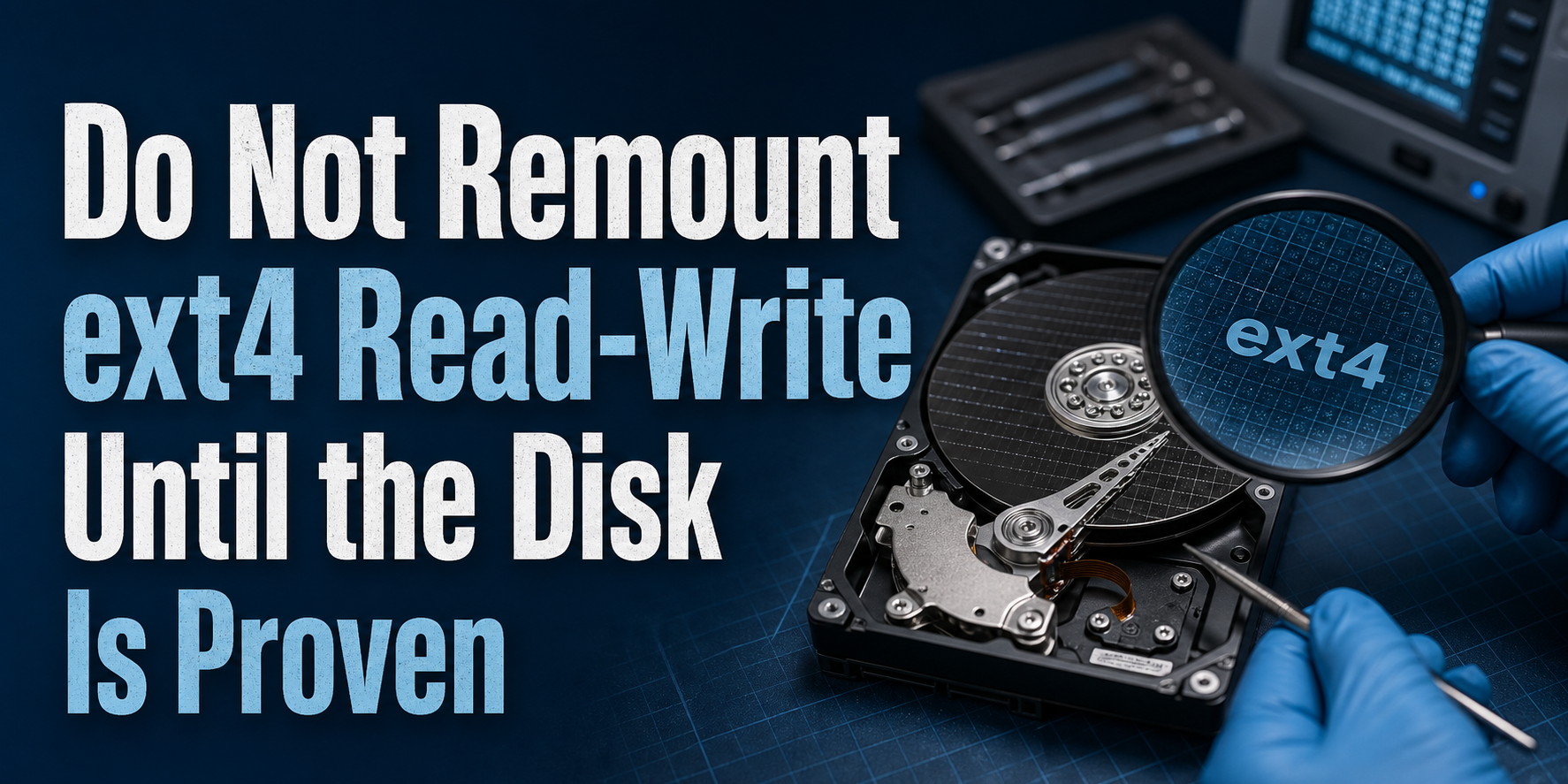
An ext4 filesystem that suddenly becomes read-only is usually protecting data after the kernel detected a filesystem or storage error. Do not answer Read-only file system with an immediate mount -o remount,rw. Preserve the first kernel receipt, identify the real mount and block device, and move repair into an offline maintenance window.
Permissions are not the first suspect when an application can still read files but every writer receives EROFS. The Linux kernel’s ext4 administration documentation defines errors=remount-ro as a policy that remounts the filesystem read-only after an error. Restoring writes without understanding that error removes the containment while the cause may still be active.
Freeze the incident before chasing permissions
When service control still works, stop application writers cleanly, but do not restart the host merely to make the symptom disappear. A reboot can rotate logs, replay a journal and change device names or timing. Record UTC time, affected path, first failed operation and current boot ID before changing mount state.
The failing path matters more than a guess that / owns it. Containers, bind mounts, NFS volumes and separate data filesystems can make an application error look host-wide when only one mount is affected.
date -u
cat /proc/sys/kernel/random/boot_id
findmnt --target /var/lib/example -o TARGET,SOURCE,FSTYPE,OPTIONS
In every example, replace /var/lib/example with the actual failing path. If findmnt shows ro in OPTIONS, the kernel or configuration has made that mount read-only. If it still shows rw, inspect container mount flags, a bind mount or application-specific sandbox before blaming ext4.
One error string can hide three different incidents
A deliberately read-only image, snapshot or bind mount is a configuration boundary. Its kernel log may be quiet, and the correct action is to fix the deployment contract rather than repair a filesystem.
Protective ext4 containment has a different signature: the mount changed from writable to read-only after metadata, journal or block I/O evidence appeared. The goal is to find the first causal line, not the later flood of failed application writes.
Remote or stacked storage creates a third case. NFS can fail because export identity changed; stale NFS handle recovery belongs to the server/export boundary, not e2fsck on a client. LVM, md RAID and virtual disks can also surface a lower-layer fault through ext4.
Capacity errors need their own branch. No space left on device is ENOSPC, not EROFS; safe Docker BuildKit cache cleanup is useful when reclaimable cache owns disk pressure, but cleanup cannot repair an ext4 error state.
Read the kernel story before changing mount state
Evidence first: capture the current boot’s kernel messages to durable incident storage outside the affected filesystem when possible. On a root filesystem that is already read-only, copy the output through the provider console, remote logging or another mounted volume.
journalctl -k -b --no-pager | grep -Ei 'EXT4-fs|I/O error|Buffer I/O|blk_update_request|nvme|scsi|device-mapper|md'
dmesg -T | grep -Ei 'EXT4-fs|I/O error|Buffer I/O|blk_update_request|nvme|scsi|device-mapper|md'
Sequence matters. An EXT4-fs error followed by “Remounting filesystem read-only” establishes filesystem containment. Earlier I/O error, NVMe reset, SCSI timeout, device-mapper or md messages move ownership down the stack. Repeated application errors after the remount are consequences, not independent causes.
Over-filtering can hide the first block-layer line. Save the complete kernel log when the incident is consequential, then quote the smallest timestamped chain in the ticket. A clean-looking SMART summary never overrides a kernel I/O error.
Walk from the path to the storage owner
Filesystem repair acts on a block device, not a directory. Resolve the path, mount, filesystem type and parent devices before planning downtime.
findmnt --target /var/lib/example -o TARGET,SOURCE,FSTYPE,OPTIONS,UUID
lsblk -o NAME,KNAME,TYPE,FSTYPE,SIZE,RO,MOUNTPOINTS,PKNAME
SOURCE may be a partition such as /dev/vda2, an LVM logical volume, an md device or a network source. Do not copy a device name from another server or an old ticket. UUID and topology are safer evidence because rescue environments can enumerate disks differently.
When device-mapper points to a thin pool, inspect its data and metadata status before treating ext4 as the only owner. LVM thin-pool recovery covers the separate allocation boundary. If lsblk reveals md membership or kernel logs report a degraded array, preserve redundancy evidence and follow md RAID recovery under a latency budget rather than forcing writes through a failing member.
Physical health visibility depends on the platform. A dedicated host may expose ATA, SCSI or NVMe SMART data through smartctl; many VPS guests see only a virtual block device. The smartmontools project supports those physical protocols, but unavailable SMART in a guest means the provider must inspect the backing storage. It is not proof that the disk is healthy.
sudo smartctl -x /dev/nvme0
sudo smartctl -x /dev/sda
Run only the command that matches a visible supported physical device. Do not install packages or stress a suspect disk merely to obtain telemetry during an active failure. On virtual storage, attach the kernel timestamps, guest device identifier, VPS ID and reproduction window to the provider ticket.
The repair window is offline
The e2fsck(8) manual states that running e2fsck on a mounted filesystem is generally unsafe; even a read-only -n result is not valid when the filesystem remains mounted. Use provider rescue mode, recovery media or another host, and confirm the target is unmounted before checking it. Root filesystems normally require a rescue boot.
First preserve an approved backup or snapshot and understand what it captures. A crash-consistent block snapshot can provide rollback material, but it can also preserve existing corruption. Confirm that business data has a separate recoverable copy before authorizing metadata repair.
(
target=/dev/mapper/vg0-data
target_id=$(lsblk -dnro MAJ:MIN "$target" 2>/dev/null) || {
  printf 'Stop: cannot identify %s as a block device.\n' "$target" >&2
  exit 1
}
[ -n "$target_id" ] || exit 1

mounted_ids=$(findmnt --kernel -rn -o MAJ:MIN 2>/dev/null) || {
  printf 'Stop: cannot read the kernel mount table.\n' >&2
  exit 1
}
[ -n "$mounted_ids" ] || exit 1

for mounted_id in $mounted_ids; do
  if [ "$mounted_id" = "$target_id" ]; then
    printf 'Stop: %s is still mounted.\n' "$target" >&2
    exit 1
  fi
done
sudo e2fsck -f -n "$target"
)
The guard resolves the target’s major:minor identity and reads the complete kernel mount table. It refuses to continue when either inventory fails, returns empty, or contains the target device. Replace the example logical volume with the device resolved earlier. -n previews questions without writing; review its result, block evidence and backup status before repair.
Once the maintenance owner approves, run an interactive repair so consequential questions remain visible. Avoid copying -y from generic tutorials because automatic acceptance can hide the scale and nature of changes.
(
target=/dev/mapper/vg0-data
target_id=$(lsblk -dnro MAJ:MIN "$target" 2>/dev/null) || {
  printf 'Stop: cannot identify %s as a block device.\n' "$target" >&2
  exit 1
}
[ -n "$target_id" ] || exit 1

mounted_ids=$(findmnt --kernel -rn -o MAJ:MIN 2>/dev/null) || {
  printf 'Stop: cannot read the kernel mount table.\n' >&2
  exit 1
}
[ -n "$mounted_ids" ] || exit 1

for mounted_id in $mounted_ids; do
  if [ "$mounted_id" = "$target_id" ]; then
    printf 'Stop: %s is still mounted.\n' "$target" >&2
    exit 1
  fi
done
sudo e2fsck -f "$target"
status=$?
printf 'e2fsck_exit=%s\n' "$status"
exit "$status"
)
Interpret the exit status using the installed e2fsck manual. A clean or corrected filesystem does not clear an underlying device fault. If I/O errors continue during the check, stop and escalate the block layer instead of retrying until the command happens to finish.
Filesystem type is a hard boundary. The xfs_repair(8) manual documents a separate XFS tool and likewise requires the filesystem to be unmounted for normal repair. Never run e2fsck on XFS, Btrfs or another filesystem because a familiar command name does not make the on-disk format compatible.
When is read-write safe again?
Start conservatively. After a successful offline repair, mount the filesystem read-only in rescue mode, inspect critical directories and confirm the expected UUID and data before the normal boot or writable mount.
sudo mkdir -p /mnt/ext4-inspect
sudo mount -o ro /dev/mapper/vg0-data /mnt/ext4-inspect
findmnt --mountpoint /mnt/ext4-inspect -o TARGET,SOURCE,FSTYPE,OPTIONS,UUID
sudo umount /mnt/ext4-inspect
Read-write authorization needs all of the following: the correct device was repaired; backup/rollback exists; e2fsck completed without unresolved errors; the block layer has no active fault; critical files are readable; and a named owner is watching the next write window. Boot or mount normally only after those conditions pass.
During acceptance, replay one representative write, call sync, verify application behavior and watch fresh kernel messages. Stop immediately if ext4, device-mapper, md, NVMe, SCSI or I/O errors return. Recurring read-only remounts after a clean check are a storage incident, not permission drift.
findmnt --target /srv/example-health -o TARGET,SOURCE,FSTYPE,OPTIONS
sudo sh -c 'set -e; probe=$(mktemp --tmpdir=/srv/example-health .voxfor-write-probe.XXXXXX); trap "rm -f \"$probe\"" EXIT; printf "write-probe\n" > "$probe"; sync; rm -f "$probe"; trap - EXIT'
journalctl -k --since '-10 minutes' --no-pager
Use a dedicated harmless probe directory approved for the workload, such as the placeholder /srv/example-health; never create a test file inside a database data directory. mktemp gives the probe a unique name, and the shell trap removes it on success or failure. Application-level acceptance should exercise the real service’s supported health or transaction path.
FAQ: Recovery boundaries that prevent a second failure
Why did ext4 remount itself read-only?
ext4 can remount read-only when its configured error policy encounters a filesystem error. Kernel messages must show whether ext4 metadata, the journal or an earlier block I/O fault triggered containment; the read-only state alone does not identify the root cause.
Can I run mount -o remount,rw to fix a read-only filesystem?
No. A read-write remount changes access state but does not repair ext4 metadata or a failing device. Preserve evidence and complete the appropriate offline check first; otherwise new writes can expand damage or hide the original trigger.
Is e2fsck safe on a filesystem mounted read-only?
Running e2fsck against a mounted filesystem is not a reliable repair workflow. The e2fsck manual says mounted checks are generally unsafe and that results are not valid even with -n; unmount the target or use rescue mode.
What if the VPS does not expose SMART data?
Missing SMART access on a VPS usually reflects virtual-device visibility, not proven disk health. Send timestamped guest kernel errors and device identity to the provider so the backing host, storage network and physical media can be checked.
What if writes fail but disk space is still available?
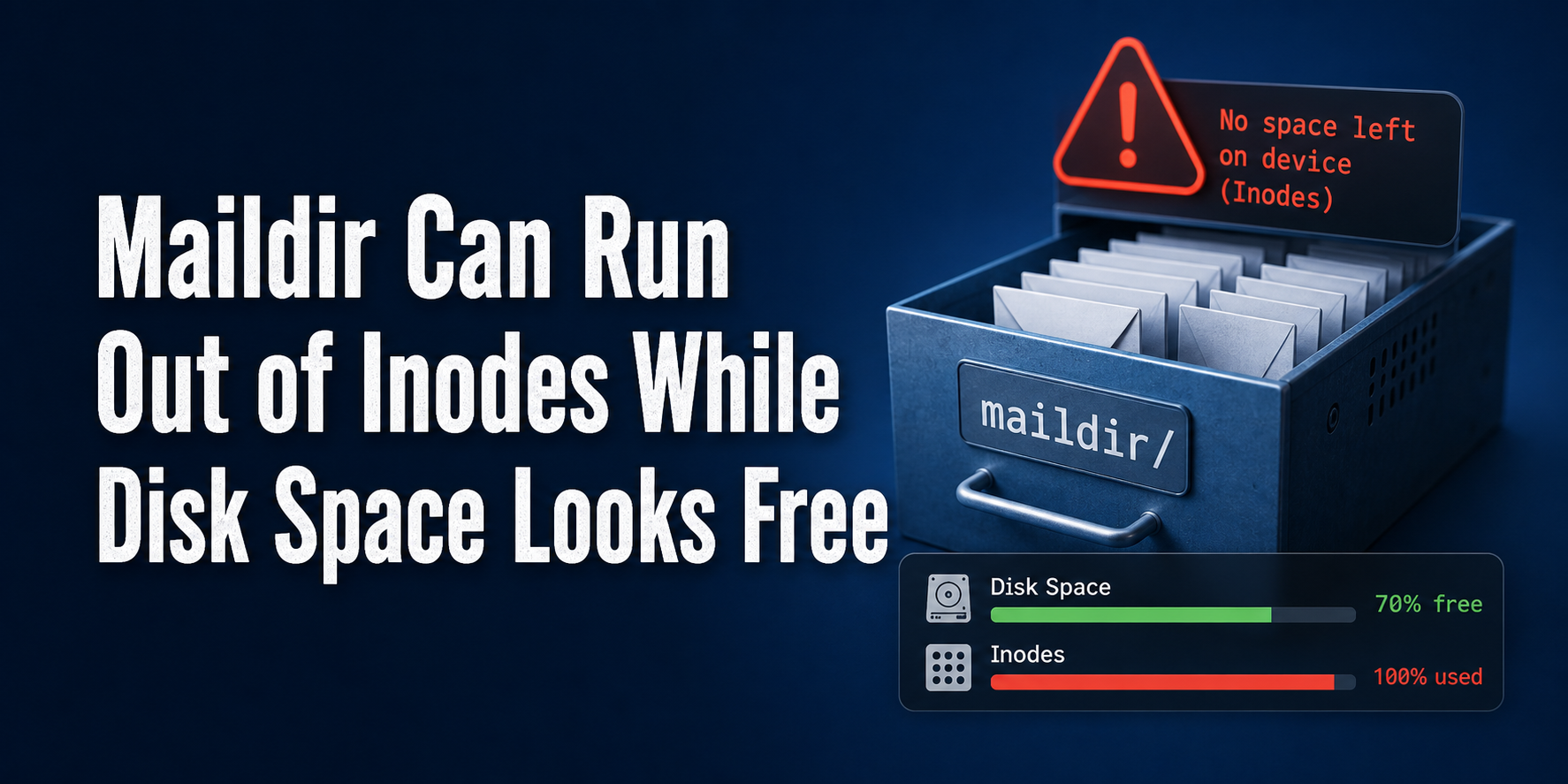
Check mount options, filesystem type and inode counts separately. Free bytes do not rule out a read-only remount or inode exhaustion; Maildir inode recovery evidence shows why file-count capacity can fail while byte capacity appears healthy.
Close with a storage incident record
Keep the first kernel error, mount source/type/options, block topology, repair transcript, e2fsck exit status, backup identifier, provider response and acceptance timestamp in one incident record. That record should name who authorized repair and who owns recurring device evidence.
The release decision is simple: writes return only after the filesystem and its storage owner are both credible. If the same ext4 error returns, reopen the device/provider incident with the preserved chain instead of repeating remounts or repair commands until the symptom disappears.