Lifetime VPS Europe
 Lifetime VPS Asia
 Lifetime WooCommerce Hosting
 Lifetime Hosting
 Lifetime Game Dedicated Servers
 Chicago, US
 Tokyo, Japan
 Singapore
 Hong Kong
 Seoul, South Korea
 Amsterdem, Netherlands
 London, UK
 Stockholm, Sweden
 Oslo, Norway
 Vienna, Austria
 Zurich, Switzerland
 Sydney, Australia
 Wordpress Hosting
 VPS Hosting
 DDOS Protection
 Submit Ticket
 Full Management
 Guides
 Videos and Podcasts
 Discover Creative Ideas
 Voxfor Autonomous AI Workers
 Voxfor Mega Menu
 Voxfor Advanced Price Management For WooCommerce
 Voxfor Secure Live Chat and AI Support
 Voxfor Multilanguage
 Voxfor AI Content Summary
 Voxfor Autopilot
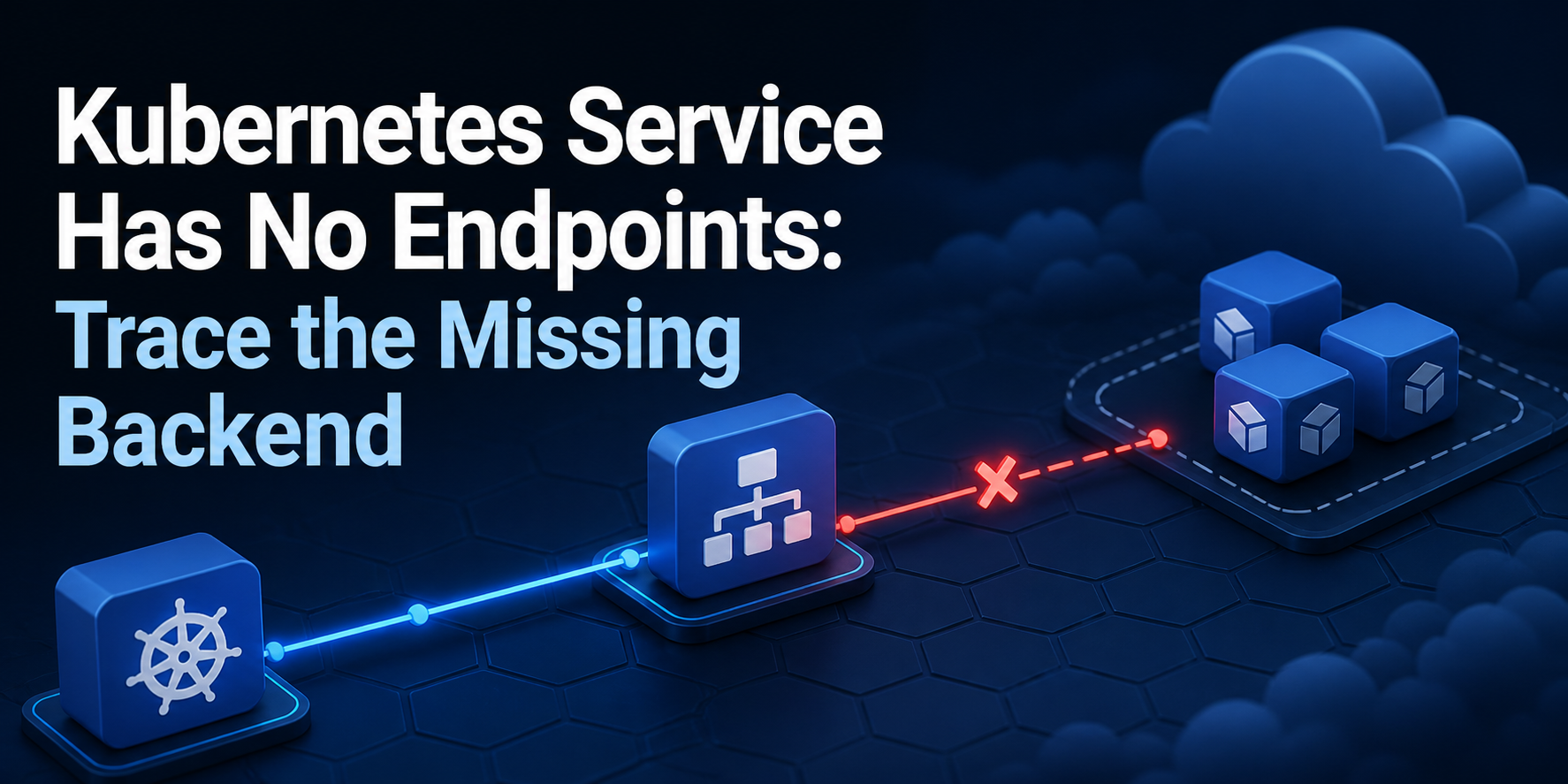
A Kubernetes Service can exist, resolve in cluster DNS, and still have no usable backend. The shortest diagnosis is not to restart every Pod or blame the network plugin. Follow the selection path in order: Service selector → matching Pod labels → Pod readiness → EndpointSlice port → one real Service request. Each boundary answers a different question, so each failure needs a different repair.
This article reproduces three commonly confused states on Kubernetes v1.36.3+k3s1. A wrong selector produces an EndpointSlice with no addresses. A failed readiness probe leaves the address present but marks it ready=false, so ordinary Service traffic excludes it. A wrong targetPort leaves the endpoint ready=true while requests still fail. The final receipt proves the corrected port and an HTTP response, then removes the isolated namespace.
Capture One Service Path Before Changing It
Freeze one failing request, namespace, Service name and expected backend before editing anything. Record the current context and server version, then retrieve the Service, its matching Pods and its EndpointSlices. Do not treat Running as the acceptance state: a running Pod can fail readiness, and a ready Pod can be omitted by a selector that does not match its labels.
The current Kubernetes Service documentation explains that a Service selector is used to update EndpointSlices. The EndpointSlice documentation describes these objects as the scalable backend source used by components such as kube-proxy. Prefer them over the legacy Endpoints object, which Kubernetes deprecated in version 1.33.
Start with one compact state map:
| Observed state | What it proves | Next owner to inspect |
|---|---|---|
| No EndpointSlice address | The Service controller found no selected Pod for this Service | Namespace, selector keys/values and Pod labels |
Address exists with ready=false |
Selection worked, but the endpoint is not eligible for normal Service traffic | Readiness probe, application dependency or readiness gate |
Address exists with ready=true, but request fails |
Selection and readiness passed; the path breaks later | targetPort, listener, protocol, NetworkPolicy or node dataplane |
Correct port, ready=true, request succeeds |
The minimal Service-to-backend path works | Move outward to ingress, gateway, load balancer or client-specific policy |
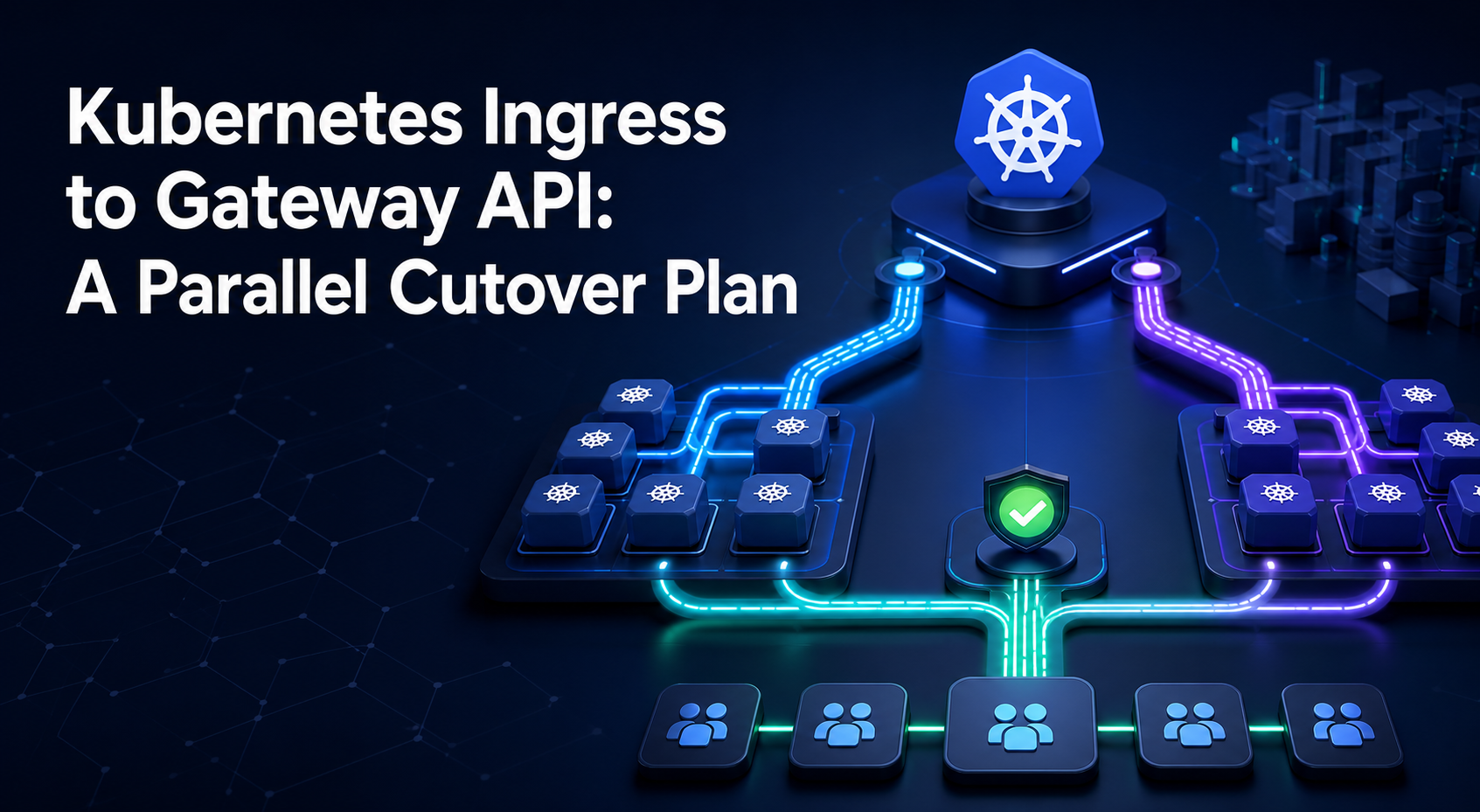
This order prevents a category error. A selector repair cannot make an unhealthy application ready. A readiness repair cannot correct a Service that forwards to an unused port. If the failure is outside this minimal path, Voxfor’s Kubernetes Gateway API cutover guide shows how to test a north-south route without replacing the working path first.
Create a Disposable Misselection
Use only a disposable cluster that you are authorized to change. The first input requires an explicitly named context, refuses a pre-existing namespace, and registers cleanup before it creates anything. Replace KUBECONFIG_FILE with the kubeconfig for your isolated lab; do not point this exercise at production. If you still need to choose a lab boundary, the container and virtual-machine isolation comparison explains why a disposable namespace, cluster and VM are not interchangeable recovery boundaries.
set -Eeuo pipefail

NS=service-path-lab
EXPECTED_CONTEXT=voxfor-service-path-lab
KUBECONFIG_FILE=/path/to/disposable-kubeconfig

k() { kubectl --kubeconfig "$KUBECONFIG_FILE" "$@"; }
cleanup() { k delete namespace "$NS" --ignore-not-found --wait=true >/dev/null; }
trap cleanup EXIT

[[ "$(k config current-context)" == "$EXPECTED_CONTEXT" ]]
if k get namespace "$NS" >/dev/null 2>&1; then
  printf 'refusing existing namespace: %s\n' "$NS" >&2
  exit 70
fi

printf 'context=%s\n' "$(k config current-context)"
printf 'server=%s\n' "$(k version -o json | jq -r '.serverVersion.gitVersion')"
printf 'namespace_preflight=absent\n'
The fixture is one BusyBox HTTP server. Its Pod label is app=echo, its readiness probe depends on /tmp/ready, and it listens on port 8080. The Service deliberately selects app=wrong-label. Keeping those variables in one manifest makes the cause reviewable before the test runs.
k apply -f - <<'YAML'
apiVersion: v1
kind: Namespace
metadata:
  name: service-path-lab
---
apiVersion: apps/v1
kind: Deployment
metadata:
  name: echo
  namespace: service-path-lab
spec:
  replicas: 1
  selector:
    matchLabels: {app: echo}
  template:
    metadata:
      labels: {app: echo}
    spec:
      containers:
        - name: echo
          image: busybox:1.37.0
          command: ["sh", "-c"]
          args:
            - mkdir -p /www;
              printf 'service-path-ok\n' >/www/index.html;
              touch /tmp/ready;
              exec httpd -f -p 8080 -h /www
          ports:
            - {name: http, containerPort: 8080}
          readinessProbe:
            exec:
              command: ["test", "-f", "/tmp/ready"]
            periodSeconds: 2
            failureThreshold: 1
---
apiVersion: v1
kind: Service
metadata:
  name: echo
  namespace: service-path-lab
spec:
  selector: {app: wrong-label}
  ports:
    - {name: http, port: 80, targetPort: 8080}
YAML
k -n "$NS" rollout status deployment/echo --timeout=120s
The tested input applies the manifest directly over standard input and waits for the Deployment, so it leaves no manifest file behind. This is the known misselection state, not yet the repair.
Repair the Selector and Watch the Slice Change
Compare the actual Pod label with the Service selector before patching either object. The commands below also print EndpointSlice addresses. The first address string must be empty even though the Pod is ready; after the one-field selector patch, an address, port 8080 and ready=true must appear.
printf 'pod_label=%s pod_ready=%s service_selector=%s\n' \
  "$(k -n "$NS" get pod -l app=echo -o jsonpath='{.items[0].metadata.labels.app}')" \
  "$(k -n "$NS" get pod -l app=echo -o jsonpath='{.items[0].status.conditions[?(@.type=="Ready")].status}')" \
  "$(k -n "$NS" get service echo -o jsonpath='{.spec.selector.app}')"

k -n "$NS" get endpointslice \
  -l kubernetes.io/service-name=echo \
  -o jsonpath='{range .items[*].endpoints[*]}{.addresses[0]}{end}{"\n"}'

k -n "$NS" patch service echo --type=merge \
  -p '{"spec":{"selector":{"app":"echo"}}}'
k -n "$NS" get endpointslice \
  -l kubernetes.io/service-name=echo \
  -o jsonpath='address={.items[0].endpoints[0].addresses[0]} port={.items[0].ports[0].port} ready={.items[0].endpoints[0].conditions.ready}{"\n"}'
If your cluster still shows no address, inspect the selector as a complete map rather than matching one convenient key. Every key/value pair must match. Verify the namespace too: selectors do not reach into another namespace. The official Debug Services guide follows the same object-by-object discipline.
Do not relabel a shared production workload merely to make one Service select it. First decide which object is authoritative. Changing the Service is appropriate when its selector is wrong; changing Pod-template labels is appropriate only when the workload contract is wrong and every dependent Service, policy and dashboard has been reviewed.
Prove Readiness Exclusion Separately
Now selection is correct, so isolate readiness without changing labels or ports. Delete the sentinel file, wait for the probe to fail, and issue a request through the Service. The EndpointSlice should retain the Pod address but change the endpoint condition to ready=false; the request should return a nonzero exit because there is no eligible backend. Restore the file immediately and wait for Pod readiness before continuing.
POD=$(k -n "$NS" get pod -l app=echo -o jsonpath='{.items[0].metadata.name}')
k -n "$NS" exec "$POD" -- rm /tmp/ready

until [[ "$(k -n "$NS" get endpointslice \
  -l kubernetes.io/service-name=echo \
  -o jsonpath='{.items[0].endpoints[0].conditions.ready}')" == false ]]; do
  sleep 1
done

set +e
k -n "$NS" run readiness-probe --rm -i --restart=Never \
  --image=busybox:1.37.0 -- wget -qO- --timeout=3 http://echo
READINESS_REQUEST_EXIT=$?
set -e

printf 'pod_ready=%s endpoint_ready=%s request_exit=%s\n' \
  "$(k -n "$NS" get pod "$POD" -o jsonpath='{.status.conditions[?(@.type=="Ready")].status}')" \
  "$(k -n "$NS" get endpointslice -l kubernetes.io/service-name=echo -o jsonpath='{.items[0].endpoints[0].conditions.ready}')" \
  "$READINESS_REQUEST_EXIT"
[[ "$READINESS_REQUEST_EXIT" -ne 0 ]]

k -n "$NS" exec "$POD" -- touch /tmp/ready
k -n "$NS" wait --for=condition=Ready "pod/$POD" --timeout=60s
This difference matters during node work and deployments. A Pod can be running but not safe to serve. Before draining nodes, preserve enough eligible replicas and prove that the workload can move; the PodDisruptionBudget and readiness workflow treats readiness as a traffic contract, not a cosmetic status.
Read the readiness probe itself. Confirm its path, port, timeout, thresholds and dependencies. If the probe checks a database or remote API, decide whether losing that dependency should remove the Pod from traffic or merely degrade one feature. Do not “fix” an accurate probe by increasing every timeout until it turns green.
Prove a Ready Endpoint Can Still Use the Wrong Port
Restore readiness, then change only the Service targetPort from 8080 to unused port 9099. The EndpointSlice remains populated and ready=true, but its published backend port becomes 9099. After the node dataplane consumes the update, the Service request fails. This is not a selector failure and not a readiness failure.
k -n "$NS" patch service echo --type=merge \
  -p '{"spec":{"ports":[{"name":"http","port":80,"targetPort":9099}]}}'

until [[ "$(k -n "$NS" get endpointslice \
  -l kubernetes.io/service-name=echo \
  -o jsonpath='{.items[0].ports[0].port}')" == 9099 ]]; do
  sleep 1
done
sleep 5

set +e
k -n "$NS" run targetport-probe --rm -i --restart=Never \
  --image=busybox:1.37.0 -- wget -qO- --timeout=3 http://echo
TARGETPORT_REQUEST_EXIT=$?
set -e

printf 'endpoint_port=%s endpoint_ready=%s request_exit=%s\n' \
  "$(k -n "$NS" get endpointslice -l kubernetes.io/service-name=echo -o jsonpath='{.items[0].ports[0].port}')" \
  "$(k -n "$NS" get endpointslice -l kubernetes.io/service-name=echo -o jsonpath='{.items[0].endpoints[0].conditions.ready}')" \
  "$TARGETPORT_REQUEST_EXIT"
[[ "$TARGETPORT_REQUEST_EXIT" -ne 0 ]]

k -n "$NS" patch service echo --type=merge \
  -p '{"spec":{"ports":[{"name":"http","port":80,"targetPort":8080}]}}'
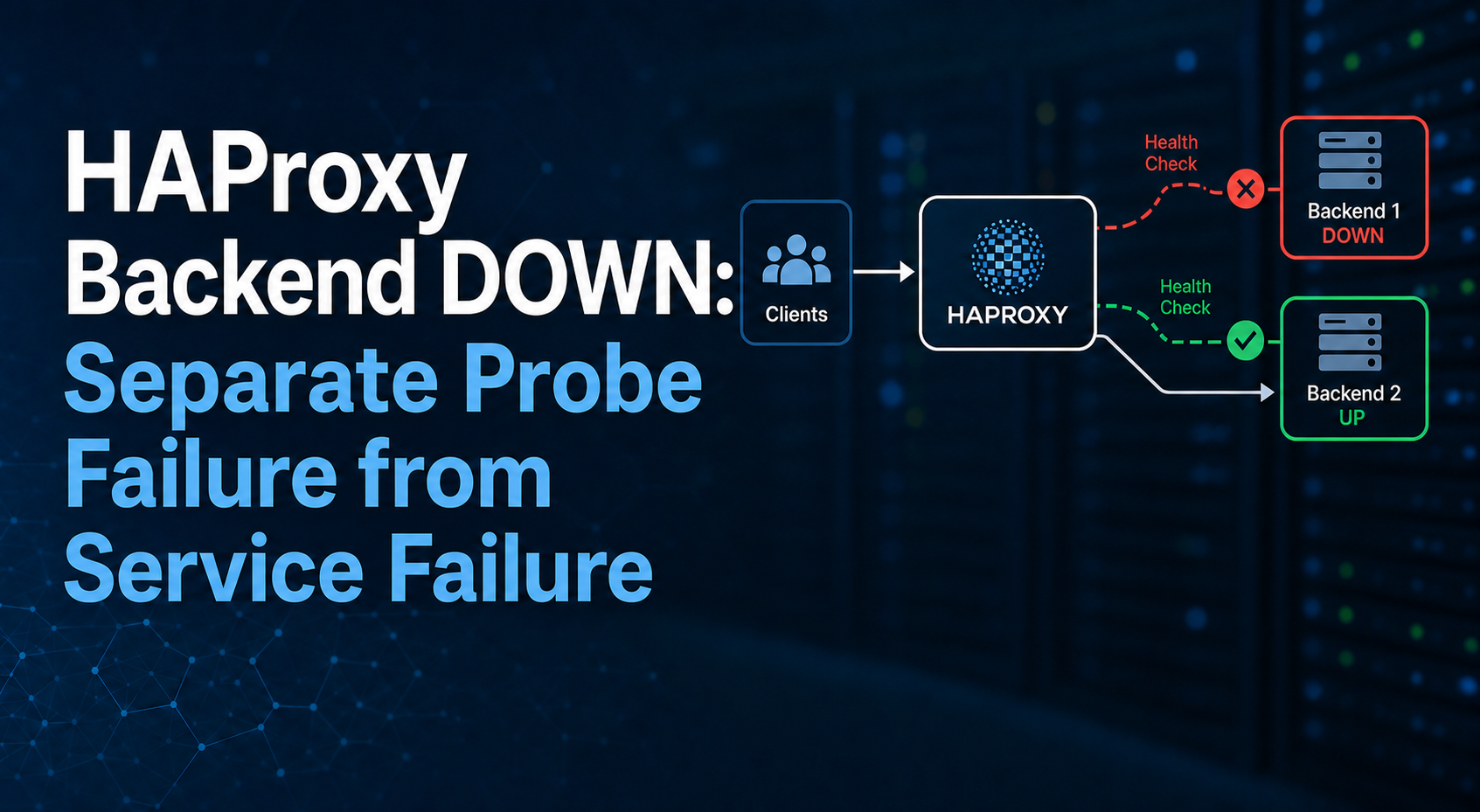
For named ports, compare the Service’s targetPort string with the container port name. For numeric ports, confirm the process actually listens there inside the Pod and uses the expected protocol. A healthy HTTP readiness probe on 8080 does not prove that a Service forwarding to 9099 works. This resembles the distinction in Voxfor’s HAProxy backend diagnosis: probe success and user-path success are related evidence, not interchangeable evidence.
If targetPort is correct and the minimal request still fails, check the listener binding, protocol, NetworkPolicy and node dataplane next. Keep one variable per test. Replacing CoreDNS, the CNI and kube-proxy together destroys the causal signal.
Require an Acceptance Receipt and Scoped Cleanup
The repaired state needs more than a populated object. Wait until the EndpointSlice reports port 8080, make a real request through the Service, require the expected response, then remove only the lab namespace. An external probe can be added later, but it cannot replace this smallest in-cluster proof.
until [[ "$(k -n "$NS" get endpointslice \
  -l kubernetes.io/service-name=echo \
  -o jsonpath='{.items[0].ports[0].port}')" == 8080 ]]; do
  sleep 1
done
sleep 5

FINAL_RESPONSE=$(k -n "$NS" exec "$POD" -- \
  wget -qO- --timeout=3 http://echo | tr -d '\r\n')
[[ "$FINAL_RESPONSE" == service-path-ok ]]

printf 'port=%s ready=%s response=%s\n' \
  "$(k -n "$NS" get endpointslice -l kubernetes.io/service-name=echo -o jsonpath='{.items[0].ports[0].port}')" \
  "$(k -n "$NS" get endpointslice -l kubernetes.io/service-name=echo -o jsonpath='{.items[0].endpoints[0].conditions.ready}')" \
  "$FINAL_RESPONSE"
The reproduced run produced this representative receipt:
context=voxfor-service-path-lab
server=v1.36.3+k3s1
namespace_preflight=absent
pod_label=echo pod_ready=True service_selector=wrong-label
selector_mismatch_slice_addresses=
selector_repaired_address=10.42.0.17 port=8080 ready=true
readiness_removed pod_ready=False endpoint_ready=false request_exit=1
wrong_targetport endpoint_port=9099 endpoint_ready=true request_exit=1
acceptance endpoint_port=8080 endpoint_ready=true response=service-path-ok
cleanup=namespace_absent
The acceptance state requires the wrong selector to produce no EndpointSlice address, the selector repair to produce an address on port 8080, readiness removal to change the endpoint to ready=false and block the request, wrong targetPort to publish 9099 while leaving the endpoint ready and still block the request, the restored path to return service-path-ok, and the namespace to be absent after cleanup.
Rollback in the disposable lab deletes only namespace service-path-lab; the trap performs the same deletion on early exit. In production, reverse only the selector, Pod-template label, readiness or targetPort change made during the incident, then require the previous manifest revision and request receipt. Do not delete shared EndpointSlices manually because the Service controller owns selector-generated slices.
cleanup
trap - EXIT
if k get namespace "$NS" >/dev/null 2>&1; then
  printf 'cleanup failed: namespace still exists\n' >&2
  exit 71
fi
printf 'cleanup=namespace_absent\n'
Translate the Lab Into a Production Decision
Keep controller state and application state separate
Export the Service, workload and relevant policy before editing them. Record metadata.generation, the Deployment revision, selector map, container ports, readiness configuration and EndpointSlice conditions. A GitOps-managed object may revert a manual patch; repair the declared source and let the controller converge instead of fighting it with repeated live edits.
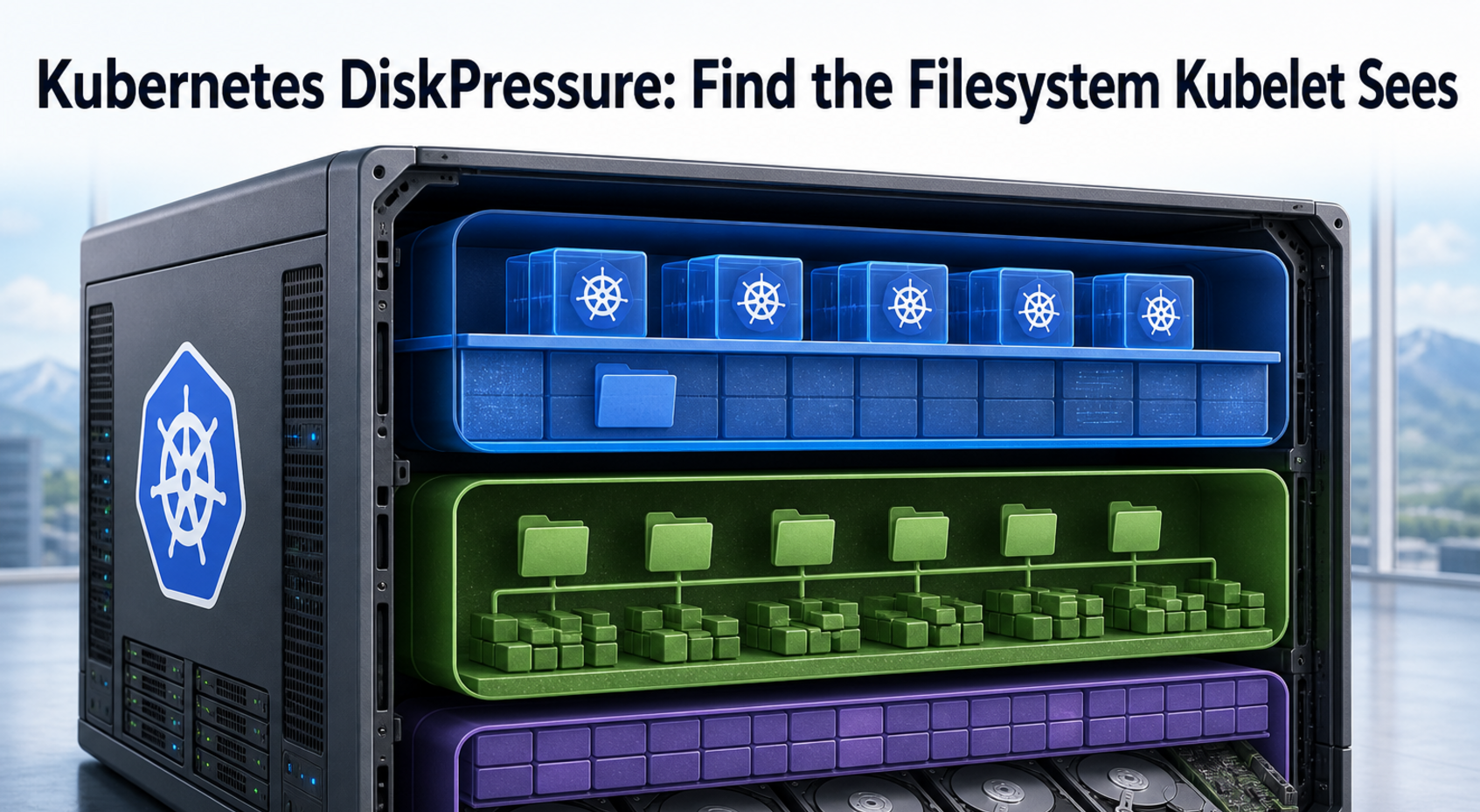
If the node reports storage pressure or evictions, the selector path may be correct while the backend repeatedly disappears. The Kubernetes DiskPressure guide identifies the filesystem kubelet actually measures before deleting data. Keep that node-capacity investigation separate from a Service selector repair.
Prove the smallest path, then expand outward
Test from a Pod in the same namespace, then from the real client namespace, then through ingress or a gateway, and finally from outside the cluster if that is the failing route. At each boundary preserve the request, response, source identity and policy result. Voxfor’s Prometheus Blackbox Exporter workflow can turn the final HTTP or DNS path into a repeatable probe after the immediate incident is closed.
This topic does not earn a hosting-service link. The live VPS page offers root-access compute and the managed-hosting page offers general management, but buying or migrating a server is not the next necessary step for an existing Service selection failure. The local need is to prove which Kubernetes boundary rejects the backend, so a commercial detour would weaken the repair path.
FAQ: Kubernetes Service Endpoints
Why does my Kubernetes Service show no endpoints when the Pod is running?
The Service selector may not match every required Pod label, the Pod may be in another namespace, or the selected Pod may not yet be ready. Inspect the Service and current EndpointSlices, compare the complete selector map with Pod labels, and read the endpoint readiness condition rather than using Running as proof.
Should I inspect Endpoints or EndpointSlice first?
Use EndpointSlice first on current Kubernetes. It is the scalable backend source used by the Service dataplane, while the legacy Endpoints API was deprecated in Kubernetes 1.33. Older tools may still display Endpoints, but they can hide details such as per-endpoint conditions and truncation.
Can a Service have a ready endpoint and still fail?
Yes. Readiness proves that Kubernetes considers the selected Pod eligible; it does not prove the Service forwards to the listener. A wrong targetPort, protocol mismatch, listener binding, NetworkPolicy or dataplane fault can break requests while the EndpointSlice still shows ready=true.
Does cluster DNS prove the backend path works?
No. DNS can correctly resolve the Service’s ClusterIP even when there are no eligible backends. Treat DNS resolution, Service selection, endpoint readiness, backend port and the application response as separate gates.
Should I delete an EndpointSlice to force Kubernetes to rebuild it?
Not as the first repair. For selector-managed Services, the controller owns EndpointSlices and will reconcile them from the Service selector and Pods. Fix the owning declaration and watch convergence. Manual deletion can briefly change symptoms without correcting the cause.
What should close a Kubernetes Service incident?
Keep the failing state, the repaired manifest revision, final EndpointSlice address/port/condition, one successful request through the same Service and scoped rollback instructions. If the original failure was through ingress or an external load balancer, also require success on that exact route before closing.
Close With One Backend Proof
“The Service exists” is inventory. “The Pod is running” is process state. Neither proves that Kubernetes selected a ready backend on the port your application actually uses. Close the incident with one joined receipt: the intended selector matches the intended Pod, the EndpointSlice publishes its address and correct port with ready=true, and the original request path returns the expected response.
That receipt also tells you when to stop editing the Service. Once the minimal in-cluster path works, move outward one boundary at a time. If it does not, the first state that diverges—empty selection, readiness exclusion or ready endpoint on the wrong port—identifies the next owner without a cluster-wide restart.