Lifetime VPS Europe
 Lifetime VPS Asia
 Lifetime WooCommerce Hosting
 Lifetime Hosting
 Lifetime Game Dedicated Servers
 Chicago, US
 Tokyo, Japan
 Singapore
 Hong Kong
 Seoul, South Korea
 Amsterdem, Netherlands
 London, UK
 Stockholm, Sweden
 Oslo, Norway
 Vienna, Austria
 Zurich, Switzerland
 Sydney, Australia
 Wordpress Hosting
 VPS Hosting
 DDOS Protection
 Submit Ticket
 Full Management
 Guides
 Videos and Podcasts
 Discover Creative Ideas
 Voxfor Autonomous AI Workers
 Voxfor Mega Menu
 Voxfor Advanced Price Management For WooCommerce
 Voxfor Secure Live Chat and AI Support
 Voxfor Multilanguage
 Voxfor AI Content Summary
 Voxfor Autopilot
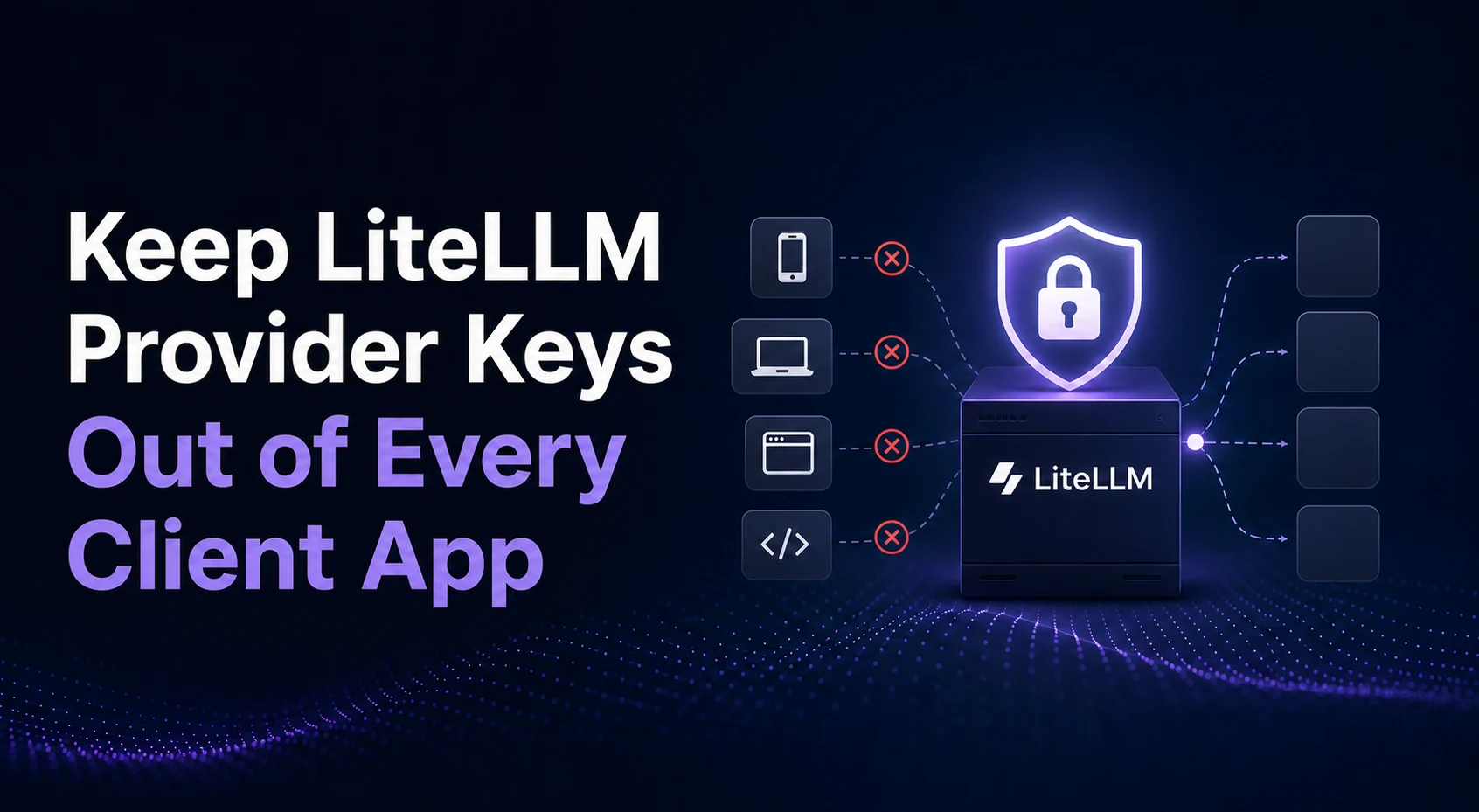
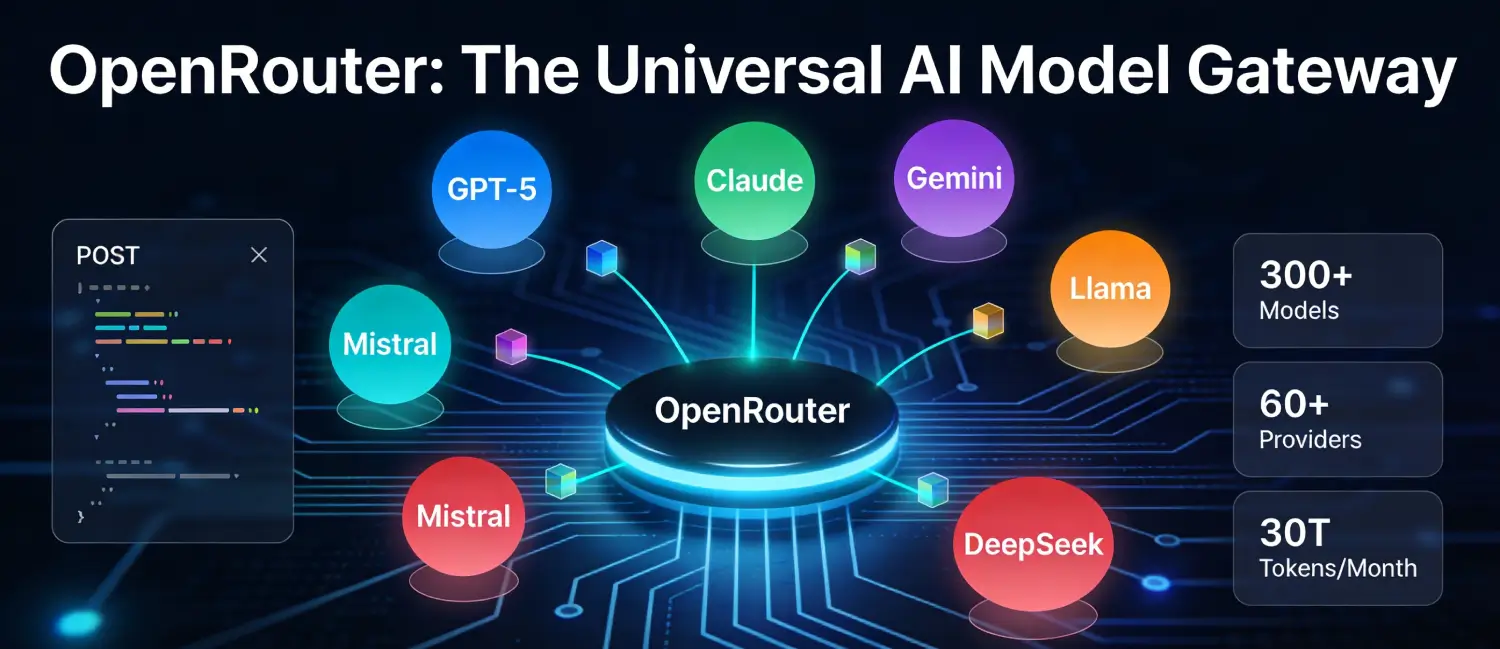
LiteLLM Proxy can give several applications one OpenAI-compatible endpoint without distributing the underlying provider credentials. The safe pattern is to keep the gateway on a controlled VPS, bind its raw port to loopback, terminate HTTPS at a reverse proxy, reserve the master key for administration, and issue a separate virtual key to each application or team.
That separation matters more than the convenience of one API URL. A gateway becomes a security and cost-control boundary: it holds provider keys, decides which models a client may call, records spend, and can revoke one consumer without rotating every upstream credential.
Decide What the Gateway Must Control
Write the policy before installing containers. LiteLLM can route requests without a database, but its Admin UI, virtual keys and spend tracking depend on PostgreSQL. A team deployment therefore has more state to protect than a stateless proxy test.
| Control | Recommended owner | Why it matters |
|---|---|---|
| Provider API keys | Gateway secret store | Client apps never receive upstream credentials |
| LiteLLM master key | Named administrators only | It authorizes management operations and Admin UI access |
| Virtual keys | One per app, environment or team | A leaked key can be revoked without disrupting everyone |
| Model aliases | Gateway configuration | Clients target stable names while providers or versions change |
| Budgets and rate limits | Per virtual key or team | One workload cannot silently consume the entire allowance |
| Prompt and response logging | Data owner and security reviewer | Model traffic may contain private or regulated data |
LiteLLM’s official quickstart is useful for learning the flow. Production should not inherit its example secrets, rolling image tags, or public development assumptions unchanged.
Build a Narrow Network Boundary
Port 4000 does not need to listen on every VPS interface. Publish it only on loopback, then let Caddy, NGINX or another reviewed reverse proxy handle the public HTTPS connection.
services:
  litellm:
    image: ghcr.io/berriai/litellm-database:${LITELLM_IMAGE_TAG}
    restart: unless-stopped
    ports:
      - "127.0.0.1:4000:4000"
    env_file:
      - ./litellm.env
    volumes:
      - ./config.yaml:/app/config.yaml:ro
    command: ["--config", "/app/config.yaml", "--port", "4000"]
    depends_on:
      postgres:
        condition: service_healthy

  postgres:
    image: postgres:${POSTGRES_IMAGE_TAG}
    restart: unless-stopped
    env_file:
      - ./postgres.env
    volumes:
      - litellm_pgdata:/var/lib/postgresql/data
    healthcheck:
      test: ["CMD-SHELL", "pg_isready -U $$POSTGRES_USER -d $$POSTGRES_DB"]
      interval: 10s
      timeout: 5s
      retries: 10

volumes:
  litellm_pgdata:
Use release tags or immutable digests you have reviewed; do not copy the placeholder variables literally. LiteLLM’s image security guidance recommends pinning a version or digest and documents signature verification for current images.
PostgreSQL has no host ports entry in this example. The database remains reachable to the Compose network but not directly from the internet. If you use an external managed database, restrict its firewall or security group to the gateway and require encrypted connections where supported.
Protect Secrets Before the First Model Is Added
Create the deployment directory under a dedicated Linux account. Keep the environment file out of Git and readable only by the service owner:
sudo install -d -o litellm -g litellm -m 0750 /opt/litellm
sudo install -o litellm -g litellm -m 0600 /dev/null /opt/litellm/litellm.env
sudo install -o litellm -g litellm -m 0600 /dev/null /opt/litellm/postgres.env
sudo find /opt/litellm -maxdepth 1 -type f -name '*.env' -printf '%m %u:%g %pn'
The last line reports only permissions, owners and filenames; it does not print secret values. Separating the files also avoids giving PostgreSQL initialization variables to the gateway container. Keep both files out of Git and store these secret classes separately in your password manager or secret-management system:
- a long random
LITELLM_MASTER_KEYbeginning withsk-, - a permanent random
LITELLM_SALT_KEY, - the PostgreSQL password and
DATABASE_URL, - upstream provider credentials,
- reverse-proxy or DNS automation credentials, when required.
Set LITELLM_MODE=PRODUCTION so the production process does not automatically load unrelated local .env files. Provider entries in config.yaml can refer to environment variables instead of embedding raw keys:
model_list:
  - model_name: support-fast
    litellm_params:
      model: openai/<reviewed-model-id>
      api_key: os.environ/OPENAI_API_KEY

litellm_settings:
  set_verbose: false
  json_logs: true
  turn_off_message_logging: true
  request_timeout: 600

general_settings:
  database_url: os.environ/DATABASE_URL
Replace the model identifier with one supported by the installed LiteLLM release and your provider account. turn_off_message_logging preserves operational metadata while preventing prompt and response content from being sent to configured logging callbacks. Confirm the exact behavior against LiteLLM’s current logging documentation, especially before connecting an external observability service.
Treat the Salt Key as Recovery-Critical State
The master key and salt key do different jobs. The master key is an administrator credential and should be rotatable. When configured, LITELLM_SALT_KEY encrypts provider credentials stored in PostgreSQL and must remain stable after models have been added.
| Secret | Normal use | Rotation rule |
|---|---|---|
| Provider key | Authorizes calls to one upstream | Rotate at the provider and update the gateway |
| Master key | Admin API and Admin UI authentication | Rotate with the documented flow and verify all instances |
| Salt key | Decrypts credentials stored by LiteLLM | Do not casually rotate; loss can make stored credentials unreadable |
| Virtual key | Authenticates one client or team | Revoke and replace independently |
Back up PostgreSQL before any master-key change. LiteLLM’s master-key rotation documentation warns that the correct process depends on whether a dedicated salt key is present. Do not improvise a rotation with an old blog command.
Keep Administration Separate from Application Traffic
An application should never use the master key. Generate a virtual key for each workload, scope it to the required model aliases, set an expiration when the use is temporary, and add a budget or rate limit appropriate to the workload.
| Workload | Key boundary | Example restriction |
|---|---|---|
| Production support bot | support-prod |
Approved text model, monthly budget, production IP path |
| Staging application | support-stage |
Lower-cost model, low rate limit, short expiry |
| Developer evaluation | Named developer key | Selected models, small budget, seven-day expiry |
| Batch summarization job | summary-batch |
One model alias and bounded concurrency |
Virtual keys require PostgreSQL. LiteLLM documents model access, budgets, rate limits and spend tracking in its virtual-key guide. Save the returned key directly into the client’s secret store because it may be displayed only once.
The Admin UI is a separate risk surface. Prefer private access through a VPN or SSH tunnel. If it must share the public hostname, enforce additional identity-aware access at the reverse proxy and test that API clients can reach only the paths they need. Tailscale SSH is one option for keeping administration away from the public application path.
Put HTTPS in Front Without Publishing the Raw Port
The public path should be simple:
client -> HTTPS reverse proxy -> 127.0.0.1:4000 -> provider
Issue a certificate for a dedicated hostname such as llm-gateway.example.com. Forward the original host and client address headers expected by your proxy policy, set an upload/body limit that matches planned model inputs, and choose timeouts that allow streaming responses without leaving connections open indefinitely.
Before reloading a reverse-proxy change, validate its configuration. After reload, test both an unauthenticated request, which must fail, and a controlled virtual-key request, which must succeed. The Caddy safe-reload workflow shows the same validate, reload, smoke-test and rollback sequence for a loopback application.
A firewall remains useful even with loopback binding. Expose only the administration path you actually use plus public HTTPS. Keep provider and database egress requirements documented so an emergency firewall change does not break model calls silently.
Verify Authorization, Not Just a Green Health Endpoint
An HTTP 200 from a health route proves that a process answered. It does not prove the client boundary, model restriction or provider path.
Run these checks with synthetic prompts that contain no customer information:
- Call the public model endpoint with no key and expect rejection.
- Call it with a staging virtual key and an allowed alias; expect a valid response.
- Request a model outside that key’s allowlist; expect rejection.
- Confirm spend appears under the intended key or team.
- Revoke a disposable test key and prove that it stops working.
- Restart the stack and repeat the allowed request.
Capture LiteLLM’s request or call identifier for troubleshooting instead of copying full prompts into tickets. Monitor reverse-proxy status, container restarts, PostgreSQL health, disk headroom, provider error rates, latency and spend. If prompt logging is required for a narrowly defined use case, document who can access it and how long it is retained.
Plan Upgrades Around State and Rollback
A safe upgrade is a change to the gateway, database schema and client path—not merely a new container pull.
| Before change | During change | After change |
|---|---|---|
| Read release notes and verify the image | Pull the pinned candidate version | Check liveliness and readiness |
| Back up PostgreSQL and deployment files | Change one version reference | Run allowed and denied key tests |
| Record the current image digest | Watch migrations and startup logs | Confirm spend attribution and provider response |
| Test the release in staging | Keep the old manifest available | Retain rollback evidence |
Do not assume that reverting a container automatically reverts a database migration. Follow the release-specific migration guidance, preserve a compatible database backup, and define the recovery point before the maintenance window. A single-VPS Compose deployment also has a brief interruption during replacement unless you build a second instance and controlled cutover path.
When This Fits and When It Does Not
| LiteLLM on a VPS fits | Choose another path when |
|---|---|
| Several trusted apps need one provider-neutral API | One small application can safely manage one provider key itself |
| You need per-client revocation, model controls or spend attribution | No operator can patch, monitor or recover the gateway |
| A controlled server should keep provider keys out of clients | Compliance requires a managed gateway or approved cloud boundary |
| Traffic is predictable enough for one well-monitored host | The gateway already needs multi-region failover or very high availability |
Centralization reduces key sprawl but increases blast radius. If the gateway is unavailable, every dependent model call may fail; if its administrator credential is stolen, several providers may be exposed through one control plane. A VPS deployment is appropriate only when that concentration is matched by monitoring, backups, access control and an outage plan.
Choose Capacity and Pilot One Client
LiteLLM routes traffic; it does not normally run the large language models itself. Capacity depends on concurrent requests, streaming connections, callbacks, PostgreSQL activity and logging rather than model weights. Start from measured load and LiteLLM’s current production recommendations, then watch memory, CPU, database connections and latency during a representative test.
Size the gateway with headroom for the reverse proxy, PostgreSQL, upgrades, log bursts and local backup staging. Multiple LiteLLM instances introduce shared-state requirements such as Redis and a database connection budget, so horizontal scaling is an architecture change rather than a free toggle.
Inventory every application that currently holds a raw provider credential. Choose one low-risk client, create a dedicated LiteLLM virtual key with one approved model alias and a small budget, then test allowed, denied, revoked and restarted states. Move additional clients only after the first boundary is observable and recoverable.
FAQ
Should an application use the LiteLLM master key?
No. Keep the master key for administrators and issue a scoped virtual key to each application, team or environment.
Does LiteLLM require PostgreSQL?
Basic proxy routing can run without it, but the Admin UI, virtual keys, spend tracking and database-backed management features require PostgreSQL.
Should port 4000 be public on a VPS?
Usually no. Bind it to loopback and publish the gateway through an HTTPS reverse proxy with only the required paths and controls.
Are budgets enough to prevent unexpected AI spend?
Budgets and rate limits are useful guardrails, not a substitute for provider-side limits, alerts and billing review. Test how enforcement behaves during database or Redis failures in your chosen configuration.