Lifetime VPS Europe
 Lifetime VPS Asia
 Lifetime WooCommerce Hosting
 Lifetime Hosting
 Lifetime Game Dedicated Servers
 Chicago, US
 Tokyo, Japan
 Singapore
 Hong Kong
 Seoul, South Korea
 Amsterdem, Netherlands
 London, UK
 Stockholm, Sweden
 Oslo, Norway
 Vienna, Austria
 Zurich, Switzerland
 Sydney, Australia
 Wordpress Hosting
 VPS Hosting
 DDOS Protection
 Submit Ticket
 Full Management
 Guides
 Videos and Podcasts
 Discover Creative Ideas
 Voxfor Autonomous AI Workers
 Voxfor Mega Menu
 Voxfor Advanced Price Management For WooCommerce
 Voxfor Secure Live Chat and AI Support
 Voxfor Multilanguage
 Voxfor AI Content Summary
 Voxfor Autopilot
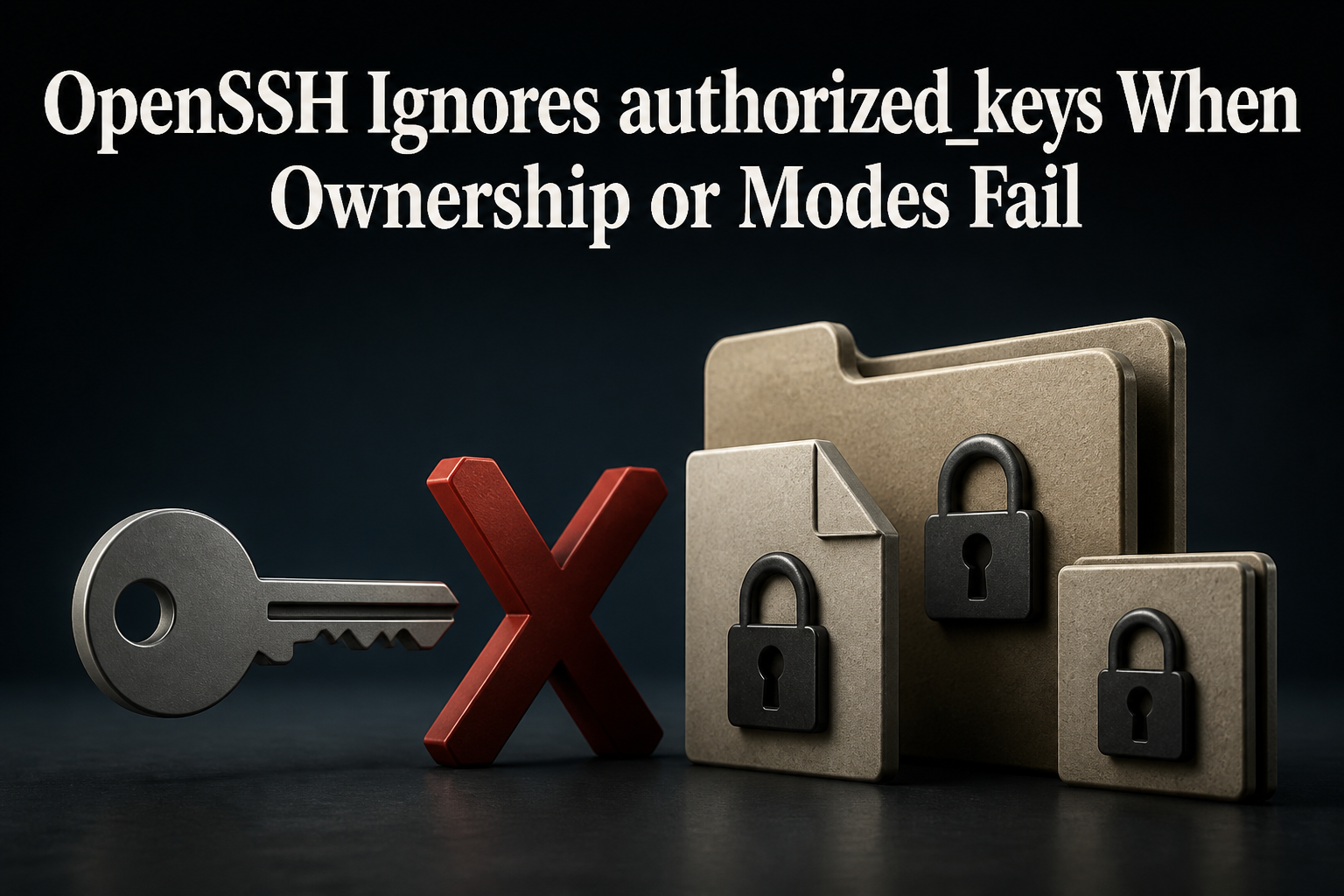
A correct public key can sit in the expected authorized_keys file while OpenSSH still rejects it. With StrictModes yes, sshd checks ownership and modes on the user’s authentication files and home directory before accepting login. If another user can replace that path, OpenSSH treats the key file as untrustworthy rather than as proof of identity.
Do not fix this by disabling StrictModes or by recursively forcing every path to mode 700. Keep the working console or SSH session open, prove which key and server configuration are active, inspect every relevant path component, correct only the unsafe ownership or write permission, and test a second connection before closing the recovery channel.
First decide whether the offered key reached this server
Client verbosity separates key selection from server authorization. Use the intended private key explicitly and prevent the SSH agent from adding unrelated identities to the test:
ssh -vvv -o IdentitiesOnly=yes \
  -i ~/.ssh/id_ed25519 \
  -l deploy server.example
Look for Offering public key with the expected SHA256 fingerprint. If the client never offers it, the incident belongs to the client path, agent, IdentityFile, file readability, or key format. When the key is offered and the server refuses it, move to server-side evidence.
An early connection drop is a different failure. OpenSSH MaxStartups diagnosis applies when unauthenticated connections are probabilistically dropped before a normal key decision. Likewise, a changed-host-key warning concerns server identity, not the user’s login key; follow the SSH host-key rotation workflow instead of deleting known_hosts entries during this repair.
Record the fingerprint without exposing private-key material:
ssh-keygen -lf ~/.ssh/id_ed25519.pubRead the server’s effective authentication contract
The file you edited may not be the file sshd evaluates. AuthorizedKeysFile can be absolute or relative to the user’s home, may contain several paths, and can change inside Match blocks. PubkeyAuthentication can also be disabled for one user, group, address, or destination.
OpenSSH documents sshd -T as an extended configuration test. Add a connection specification so matching conditional rules are applied:
sudo sshd -T \
  -C user=deploy,host=example.com,addr=203.0.113.10 \
  | grep -E '^(pubkeyauthentication|authorizedkeysfile|strictmodes|authenticationmethods) '
Replace the documentation address and hostname with the real failed connection. The upstream sshd manual explains that -C can model user, source address, resolved host, local address, port, and routing domain. Add the fields used by your Match rules rather than assuming the global stanza wins.
Next confirm the account’s real home and shell. A copied /home/deploy path is irrelevant if identity management points the account somewhere else:
getent passwd deploy
sudo sshd -t
sshd -t checks configuration syntax and host-key sanity. It does not prove that a user’s key path has safe ownership, so keep both tests in the record.
Walk the whole key path, not only the file
OpenSSH’s authorized keys rules recommend that the file be writable by the user and inaccessible to others. The same manual states that sshd refuses the file when authorized_keys, .ssh, or the user’s home is writable by other users unless StrictModes is disabled.
namei makes each directory component visible, while stat and getfacl expose ownership, mode bits, and ACL entries:
sudo namei -l /home/deploy/.ssh/authorized_keys
sudo stat -c '%U:%G %a %A %n' \
  /home/deploy \
  /home/deploy/.ssh \
  /home/deploy/.ssh/authorized_keys
sudo getfacl -p /home/deploy /home/deploy/.ssh \
  /home/deploy/.ssh/authorized_keys
A conventional local account often uses a user-owned home, mode 700 on .ssh, and mode 600 on authorized_keys. Those are safe defaults, not a license to overwrite an application’s access model. The home directory itself does not universally need mode 700; the security boundary is that unauthorized users must not be able to modify the path or replace the key file.
| Observation | Why OpenSSH rejects or bypasses the file | Narrow correction |
|---|---|---|
Wrong account owns authorized_keys |
The login user cannot establish a trusted personal key file | Restore the intended user or root ownership according to policy |
Group/other write on home or .ssh |
Another account can replace a protected path component | Remove only the unsafe write bit or ACL |
Effective AuthorizedKeysFile points elsewhere |
The edited file is not consulted | Repair the configured path or the specific Match rule |
| SELinux denial with safe Unix modes | Mandatory access control blocks sshd from reading the key |
Restore the expected label and verify policy evidence |
| NFS ownership appears unmapped | Server-side identity mapping changes the path owner | Fix UID/GID mapping or move keys to a controlled local path |
Correct ownership and modes without broadening the outage
For a standard local account whose home is /home/deploy, the following is a narrow baseline. Verify the account and group first; do not paste it into a chroot, shared web root, NFS home, or centrally managed directory without adapting ownership policy.
sudo chown deploy:deploy /home/deploy/.ssh
sudo chown deploy:deploy /home/deploy/.ssh/authorized_keys
sudo chmod 700 /home/deploy/.ssh
sudo chmod 600 /home/deploy/.ssh/authorized_keys
sudo chmod go-w /home/deploy
Avoid chmod -R 700 /home/deploy. It marks ordinary files executable, can break web or application access, and destroys useful read permissions without proving which component was unsafe. Avoid recursive chown for the same reason: application files, root-managed controls, and shared group content may intentionally have other owners.
ACLs can reintroduce write authority even when ls -l looks safe. If getfacl shows a named user or group with write access to the protected path, remove that one entry or revise the intended ACL. Do not erase every ACL merely to make authentication pass.
SELinux is a second permission system
On SELinux-enabled hosts, correct mode bits do not guarantee that sshd may read the file. Inspect labels and recent access-vector denials before changing policy:
ls -ldZ /home/deploy /home/deploy/.ssh \
  /home/deploy/.ssh/authorized_keys
sudo ausearch -m AVC,USER_AVC -ts recent | tail -n 50
When the home uses its standard distribution path and policy, restorecon can restore the label defined by installed SELinux policy. Red Hat’s SELinux labeling guidance explains that restorecon reads the configured file-context rules rather than inventing a label.
sudo restorecon -RFv /home/deploy/.sshA nonstandard home such as /srv/accounts/deploy may need a persistent semanage fcontext rule designed for that location before restorecon can help. Do not disable SELinux or copy a label from another system as a shortcut. Preserve the denial, compare it with policy, and make the smallest durable correction.
Read one failed attempt in the server log
Tail the distribution’s SSH service while generating one controlled connection. Debian and Ubuntu often use the ssh unit; Red Hat-family systems commonly use sshd:
sudo journalctl -f -u ssh -u sshdA message such as Authentication refused: bad ownership or modes gives a direct path owner. Other messages send the investigation elsewhere: an invalid user points to account resolution; a disallowed algorithm points to key compatibility; not allowed because not listed in AllowUsers points to access policy; no event at all suggests the client reached another address, port, container, or pre-auth admission boundary.
Do not enable maximum daemon debug logging on the production listener by reflex. OpenSSH supports a separate foreground debug process, but it should bind a controlled alternate port with console access and firewall planning. Normal journal evidence plus a modeled sshd -T result is usually enough for this permission incident.
For environments that must retain reliable authentication evidence, Linux Audit lost-event diagnosis provides the separate queue-integrity boundary. Authentication troubleshooting cannot recover events the audit pipeline already dropped.
Prove the exact key, then preserve a recovery path
After the narrow permission or label change, retry from a second terminal with the same explicit identity. Do not close the existing root console or working SSH session yet.
ssh -o IdentitiesOnly=yes \
  -i ~/.ssh/id_ed25519 \
  -l deploy server.example 'id && printf "key login passed\n"'
On the server, verify that the accepted key fingerprint matches the client key. ssh-keygen can read an authorized_keys file and print fingerprints without exposing private keys:
sudo ssh-keygen -lf /home/deploy/.ssh/authorized_keysPermission and label changes are read at authentication time; they do not normally require an sshd reload. If you changed sshd_config, validate with sshd -t, keep a recovery channel open, reload only the correct service, and immediately test another session. Never disable password access during the same unproven change that repairs public-key login.
Teams using deployment accounts should also test the noninteractive command or restricted key option the automation actually needs. A shell login can succeed while command=, restrict, from=, no-port-forwarding, or a ForceCommand policy blocks the workload. The GitHub deployment rollback workflow is a useful handoff once key authentication itself is proven and the remaining task is safe application delivery.
When a different SSH access model is the cleaner fix
Local authorized_keys is not mandatory for every fleet. Network homes, ephemeral users, or centrally governed access may be better served by an audited AuthorizedKeysCommand, SSH certificates, or an identity-aware access layer. Changing models is a separate design decision, not an incident shortcut.
For a small private administration path, Tailscale SSH setup can move authorization into tailnet identity and policy. That does not justify leaving unsafe local home permissions in place if conventional OpenSSH access remains enabled.
The incident is complete when the effective server configuration points to the expected key source, every relevant path component has intended ownership and write authority, SELinux or network-home policy is satisfied, the expected fingerprint is accepted from a fresh client process, and the old recovery session can be closed without losing access.
FAQ: OpenSSH key-file ownership and modes
What does StrictModes check in OpenSSH?
StrictModes tells sshd to check ownership and modes of the user’s authentication files and home directory before accepting login. It is enabled by default because writable key paths could be replaced by another user.
Must a user’s home directory always be mode 700 for SSH keys?
No. Mode 700 is a conservative private-home setting, but OpenSSH’s central requirement is that unauthorized users cannot modify the home, .ssh, or authorized_keys path. Remove unsafe write authority without breaking deliberate read or traversal access.
Why does the right key fail when authorized_keys is mode 600?
Mode 600 on the file is only one layer. Wrong ownership, a writable home or .ssh directory, ACLs, an unexpected AuthorizedKeysFile, SELinux labels, NFS identity mapping, or a conditional Match rule can still reject or bypass it.
Should StrictModes be disabled to restore access quickly?
Normally no. Disabling StrictModes accepts a path that another account may be able to replace. Keep console access, identify the exact unsafe component, and correct its ownership, mode, ACL, or policy instead.
Does fixing authorized_keys permissions require an SSH restart?
No. sshd reads user key files during authentication, so ownership, mode, ACL, and label fixes normally apply to the next login attempt. Validate and reload only when daemon configuration itself changed.
How can I confirm which public key the client offered?
Run ssh -vvv with IdentitiesOnly=yes and an explicit -i path, then compare the displayed SHA256 fingerprint with ssh-keygen -lf output for the intended public key and server key file.
Can SELinux block authorized_keys even when chmod is correct?
Yes. SELinux evaluates labels and policy separately from Unix mode bits. Inspect ls -Z and AVC evidence, then restore or define the expected persistent context rather than disabling enforcement.