Lifetime VPS Europe
 Lifetime VPS Asia
 Lifetime WooCommerce Hosting
 Lifetime Hosting
 Lifetime Game Dedicated Servers
 Chicago, US
 Tokyo, Japan
 Singapore
 Hong Kong
 Seoul, South Korea
 Amsterdem, Netherlands
 London, UK
 Stockholm, Sweden
 Oslo, Norway
 Vienna, Austria
 Zurich, Switzerland
 Sydney, Australia
 Wordpress Hosting
 VPS Hosting
 DDOS Protection
 Submit Ticket
 Full Management
 Guides
 Videos and Podcasts
 Discover Creative Ideas
 Voxfor Autonomous AI Workers
 Voxfor Mega Menu
 Voxfor Advanced Price Management For WooCommerce
 Voxfor Secure Live Chat and AI Support
 Voxfor Multilanguage
 Voxfor AI Content Summary
 Voxfor Autopilot

A growing Postfix queue is evidence, not a command to flush everything. The safe response is to capture the queue shape, follow one queue ID through the logs, stop any broken sender, repair the confirmed cause, and retry a single message before releasing more traffic. That sequence protects legitimate password resets and invoices while avoiding a second wave of failures.
This guide assumes Postfix is already installed and mail worked before the incident. It focuses on outbound queue recovery on a Linux VPS, not on building a complete mail server from scratch.
Read the Queue Before Changing It
Postfix separates mail by state. A large number by itself does not explain whether the server is congested, waiting on one destination, or preserving old failures. Start with read-only checks:
sudo postfix status
sudo postqueue -p
sudo postqueue -j | head -n 5
sudo qshape deferred | head -n 15
postqueue -j emits one JSON object per line on Postfix 3.1 and later, which is useful for monitoring and scripted summaries. If the installed version does not support it, postqueue -p remains the portable listing. The official Postfix queue manual explains both formats and includes the last delay reason for affected recipients.
| Queue state | What it means | Incident signal |
|---|---|---|
| Incoming | Accepted and waiting for the queue manager | Growing count can mean the delivery system is not keeping up |
| Active | Selected for a delivery attempt | A large, persistent active set points to current congestion |
| Deferred | A prior attempt ended in a temporary failure | Age and destination concentration matter more than the raw total |
| Hold | Administratively prevented from delivery | Do not release until you know why the message was held |
The Postfix qshape guidance adds the missing time dimension. Recent messages piling up for one destination indicate a different problem from a long tail of old, low-rate failures. Incoming and active congestion deserve faster attention because they can delay otherwise healthy mail.
Before continuing, save the evidence without copying private message bodies into a ticket:
incident_dir="$HOME/postfix-incident-$(date -u +%Y%m%dT%H%M%SZ)"
umask 077
mkdir -p "$incident_dir"
sudo postqueue -p > "$incident_dir/queue.txt"
sudo postconf -n > "$incident_dir/postconf-n.txt"
sudo journalctl -u postfix --since '2 hours ago' --no-pager > "$incident_dir/postfix-journal.txt"
Queue data can contain sender and recipient addresses. Keep the directory private, redact addresses before sharing, and follow the organization’s retention policy.
Follow One Queue ID Through the Logs
Choose a representative queue ID from the dominant failure group. Do not begin with the oldest random message if most recent failures show another pattern.
queue_id='REPLACE_WITH_QUEUE_ID'
sudo postcat -q "$queue_id" | sed -n '1,45p'
sudo journalctl -u postfix --since '2 hours ago' --no-pager | grep -F "$queue_id"
On systems that write /var/log/mail.log or /var/log/maillog, search the appropriate file instead. postcat may expose headers, addresses and message content, so use it only with authorization and avoid pasting its raw output into public issue trackers.
The last SMTP response usually provides two useful facts: a three-digit status and an enhanced status such as 4.7.1 or 5.7.26.
- 4xx is temporary. Postfix normally defers and retries. Examples include timeouts, a busy destination or rate limiting.
- 5xx is permanent for that attempt. Examples include an unknown user, policy rejection or failed authentication. Repeated flushes do not convert a permanent error into success.
status=sentmeans the next server accepted the message. It does not guarantee inbox placement or that a user read it.
Classify the Failure Before Choosing a Fix
One queue can contain several incidents. Group by destination, sender and delay reason instead of applying one change to every message.
| Evidence in the log | Likely boundary | Next safe check |
|---|---|---|
connect ... timed out across many domains |
Outbound network, provider port policy or firewall | Test DNS and TCP reachability to one logged MX; confirm provider policy |
Host or domain name not found |
Local resolver or recipient DNS | Query the recipient MX and the chosen MX address from the VPS |
SASL authentication failed to a relay |
Relay credentials or allowed sender identity | Verify the relay configuration and credential source without printing the secret |
Repeated 421, 450 or 4.7.x for one provider |
Remote temporary policy or throttling | Measure destination concentration and wait for normal backoff |
5.7.26 or unauthenticated-sender rejection |
SPF, DKIM or DMARC alignment | Validate the actual sending domain and signed message headers |
| Sudden volume from an unfamiliar local user or web app | Compromise, form abuse or broken automation | Stop the producer, preserve logs and rotate exposed credentials |
No space left on device or write errors |
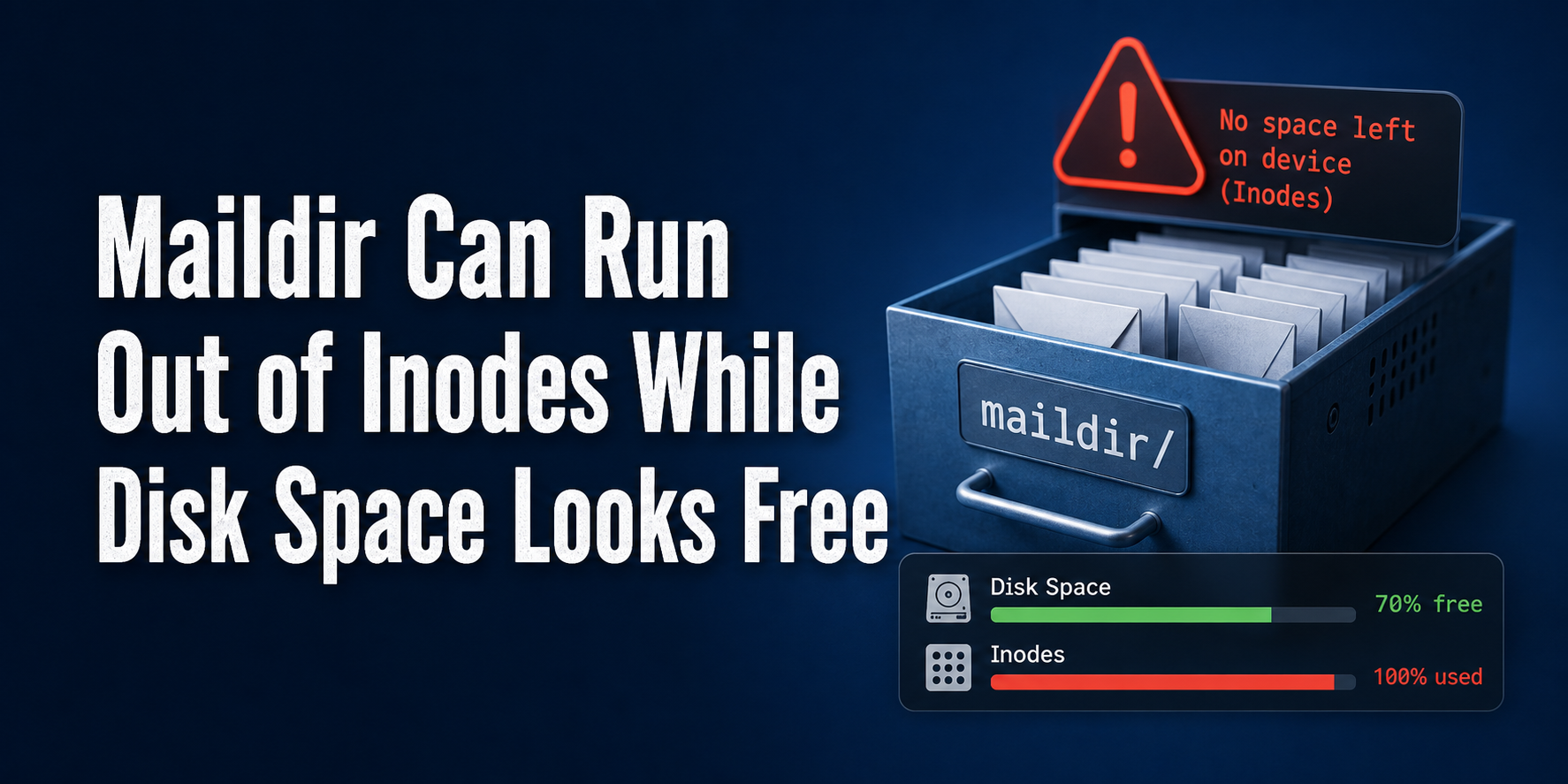
Disk space or inode exhaustion | Inspect filesystem usage before touching queue files |
These checks establish the local baseline without changing Postfix:
sudo postfix check
sudo postconf mail_version myhostname relayhost
df -h
df -i
resolvectl query example.net
dig +short MX example.net
Replace example.net with a destination from the real failure. A network test should also use the exact MX host recorded in the log; do not assume a provider’s current mail exchanger name from an old tutorial.
For policy rejections, compare the sending identity with current receiver rules. Google’s email sender guidelines require authentication, valid forward and reverse DNS and TLS for Gmail delivery, with additional SPF, DKIM and DMARC requirements for bulk senders. Those controls are not Postfix queue tuning parameters. Fix the identity or sending practice rather than increasing concurrency.
Contain the Source Without Destroying the Evidence
If the queue is growing, first determine what is creating new mail. A vulnerable form, a leaked application credential or a failed newsletter job can refill the queue faster than Postfix drains it.
Pause the specific application worker, campaign or cron job when its ownership is confirmed. Keep unrelated transactional paths running if the architecture permits it. Then record:
- First observed time and queue size.
- Dominant envelope sender and destination domains.
- The application, Unix account or authenticated client that submitted the mail.
- Representative queue IDs and their log chain.
- The exact configuration or external condition being repaired.
Do not edit files under /var/spool/postfix by hand. Avoid deleting the deferred queue simply to make the count reach zero. A shorter queue is not a recovery if legitimate mail disappeared. If the backlog is confirmed spam, treat cleanup as a separate, approved incident step after preserving evidence and closing the submission path.
Operators who do not want to own this incident boundary can use a managed hosting service to handle the mail stack, DNS identity and recovery checks. Self-management on an operational Linux VPS provides more control, but it also makes queue privacy, abuse response and deliverability the operator’s responsibility.
Repair One Confirmed Cause
Change the smallest relevant layer. Examples include restoring a failed resolver, opening a provider-approved outbound route, replacing expired relay credentials, fixing a sender domain’s authentication, or stopping a compromised application account.
Validate Postfix configuration before reload:
sudo postfix check
sudo postconf -n
sudo systemctl reload postfix
sudo systemctl is-active postfix
sudo journalctl -u postfix --since '10 minutes ago' --no-pager
postconf -n can contain hostnames and relay details. Review it privately and never add passwords directly to an incident document. If a relay password map changed, rebuild it according to the installed distribution and relay documentation, protect the source file with restrictive permissions, and confirm the secret did not enter shell history.
Avoid opportunistic fixes that weaken TLS or disable authentication merely to make one test pass. A successful insecure delivery attempt can hide the real mismatch and create a larger security problem.
Retry One Message, Then Expand Carefully
After the cause is fixed, schedule a single representative deferred message:
queue_id='REPLACE_WITH_QUEUE_ID'
sudo postqueue -i "$queue_id"
sudo journalctl -u postfix --since '5 minutes ago' --no-pager | grep -F "$queue_id"
Confirm a new status=sent result or a materially different error. Also verify that the receiving system accepted the intended sender and that application behavior is normal.
Only after several representative messages succeed should you allow Postfix’s normal retry schedule to drain the backlog. A full postqueue -f attempt is not a routine health check. The official manual warns that frequent flushing of undeliverable mail can reduce performance for other deliveries.
If the error is a remote 4xx, normal backoff is usually safer than hammering the destination. If the failure is permanent, repair the sender, recipient or policy condition first; retrying unchanged mail only repeats the rejection.
Prove Recovery with Queue Age, New Mail and Alerts
A service that says active is not enough. Recovery requires evidence across the queue, logs and application:
- Incoming and active queues stay short during a controlled new message.
- Deferred totals and oldest-age buckets decline instead of only changing queue IDs.
- Representative password-reset, form or invoice mail is accepted by the next hop.
- No unfamiliar sender immediately recreates the backlog.
- Logs show normal
status=sentresults without a new warning pattern. - Disk and inode use remain stable.
Run the original snapshot commands again and compare them with the incident baseline. For monitoring, alert on both queue depth and oldest message age. A small queue with one critical message delayed for hours can matter more than a brief burst of hundreds that clears normally.
An independent monitor is useful because a mail alert cannot report that its own mail path is broken. The same outside-the-failure-domain principle used for a private Uptime Kuma monitor applies here: deliver the queue alert through another provider or channel, and test both the alarm and recovery notification.
If the VPS still lacks a clean administrator account, current packages and deliberate firewall rules, complete the Linux VPS first-login baseline before treating Postfix as an isolated appliance.
When This Workflow Fits—and When It Does Not
| Situation | Fit | Reason |
|---|---|---|
| Postfix already worked and outbound mail is delayed | Strong fit | Queue IDs and logs can isolate the changed boundary |
| One application suddenly generates abnormal mail | Strong fit | Evidence and containment protect the rest of the queue |
| Building a public mail server for the first time | Incomplete | DNS, inbound security, spam controls and mailbox design need a separate plan |
| Recovering a damaged sending-IP reputation | Incomplete | Queue repair cannot erase blocklists, spam complaints or receiver history |
| Provider blocks outbound SMTP | Partial | Use an approved relay or resolve provider policy; tuning Postfix cannot bypass it |
| Queue contains sensitive or regulated messages | Conditional | Access, evidence sharing and deletion require organizational policy |
The honest limitation is that Postfix can queue and retry mail, but it cannot make a receiver trust an unauthenticated domain, repair a compromised web application, or override a network provider’s SMTP restrictions.
Recommended Next Step
Take a private queue and log snapshot, select one representative queue ID, and classify its last SMTP response. Stop the producer if volume is still growing. Repair one confirmed cause, retry that one ID, and compare queue age before allowing normal delivery to continue. Document the result so the next incident starts with known-good evidence instead of a blind flush.
FAQ
Is a large Postfix deferred queue always an emergency?
No. Age, growth rate, active/incoming congestion and destination concentration determine urgency. An old stable tail differs from a fresh backlog that is delaying healthy mail.
Should I run postqueue -f when mail is delayed?
Not first. Diagnose and repair the cause, then retry one representative queue ID. Frequent full flushes can waste delivery capacity and repeat the same remote failure.
What is the difference between a 4xx and 5xx SMTP response?
A 4xx response is temporary and normally leads to a deferred retry. A 5xx response is permanent for that attempt and requires a sender, recipient, authentication or policy correction.
Can I delete all deferred mail after fixing Postfix?
Only after confirming ownership, preserving required evidence and separating junk from legitimate mail. Queue deletion is irreversible and should not be the default recovery step.
Does status=sent prove the message reached the inbox?
No. It proves the next SMTP server accepted the message. Inbox placement, forwarding and later filtering happen beyond that acceptance point.
What should a Postfix queue alert measure?
Measure queue depth, oldest message age and growth rate, then route alerts through an independent provider or channel. Test the failure alert and the recovery notification.