Lifetime VPS Europe
 Lifetime VPS Asia
 Lifetime WooCommerce Hosting
 Lifetime Hosting
 Lifetime Game Dedicated Servers
 Chicago, US
 Tokyo, Japan
 Singapore
 Hong Kong
 Seoul, South Korea
 Amsterdem, Netherlands
 London, UK
 Stockholm, Sweden
 Oslo, Norway
 Vienna, Austria
 Zurich, Switzerland
 Sydney, Australia
 Wordpress Hosting
 VPS Hosting
 DDOS Protection
 Submit Ticket
 Full Management
 Guides
 Videos and Podcasts
 Discover Creative Ideas
 Cybersecurity Services
 Voxfor Mega Menu
 Voxfor Advanced Price Management For WooCommerce
 Voxfor Secure Live Chat and AI Support
 Voxfor Multilanguage
 Voxfor AI Content Summary
 Voxfor Autopilot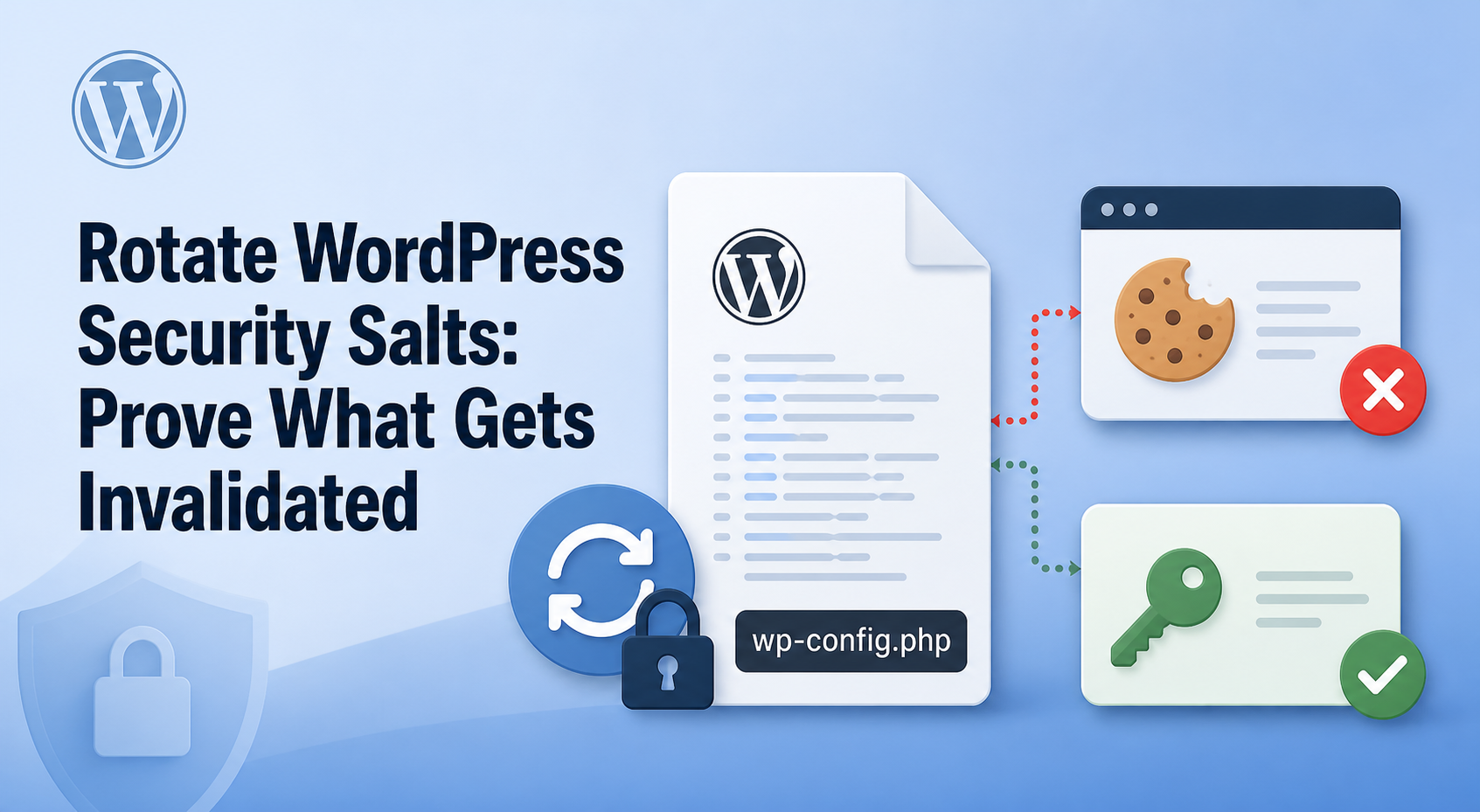
Security
Rotate WordPress Security Salts: Prove What Gets Invalidated
Rotating WordPress security salts has one precise security effect: cookies and nonces created with the old secrets stop validating. That can end…

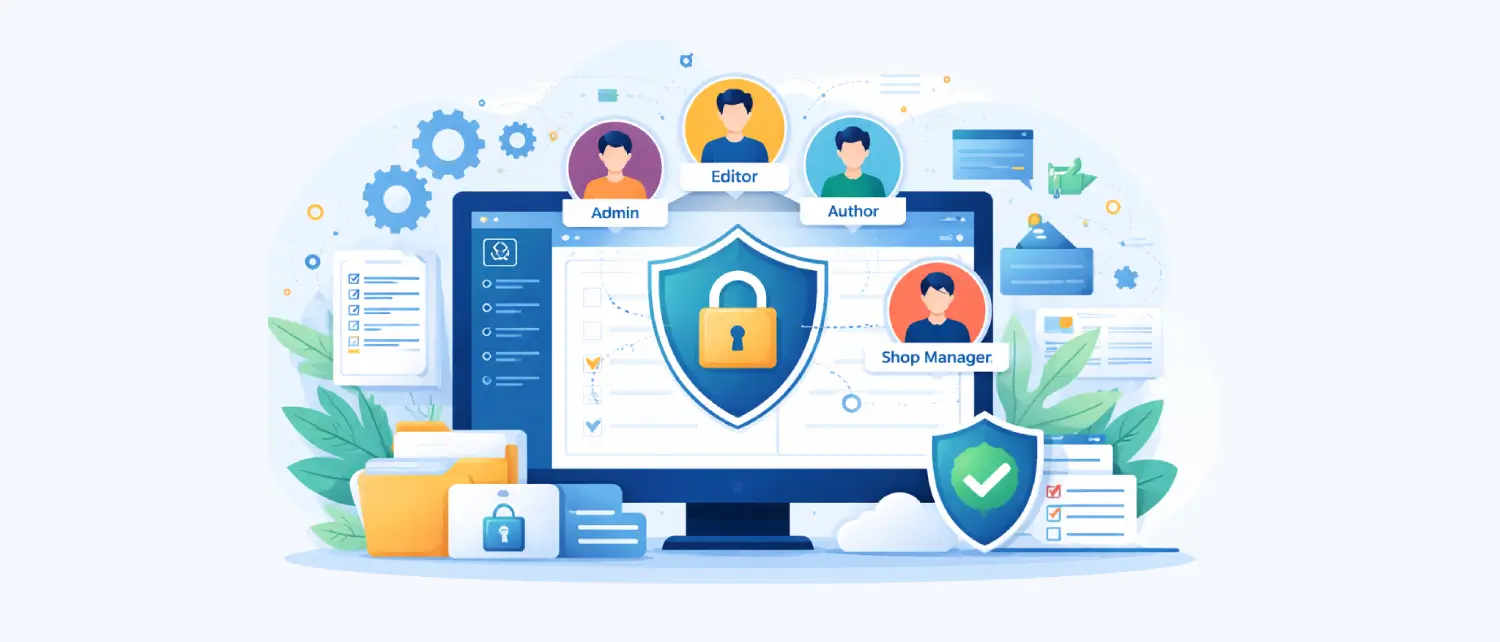
WordPress Security dives into various methods to safeguard your WordPress site from unauthorized access, malicious attacks, and data breaches. Imagine a suit of armor protecting your website’s content and user information. This tag equips you with best practices like using strong passwords, keeping WordPress core and plugins updated, and implementing security measures to prevent vulnerabilities.
Rotating WordPress security salts has one precise security effect: cookies and nonces created with the old secrets stop validating. That can end…
Learn whether to disable xmlrpc.php, how to test dependencies, add Apache or Nginx blocks, allowlist safe services and monitor WordPress XML-RPC abuse.
A WordPress backdoor removal and prevention guide for finding hidden persistence, cleaning accounts and hardening hosting after compromise.
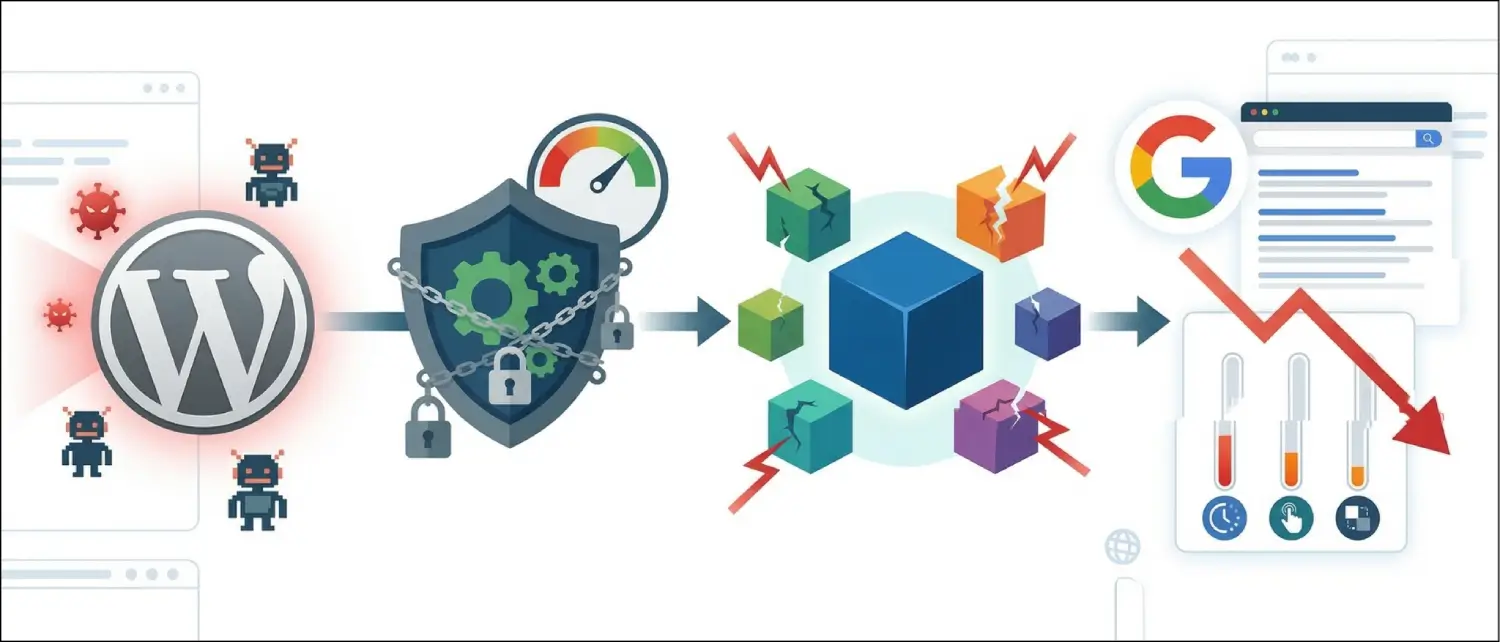
A performance-aware guide to WordPress security alternatives for sites where heavy plugin scanning can hurt speed, admin usability or Core Web Vitals.
The digital world has seen the growth of WordPress in its primitive form as a blogging tool used by amateurs to advanced…
The digitization of the digital ecosystem in 2026 has impacted the security of websites, moving it from a marginal technical issue to…
According to software best practices, logging serves as the fundamental backbone of application development since it enables developers to identify events and…
Running your custom login page with WordPress improves user experience and develops a branded website interface. You can replace the wp-login.php default…
Security is a cornerstone of WordPress development. Whether you're building a theme, plugin, or custom application, properly sanitizing and escaping data is…
Cybersecurity is a growing concern in the modern digital landscape. Due to its widespread adoption, WordPress websites are frequent targets for attackers.…
Securing your WordPress login URL is an easy way to improve website security. By default, WordPress uses the well-known path "/wp-admin" for…