Lifetime VPS Europe
 Lifetime VPS Asia
 Lifetime WooCommerce Hosting
 Lifetime Hosting
 Lifetime Game Dedicated Servers
 Chicago, US
 Tokyo, Japan
 Singapore
 Hong Kong
 Seoul, South Korea
 Amsterdem, Netherlands
 London, UK
 Stockholm, Sweden
 Oslo, Norway
 Vienna, Austria
 Zurich, Switzerland
 Sydney, Australia
 Wordpress Hosting
 VPS Hosting
 DDOS Protection
 Submit Ticket
 Full Management
 Guides
 Videos and Podcasts
 Discover Creative Ideas
 Voxfor Autonomous AI Workers
 Voxfor Mega Menu
 Voxfor Advanced Price Management For WooCommerce
 Voxfor Secure Live Chat and AI Support
 Voxfor Multilanguage
 Voxfor AI Content Summary
 Voxfor Autopilot
AI automation services are useful when they turn a repeated business process into a controlled workflow: a trigger happens, data is checked, an AI or script prepares the next step, and a person approves anything sensitive. The goal is not to replace a team with a vague “AI workforce.” The goal is to remove repetitive work, reduce missed handoffs, and make important workflows easier to measure.
This article focuses on practical automation planning for leads, support, invoices, reporting, operations and technical workflows. It avoids fixed savings promises because results depend on traffic quality, current process health, available data, approval rules, tool access and implementation quality.
Quick Answer
The strongest AI automation projects start with one painful workflow, not a long tool list. Good first candidates include lead triage, support summaries, invoice follow-up, reporting, content operations, WooCommerce admin tasks and infrastructure checks. Voxfor can support this through Voxfor autonomous AI worker services, AI-agent VPS infrastructure and managed deployment work when the workflow needs reliable hosting, logs, credentials, approvals and human review.
What AI Automation Services Should Actually Do
A business automation service should not begin with “which model should we use?” It should begin with the workflow. The useful questions are simple:
- What happens repeatedly every week?
- Where do leads, customers, orders, tickets or reports get stuck?
- Which systems need to talk to each other?
- What data is safe for automation to read?
- Where must a human approve the result?
- What should be logged so the business can trust the workflow later?
AI can help classify, summarize, draft, route and check information. APIs, cron jobs, queues and dashboards usually do the rest. The service value comes from connecting those parts into a workflow that can be tested, monitored and improved.
Choose the First Workflow
Start with a process where the input, decision rules and outcome are visible. Avoid starting with the most complex process in the company. A narrow workflow is easier to approve, measure and fix.
| Workflow | Useful automation | Human approval point |
|---|---|---|
| Lead intake | Summarize the form, classify urgency, enrich company details, create CRM task and draft a reply. | Approve pricing, promises, custom offers and final sales message. |
| Customer support | Summarize long tickets, suggest answers from approved docs and route urgent issues. | Approve refunds, account changes, legal wording and angry-customer replies. |
| Invoices and follow-up | Detect overdue invoices, draft reminders and update status in the CRM or accounting system. | Approve escalation, payment plans, fee waivers and collection language. |
| WooCommerce operations | Flag failed payments, summarize order issues, prepare stock alerts and create admin tasks. | Approve refunds, customer compensation, product changes and payment-gateway decisions. |
| Reporting | Pull data, explain changes, prepare weekly summaries and alert on unusual patterns. | Approve conclusions before they become business decisions. |
| Technical operations | Run checks, collect logs, prepare change reports and create rollback notes. | Approve production changes, migrations, server restarts and security-sensitive actions. |
When Simple Automation Tools Are Enough
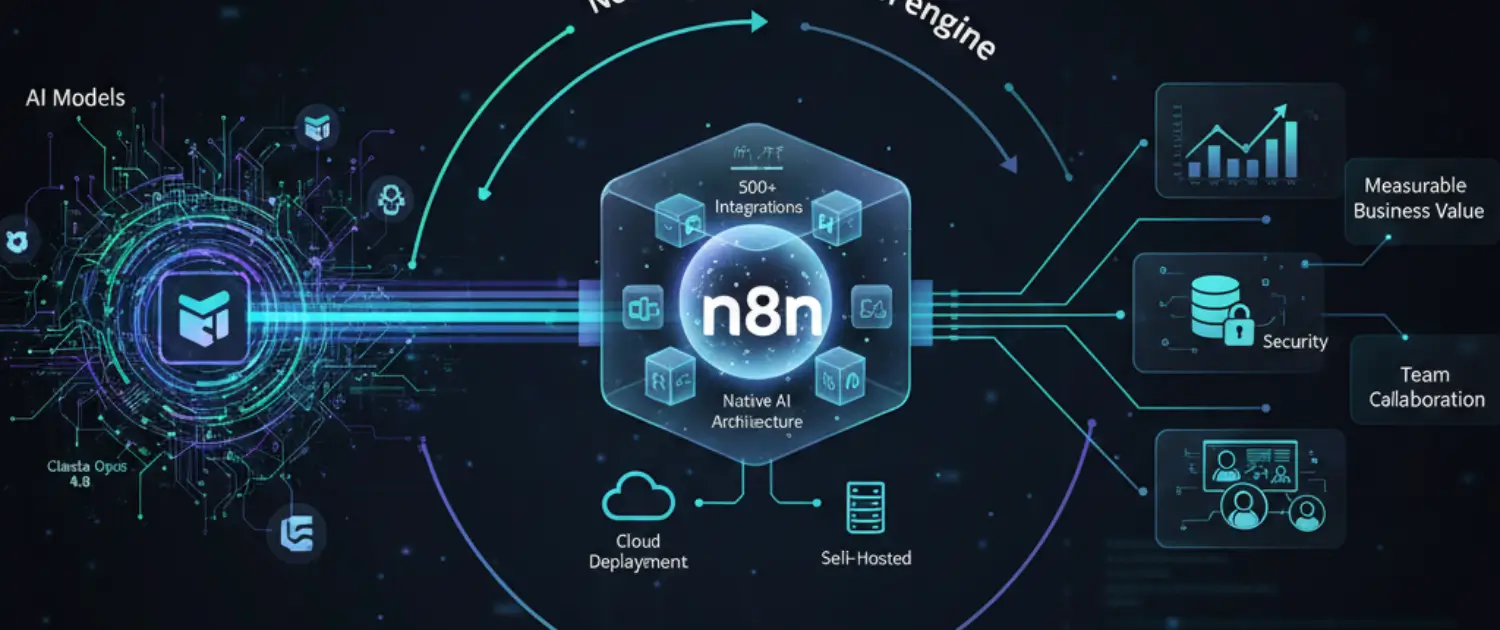
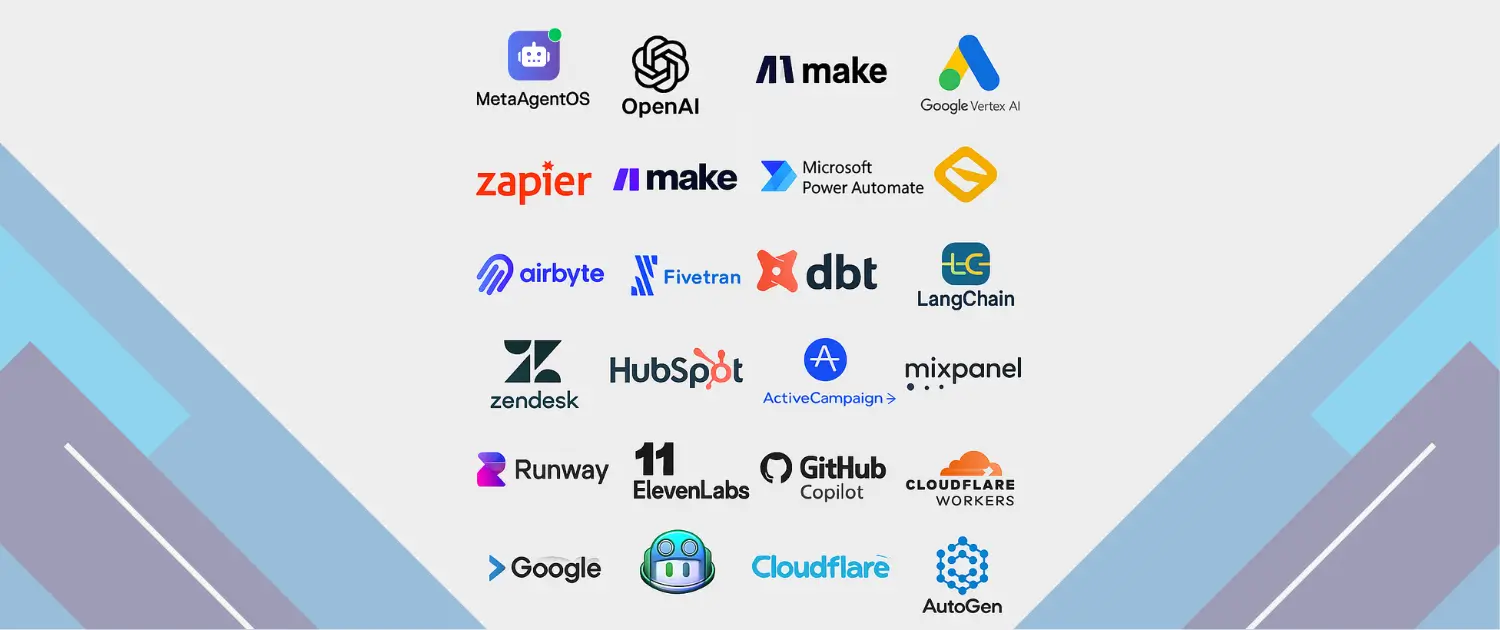
Tools like Zapier, Make, n8n and CRM automation can be a good fit for simple flows: form to spreadsheet, payment notification to email, ticket to Slack, or a scheduled report. Use them when the process is low risk, the data is not sensitive, and a failed step can be corrected without damage.
Use a more managed technical approach when the workflow touches production servers, customer accounts, private data, billing, WooCommerce checkout, database changes, API credentials, or complex multi-step work. Those cases need stronger logs, retries, access control, backups, and a clear rollback path.
Where Voxfor AI Workers and Voxfor Fit
Voxfor autonomous AI worker services are useful when an automation is closer to real operational work than a simple app-to-app connection. Examples include running scripts, checking server logs, preparing migration steps, updating files, coordinating APIs, writing reports, and keeping a human approval step before risky actions.
For persistent agents and scheduled workflows, infrastructure matters. A local laptop is not a production automation platform. A stable server can run webhooks, queues, cron jobs, API workers, logs and monitoring. Voxfor’s related resources include AI agent VPS hosting, running an AI agent on a VPS, managed cloud VPS strategy and cloud VPS hosting for app and automation workloads.
The Intake Checklist
Before building an automation, collect the facts that determine scope. This protects the business from vague implementation and protects the engineer from guessing.
- Workflow owner: who approves the result and who is responsible when it fails.
- Trigger: form submit, ticket update, order status, webhook, schedule, database change or manual request.
- Systems involved: WordPress, WooCommerce, CRM, billing, email, Slack, analytics, VPS, database or custom API.
- Data sensitivity: customer data, payment data, private notes, credentials, medical/legal/financial content or internal-only documents.
- Allowed action: draft only, update record, send email, open ticket, run command, publish content or ask for approval.
- Failure behavior: retry, queue, notify a human, stop the workflow or roll back.
- Audit needs: inputs, outputs, timestamps, user approvals, API responses and final status.
Measure Automation Without Fake Savings Claims
Do not start with a promised savings percentage. Start with a baseline. Measure the current process for a short period, then compare after the automation is live. Useful metrics include response time, manual touches per task, unresolved tickets, failed checkout follow-ups, reporting delay, rework, missed handoffs, and hours spent on repeatable admin work.
A simple impact worksheet can use:
- How many times the task happens each month.
- How long one task takes before automation.
- How many tasks still require human review after automation.
- How many errors or missed handoffs the workflow prevents.
- The cost of implementation, maintenance and provider usage.
- The business value of faster response, cleaner data or fewer escalations.
This makes the result credible. It also helps decide whether a workflow deserves more investment or should stay manual.
A Practical 30-Day Rollout
For most businesses, the first month should be boring. That is a strength. A boring automation is easier to trust.
- Days 1-3: choose one workflow and write the current manual steps.
- Days 4-7: define the trigger, data fields, systems, approval rule and failure behavior.
- Week 2: build a draft-only version that prepares output but does not take customer-facing action.
- Week 3: test with real historical examples and adjust the prompts, rules and routing.
- Week 4: run live with human approval, logging and a clear stop button.
After that, decide whether to expand. Good expansion paths include adding another trigger, connecting a second system, improving reporting, or moving the workflow onto a more reliable VPS-based schedule.
Guardrails That Build Trust
Trust does not come from saying “AI-powered.” It comes from limits and evidence. Every business automation should have clear boundaries.
- Keep API keys and credentials server-side.
- Use least-privilege accounts for integrations.
- Require approval for payments, refunds, discounts, legal replies, security changes and production changes.
- Log what the automation received, what it decided and what action it took.
- Store sensitive prompts and customer data only when there is a clear operational need.
- Set retry limits so failed automations do not loop forever.
- Use backups and rollback notes for workflows that touch websites, servers or databases.
For deployment-heavy workflows, review CI/CD and rollback on a VPS. For WooCommerce-heavy workflows, review custom WooCommerce development and optimization so checkout, orders and payment behavior are handled carefully.
Example Automation Packages
These are not case-study results. They are realistic starting scopes that can be estimated, built and reviewed.
| Package | What it includes | Good fit |
|---|---|---|
| Lead response assistant | Form summary, qualification notes, CRM task, draft reply and follow-up reminder. | Service businesses that lose time between inquiry and first response. |
| Support review workflow | Ticket summary, urgency flag, suggested answer from approved docs and escalation route. | Teams with long support threads and inconsistent handoff. |
| WooCommerce operations monitor | Failed-payment alerts, order issue summaries, stock exceptions and admin tasks. | Stores that need cleaner operations without risky checkout automation. |
| Weekly business report | Data pull, plain-English summary, anomaly notes and action list for the owner. | Owners who need visibility but do not want to check every dashboard manually. |
| Technical operations runbook | Log collection, pre-change checklist, command plan, verification notes and handoff report. | Hosting, VPS, DevOps and site-maintenance teams that need repeatable execution. |
Recommended Next Step
If you want business automation that touches servers, APIs, WordPress, WooCommerce, reports or operational data, start by documenting one workflow and choosing the human approval points. Then review Voxfor autonomous AI worker services for scoped execution, or use Voxfor VPS hosting when the first need is a reliable place to run scheduled jobs, webhooks and agent workers.
The right automation should feel smaller than the sales pitch and stronger than a prompt. It should run one real process, leave a clear log, ask for approval when the risk is high, and make the next business decision easier.
FAQ: AI Automation Services
What business tasks are good first candidates for AI automation?
Good first candidates are repeated tasks with clear inputs and reviewable outputs: lead triage, ticket summaries, invoice reminders, weekly reporting, WooCommerce admin alerts, content operations and technical checklists.
When should I use Voxfor AI Workers instead of a simple automation tool?
Use a simple automation tool for low-risk app-to-app handoffs. Use Voxfor AI Workers or a managed technical service when the workflow needs server access, scripts, logs, multi-step reasoning, API credentials, files, rollback planning or human approval before production changes.
Does AI automation need a VPS?
Not necessarily. Simple SaaS automations may run inside the tool itself. A VPS is useful when the workflow needs persistent workers, scheduled jobs, webhooks, private scripts, queues, logs, custom APIs or controlled credentials.
How should automation impact be measured?
Measure the current manual process first. Track task volume, time per task, error rate, response time, rework, missed handoffs and maintenance cost. After launch, compare the same metrics instead of relying on generic savings claims.
Where should humans stay in the workflow?
Humans should approve customer-facing promises, payments, refunds, legal language, security decisions, production changes, large discounts, and any output that could damage trust if it is wrong.