Lifetime VPS Europe
 Lifetime VPS Asia
 Lifetime WooCommerce Hosting
 Lifetime Hosting
 Lifetime Game Dedicated Servers
 Chicago, US
 Tokyo, Japan
 Singapore
 Hong Kong
 Seoul, South Korea
 Amsterdem, Netherlands
 London, UK
 Stockholm, Sweden
 Oslo, Norway
 Vienna, Austria
 Zurich, Switzerland
 Sydney, Australia
 Wordpress Hosting
 VPS Hosting
 DDOS Protection
 Submit Ticket
 Full Management
 Guides
 Videos and Podcasts
 Discover Creative Ideas
 Voxfor Autonomous AI Workers
 Voxfor Mega Menu
 Voxfor Advanced Price Management For WooCommerce
 Voxfor Secure Live Chat and AI Support
 Voxfor Multilanguage
 Voxfor AI Content Summary
 Voxfor Autopilot
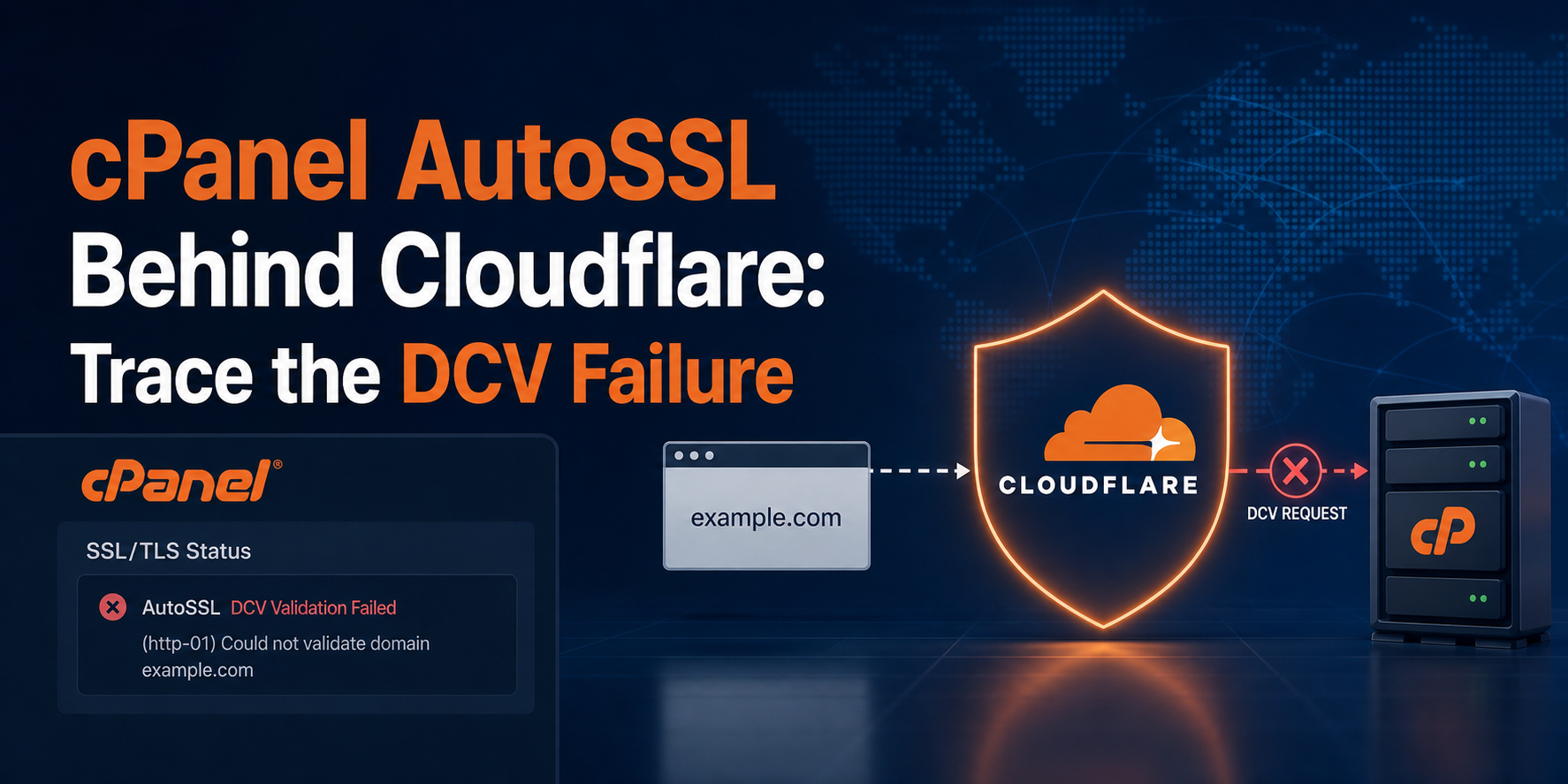
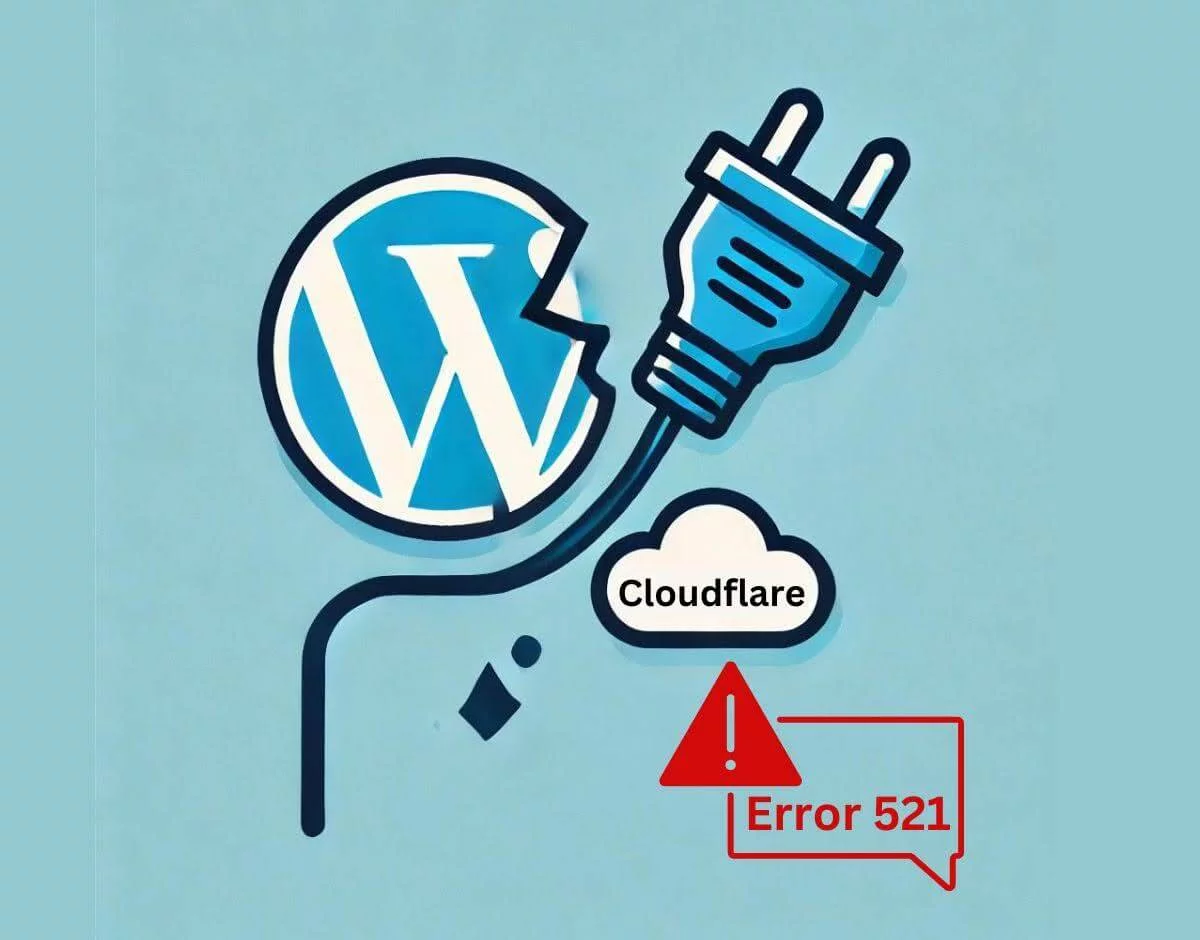
cPanel AutoSSL does not fail “because of Cloudflare” as one indivisible problem. A failed run means one requested hostname could not prove control, the configured certificate authority could not authorize issuance, or the resulting certificate was not installed where the origin actually serves it. Preserve the exact AutoSSL receipt, identify that layer, and change only its owner.
That distinction matters because a public website can look healthy through Cloudflare while mail.example.com, webmail.example.com, or the direct origin follows another route. Turning the proxy off may expose the origin without repairing DNS authority, CAA, IPv6, a service subdomain, or the cPanel virtual host. The safer workflow is evidence first, one-account rerun second, and proof of both TLS legs last.
The error line is a routing receipt
Start in WHM → SSL/TLS → Manage AutoSSL → Logs or cPanel’s SSL/TLS Status interface. Current cPanel AutoSSL documentation says the system retains text and JSON logs under /var/cpanel/logs/autossl; SSL/TLS Status also surfaces domain-level AutoSSL problems and the last run.
For root access, rerun only the affected account and save the output instead of launching an all-user job:
CPUSER=accountname
/usr/local/cpanel/bin/autossl_check --user="$CPUSER" | tee "/root/autossl-$CPUSER-$(date -u +%Y%m%dT%H%M%SZ).log"
Do not start by deleting certificates, replacing provider settings, or excluding every failed name. Preserve the first failure receipt: it normally says which hostname failed and whether cPanel’s local DNS or HTTP check, the provider request, or certificate installation stopped progress.
DNS DCV: No local authority names DNS ownership
No local authority means the cPanel server is not authoritative for that public DNS zone. A local Zone Editor record cannot prove control when Cloudflare nameservers publish the real zone. AutoSSL may still use HTTP validation for eligible names, but local DNS DCV is not available merely because a stale zone exists on the server.
This boundary is especially important for wildcard names. Wildcard issuance depends on provider-supported DNS validation, so remote authoritative DNS can require a different automation design or a decision to exclude an unneeded wildcard. Do not copy a temporary _cpanel-dcv-test-record from an old log into Cloudflare; challenge values are run-specific.
Local HTTP DCV error names a content path
HTTP DCV is not a test that “the website opens.” It asks whether an exact temporary token is reachable under a logged /.well-known/... path for the literal hostname being validated. A home-page 200, cached Cloudflare page, or automatic HTTPS redirect does not prove that token reached the correct cPanel virtual host.
Provider behavior also matters. Let’s Encrypt is now cPanel’s default AutoSSL provider, and its current HTTP-01 rules use port 80 and accept a bounded set of redirects. cPanel’s local preflight and another configured provider can have different capabilities, so the current provider plus the current log—not a generic tutorial—defines the allowed path.
CAA or provider errors occur after routing evidence
Once routing succeeds, CAA records still decide which certificate authorities may issue. According to cPanel’s Guide to SSL, no CAA record allows any CA, while existing CAA records must authorize the desired issuer. A hostname can therefore pass HTTP reachability yet still fail before issuance because public CAA does not permit the configured AutoSSL provider.
Later failures include rate limits, terms acceptance, pending queues, and provider-side deferrals. Repeating DNS changes cannot repair them. Record the provider name, exact provider error, certificate expiry, and whether the current certificate still covers the hostname before deciding whether the incident is urgent.
Build a literal-hostname ledger before touching the proxy
For each certificate request, cPanel validates names literally. example.com, www.example.com, mail.example.com, and cpanel.example.com can have different A/AAAA records, proxy status, origins, and operational value. Build a short ledger from the failed run instead of treating the zone as one object.
| Requested name | Public route to record | Expected owner | Keep in AutoSSL when… |
|---|---|---|---|
example.com |
A, AAAA, proxy state | website origin | the cPanel virtual host serves the apex |
www.example.com |
CNAME/A/AAAA and redirect | website origin or edge | visitors or redirects use the name |
mail.example.com |
direct A/AAAA, usually DNS-only | cPanel mail services | clients actually connect to that hostname |
cpanel, webmail, whm, webdisk |
service-subdomain records | cPanel service proxy | the service name is enabled, routed, and used |
From a shell, query public authority and two recursive views. Replace only example.com; the commands are read-only:
DOMAIN=example.com
dig +short NS "$DOMAIN"
dig +short A "$DOMAIN"
dig +short AAAA "$DOMAIN"
dig +short CAA "$DOMAIN"
dig @1.1.1.1 +short A "$DOMAIN"
dig @8.8.8.8 +short A "$DOMAIN"
When a public resolver returns SERVFAIL, fix that validation state before interpreting an empty answer; DNSSEC chain repair provides the separate DS/DNSKEY/RRSIG workflow. An empty AAAA answer is fine when IPv6 is not published. A published AAAA record, however, creates a real route that must reach the intended service or be removed when IPv6 is not in service.
Different answers across resolvers can be propagation, split authority, or traffic steering. Operators using multiple regions should compare the zone with their intended GeoDNS failover behavior before declaring one cPanel origin authoritative for every request.
Service names deserve an explicit decision. If mail.example.com points to a separate mail provider, or webmail.example.com is intentionally unused, do not force that name toward the web origin just to make a certificate green. Either route the service to its actual owner or exclude the name from this account’s AutoSSL coverage while documenting where its TLS certificate is managed.
Follow the exact challenge path through edge and origin
Run the next comparison while the current AutoSSL token is active, then copy the exact hostname and path from the log. Guessing /.well-known/acme-challenge/ can be wrong because provider and preflight paths differ.
DOMAIN=example.com
ORIGIN_IP=203.0.113.10
DCV_PATH='/.well-known/pki-validation/COPY-EXACT-ACTIVE-TOKEN-PATH'
curl -sS -o /dev/null -D - --max-redirs 0 "http://$DOMAIN$DCV_PATH"
curl -sS -o /dev/null -D - --max-redirs 0 --resolve "$DOMAIN:80:$ORIGIN_IP" "http://$DOMAIN$DCV_PATH"
Read the pair as one experiment:
- Origin succeeds and public fails: inspect Cloudflare redirects, WAF rules, Workers/routes, cache behavior, or a different public origin.
- Both fail: inspect the cPanel virtual host, document root, service-subdomain mapping, port 80, and the active token’s lifetime.
- Public succeeds and origin fails: confirm whether the edge is serving cached or synthetic content and whether AutoSSL is ordering a certificate for that origin at all.
A targeted DNS-only test can isolate the proxy layer, but it is not the first universal fix. Before changing proxy state, record the old value, lower exposure with origin firewall controls where possible, choose one affected hostname, set a short test window, and restore the original state immediately after the comparison. Disabling Cloudflare for an apex record can expose the origin IP and bypass edge protections.
Redirects need the same precision. Test port 80 without following redirects first, then inspect each Location hop. A forced redirect to a hostname outside the certificate order, a nonstandard port, a login page, or an edge challenge can invalidate DCV even while browsers eventually show a page. Preserve HTTPS enforcement for normal traffic; create only the narrow validation-path exception that current cPanel/provider behavior requires.
After a DNS migration, keep the challenge result beside broader post-migration DNS and SSL checks. AutoSSL success proves certificate control for selected names; it does not prove application redirects, canonical URLs, mixed content, mail routing, or every regional resolver is correct.
FAQ: cPanel decisions during DCV failures
Does Cloudflare always break cPanel AutoSSL?
No. Cloudflare and cPanel AutoSSL can coexist when every requested hostname reaches a valid DCV path and public CAA authorizes the configured provider. Failure begins when DNS, proxy behavior, a service hostname, or provider rules send validation somewhere else.
What does DNS DCV: No local authority mean?
The cPanel server is not authoritative for the domain’s public DNS zone. Local DNS DCV cannot prove control through a zone served by Cloudflare or another external provider, although eligible hostnames may still pass HTTP-based validation.
Should I disable the Cloudflare proxy for renewal?
Use DNS-only mode only as a bounded isolation test when direct-origin HTTP succeeds and the public path fails. Record the prior state, protect the origin, limit the change to one hostname, and restore proxying after the test.
Can Cloudflare Origin CA replace AutoSSL?
Cloudflare Origin CA can secure the Cloudflare-to-origin leg under Full (strict), but it is not generally trusted by browsers that connect directly to the origin. Keep a public CA certificate when direct browser or non-Cloudflare clients must trust that hostname.
Why does the apex pass while mail or webmail fails?
Each hostname has separate DNS and routing. mail, webmail, cpanel, whm, and webdisk must point to the service that presents their certificate, or be excluded from this AutoSSL order when they are intentionally unused or owned elsewhere.
Can CAA block AutoSSL after HTTP DCV succeeds?
Yes. Public CAA can forbid the configured certificate authority from issuing even when the HTTP token is reachable. Inspect the provider in WHM and authorize that issuer in authoritative DNS, or choose a provider already permitted by policy.
Why can an AAAA record matter when IPv4 works?
A published AAAA record advertises an IPv6 validation route. If that address does not reach the correct cPanel service, remove the stale record or restore working IPv6; do not leave contradictory public routes and hope every validator chooses IPv4.
What proves that the AutoSSL incident is finished?
Completion requires a clean one-account run, intended SAN coverage on the origin certificate, correct expiry and issuer, and a successful request through Cloudflare Full (strict). A browser lock alone proves only the public edge certificate.
Rerun one account and prove both TLS legs
Once one owner-specific correction is live, rerun the affected account rather than all users. Review the new log from start to finish, confirm that failed names either passed or were intentionally excluded, and inspect cPanel SSL/TLS Status for the installed certificate.
Compare origin and public certificates separately
Cloudflare can present an edge certificate to visitors while cPanel presents another certificate at the origin. Verify both with SNI:
DOMAIN=example.com
ORIGIN_IP=203.0.113.10
openssl s_client -connect "$ORIGIN_IP:443" -servername "$DOMAIN" </dev/null 2>/dev/null | openssl x509 -noout -subject -issuer -dates -ext subjectAltName
openssl s_client -connect "$DOMAIN:443" -servername "$DOMAIN" </dev/null 2>/dev/null | openssl x509 -noout -subject -issuer -dates -ext subjectAltName
Current Cloudflare Full (strict) requirements require an unexpired hostname-matching origin certificate issued by a public CA or Cloudflare Origin CA. Do not downgrade to Flexible mode to hide an origin certificate problem; that changes the security contract instead of repairing it.
WordPress operators can finish application-level verification with WordPress HTTPS checks after both certificates pass. Teams without root or WHM authority should send the hostname ledger, current AutoSSL receipt, DNS answers, public/direct-origin comparison, and expiry dates to managed hosting operations rather than making blind DNS changes.
Close with an acceptance record
Save the account, provider, requested names, excluded names and reasons, authoritative nameservers, A/AAAA/CAA answers, exact failed path, public/origin HTTP result, change and rollback, new AutoSSL run ID, origin SANs, edge SANs, expiry dates, and Full (strict) result. The incident is closed only when validation reaches the right owner and the origin remains trusted.