Lifetime VPS Europe
 Lifetime VPS Asia
 Lifetime WooCommerce Hosting
 Lifetime Hosting
 Lifetime Game Dedicated Servers
 Chicago, US
 Tokyo, Japan
 Singapore
 Hong Kong
 Seoul, South Korea
 Amsterdem, Netherlands
 London, UK
 Stockholm, Sweden
 Oslo, Norway
 Vienna, Austria
 Zurich, Switzerland
 Sydney, Australia
 Wordpress Hosting
 VPS Hosting
 DDOS Protection
 Submit Ticket
 Full Management
 Guides
 Videos and Podcasts
 Discover Creative Ideas
 Cybersecurity Services
 Voxfor Mega Menu
 Voxfor Advanced Price Management For WooCommerce
 Voxfor Secure Live Chat and AI Support
 Voxfor Multilanguage
 Voxfor AI Content Summary
 Voxfor Autopilot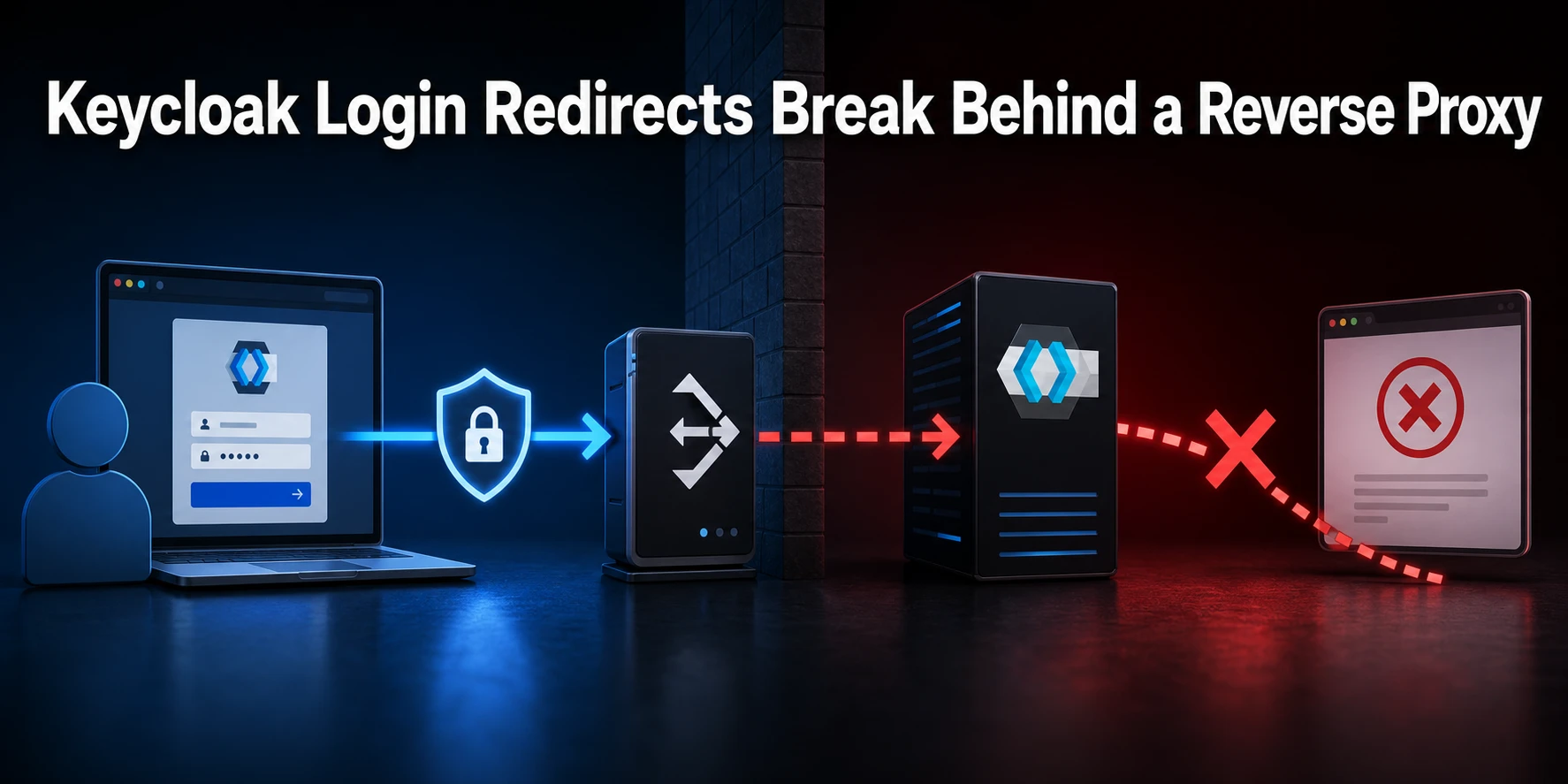
Security
Keycloak Login Redirects Break Behind a Reverse Proxy
Broken Keycloak redirects behind a TLS-terminating reverse proxy usually mean that three URL owners disagree: Keycloak's public hostname, the proxy's forwarded request…

Securing data encryption methods, we delve into the strategies and technologies designed to safeguard your online presence and assets. Stay informed, stay secure.
Broken Keycloak redirects behind a TLS-terminating reverse proxy usually mean that three URL owners disagree: Keycloak's public hostname, the proxy's forwarded request…
A recoverable Vaultwarden backup needs more than db.sqlite3. Capture a consistent database, file attachments, any Sends you intend to preserve, the RSA…
MinIO Object Lock can stop protected backup versions from being permanently deleted through the S3 API before their retention expires. The safe…
Public SSH is convenient, but a login port exposed to the internet receives constant scanning even when passwords are disabled. A Tailscale…
Whitelisting a local IPv4 address is only “simple” once you identify where the traffic is actually being filtered. If the client and…
Learn whether to disable xmlrpc.php, how to test dependencies, add Apache or Nginx blocks, allowlist safe services and monitor WordPress XML-RPC abuse.
Review infrastructure SEO for AI bots and search crawlers with crawlability checks, WAF rules, bot filtering, logs, schema, llms.txt, and secure hosting.
Turn technical readers into inbound marketing growth Helpful tutorials attract qualified visitors, but reliable hosting keeps those readers engaged. Voxfor VPS gives…
Something changed during the past few years. What once was the pride of security teams, keeping one step ahead of attackers, is…
A practical WordPress XSS prevention checklist for site owners, developers and hosting teams that need safer forms, plugins and code.
If you've ever opened a browser and been greeted by a full-screen red alert saying "Deceptive Site Ahead," you already know how…
A WordPress backdoor removal and prevention guide for finding hidden persistence, cleaning accounts and hardening hosting after compromise.
A WooCommerce checkout troubleshooting guide for payment failures, SSL issues, webhooks, cache exclusions, plugin conflicts and hosting timeouts.
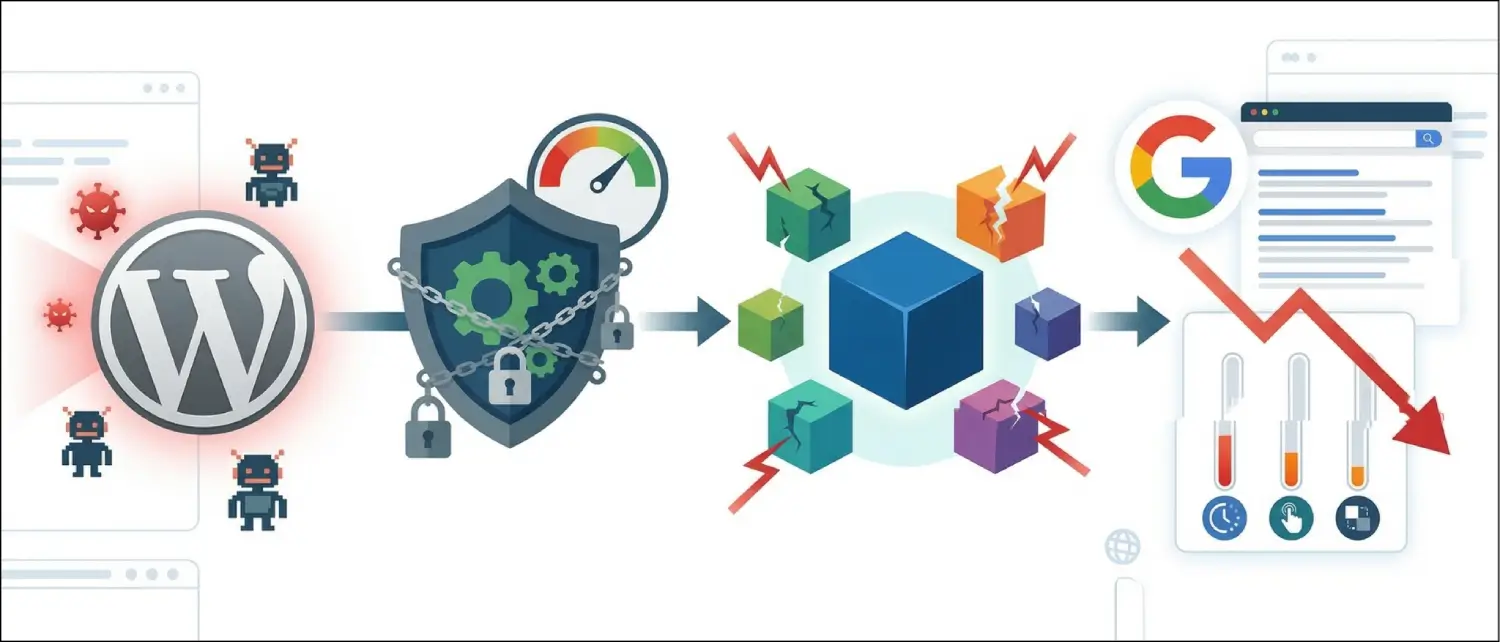
A performance-aware guide to WordPress security alternatives for sites where heavy plugin scanning can hurt speed, admin usability or Core Web Vitals.
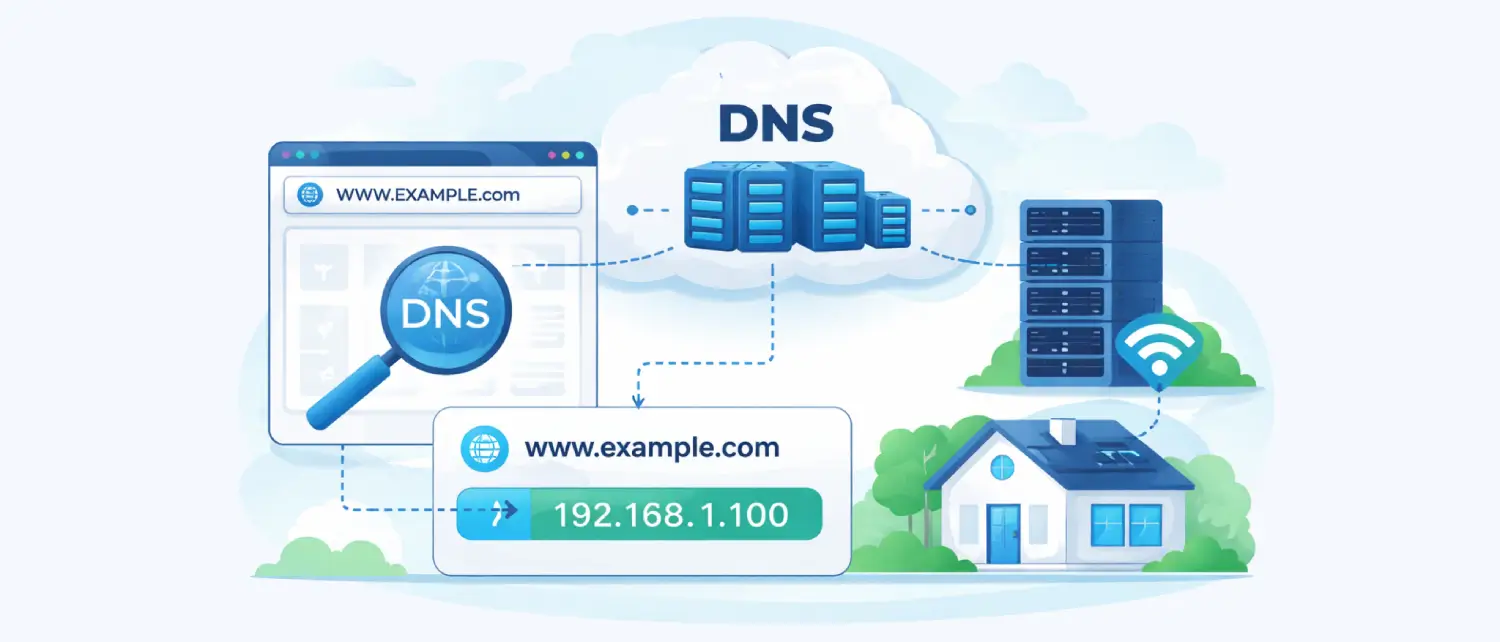
The Domain Name System (DNS) works like the Internet phonebook. It helps convert easy-to-remember website names into the numeric IP addresses that…
Reduce WordPress form and comment spam with honeypots, moderation, rate limits, SMTP authentication, anti-spam plugins, WooCommerce checks, and hosting logs.
The digitization of the digital ecosystem in 2026 has impacted the security of websites, moving it from a marginal technical issue to…
The PHP development landscape was fundamentally changed with the release of Laravel 12. The release is a culmination of a years-long transition…
Set up WordPress SSL with HTTPS redirects, mixed content fixes, Cloudflare cautions, HSTS safety, renewal checks and hosting security steps.
A significant agreement between Google Cloud and Palo Alto Networks signals that security becomes cloud infrastructure. The announcement of thedeal, which happened…
A fake video that a coup in France was in progress was recently going viral on social media, leaving many people around…