Lifetime VPS Europe
 Lifetime VPS Asia
 Lifetime WooCommerce Hosting
 Lifetime Hosting
 Lifetime Game Dedicated Servers
 Chicago, US
 Tokyo, Japan
 Singapore
 Hong Kong
 Seoul, South Korea
 Amsterdem, Netherlands
 London, UK
 Stockholm, Sweden
 Oslo, Norway
 Vienna, Austria
 Zurich, Switzerland
 Sydney, Australia
 Wordpress Hosting
 VPS Hosting
 DDOS Protection
 Submit Ticket
 Full Management
 Guides
 Videos and Podcasts
 Discover Creative Ideas
 Cybersecurity Services
 Voxfor Mega Menu
 Voxfor Advanced Price Management For WooCommerce
 Voxfor Secure Live Chat and AI Support
 Voxfor Multilanguage
 Voxfor AI Content Summary
 Voxfor Autopilot

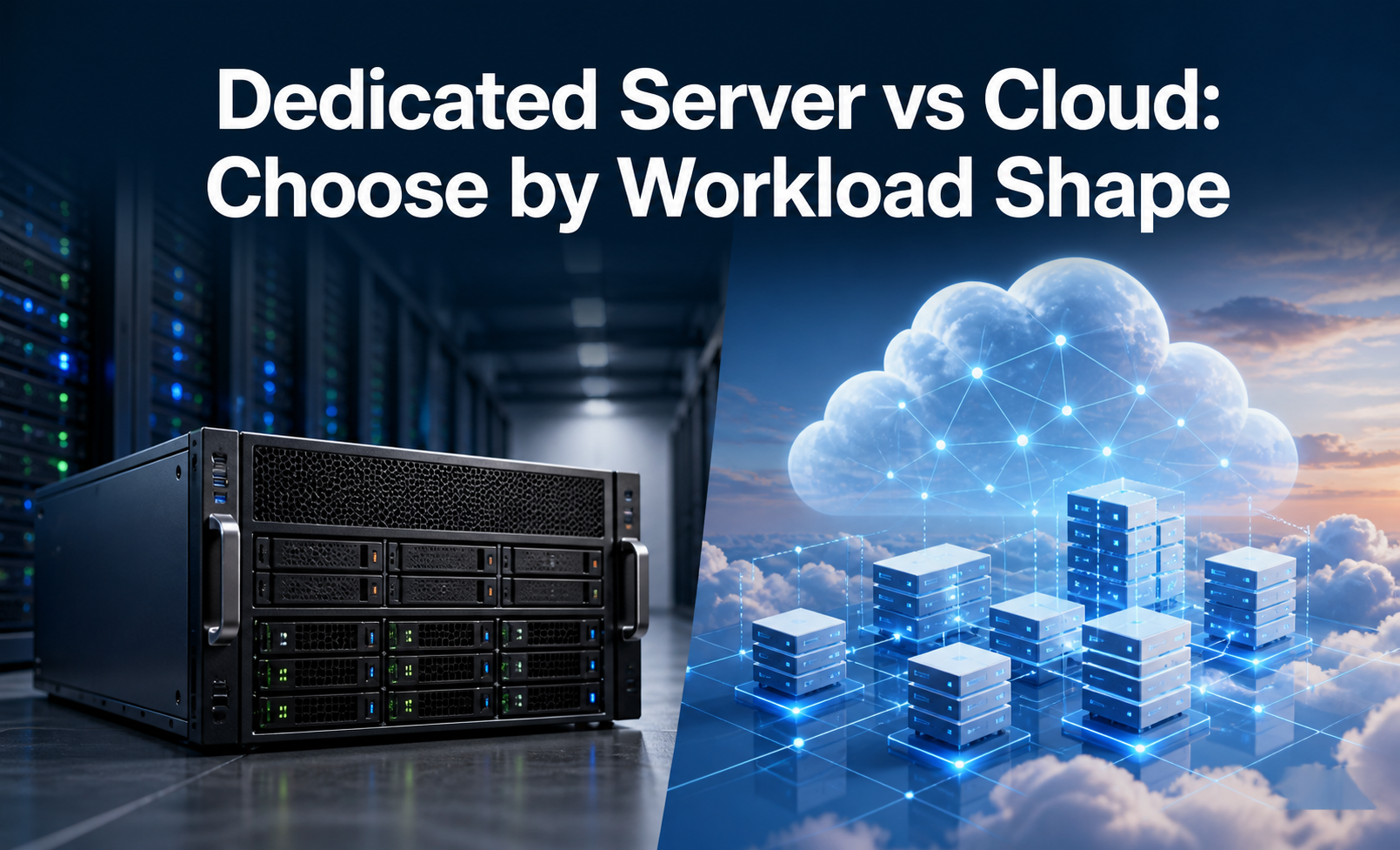
Quick answer: Choose GPU infrastructure by workload pattern. Cloud GPU works well for short experiments and bursty training. Dedicated GPU servers fit sustained inference, rendering, private data, and predictable usage. Hybrid GPU setups combine a private control plane with temporary external GPU capacity. A standard VPS can still host dashboards, APIs, queues, logs, and AI agent control layers around the GPU workload.
The decision is not only about raw GPU power. Model size, VRAM, storage speed, data transfer, driver support, security requirements, deployment workflow, and the person responsible for operations all matter. A smaller, well-operated setup can be more useful than an expensive GPU platform that nobody monitors or documents.
GPU Server Cloud GPU and Hybrid GPU Defined
A dedicated GPU server is physical or dedicated infrastructure where GPU resources are assigned to your workload for ongoing use. A cloud GPU is rented GPU capacity from a cloud provider for temporary or variable workloads. A hybrid GPU architecture uses both: private servers or VPS infrastructure for stable services, with cloud GPU capacity added when heavier compute is needed.
| Option | Good fit | Main responsibility |
|---|---|---|
| Dedicated GPU server | Sustained inference, rendering, private data, predictable workloads. | Capacity planning, drivers, monitoring, storage, and maintenance. |
| Cloud GPU | Short experiments, training bursts, temporary model testing, variable compute. | Cost control, data transfer, region choice, and job scheduling. |
| Hybrid GPU | Teams with steady services and occasional heavy compute bursts. | Workflow orchestration, data movement, queue design, and security boundaries. |
| Standard VPS around GPU workloads | APIs, dashboards, queues, logs, automation, AI agent panels. | Web app reliability, access control, backups, and observability. |
Start With the Workload
GPU planning should start with the job, not the hardware brand. A rendering queue, local LLM inference service, training experiment, computer vision pipeline, and AI agent backend can have very different needs. Estimate runtime hours, VRAM requirements, dataset size, model checkpoint size, concurrency, storage read/write pattern, and how often the workload changes.
- Inference: check model size, context length, concurrent users, response latency target, and quantization options.
- Training: check dataset size, checkpoint frequency, GPU memory, storage throughput, and experiment duration.
- Rendering: check frame complexity, queue length, storage throughput, and asset transfer time.
- AI agents: check whether the GPU is needed locally or whether a VPS can host orchestration while models run elsewhere.
Decision Matrix for GPU Infrastructure
| Question | Cloud GPU points toward | Dedicated GPU points toward | Hybrid points toward |
|---|---|---|---|
| How often does the workload run? | Occasional jobs. | Daily or continuous jobs. | Baseline jobs plus spikes. |
| How sensitive is the data? | Low sensitivity or approved cloud region. | Private data that should stay under tighter control. | Private control plane with selected external jobs. |
| How predictable is usage? | Hard to predict. | Stable and measurable. | Mostly stable with burst periods. |
| How large is the data movement? | Small input and output files. | Large local datasets or model artifacts. | Carefully staged data and selected remote compute. |
| Who maintains it? | Cloud operations plus job control. | Server administrator or infrastructure team. | Both infrastructure and workflow owner. |
Storage and Data Movement Matter
GPU jobs are often limited by storage and data movement, not only by compute. Training data, model weights, checkpoints, embeddings, video assets, render frames, and logs can become large quickly. NVMe storage helps when the workload reads and writes many files. Backups and snapshots need planning because copying large model directories without exclusions can waste time and storage.
For hybrid workflows, decide where the source data lives, how jobs receive it, and where outputs are stored. Moving large datasets into cloud GPU capacity for every run may remove the flexibility benefit. A VPS can act as the coordination layer for job queues, API access, dashboards, and status pages while heavy compute happens on dedicated or temporary GPU resources.
Security and Access Boundaries
GPU environments often hold models, datasets, API tokens, SSH keys, and customer files. Secure access should be planned before the first job runs. Use separate users, limit SSH access, avoid exposing notebooks or dashboards without authentication, and keep environment secrets out of public repositories. For RDP or browser-based interfaces, restrict access and document who can reach them.
How VPS Hosting Fits Around GPU Workloads
Many AI and rendering projects do not need every component to run on a GPU machine. A Voxfor VPS can host the application frontend, webhook receiver, API gateway, queue dashboard, monitoring panel, documentation, admin area, or AI agent control plane. The GPU server can focus on compute while the VPS handles web-facing services and persistent lightweight tools.
This separation is useful when the GPU workload changes often. The public app can stay stable on a VPS while model tests, rendering workers, or training jobs move between local, dedicated, and cloud GPU resources.
Common GPU Planning Mistakes
The most common mistake is buying compute before defining the job. A team may rent a large cloud GPU for a workload that only needs API orchestration, or buy dedicated hardware before confirming model memory needs. Another common issue is ignoring storage. If datasets and checkpoints move slowly, GPU capacity can sit idle while the system waits for files.
| Mistake | Why it hurts | Better check |
|---|---|---|
| Choosing by GPU name only | VRAM, drivers, storage, and workload pattern may matter more. | Test the actual model or rendering job. |
| Ignoring data transfer | Moving large datasets repeatedly can slow cloud workflows. | Map where input and output files live. |
| No monitoring | Failed jobs, memory pressure, and storage issues go unnoticed. | Track utilization, failed runs, disk, and queue status. |
| No separation of services | Public web apps may become tied to experimental GPU changes. | Keep APIs and dashboards on stable VPS infrastructure when possible. |
| Weak access rules | Notebooks, dashboards, or RDP can expose sensitive data. | Restrict access and document approved users. |
Operational Ownership Table
GPU infrastructure needs an owner for each layer. Without ownership, costs rise, jobs fail silently, and security exceptions remain open longer than intended.
| Layer | Owner to assign | Review item |
|---|---|---|
| Model and code | ML engineer or app developer | Version, dependencies, input format, output path. |
| GPU runtime | Infrastructure owner | Drivers, CUDA, containers, scheduler, utilization. |
| Storage | Data or platform owner | Dataset location, checkpoints, retention, backup rules. |
| VPS control plane | Web or DevOps owner | API, queue, dashboard, logs, documentation. |
| Security | Admin or operations owner | SSH, tokens, dashboards, RDP, firewall, secrets. |
GPU Infrastructure Review Checklist
- Estimate VRAM, runtime hours, storage size, and data movement before choosing hardware.
- Decide which components need GPU and which can run on a standard VPS.
- Document driver, CUDA, container, and framework requirements.
- Plan backups for code, configs, datasets, model artifacts, and outputs.
- Review access controls for dashboards, notebooks, SSH, RDP, and APIs.
- Monitor GPU utilization, memory, storage, job duration, and failed runs.
About the Writer
Vinayak Baranwal wrote the original article. This version was manually reviewed and rebuilt by the Voxfor editorial team for buyers comparing GPU servers, cloud GPU, hybrid GPU workflows, and VPS orchestration.
Frequently Asked Questions
Do AI workloads need GPU servers?
Some do and some do not. API-based AI apps, dashboards, webhooks, logs, and agent control panels can run on a standard VPS, while heavy local inference or training may need GPU capacity.
When is cloud GPU a good choice?
Cloud GPU works well for temporary experiments, bursty training, proof-of-concept work, and jobs where renting capacity for a short period is easier than operating dedicated hardware.
When does a dedicated GPU server make sense?
A dedicated GPU server makes sense for sustained workloads, predictable usage, private datasets, frequent inference, rendering queues, or teams that need tighter control over drivers and storage.
What is a hybrid GPU setup?
A hybrid setup combines private infrastructure for stable services with temporary external GPU capacity for heavier or less predictable jobs.
Can a VPS help if the GPU runs elsewhere?
Yes. A VPS can host the web app, API, queue dashboard, logs, automation, documentation, and control plane around GPU jobs running on another machine.
What should be checked before choosing GPU infrastructure?
Check model size, VRAM, runtime hours, storage, data sensitivity, driver requirements, deployment workflow, backup needs, monitoring, and who will maintain the environment.