Lifetime VPS Europe
 Lifetime VPS Asia
 Lifetime WooCommerce Hosting
 Lifetime Hosting
 Lifetime Game Dedicated Servers
 Chicago, US
 Tokyo, Japan
 Singapore
 Hong Kong
 Seoul, South Korea
 Amsterdem, Netherlands
 London, UK
 Stockholm, Sweden
 Oslo, Norway
 Vienna, Austria
 Zurich, Switzerland
 Sydney, Australia
 Wordpress Hosting
 VPS Hosting
 DDOS Protection
 Submit Ticket
 Full Management
 Guides
 Videos and Podcasts
 Discover Creative Ideas
 Cybersecurity Services
 Voxfor Mega Menu
 Voxfor Advanced Price Management For WooCommerce
 Voxfor Secure Live Chat and AI Support
 Voxfor Multilanguage
 Voxfor AI Content Summary
 Voxfor Autopilot
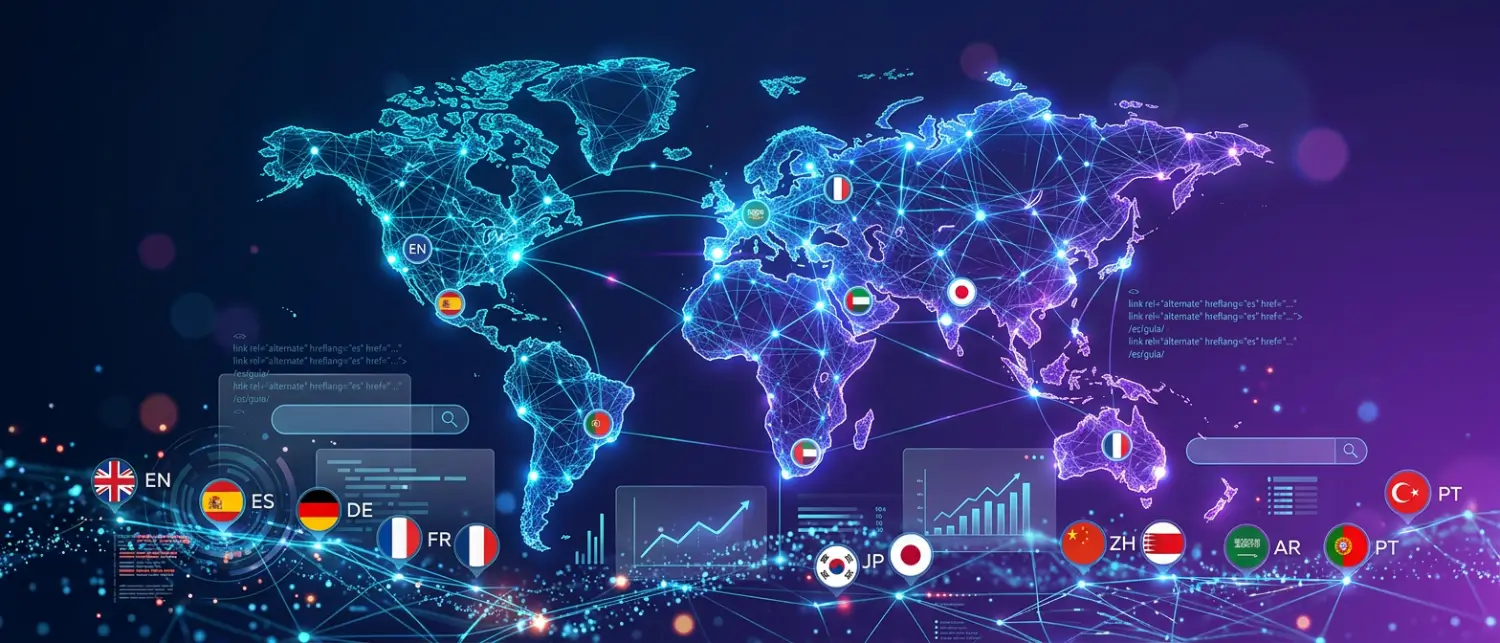
Quick answer: Multilingual SEO for WordPress requires separate crawlable URLs for each language, localized titles and meta descriptions, translated slugs where appropriate, correct hreflang, matching canonicals, language-specific internal links, and human review of important pages. Translation alone is not enough for search visibility.
A multilingual site should help both users and search engines understand which page is meant for which language or region. The work combines technical structure, local keyword research, page-level metadata, content quality, and a translation workflow that keeps important business details accurate.
Translation vs Localization
Translation changes text from one language to another. Localization adapts the page for how people in that language market actually search, compare, buy, and ask questions. A direct translation can preserve meaning but still miss local search intent. A localized page updates keywords, examples, currency references, support expectations, legal wording, and calls to action where needed.
For SEO pages, local keyword research should happen before final editing. A phrase that works in English may not match the words used by Spanish, German, French, Arabic, or Japanese searchers. This is why important pages need human review after machine-assisted translation.
Choose a Clear URL Structure
Google’s international guidance supports dedicated URLs for language or regional versions. WordPress sites commonly use subdirectories such as /fr/, /de/, or /es/. Subdomains and country-code domains can also work, but they add management and reporting complexity.
| Structure | Example | Operational note |
|---|---|---|
| Subdirectory | example.com/fr/ | Simple for many WordPress sites and keeps language versions under one domain. |
| Subdomain | fr.example.com | Useful for stronger separation, but analytics and authority handling need more care. |
| ccTLD | example.fr | Strong regional signal, but each domain needs its own maintenance and SEO effort. |
Hreflang Rules That Matter
The hreflang attribute tells search engines which language or regional version belongs to a page set. Each page in the set should reference itself and the alternate versions. The URLs should be fully qualified, crawlable, and consistent with canonical tags.
<link rel="alternate" hreflang="en" href="https://example.com/en/page/" />
<link rel="alternate" hreflang="fr" href="https://example.com/fr/page/" />
<link rel="alternate" hreflang="de" href="https://example.com/de/page/" />
<link rel="alternate" hreflang="x-default" href="https://example.com/page/" />- Use ISO language codes, and add country codes only when the page targets a region.
- Make hreflang reciprocal: if the English page references French, the French page should reference English.
- Do not rely only on cookies, IP redirects, or JavaScript language switching.
- Use
x-defaultfor a fallback selector or default page when appropriate.
Canonical Tags and Duplicate Content
Each translated page should usually have a self-referencing canonical URL. Do not canonical every language version back to the English page, because that can tell search engines to consolidate signals into the English URL instead of indexing the translated page. Hreflang explains the relationship between language versions; canonical tags identify the preferred URL for that specific version.
Localized Metadata and Internal Links
Multilingual SEO fails when only the body content is translated. The page title, meta description, H1, headings, image alt text, slug, schema text, FAQ answers, and internal links should be reviewed per language. Internal links from a French page should usually point to French URLs, not back to the English version.
| Element | What to localize | QA check |
|---|---|---|
| Title and meta description | Local keyword, benefit, and search intent. | Check SERP preview length and clarity. |
| Slug | Readable local-language URL when the workflow supports it. | Confirm redirects and sitemap update. |
| Alt text | Meaningful image description in the page language. | Check important images, not decorative assets. |
| FAQ | Real questions from that language market. | Match visible FAQ with schema text. |
| Internal links | Same-language destinations for related pages. | Crawl sample pages and check link targets. |
Machine Translation Needs Editorial Review
DeepL or other translation tools can speed up production, but they should not publish important commercial pages without review. Brand names, technical terms, prices, legal language, hosting locations, service commitments, and support promises need human attention. Google’s spam policies also warn against automatically generated content that is published without sufficient quality control.
Where Voxfor Multilanguage Fits
Voxfor Multilanguage can support WordPress translation workflows by connecting DeepL-assisted translation with language URLs, translated page content, language switching, and SEO-oriented multilingual controls. It is most useful when the site owner wants a WordPress-native workflow but still plans to review important pages manually before relying on them for search traffic.
For WooCommerce, service pages, and hosting comparison content, use exclusions and glossary rules carefully. Product names, plan names, server locations, brand terms, and legal text may need consistent translations or should remain unchanged across languages.
Common Multilingual SEO Failure Patterns
The most common failures are not dramatic. They are small mismatches that make search engines distrust the language map. A French page may canonical to English, an English internal link may stay inside the Spanish version, a translated page may keep English metadata, or a sitemap may omit the new language folder. Each issue is fixable, but together they can keep translated pages from earning visibility.
| Issue | Likely impact | Manual check |
|---|---|---|
| English metadata on translated pages | Weak local click-through and unclear topic signals. | Inspect title, description, H1, and FAQ text. |
| Missing reciprocal hreflang | Search engines may ignore the alternate map. | Compare two language versions of the same page. |
| Canonical to the source language | Translated URL may be treated as secondary. | Check canonical tags in page source. |
| Mixed-language body sections | Poor UX and confusing language classification. | Read the rendered page, not only the editor content. |
| Wrong-language internal links | Users and crawlers leave the language path. | Click important menu and body links on the translated page. |
Editorial Workflow for Important Pages
For service pages, product pages, pricing pages, and high-intent tutorials, use a staged workflow. First translate the page. Then localize the search terms and headings. After that, review technical terms, support promises, prices, plan names, links, schema text, and screenshots. Finally, render the page and check that the visible content, metadata, and structured data tell the same story in the target language.
- Translate the draft content and preserve brand names that should not change.
- Rewrite the title, meta description, and headings around local search intent.
- Review commercial claims, prices, legal text, and support promises manually.
- Check hreflang, canonical, sitemap inclusion, and same-language internal links.
- Publish only after rendering the page and reading the public version.
Multilingual SEO QA Checklist
- Each language version has a dedicated crawlable URL.
- Hreflang is self-referencing and reciprocal across the language set.
- Canonicals point to the correct page version.
- Title, meta description, H1, alt text, FAQ, and schema text are localized.
- Internal links point to same-language pages where possible.
- Language pages appear in the sitemap and are not blocked by robots rules.
- Commercial pages were reviewed by a human before launch.
About the Writer
Hassan Tahir wrote the original article. This version was manually reviewed and rebuilt by the Voxfor editorial team for WordPress site owners planning multilingual SEO, hreflang, localized metadata, and translation QA.
Frequently Asked Questions
Is automatic translation enough for multilingual SEO?
No for important SEO pages. Automatic translation can speed up drafting, but localized keywords, metadata, internal links, legal wording, and commercial claims need review.
Why is hreflang important?
Hreflang helps search engines understand which language or regional version of a page should appear for a user, reducing confusion between translated versions.
Should translated pages use separate URLs?
Yes. Dedicated URLs make language versions crawlable, indexable, shareable, and easier to map with hreflang and sitemaps.
Should every language version canonical to English?
No. Each translated page should usually canonical to itself so search engines can index that language version. Hreflang handles the relationship between versions.
Where does Voxfor Multilanguage fit?
It helps WordPress sites manage translated content, language URLs, language switching, and SEO-oriented multilingual controls while still allowing manual review of important pages.
What should be checked before launching a new language?
Check crawlable URLs, hreflang, canonicals, localized metadata, translated alt text, sitemap inclusion, same-language internal links, and editorial review for business-critical pages.