Lifetime VPS Europe
 Lifetime VPS Asia
 Lifetime WooCommerce Hosting
 Lifetime Hosting
 Lifetime Game Dedicated Servers
 Chicago, US
 Tokyo, Japan
 Singapore
 Hong Kong
 Seoul, South Korea
 Amsterdem, Netherlands
 London, UK
 Stockholm, Sweden
 Oslo, Norway
 Vienna, Austria
 Zurich, Switzerland
 Sydney, Australia
 Wordpress Hosting
 VPS Hosting
 DDOS Protection
 Submit Ticket
 Full Management
 Guides
 Videos and Podcasts
 Discover Creative Ideas
 Cybersecurity Services
 Voxfor Mega Menu
 Voxfor Advanced Price Management For WooCommerce
 Voxfor Secure Live Chat and AI Support
 Voxfor Multilanguage
 Voxfor AI Content Summary
 Voxfor Autopilot
Quick Answer
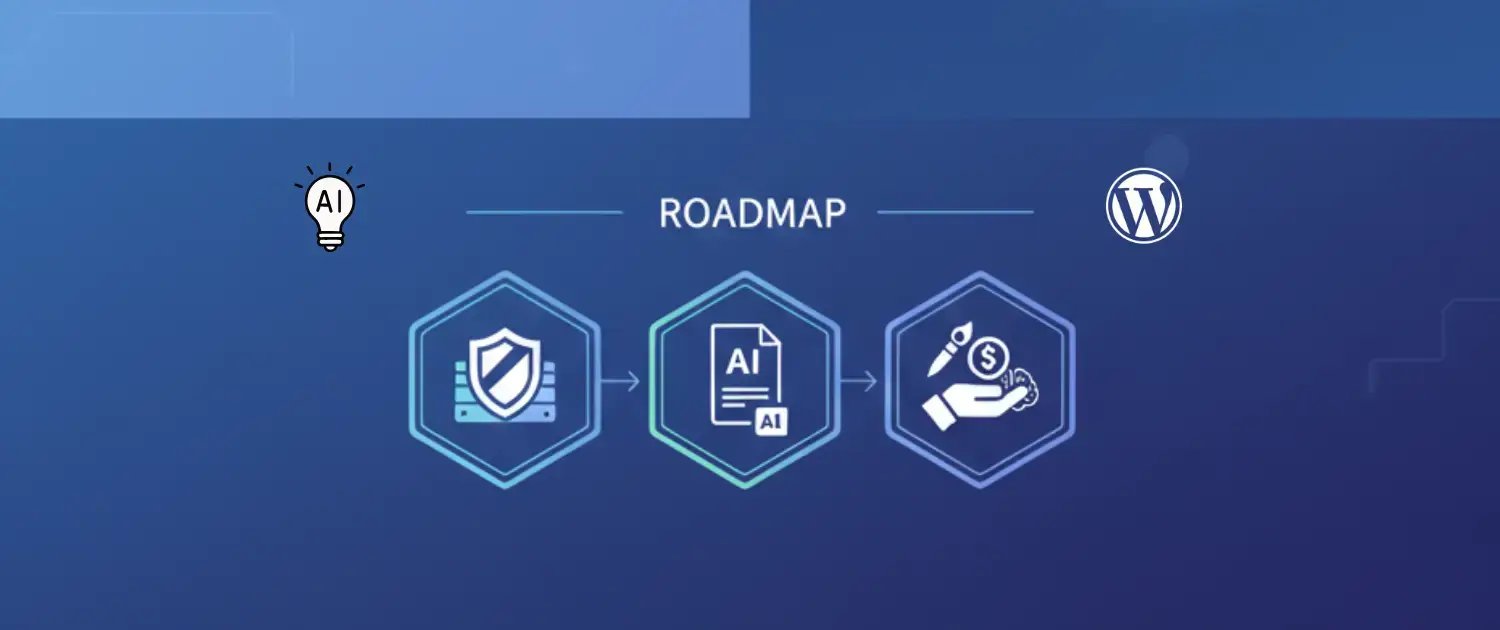
Yes, ChatGPT and Claude workflows can be added to WordPress through plugins, custom API integrations or managed tools. The safest first use case is usually AI summaries for long posts and pages because the output is visible, limited in scope and easy for an editor to review. For Voxfor users, Voxfor AI Content Summary is the most relevant starting point when the goal is to make content easier to scan without replacing human editing.
This guide focuses on practical WordPress AI implementation, not model hype. Check the current Voxfor AI Content Summary product page, the WordPress.org plugin listing, and the relevant provider documentation before publishing exact model names, API limits, pricing or feature claims.
Choose the AI Feature Before Choosing the Model
Many site owners start with the model name: ChatGPT, Claude, Gemini or another provider. That is usually the wrong first decision. The better question is what the AI should do inside WordPress and what risk the site can tolerate.
| WordPress AI use case | Use case fit | Risk to check first |
|---|---|---|
| AI article summaries | Blogs, documentation, tutorials and long service pages | Accuracy, human review and whether summaries update when content changes |
| AI chatbot or live support assistant | Support, lead capture and pre-sales questions | User privacy, bad answers, escalation to a human and abuse or rate limits |
| Editorial assistant | Draft outlines, FAQ ideas, meta description drafts and content cleanup | Unsupported claims, stale facts and loss of brand voice |
| Custom API workflow | Membership sites, internal tools, automations and advanced publishers | Server-side key handling, timeout behavior, logs, caching and provider costs |
If the site only needs better article scanability, a summary plugin is usually simpler and safer than a chatbot. If visitors need interactive support, review the Voxfor Secure Live Chat AI Support path instead. If the project is closer to an internal AI app, agent workspace or tool server, review AI agents on VPS and MCP server hosting on VPS.
Why AI Summaries Are a Safer First Step
An AI summary is limited: it reads a page or post and creates a short explanation for readers. That makes it easier to review than an open-ended chatbot. A good summary can help visitors decide whether the page answers their question, especially on long tutorials, technical posts and hosting guides.
AI summaries should not be treated as automatic SEO rankings. They can support user experience and answer clarity, but search visibility still depends on content quality, technical SEO, internal links, page speed, authority, freshness and whether the page genuinely satisfies intent. The summary should reflect the article, not invent extra benefits or add claims that are not in the source content.
Using Voxfor AI Content Summary
Voxfor AI Content Summary is the relevant Voxfor product path for site owners who want AI-assisted summaries inside WordPress. Before installing or recommending it publicly, verify current details on the product page and WordPress.org listing because plugin features, supported providers and setup screens can change over time.
When you evaluate the plugin, check these items directly:
- Which AI providers and model settings are currently available.
- Where API keys are configured and who can access those settings.
- Whether summaries are generated manually, automatically or on content update.
- How cached summaries behave after a post is edited.
- Whether the output is easy for an editor to review before publishing.
- How the summary looks on mobile pages and long posts.
- Whether multilingual, RTL or WooCommerce content needs extra testing for your site.
This article does not claim that the plugin supports every model or every workflow. The right approach is to verify the current plugin screen, test on a staging site, then publish only the features you have checked.
Setup Checklist for ChatGPT or Claude in WordPress
For any plugin or custom integration that connects WordPress to OpenAI, Anthropic or another provider, use a controlled setup path. The official OpenAI text generation documentation and Anthropic API documentation should be checked for current model names, request formats, pricing and API behavior.
- Start on staging. Test the plugin or custom code away from the production site first.
- Use server-side requests. API keys should not be exposed in frontend JavaScript or browser-visible network calls.
- Decide what content is sent out. Be careful with private drafts, customer data, form submissions, order data, medical content, financial data and membership content.
- Set review rules. Decide who approves summaries, FAQs, meta descriptions, support answers or chatbot responses.
- Watch costs and limits. Model usage, retries, long posts, bulk generation and failed requests can create unexpected provider charges.
- Plan for timeouts. AI calls can fail or take longer than normal page rendering. Avoid blocking the public page load while waiting for a provider response.
- Cache carefully. Store approved output where appropriate, and refresh it when the source content changes.
- Log enough to debug. Keep useful error logs, but avoid storing sensitive prompts or user data longer than needed.
Privacy Boundaries Before Sending Content to AI
Before connecting a WordPress site to an AI provider, decide which content is allowed to leave the site and which content must stay private. Public blog posts are different from customer messages, order notes, support tickets, form submissions, medical content, finance pages or private membership material.
- Do not send customer data, order data or private form submissions unless the workflow has a clear legal basis and access control.
- Keep API keys on the server side and restrict who can view or change them.
- Use shorter prompts that include only the content needed for the task.
- Document which provider is used and where approved output is stored.
- Give editors a way to reject, revise or regenerate AI output before visitors see it.
Hosting and Performance Considerations
AI can make a slow WordPress site feel worse if requests are handled at the wrong time. A public page should not wait for a fresh AI response on every visit. Generate summaries in the admin area, during scheduled jobs, or after content updates where possible, then serve the approved result from the site database or cache.
For busy WordPress sites, hosting still matters. PHP limits, cron reliability, object cache behavior, database size, plugin conflicts and security rules can affect AI workflows. If AI features time out, slow editing, or create cache problems, review the site foundation with Voxfor WordPress hosting before adding more automation. For advanced custom apps, a managed VPS path may be more appropriate than trying to force everything into a normal WordPress plugin.
Trust Rules for AI Output
AI output should be treated like a draft, not proof. That matters more on a business site than on a personal experiment. A wrong summary, chatbot answer or product claim can hurt conversions and trust.
- Do not let AI add pricing, availability, speed, legal, medical or security claims unless a person verifies them.
- Keep AI answers short when the system is not connected to a verified knowledge base.
- Tell editors what the AI is allowed to use as source material.
- Review summaries after major content edits.
- Use human escalation for support conversations, refunds, account issues and sales promises.
- Keep model names and provider claims current; do not publish future model names as facts.
Recommended Path
If your goal is better article scanability, start with Voxfor AI Content Summary and verify the current plugin workflow. If your goal is AI support, review Voxfor Secure Live Chat AI Support. If your goal is a custom private AI workflow, plan the API, hosting, logs, cache and security model before adding code to WordPress.
A strong AI integration is not the one that mentions the newest model. It is the one that solves one real visitor problem, protects private data, stays fast, and gives the site owner a clear way to review what AI publishes.
FAQ: ChatGPT Claude and WordPress AI
Can I add ChatGPT to WordPress?
Yes. You can add ChatGPT-style workflows through plugins, API integrations or custom code. Use server-side requests, protect API keys, review output and check current OpenAI documentation before naming specific models or pricing.
Can I add Claude to WordPress?
Yes. Claude workflows can be integrated through plugins or custom API work when the provider, plugin and hosting setup support it. Check current Anthropic API documentation and test the workflow before publishing it on a live site.
What is the safest first AI feature for WordPress?
AI summaries are usually the safest first feature because they are limited, visible and reviewable. They improve user experience without giving AI control over purchases, accounts or private support decisions.
Do AI summaries help SEO?
They can help users understand a page faster and may make answers easier to extract, but they do not promise rankings, traffic or AI Overview citations. The underlying content still needs to be useful, accurate and technically accessible.
Will AI slow down my WordPress site?
It can if the site calls an AI provider during every page load. Safer implementations generate and cache approved output in the background or admin workflow, then serve the saved result to visitors.
Should AI content be reviewed before publishing?
Yes. Review AI summaries, FAQs, chatbot answers and meta descriptions for accuracy, tone, privacy, compliance and current product facts before publishing them on a business website.