Lifetime VPS Europe
 Lifetime VPS Asia
 Lifetime WooCommerce Hosting
 Lifetime Hosting
 Lifetime Game Dedicated Servers
 Chicago, US
 Tokyo, Japan
 Singapore
 Hong Kong
 Seoul, South Korea
 Amsterdem, Netherlands
 London, UK
 Stockholm, Sweden
 Oslo, Norway
 Vienna, Austria
 Zurich, Switzerland
 Sydney, Australia
 Wordpress Hosting
 VPS Hosting
 DDOS Protection
 Submit Ticket
 Full Management
 Guides
 Videos and Podcasts
 Discover Creative Ideas
 Voxfor Autonomous AI Workers
 Voxfor Mega Menu
 Voxfor Advanced Price Management For WooCommerce
 Voxfor Secure Live Chat and AI Support
 Voxfor Multilanguage
 Voxfor AI Content Summary
 Voxfor Autopilot
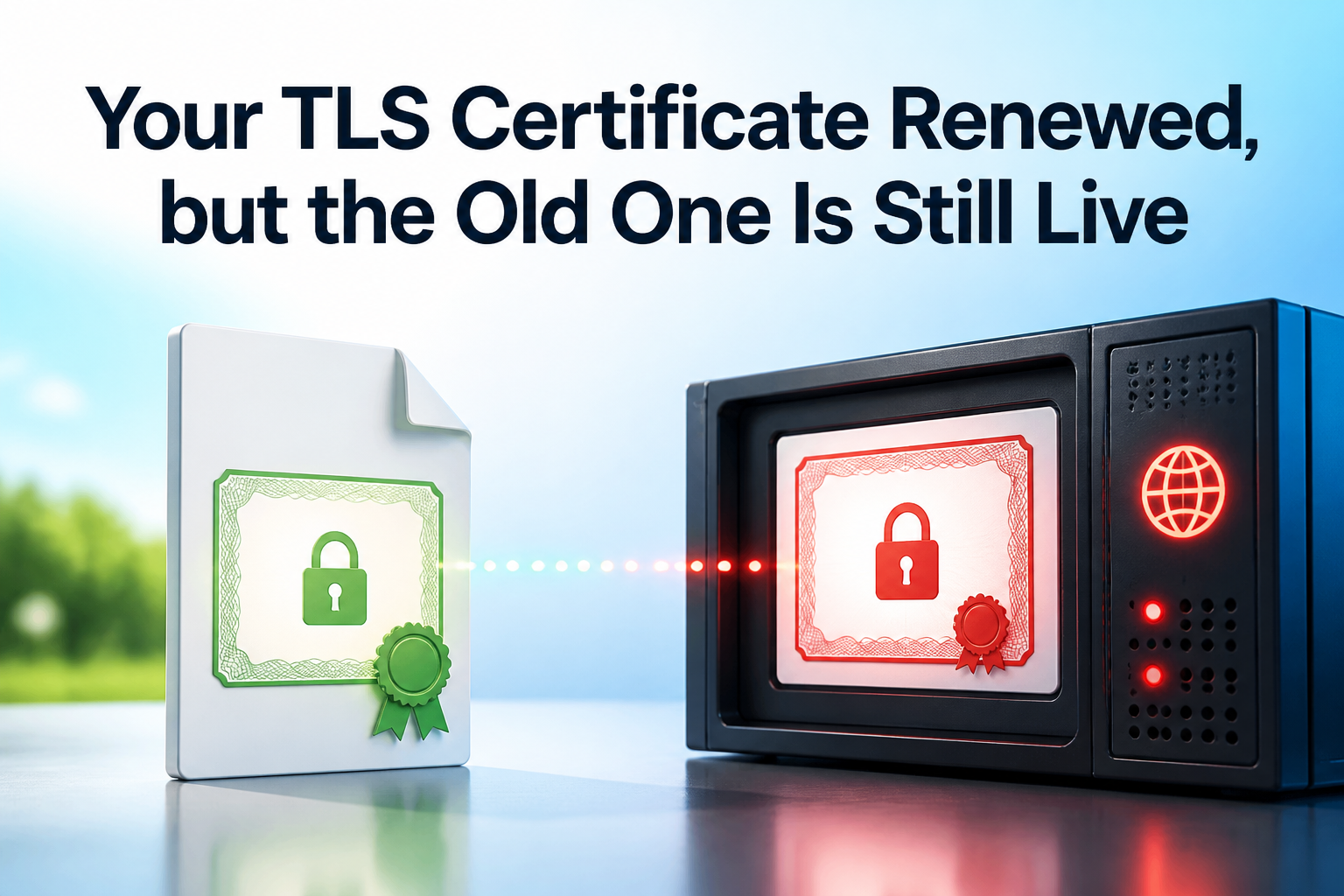
A successful renewal proves that a certificate authority issued a new certificate and that some file or certificate store changed. It does not prove that the TLS endpoint reached by a client loaded that certificate. An old certificate can remain live because the active process still holds the previous file, the hostname selects another virtual host, IPv4 and IPv6 reach different machines, a load balancer missed one node, or a CDN edge owns the public handshake.
Treat issuance and delivery as two separate receipts. First record exactly what the public endpoint serves. Next compare that leaf certificate with the renewed file. Only then should you change the component that actually terminates TLS. The incident is complete when fresh external handshakes across every intended path return the approved serial number, validity window and SHA-256 fingerprint.
Record the live certificate before touching the server
Start from the client-visible hostname, port and time of failure. OpenSSL documents s_client as a diagnostic TLS client; -connect chooses the transport endpoint and -servername sends the SNI name used by name-based virtual hosts. Capture the leaf certificate from a new process so browser state and an already-open connection do not become the evidence source.
openssl s_client -connect example.com:443 -servername example.com -showcerts </dev/null 2>/dev/null | openssl x509 -noout -subject -issuer -serial -dates -fingerprint -sha256 -ext subjectAltNameThe current OpenSSL s_client manual warns that -showcerts prints the list sent by the server, not a verified chain. In the pipeline above, openssl x509 reads the first PEM certificate—the leaf—and prints its identity. Save the UTC timestamp, resolver or vantage point, connected address when known, serial, notBefore, notAfter, SHA-256 fingerprint and subject alternative names.
Do not begin by clearing a browser cache or restarting every proxy. If this fresh handshake returns the old leaf, a server-side path still serves it. If OpenSSL returns the renewed leaf while one browser does not, the investigation can move to that client’s connection, interception proxy, DNS view or local trust environment without changing the working endpoint.
Renewal itself may have failed rather than delivery. When cPanel reports DCV or issuance errors, cPanel AutoSSL behind Cloudflare is the separate certificate-acquisition path. Here, the renewed file already exists; the task is to find why it is not the leaf presented on the affected handshake.
Compare the live leaf with the renewed file
Inspect the exact file configured for the endpoint, not whichever certificate was modified most recently. Certbot’s documentation separates obtaining from installing: certonly can write a renewed lineage without configuring a server to use it. File modification time therefore cannot prove deployment.
sudo openssl x509 -in /etc/letsencrypt/live/example.com/fullchain.pem -noout -subject -issuer -serial -dates -fingerprint -sha256 -ext subjectAltNameAccording to the OpenSSL x509 reference, matching whole-certificate fingerprints identify the same certificate. Compare the local leaf and live leaf directly:
- Fingerprints match: this endpoint loaded the file; investigate another path or client-specific observation.
- Fingerprints differ and local dates are newer: the active terminator points elsewhere or has not reloaded.
- Serial/fingerprint match but trust still fails: inspect the served intermediates, hostname validation and trust store instead of renewing the leaf again.
- Validity dates look impossible: verify both clocks before changing TLS. Linux clock drift can invalidate certificates and signed tokens even when the network path is healthy.
When a reload fails with a key mismatch, compare public keys without printing the private key. The two SHA-256 results must match:
sudo openssl x509 -in /etc/letsencrypt/live/example.com/cert.pem -pubkey -noout | openssl pkey -pubin -outform DER | sha256sum
sudo openssl pkey -in /etc/letsencrypt/live/example.com/privkey.pem -pubout -outform DER | sha256sum
Private-key permissions still matter. Run the key command only with the established privileged account, never copy the key into chat, a ticket or a shared terminal log, and do not loosen permissions merely to make a diagnostic command succeed.
One hostname can have several TLS endpoints
Public DNS may return several A and AAAA records, and each address may sit in front of another pool. Test every intended address while preserving the same SNI hostname. Connecting only by IP without -servername can select a default certificate and manufacture a false mismatch.
dig +short A example.com
dig +short AAAA example.com
for endpoint in 203.0.113.10 203.0.113.11 '[2001:db8::10]'
do
  printf '\n== %s ==\n' "$endpoint"
  openssl s_client -connect "${endpoint}:443" -servername example.com </dev/null 2>/dev/null | openssl x509 -noout -serial -dates -fingerprint -sha256
done
Replace the documentation addresses with the real DNS answers. A clear pattern narrows ownership faster than another renewal attempt.
| Observation | Likely ownership boundary | Next proof |
|---|---|---|
| Every address serves the same old fingerprint | Shared proxy configuration, shared certificate store or reload hook | Find the common TLS terminator and configured path |
| One address serves the old fingerprint | One node, one load-balancer member or one stale address | Drain or update only that member, then retest it directly |
| IPv4 is new and IPv6 is old | Separate A/AAAA destination or listener state | Trace both address families to their port-443 owners |
| Public edge is new but origin is old | CDN edge certificate updated; origin certificate did not | Test the authorized origin path with correct SNI |
| Origin is new but public edge is old | Edge-managed certificate or custom edge upload owns visitors | Inspect the CDN certificate control plane |
IPv4, IPv6 and regional steering are independent paths
Mobile networks may prefer IPv6 while an office resolver or older client chooses IPv4. GeoDNS, Anycast and load-balancer policy can also send two observers to different termination points. In a multi-region system, Anycast and GeoDNS failover paths need region-aware acceptance; one successful laptop test cannot prove global certificate convergence.
CDN edge and origin certificates are not interchangeable
Cloudflare’s current SSL/TLS concepts distinguish the edge certificate shown to visitors from the origin certificate used between Cloudflare and the origin. Replacing /etc/letsencrypt/live/... on the origin cannot by itself change a Cloudflare-managed edge leaf. Conversely, a valid edge leaf does not prove the origin leg is current.
Test an origin directly only from an authorized path and preserve SNI. Do not disable authentication, publish a private origin, or weaken firewall rules merely to run the check. If the origin accepts only CDN source ranges, use provider-supported health or origin diagnostics instead of bypassing the boundary.
Multiple nodes and containers need one deployment receipt each
A shared filesystem does not guarantee that every process reopened the file. Containers may mount a copied secret, an ingress may watch a different store, and one load-balancer member may have missed the rollout. Record each node or termination object, its configured certificate identifier, its observed live fingerprint and the change result. Do not call the fleet converged while one reachable member still serves the old leaf.
Trace port 443 to the serving process and configuration
On a Linux endpoint, identify the listener before searching certificate directories. A host process, container proxy or local load balancer may own the socket:
sudo ss -ltnp 'sport = :443'
sudo systemctl --type=service --state=running | grep -Ei 'nginx|apache|httpd|haproxy|caddy'
sudo docker ps --format 'table {{.Names}}\t{{.Image}}\t{{.Ports}}' 2>/dev/null
The running process is only the first owner. Confirm the effective configuration it loaded. For NGINX, nginx -T expands included files and exposes duplicate server_name, listen 443, and ssl_certificate directives:
sudo nginx -T 2>/dev/null | grep -nE 'listen .*443|server_name|ssl_certificate(_key)?'Resolve symlinks and container mounts, then compare the configured leaf. Watch for a default server block, a second configuration tree, an old bundle copied into an image, a process running in another namespace, or a control panel that generates configuration from its own store. Editing a convenient PEM file is irrelevant when the active configuration never references it.
Validate first, then reload only the owner
Once the configured path contains the approved certificate and matching key, validate the server configuration. Use the control path belonging to the actual terminator; do not run every command below on one host.
# NGINX
sudo nginx -t && sudo systemctl reload nginx

# Apache on Debian or Ubuntu
sudo apachectl configtest && sudo systemctl reload apache2
NGINX’s configuration reload documentation says a successful HUP starts new workers with the new configuration while old workers gracefully finish existing clients; a failed apply keeps the old configuration. Apache’s graceful restart documentation similarly re-reads configuration and brings up a new generation without terminating active requests.
For Caddy-owned TLS, follow the separate validated Caddy reload workflow instead of substituting NGINX commands. HAProxy runtime certificate updates, cloud load balancers, Kubernetes controllers and managed CDN edges also have their own validation and commit semantics. A process restart is not a universal certificate deployment API.
Immediately inspect the service log and obtain another external handshake. A successful systemctl reload exit is evidence that the service manager accepted a request; it is not proof that the intended hostname now serves the intended leaf.
Repeat the fingerprint command from the opening section, then verify the hostname and certificate chain separately. -verify_return_error stops on a verification failure instead of continuing after printing it:
openssl s_client -connect example.com:443 -servername example.com -verify_hostname example.com -verify_return_error </dev/nullThe acceptance result needs both facts: the live leaf fingerprint matches the approved renewed certificate, and chain/hostname verification succeeds from an external trust path. Repeat this proof for each intended address family, node or region identified earlier.
If only some clients still see the old certificate, split the evidence by path
Intermittence usually exposes a routing difference. For every failing and passing observation, record resolver answers, address family, connected address, SNI hostname, TLS port, serial, fingerprint, timestamp and vantage point. Compare facts rather than browser labels such as “expired” or “not secure.”
Persistent HTTP connections do not renegotiate a certificate for each request, and a browser may keep an existing connection open. A completely new openssl s_client process creates fresh handshake evidence. Corporate TLS inspection can present an organization-issued leaf that neither the origin nor CDN owns; compare issuer and fingerprint before treating that as stale server state.
When one DNS answer no longer belongs in service, remove or correct it through the DNS owner and allow for resolver caches. When one active node is stale, update or drain that node through the load balancer. Avoid deleting a certificate or killing a process until you know whether old connections, rollback or another hostname still depends on it.
Make certificate delivery part of renewal
Automation should treat issuance, deployment and public proof as three stages. Certbot documents --deploy-hook as the hook that runs after a successful issuance or renewal. A minimal NGINX hook can validate and reload the correct service:
#!/usr/bin/env bash
set -euo pipefail
nginx -t
systemctl reload nginx
Install the script with root-owned, non-writable permissions in the deployment’s documented hook directory, and test it with the exact package/service names used on that host. A hook is not the final gate: it runs near the certificate store and may not see a stale CDN edge, IPv6 node or remote load balancer.
From an independent monitoring host, check expiry, hostname and live fingerprint for every public path that matters. Certificate monitoring with Uptime Kuma can cover endpoint expiry alongside HTTP, TCP and DNS checks, but keep the monitor off the only server it watches. Alert when the live notAfter fails to advance after renewal, when paths disagree, or when remaining lifetime crosses the operational threshold.
FAQ: Five questions operators ask during the mismatch
Why is an old TLS certificate still served after renewal?
The renewed certificate was not loaded by the component terminating the affected TLS path, or the client reached another address, node, load balancer or CDN edge. Compare the live and local SHA-256 fingerprints before choosing the owner to update.
How can I see the certificate a server is actually serving?
Run openssl s_client against the real host and port with -servername set to the hostname, then pipe the first certificate to openssl x509 -noout -serial -dates -fingerprint -sha256. This records a fresh SNI-aware live leaf.
Can a browser cache an old TLS certificate?
A browser can reuse an existing connection or be affected by local interception and DNS state, but a fresh external OpenSSL process gives new handshake evidence. If that handshake returns the old fingerprint, the tested endpoint still serves the old certificate.
Why can IPv4 and IPv6 show different certificates?
Different A and AAAA records may route to separate servers, proxies or deployment generations. Test every address directly with the same SNI hostname, then update or remove the specific stale path.
Must the web server restart after every certificate renewal?
Not always. Use the serving component’s documented validated reload or certificate-update mechanism. NGINX and Apache support graceful reloads, while CDN edges, load balancers and dynamic certificate stores may use a different control plane.
Close with a certificate delivery receipt
Keep one compact record: renewed lineage or certificate ID, local and live fingerprints, validity dates, every tested address and region, SNI name, TLS owner, validation output, reload/update result, service logs and independent post-change handshakes. Preserve the previous certificate only for the approved rollback window and remove it from active bindings after convergence is proven.
The durable boundary is simple: renewal changes certificate material; deployment changes what clients receive. Finish the incident only when the external endpoint matrix agrees on the intended leaf and monitoring can detect the next divergence without waiting for a browser warning.