Lifetime VPS Europe
 Lifetime VPS Asia
 Lifetime WooCommerce Hosting
 Lifetime Hosting
 Lifetime Game Dedicated Servers
 Chicago, US
 Tokyo, Japan
 Singapore
 Hong Kong
 Seoul, South Korea
 Amsterdem, Netherlands
 London, UK
 Stockholm, Sweden
 Oslo, Norway
 Vienna, Austria
 Zurich, Switzerland
 Sydney, Australia
 Wordpress Hosting
 VPS Hosting
 DDOS Protection
 Submit Ticket
 Full Management
 Guides
 Videos and Podcasts
 Discover Creative Ideas
 Cybersecurity Services
 Voxfor Mega Menu
 Voxfor Advanced Price Management For WooCommerce
 Voxfor Secure Live Chat and AI Support
 Voxfor Multilanguage
 Voxfor AI Content Summary
 Voxfor Autopilot

A WooCommerce scheduled-actions backlog is a symptom, not a cleanup target. Start by finding which hook is late or failing, read its logs, identify the plugin or integration that owns it, and fix that cause. Only then should you run a small queue batch and confirm that the real store workflow—payment, email, webhook, import or subscription—works again.
Future-dated pending actions are normal. Old pending actions, repeated failures or jobs that arrive faster than they finish require investigation. Deleting thousands of rows may make a dashboard count smaller while silently removing work the store still needs.
Because these jobs can drive payments, customer messages, webhooks and stock updates, this is WooCommerce infrastructure, not routine admin housekeeping.
Read the Queue State Before Changing It
WooCommerce exposes the queue under WooCommerce > Status > Scheduled Actions. Its official Scheduled Actions documentation explains that operators can filter by status, search by hook or group, and inspect each action’s log. Those details matter more than the total count.
| What you see | Likely meaning | First response |
|---|---|---|
| Future-dated pending actions | Normal scheduled work | Confirm the due dates and leave them alone |
| Old pending actions with no start log | Runner, WP-Cron or loopback problem | Check runner health before touching callbacks |
| Repeated failed actions under one hook | Plugin code, credentials, remote API or data error | Read one complete failure and find the hook owner |
| Long in-progress actions | Slow callback, timeout, lock or resource pressure | Correlate duration with PHP, database and application logs |
| Completed history dominates the table | Retention/housekeeping issue, not necessarily a live backlog | Review age and cleanup policy after current work is healthy |
Do not treat pending and failed as synonyms. A future renewal and a past-due webhook can share the same status while carrying very different risk.
Preserve Evidence and Define the Safe Window
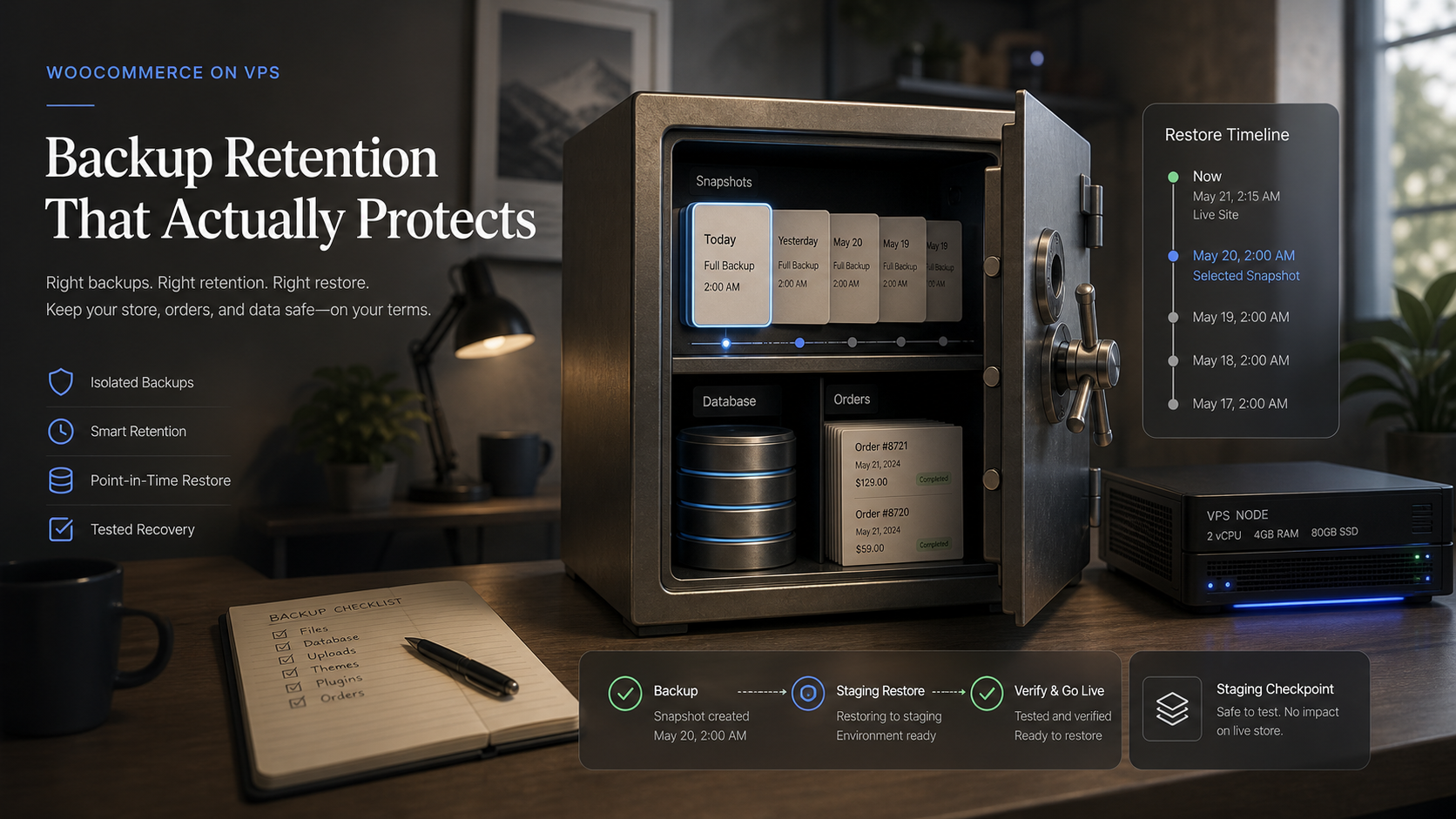
Before repair, capture the oldest due time, the dominant hook names, groups, recent error messages and queue counts. Take a current database backup using the store’s approved backup method, then record where it is stored and how it would be restored. The WooCommerce backup retention workflow explains why a backup is useful only when its recovery boundary is understood.
Also decide what may run during the investigation. A queue can contain payment renewals, stock updates, customer emails, analytics, webhooks and plugin cleanup. Running everything at once may contact customers or external services. For a busy store, use a lower-traffic window and involve the owner of any payment, fulfillment or subscription integration.
Capture a read-only CLI baseline when WP-CLI and the Action Scheduler commands are available:
wp action-scheduler version
wp action-scheduler status
wp action-scheduler action list --status=pending --format=table
wp action-scheduler action list --status=failed --format=table
Use the site’s required --path, --url or operating-system user options. Do not run WordPress CLI as an arbitrary root process if the hosting layout expects the site’s account. If a command differs in the installed version, check wp action-scheduler --help rather than guessing.
Identify the Hook Owner and the Actual Failure
An Action Scheduler hook is a callback name, not a human-friendly product label. Search the active plugin and custom-code directories for the exact hook only through an approved read-only code search, or ask the extension vendor which component registers it. The goal is to map hook → plugin/integration → business effect.
| Dominant pattern | Evidence to collect | Typical owner to involve |
|---|---|---|
| Payment or subscription hook | Action log, order notes, gateway log, provider event ID | Payment/subscription extension owner |
| Webhook delivery hook | HTTP status, destination, response time, retry pattern | Receiving application or firewall owner |
| Email or notification hook | Mailer log, message type, provider response | SMTP/email integration owner |
| Product or inventory hook | Import/sync log, SKU sample, upstream response | Feed, ERP or inventory integration owner |
| Cleanup/reporting hook | Runtime, database query evidence, schedule frequency | Plugin developer or database operator |
One failed action is more informative than a bulk count. Read its log from creation through failure, then inspect a second action with the same hook to decide whether the error is systematic or tied to one record.
This hook-level diagnosis is what the broader WooCommerce scaling and HPOS guide does not attempt; that page identifies scheduled actions as a health signal, while this workflow owns incident recovery.
Separate Runner Failure from Callback Failure
Action Scheduler’s architecture documentation says the default runner is triggered through WP-Cron and continues work through loopback requests. A queue with no recent starts may therefore point to disabled or delayed WP-Cron, blocked loopbacks, authentication rules, maintenance mode or exhausted PHP workers.
By contrast, actions that start and then fail prove that the runner reached the callback. Look next at PHP fatals, uncaught exceptions, remote API timeouts, invalid credentials, rate limits, locked rows and plugin-specific validation errors.
| Test result | What it rules in | What it does not prove |
|---|---|---|
| WP-Cron event is due and fires | Scheduler trigger is active | Every callback is healthy |
| Loopback request succeeds | WordPress can call itself | Remote payment or ERP APIs are reachable |
| A manual action fails the same way | Failure is reproducible | Every queued item has the same cause |
| One action completes | One item and path worked | Arrival rate is below completion rate |
A larger server can help when PHP workers, memory, CPU or database throughput are the measured constraint. It will not repair an expired API credential or a deterministic plugin exception. That distinction keeps hosting advice honest.
Measure Whether the Queue Is Draining
Take counts at two or three fixed intervals, such as five minutes apart:
- pending actions already past due,
- new actions arriving during the interval,
- completed actions during the interval,
- failures grouped by hook,
- oldest due time.
The useful relationship is simple: completion rate must stay above arrival rate long enough to reduce both the count and the age of the oldest overdue action. A falling count with an unchanged oldest item can mean one poisoned action is still stuck. A stable count may be healthy if new work arrives at the same rate and no item becomes overdue.
Also watch PHP-FPM saturation, database locks or slow queries, CPU, memory and disk latency while a batch runs. Queue recovery that makes checkout slow is not a clean recovery.
Fix One Cause, Then Run One Bounded Batch
After correcting the identified cause, use a canary action when the interface safely allows it. Verify its business result rather than trusting a green status. For example, confirm the expected webhook reached its destination once, the email went to a controlled test recipient, or the inventory sample changed correctly.
For a larger backlog, Action Scheduler’s official WP-CLI guide recommends the CLI runner for large queues and long-running tasks. Start with one bounded batch:
wp action-scheduler run --batch-size=25 --batches=1
wp action-scheduler status
Do not begin with --force, unlimited batches or higher concurrency. The performance guide warns that aggressive concurrent web runners can overload a site and identifies WP-CLI as the safer higher-throughput path.
Filtering by --hooks or --group can be useful, but the official CLI guide warns that separately processed queues can violate implicit ordering between related actions. Use that isolation only after the plugin owner confirms there is no dependency, and record exactly what was selected.
Pause after the first batch. Compare failures, oldest due time, database load, PHP workers and checkout response. Continue in measured batches only while the queue drains and the storefront remains healthy.
Verify the Store Workflow, Not Just the Queue
Queue status is infrastructure evidence; the business workflow is the outcome. Match verification to the repaired hook:
| Queue work | Required proof after recovery |
|---|---|
| Payment or subscription | Controlled payment/renewal result, correct order state and no duplicate charge |
| Webhook | One expected delivery with the correct event and a successful receiver response |
| Correct message generated once and accepted by the configured mail path | |
| Inventory/import | Known SKU sample, source timestamp and no duplicate or missing update |
| Cleanup/report | Expected data range processed without frontend slowdown or new errors |
When the dominant failure involves gateway callbacks or order state, continue with the WooCommerce payment troubleshooting guide instead of treating every payment problem as a queue problem.
Keep monitoring through at least one representative schedule interval. Recovery is credible when overdue age falls, new failures stop, business effects are correct and the storefront remains responsive.
Prevent the Next Backlog
Record the normal pending range and oldest acceptable due age for this store. Alert on age and repeated failures by business-critical hook, not on total rows alone. Completed history has different operational meaning from overdue payments.
For sustained high volume, schedule a reviewed WP-CLI runner under the correct site account, with a lock that prevents overlapping invocations, bounded batches, logs and a tested failure alert. Do not disable the default runner unless another runner is already installed, monitored and proven; the official CLI documentation warns that otherwise no scheduled actions will process.
Capacity planning belongs after application correctness. If measured queue work competes with checkout for PHP workers or database throughput, a WooCommerce hosting stack should separate storefront headroom from background-job capacity and include recovery access, logs and backups.
When This Fits and When It Does Not
| This workflow fits | Choose a different response when |
|---|---|
| Actions are overdue, failing or aging faster than they complete | The queue contains only normal future-dated work |
| Operators can inspect WordPress, plugin and server evidence | A vendor-managed platform requires provider intervention |
| One hook or integration can be identified | Database corruption or a wider outage is already confirmed |
| The store can use a controlled change window | A live payment incident needs immediate gateway containment first |
This guide is intentionally conservative. It does not provide a bulk-delete shortcut because the queue may contain business work and the logs may be the only evidence of what failed.
Recommended Next Step
Open Scheduled Actions, group the oldest overdue and failed records by hook, and trace one representative action from creation to its last log entry. Do not run the backlog until you can name the hook owner, the likely failure and the business check that will prove recovery.
FAQ
Are pending WooCommerce scheduled actions always a problem?
No. Future-dated pending actions are normal. Investigate actions that are past due, growing faster than they complete or repeatedly tied to failed business workflows.
Should I delete failed or pending scheduled actions?
Not as a first response. Preserve the logs, identify the hook owner and understand the business effect. Deleting work can hide the cause or remove actions the store still needs.
Is WP-Cron the same as Action Scheduler?
No. WP-Cron is a WordPress scheduling trigger. Action Scheduler is a traceable job queue that commonly uses WP-Cron to start its default runner.
Can WP-CLI clear a large Action Scheduler backlog?
It can process large queues with fewer web-request constraints, but begin with a bounded batch and monitor load, failures and business results. Avoid forcing unlimited work through a busy store.
Will upgrading the VPS fix scheduled action failures?
Only when evidence shows CPU, memory, PHP workers or database throughput is the constraint. More capacity will not fix invalid credentials, remote API errors or deterministic plugin bugs.