Lifetime VPS Europe
 Lifetime VPS Asia
 Lifetime WooCommerce Hosting
 Lifetime Hosting
 Lifetime Game Dedicated Servers
 Chicago, US
 Tokyo, Japan
 Singapore
 Hong Kong
 Seoul, South Korea
 Amsterdem, Netherlands
 London, UK
 Stockholm, Sweden
 Oslo, Norway
 Vienna, Austria
 Zurich, Switzerland
 Sydney, Australia
 Wordpress Hosting
 VPS Hosting
 DDOS Protection
 Submit Ticket
 Full Management
 Guides
 Videos and Podcasts
 Discover Creative Ideas
 Cybersecurity Services
 Voxfor Mega Menu
 Voxfor Advanced Price Management For WooCommerce
 Voxfor Secure Live Chat and AI Support
 Voxfor Multilanguage
 Voxfor AI Content Summary
 Voxfor Autopilot

Quick answer: A WooCommerce store needs hosting that can handle dynamic cart, checkout, account, order admin, cron, and database activity. Launch with HPOS-compatible plugins, tested payment webhooks, clear shipping and tax rules, cache exclusions for dynamic pages, object cache where appropriate, backups, staging, and a launch checklist that covers real orders from product page to refund.
WooCommerce can scale well, but it should be treated as an application, not a static website. The store has customers, sessions, payments, stock, emails, scheduled actions, and reports. Hosting and plugin choices should protect those workflows first.
Hosting Requirements for a Growing Store
| Area | Why it matters | What to check |
|---|---|---|
| PHP workers | Cart, checkout, account, and admin requests need dynamic processing. | Worker limits, slow logs, and request queues. |
| Database | Orders, products, variations, sessions, and reports create heavy queries. | Slow queries, HPOS readiness, cleanup routine. |
| Object cache | Reduces repeated database work for logged-in and admin workflows. | Redis or compatible cache, exclusions, monitoring. |
| Storage | Product images, logs, backups, exports, and imports grow over time. | Disk space, backup destination, image optimization. |
| Cron and scheduled actions | Subscriptions, emails, webhooks, stock sync, and imports depend on background jobs. | Action Scheduler backlog and failed jobs. |
HPOS and Plugin Compatibility
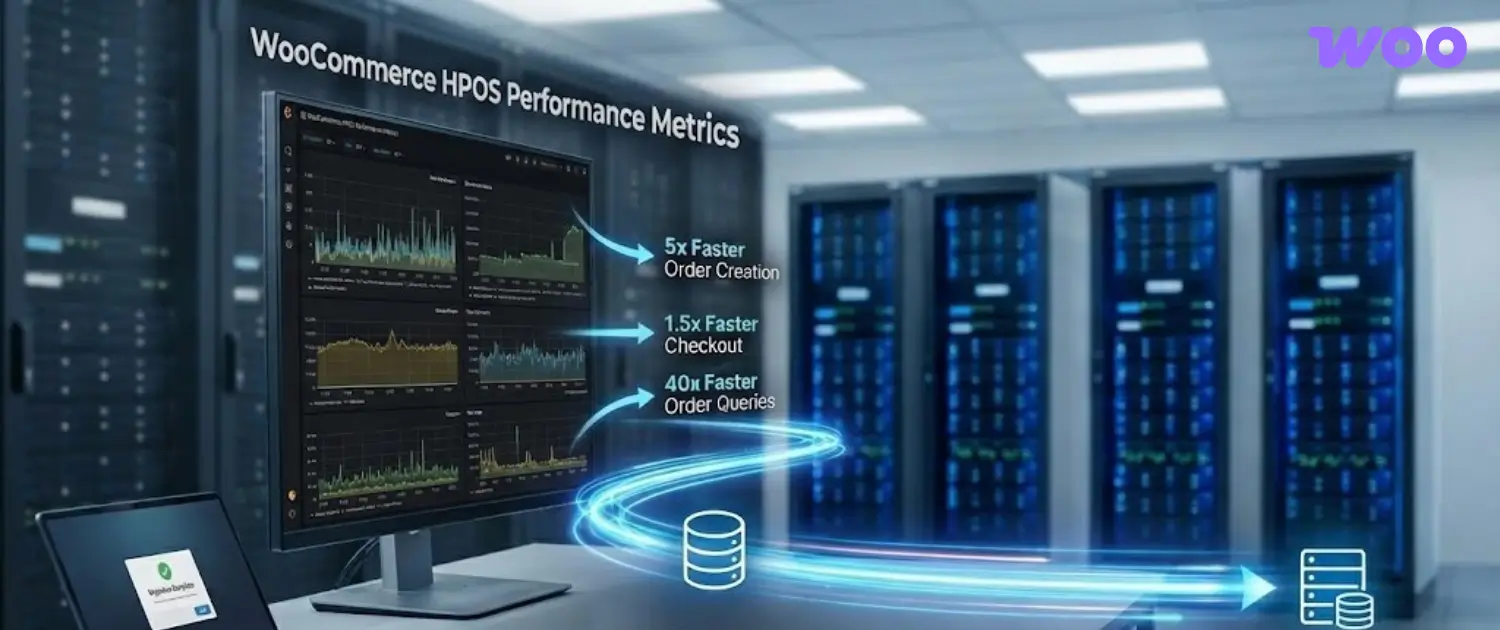
High-Performance Order Storage moves WooCommerce orders into dedicated tables and can reduce pressure on the older posts table. Before enabling HPOS on an existing store, check payment gateways, shipping plugins, invoice plugins, analytics tools, fulfillment connectors, and custom code for compatibility. For a new store, choose extensions that already support HPOS and test order workflows before launch.
Cache Rules for WooCommerce
Full-page cache is useful for product, category, and content pages, but dynamic pages need careful exclusions. Cart, checkout, account, payment return, and order-pay pages should not be served from stale cache. Object cache can help database-heavy workflows, but cache rules need testing with real cart and checkout sessions.
Launch Checklist
- Test product page, add to cart, cart update, checkout, payment, order email, refund, and customer account login.
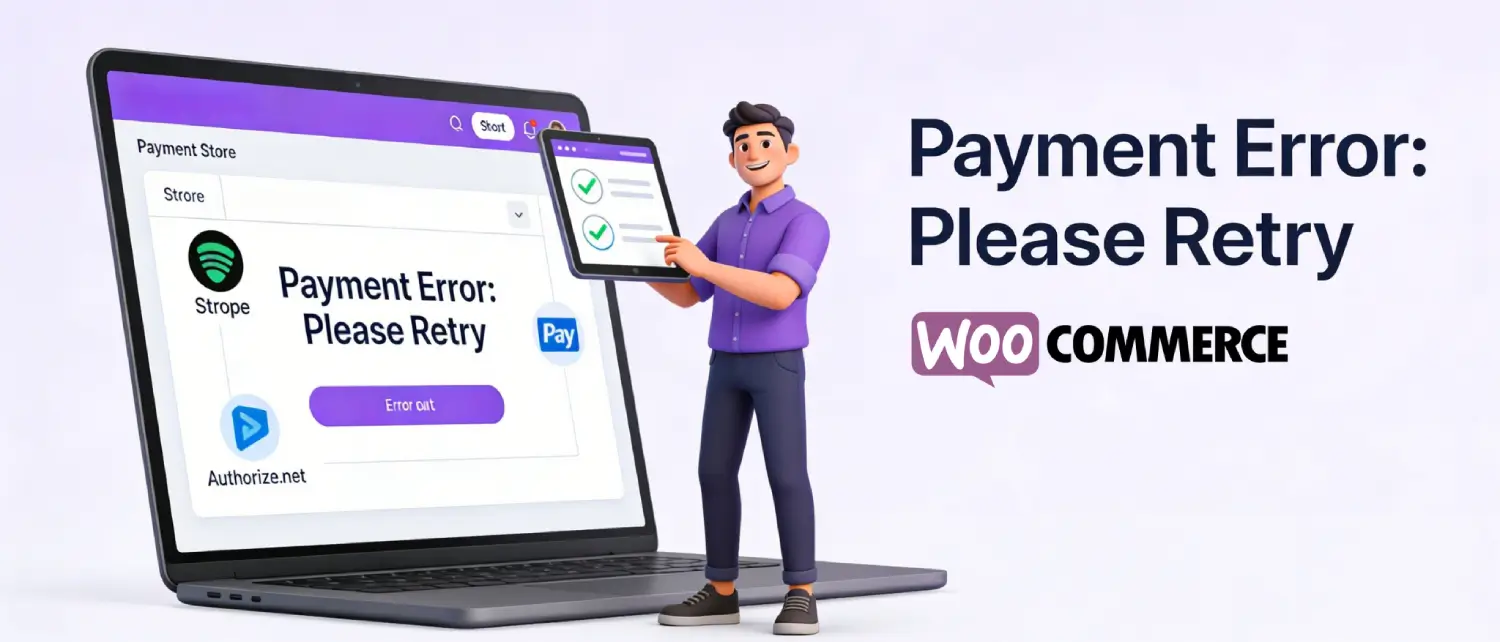
- Confirm payment webhooks and return URLs create the correct order status.
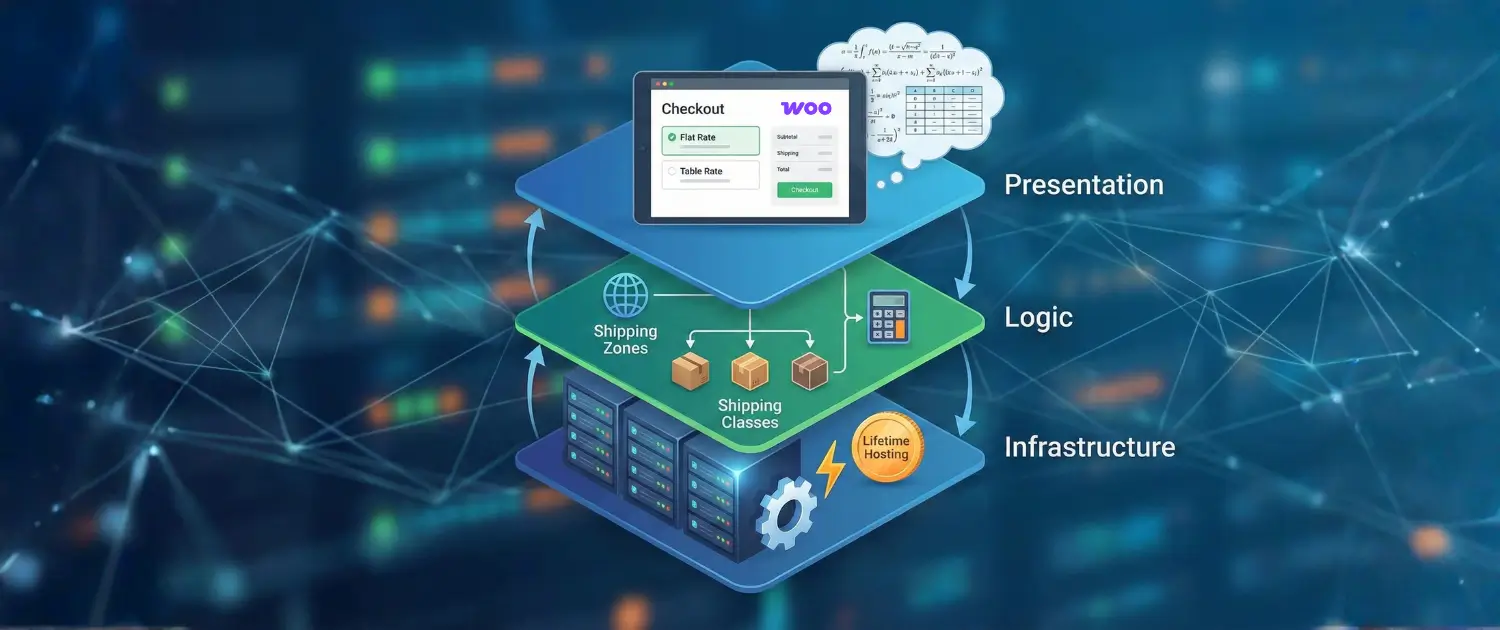
- Check shipping zones, shipping classes, tax settings, coupons, and stock reduction.
- Exclude dynamic WooCommerce pages from full-page cache.
- Confirm backups include files, database, uploads, and configuration.
- Review mobile checkout and error messages before sending traffic.
Payment Shipping and Tax QA
Payments, shipping, and tax are the areas where small mistakes become customer support problems. Test at least one successful payment, one failed payment, one refund, one coupon, one local shipping rule, one out-of-zone address, and one tax scenario. If the store sells internationally, confirm currency, address format, VAT/GST rules, and local payment methods with the payment provider.
Staging and Update Workflow
WooCommerce updates should not be treated like simple blog updates. Payment gateways, shipping rules, order tables, email templates, and checkout blocks can all be affected by plugin changes. Use staging for major WooCommerce, theme, payment, and shipping updates, then test a complete order before pushing changes to the live store.
- Create a fresh backup before major updates.
- Copy the store to staging and disable real payment capture there.
- Run a test product purchase, refund, coupon, shipping quote, and email notification.
- Check logs for PHP warnings, webhook failures, and scheduled action errors.
- Apply the update to production during a lower-traffic window.
Common WooCommerce Failure Patterns
| Problem | Likely area | What to review |
|---|---|---|
| Payment succeeds but order stays pending | Webhook or gateway callback. | Gateway logs, webhook URL, firewall, order notes. |
| Checkout hangs | PHP workers, payment API, shipping/tax API, or plugin conflict. | PHP slow logs, gateway logs, checkout extensions. |
| Cart shows stale data | Cache rules or session handling. | Cache exclusions, cookies, cart fragments, object cache. |
| Stock is wrong after import | Inventory tool, SKU mapping, or scheduled job backlog. | Import logs, changed products, Action Scheduler. |
| Order admin is slow | Database, reports, old order storage, or plugin queries. | HPOS, database slow log, admin plugins. |
Scaling Signals To Watch
| Signal | Meaning | Next review |
|---|---|---|
| Checkout slows under traffic | PHP workers, payment API, database, or cache exclusions may need review. | Logs, worker usage, gateway logs. |
| Admin orders page is slow | Order volume, plugin queries, or missing HPOS compatibility may be involved. | HPOS, plugin audit, database slow log. |
| Scheduled actions pile up | Cron, imports, webhooks, or email tasks may be delayed. | Action Scheduler and cron runner. |
| Product imports affect shoppers | Large admin jobs may be competing with frontend traffic. | Import timing and queueing. |
| Reports time out | Analytics queries or database load may be too heavy. | Report filters, indexes, and hosting capacity. |
Plugin Audit Before Scaling
Before adding traffic, review every plugin that touches checkout, product data, order status, customer emails, analytics, inventory, or cache. Remove unused extensions, replace abandoned plugins, and document which plugin owns each business-critical workflow. A smaller plugin set is easier to debug when checkout or order management slows down.
30/60/90-Day Store Operations Plan
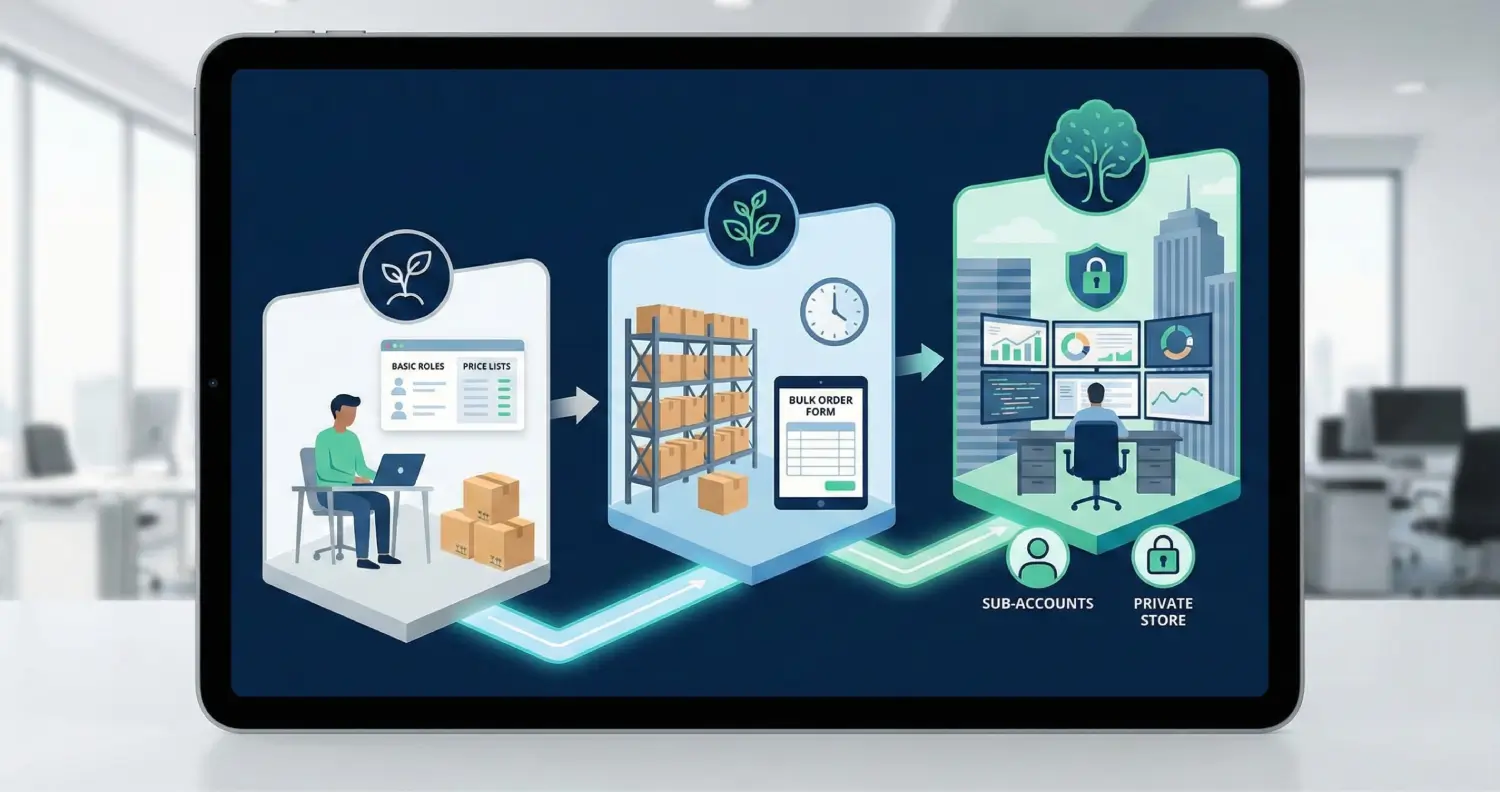
In the first 30 days, focus on launch stability: checkout, payments, shipping, tax, backups, and support requests. By 60 days, review analytics, search behavior, product pages, inventory rules, and plugin load. By 90 days, review scaling needs: HPOS, object cache, worker limits, image optimization, imports, custom development, and whether managed WooCommerce support would reduce risk.
About the Writer
Hassan Tahir wrote the original article. This version was manually reviewed and rebuilt by the Voxfor editorial team for WooCommerce launch, hosting, HPOS, checkout, cache, payment, and scaling workflows.
Frequently Asked Questions
What hosting does a growing WooCommerce store need?
It needs enough CPU, memory, PHP workers, database performance, cache control, storage, backups, and monitoring to support checkout, orders, admin, cron, and logged-in users.
Can WooCommerce scale for serious stores?
Yes, when hosting, cache rules, HPOS-compatible plugins, checkout configuration, database care, and order workflows are managed properly.
What should be tested before launch?
Test product pages, cart, checkout, payments, webhooks, emails, refunds, tax, shipping, coupons, stock, mobile UX, cache exclusions, and backups.
Should cart and checkout be cached?
No. Dynamic WooCommerce pages such as cart, checkout, account, and payment return pages should be excluded from full-page cache.
Why does HPOS matter?
HPOS stores orders in dedicated tables, which can improve order management and reduce database pressure for stores with growing order volume.
When should managed WooCommerce help be considered?
Consider managed help when checkout, payments, inventory, imports, or order workflows are business-critical and the team does not have time for server-level troubleshooting.