Lifetime VPS Europe
 Lifetime VPS Asia
 Lifetime WooCommerce Hosting
 Lifetime Hosting
 Lifetime Game Dedicated Servers
 Chicago, US
 Tokyo, Japan
 Singapore
 Hong Kong
 Seoul, South Korea
 Amsterdem, Netherlands
 London, UK
 Stockholm, Sweden
 Oslo, Norway
 Vienna, Austria
 Zurich, Switzerland
 Sydney, Australia
 Wordpress Hosting
 VPS Hosting
 DDOS Protection
 Submit Ticket
 Full Management
 Guides
 Videos and Podcasts
 Discover Creative Ideas
 Cybersecurity Services
 Voxfor Mega Menu
 Voxfor Advanced Price Management For WooCommerce
 Voxfor Secure Live Chat and AI Support
 Voxfor Multilanguage
 Voxfor AI Content Summary
 Voxfor Autopilot

Custom WooCommerce development is the right path when a store has outgrown off-the-shelf plugins, manual spreadsheets or fragile workarounds. The goal is not to add code for its own sake. The goal is to protect revenue, reduce operational errors and make checkout, pricing, inventory and integrations work predictably.
Use this page to decide whether a WooCommerce problem needs custom development, a cleaner configuration, a trusted extension or a managed support review. The safest projects start with a clear workflow, real examples, a rollback plan and ownership after launch.
When Custom Development Is Worth It
A store needs custom WooCommerce development when plugin stacking creates conflicts, when supplier or ERP data must sync reliably, when checkout breaks under real order rules, or when reporting and pricing rules no longer fit standard settings.
Before writing custom code, a responsible developer should confirm whether native WooCommerce, a trusted extension or a configuration change can solve the problem. Custom work is appropriate for workflows that are valuable, repeatable and too specific for a generic plugin.
Service Modules Voxfor Can Scope
| Need | Typical deliverable | Why it matters |
|---|---|---|
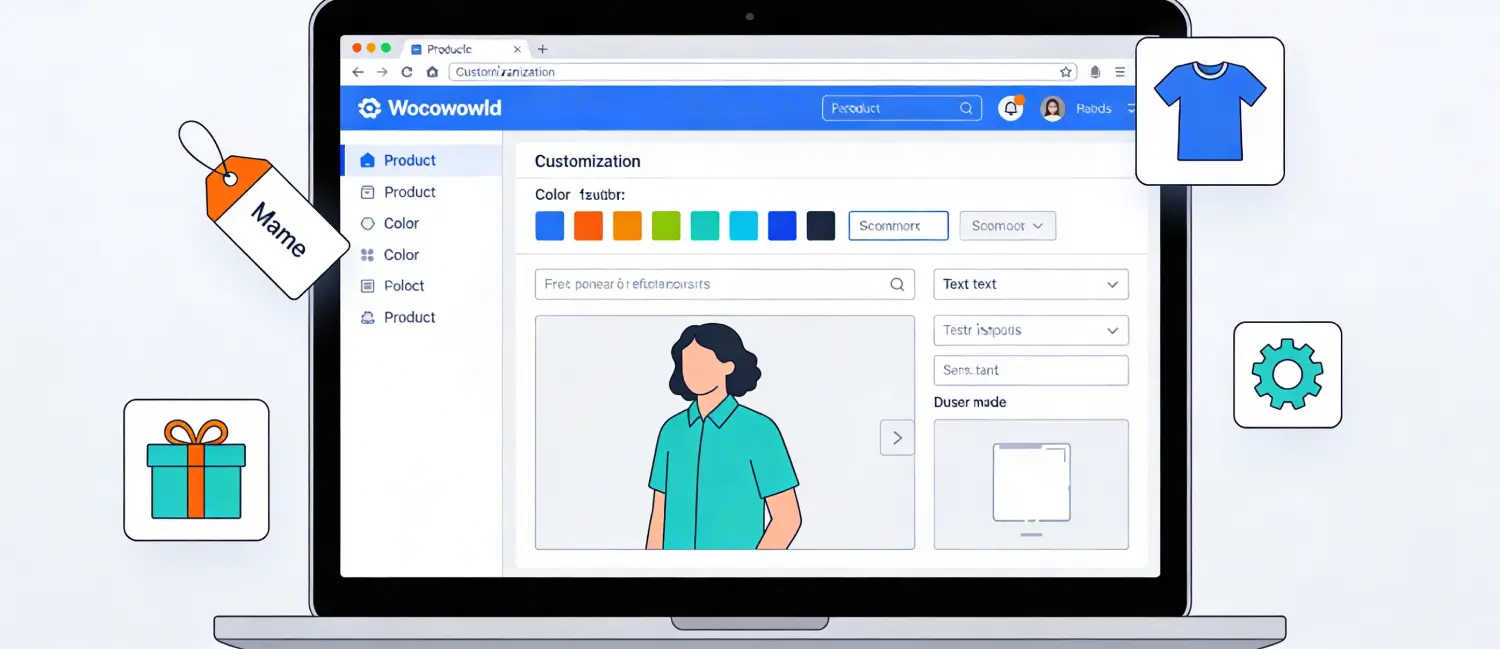
| Custom plugin | Store-specific plugin with settings, validation and handoff notes | Reduces fragile snippets and avoids stacking unrelated plugins. |
| API integration | Supplier, ERP, CRM, shipping, payment or reporting connection | Cuts manual data entry and sync mistakes. |
| Pricing automation | Rules for supplier cost, markup, sale price, VAT or bulk updates | Keeps catalog pricing consistent as costs change. |
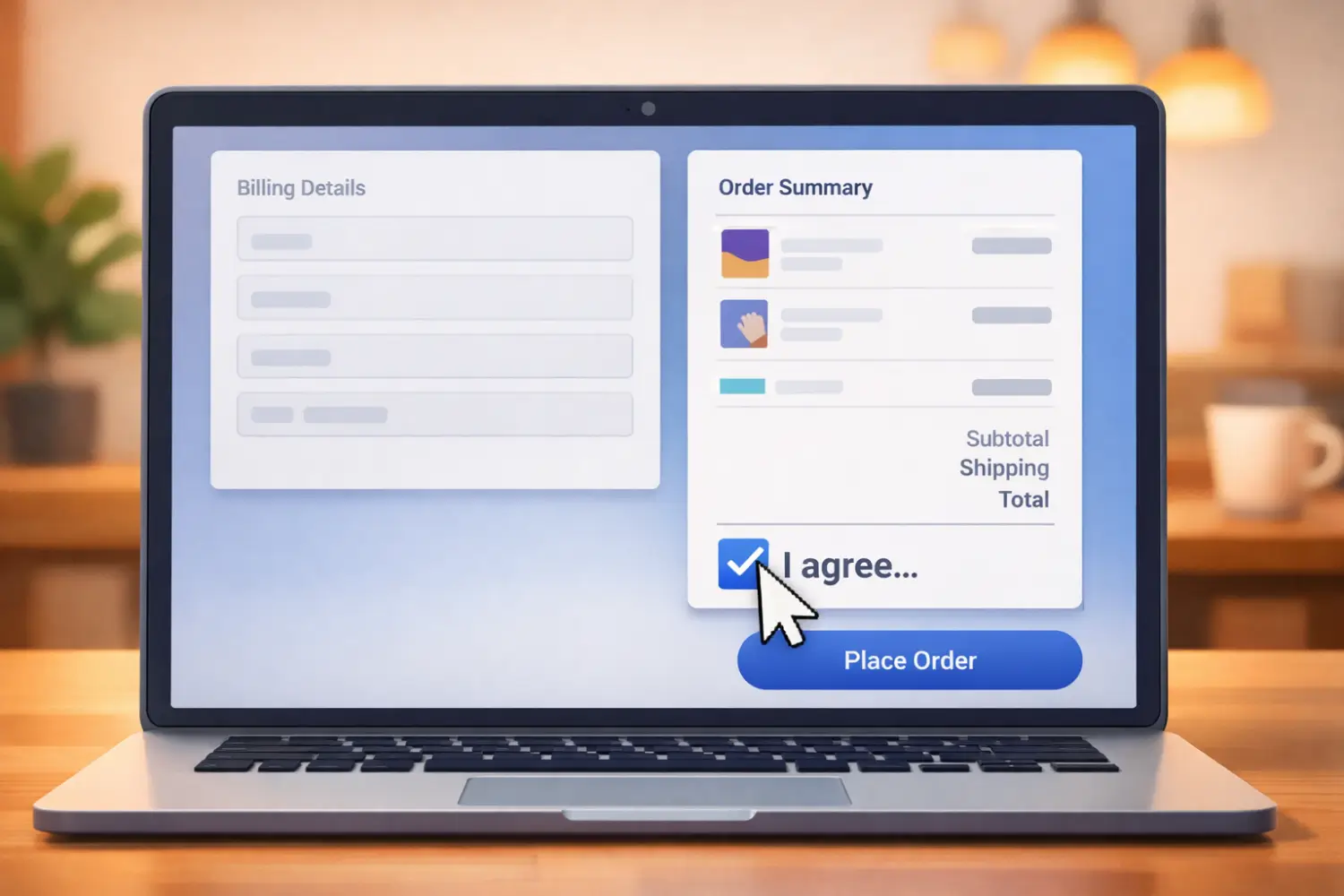
| Checkout repair | Conflict diagnosis, payment/shipping testing and rollback plan | Protects the order path instead of only improving page speed. |
| Performance work | Query review, cache rules, HPOS checks and plugin cleanup | Improves admin and checkout reliability for real workflows. |
Project Workflow
A safe WooCommerce project starts with diagnosis, not a promise. Voxfor should review the store URL, plugins, theme, hosting layer, logs, order flow, payment methods, shipping rules and API documentation before proposing a build.
The usual flow is discovery, backup, staging setup, technical plan, development, testing, client review, production rollout and handoff. For checkout, payment, pricing or stock work, rollback planning is part of the job.
What To Prepare Before Requesting Help
| Item | Why Voxfor needs it |
|---|---|
| Store URL and admin role needed | Confirms environment and access boundaries. |
| Problem examples | Screenshots, order IDs, logs or failed sync examples make diagnosis faster. |
| Plugin/theme list | Helps identify conflicts and extension overlap. |
| API documentation | Needed for supplier, ERP, CRM and shipping integrations. |
| Order volume and catalog size | Changes testing and performance expectations. |
| Deadline and rollback tolerance | Defines launch timing and risk control. |
Security HPOS and Maintenance
WooCommerce custom code can touch orders, customers, payments, inventory and tax-sensitive data. That makes security and data handling part of the service, not an optional extra. Access should be temporary where possible, API keys should be scoped, and production changes should be logged.
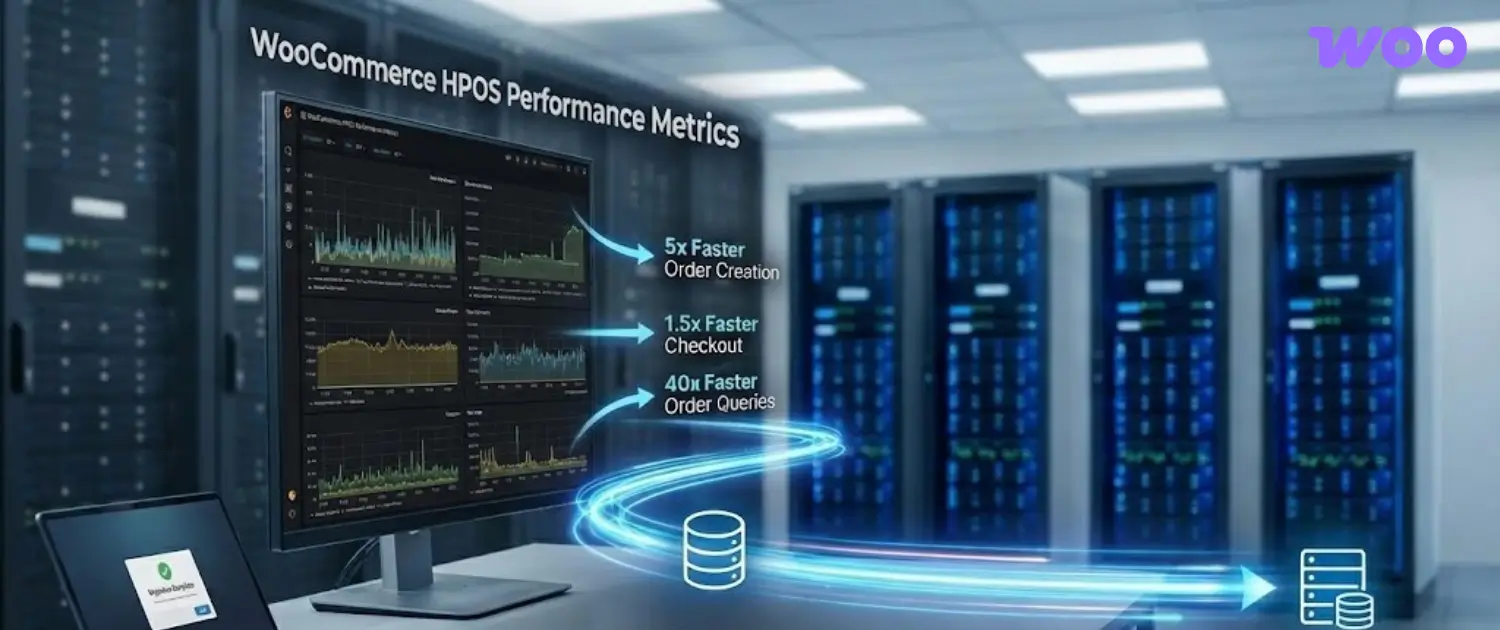
For modern stores, HPOS compatibility should be checked before custom order logic goes live. A plugin that works on legacy order tables may still need review before it is safe for a high-volume WooCommerce store.
Recommended Next Step
If the store is losing time to manual pricing, supplier updates, checkout errors, API gaps or slow WooCommerce admin workflows, start with a scoped technical review. A clear brief should include the business problem, current plugins, examples of failed orders or manual work, API docs, deadline and the success metric.
How to Scope a WooCommerce Project
Use this page to prepare a focused WooCommerce brief before requesting custom development. The useful question is not “can this be coded?” but whether the store has a repeatable workflow that needs to be safer, faster or easier to operate.
For a production store, avoid approving development from a vague complaint like “checkout is slow” or “prices are wrong.” Capture the exact flow, affected products or orders, plugins involved, hosting constraints, API limits, rollback path and the metric that proves the fix worked.
WooCommerce Project Intake Questions
- Which WooCommerce workflow is failing: pricing, stock sync, checkout, shipping, payment, reporting or customer accounts?
- Which theme, plugins, payment gateways, shipping methods, APIs, hosting layer and catalog data are involved?
- What store access, staging access, API documentation, logs, order examples and test products are available for safe diagnosis?
- What should happen if the first version affects checkout, imports, pricing, stock or API sync and needs rollback?
- Who will maintain the setup after launch, and what should be documented for handoff?
WooCommerce Risk Controls
| Risk | Control |
|---|---|
| Unverified assumptions | Verify current plugin behavior, HPOS compatibility, API limits, payment rules, shipping logic and hosting constraints before writing custom code. |
| Production breakage | Use backups, staging, small test orders and rollback notes before changing checkout, pricing, stock, payment, shipping or integration behavior. |
| Hidden ownership gaps | Document access, renewal dates, API keys, monitoring, handoff steps and support boundaries. |
| Wrong success metric | Measure the business outcome, not only the technical action: successful orders, sync accuracy, checkout errors, import time, admin latency, refund issues or support tickets. |
What a Good Outcome Looks Like
A good outcome is specific and observable. The store workflow should be easier to operate, easier to troubleshoot and safer to change. The team should know what changed, why it changed, where the backup lives, which links or dashboards matter, and what should be checked after the next update.
If the work is customer-facing, review it from the visitor's point of view as well as the administrator's point of view. A technically correct setup can still fail if the page is confusing, the checkout path is unclear, the lead form is too broad, or the server location does not match the real audience.
Post-Launch Verification
After the change goes live, verify the public URL, metadata, links, forms, checkout paths, logs and any dashboards that prove the work is functioning. For WordPress and WooCommerce pages, also check that Gutenberg blocks are balanced, Rank Math title and description are intentional, and old risky claims did not remain in cached content.
- Open the public URL in a fresh browser session and confirm the visible title and first screen match the new intent.
- Check every important internal link and any authoritative external source link.
- Confirm the primary CTA leads to the correct Voxfor service or plan page.
- Review analytics, logs or conversion tracking after launch instead of assuming the edit worked.
- Keep the backup path and update script with the article record so rollback is possible.
Related Voxfor Resources
- WooCommerce development service page
- Voxfor Advanced Price Management for WooCommerce
- WooCommerce hosting
- WooCommerce HPOS guide
- WooCommerce payment processing problems
Frequently Asked Questions
When do I need custom WooCommerce development?
Use custom development when native WooCommerce settings or trusted extensions cannot safely support the store workflow, integration, pricing rule, checkout logic or reporting need.
Should I build a custom plugin or install another extension?
Install a trusted extension when the need is common and maintained. Build custom code when the workflow is specific, high-value and needs controlled testing and handoff.
How does Voxfor test WooCommerce custom development?
Testing should match the workflow being changed. Checkout work needs test orders, payment and shipping checks, coupons, taxes, customer emails and rollback notes. API work needs sample payloads, error handling, logs and retry behavior. Pricing and stock work needs before-and-after examples from real catalog data.
What should be included in the handoff?
A useful handoff includes the plugin or code location, settings, access changes, API credentials owner, test cases, rollback notes, monitoring points and the next maintenance step. The store owner should know what changed and what to check after plugin, theme or WooCommerce updates.
Can custom development fix every checkout issue?
No. Some checkout problems come from hosting, payment gateways, cache rules, third-party APIs or business rules. A diagnostic review should find the cause before code is written.