Lifetime VPS Europe
 Lifetime VPS Asia
 Lifetime WooCommerce Hosting
 Lifetime Hosting
 Lifetime Game Dedicated Servers
 Chicago, US
 Tokyo, Japan
 Singapore
 Hong Kong
 Seoul, South Korea
 Amsterdem, Netherlands
 London, UK
 Stockholm, Sweden
 Oslo, Norway
 Vienna, Austria
 Zurich, Switzerland
 Sydney, Australia
 Wordpress Hosting
 VPS Hosting
 DDOS Protection
 Submit Ticket
 Full Management
 Guides
 Videos and Podcasts
 Discover Creative Ideas
 Cybersecurity Services
 Voxfor Mega Menu
 Voxfor Advanced Price Management For WooCommerce
 Voxfor Secure Live Chat and AI Support
 Voxfor Multilanguage
 Voxfor AI Content Summary
 Voxfor Autopilot
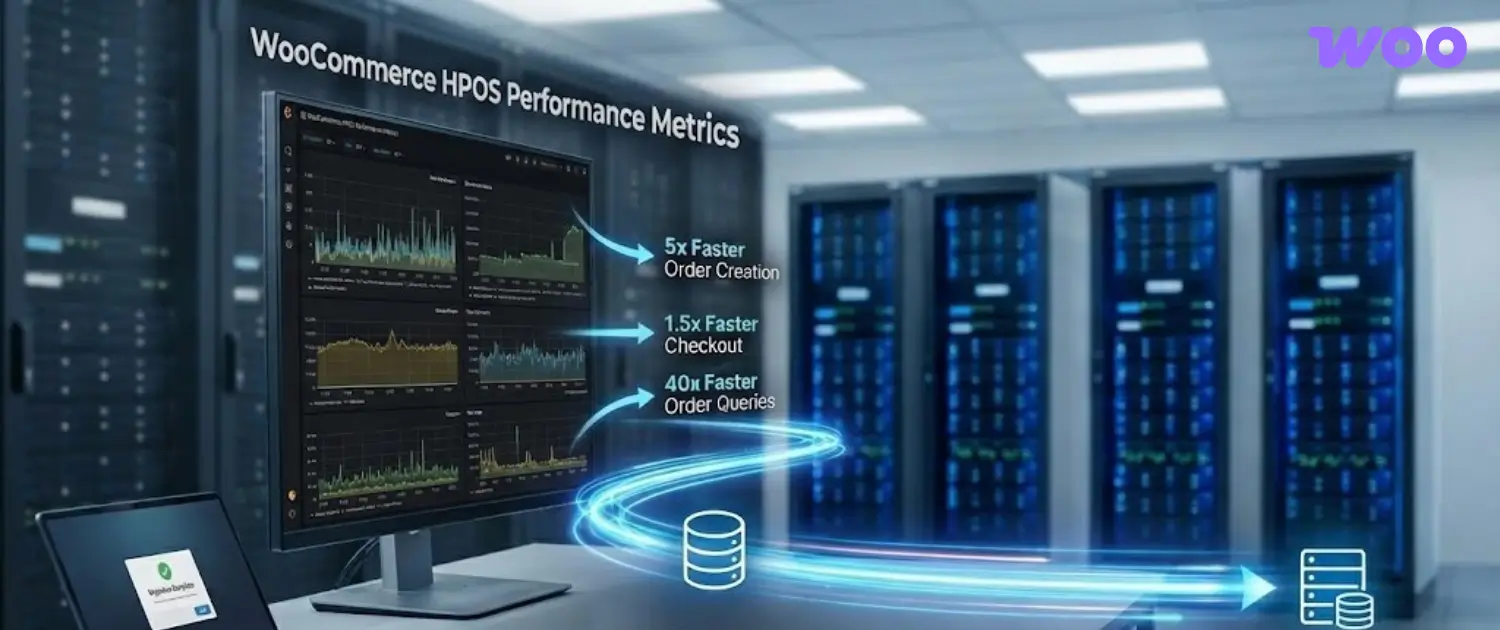
WooCommerce HPOS, short for High-Performance Order Storage, moves order data out of the general WordPress posts system and into dedicated WooCommerce order tables. For store owners, the practical value is simpler order queries, cleaner data separation, and a better foundation for stores with a growing order history. The migration still needs planning because payment, shipping, invoice, reporting, subscription, and custom-code workflows may touch order data.
The safe path is simple: test HPOS on staging, confirm extension compatibility, sync order data, run the full order lifecycle, then switch production only after the store team knows how to monitor and recover. HPOS improves the order storage layer, but it does not replace reliable WooCommerce hosting, database care, object cache, backups, and careful plugin management.
What HPOS Changes in WooCommerce
Traditional WooCommerce orders were stored as WordPress posts, with many order details stored as post meta. That model made sense when WooCommerce had to live entirely inside WordPress conventions, but busy stores can create heavy postmeta tables over time. HPOS gives orders their own table structure so WooCommerce can query order records, addresses, operational data, and order metadata with less dependence on the generic posts tables.
The important idea is not that HPOS magically fixes every store. It gives WooCommerce a more suitable data model for orders. A store with slow admin screens, a large order archive, complex reporting, or many integrations can benefit, but the gain depends on hosting resources, database condition, extension behavior, and how cleanly the migration is handled.
Who Should Review HPOS First
HPOS deserves attention from any store that processes regular orders, uses many order-related plugins, or depends on accurate operational workflows. It is especially relevant when the WooCommerce admin area feels slow around orders, reports take a long time to load, checkout relies on several payment or shipping services, or the store has custom code that reads order data.
Small stores with a simple plugin stack can still prepare carefully. The risk is rarely HPOS itself; the risk is an extension, snippet, export routine, or third-party connection that expects orders to live only in legacy WordPress tables. A staging copy exposes those problems before customers or staff are affected.
Compatibility Checks Before Migration
Start by listing every tool that creates, edits, reads, exports, or reports on WooCommerce orders. The list should include payment gateways, shipping labels, tax tools, invoice plugins, subscriptions, booking systems, CRM connectors, ERP syncs, accounting exports, fulfillment apps, analytics plugins, fraud tools, custom checkout code, and any admin snippets added by a developer.
- Check whether each extension declares HPOS compatibility in WooCommerce.
- Search custom code for direct SQL queries against
wp_postsorwp_postmetaorder records. - Confirm that payment capture, refunds, failed payments, and webhook updates still write the expected order data.
- Review reporting, exports, and fulfillment jobs because those often depend on order metadata.
- Keep a written rollback plan with backup locations and decision points.
If a plugin is business-critical and does not clearly support HPOS, hold the production switch until the vendor or a developer confirms the path. A missing compatibility declaration is not automatically a failure, but it is a reason to test the exact workflow instead of assuming it will behave correctly.
Safe HPOS Migration Workflow
A disciplined HPOS migration is closer to a store operations exercise than a single settings change. The goal is to protect order data, keep staff workflows usable, and confirm that customers can complete checkout without surprises.
- Create a full file and database backup, then record how it can be restored.
- Clone the store to staging with the same theme, plugins, WooCommerce settings, and a recent order sample.
- Update WooCommerce and order-related extensions on staging first.
- Enable HPOS compatibility mode so WooCommerce can keep legacy and HPOS data in sync during testing.
- Let scheduled actions complete, or use a controlled WP-CLI sync process when the store team knows how to monitor it.
- Run checkout, payment, refund, shipping, invoice, email, export, and reporting tests.
- Switch the authoritative order storage only after the tests pass and staff know what changed.
- Monitor WooCommerce logs, scheduled actions, payment logs, and admin order screens after launch.
What To Test After Switching
Post-migration testing should cover the full order lifecycle, not only a successful checkout. Many HPOS issues appear after the first order, when webhooks, refunds, labels, exports, and reports begin to use the data.
| Area | Manual check | Why it matters |
|---|---|---|
| Checkout | Place card, wallet, and manual-payment test orders where relevant. | Confirms order creation and payment status changes. |
| Refunds | Issue partial and full refunds in staging or a controlled test. | Checks payment gateway callbacks and order notes. |
| Shipping | Create labels, tracking numbers, and rate quotes. | Shipping plugins often read order addresses and metadata. |
| Emails | Review customer and admin order emails. | Templates may reference order fields or custom meta. |
| Reports | Compare dashboard totals, exports, and accounting feeds. | Reporting tools may use legacy queries. |
| Admin work | Edit orders, add notes, change statuses, and search old orders. | Staff need the same operational confidence after migration. |
Hosting and Performance Notes
HPOS can reduce order-query pressure, but store performance still depends on the hosting stack. PHP workers, database I/O, object cache, cron behavior, plugin count, and checkout design all shape how WooCommerce feels during real traffic. A store with overloaded hosting, too many heavy plugins, or slow third-party API calls can remain slow after HPOS until those limits are addressed.
For stores that are scaling, combine HPOS review with a hosting and database health review. Look at slow queries, scheduled actions, cache configuration, admin-ajax load, checkout requests, and whether the store has enough server resources for busy periods. Voxfor can support this type of review through WooCommerce hosting planning, custom WooCommerce development, and object cache guidance.
Rollback and Support Planning
A rollback plan should be written before production changes begin. Decide who can approve the switch, where backups are stored, which logs will be checked, and what symptoms would trigger a pause. During the first hours after launch, keep a technical person available to review failed payments, webhook errors, scheduled-action queues, and unusual order behavior.
The cleanest migrations are boring: staff can find orders, customers can pay, refunds work, reports match expectations, and logs stay quiet. That outcome comes from testing the real store stack instead of treating HPOS as a checkbox.
About the Writer
This guide was prepared by the Voxfor editorial team for store owners, developers, and operations teams planning WooCommerce changes. Voxfor works with WordPress and WooCommerce hosting, VPS infrastructure, caching, plugin review, and technical troubleshooting for stores that need a careful migration path.
Frequently Asked Questions
Should every WooCommerce store enable HPOS?
Every WooCommerce store should review HPOS, but production enablement should follow staging tests. Simple stores may have an easy path, while stores with payment gateways, subscriptions, invoices, fulfillment tools, and custom code need a more careful compatibility review.
Does HPOS replace reliable WooCommerce hosting?
No. HPOS improves the order storage model, but hosting resources, database health, cache configuration, cron behavior, and third-party API speed still affect checkout and admin performance.
What should be tested before HPOS migration?
Test checkout, payment status changes, refunds, shipping labels, taxes, invoices, emails, order exports, reports, subscriptions, fulfillment workflows, and any custom code that reads or writes order data.
What is HPOS compatibility mode?
Compatibility mode lets WooCommerce keep HPOS and legacy order storage synchronized during a transition period. It helps teams test the new tables while reducing the chance of losing access to older workflows during migration.
Can old WooCommerce plugins break after HPOS?
Yes, especially if a plugin uses direct queries against legacy order data instead of WooCommerce order APIs. That is why payment, shipping, reporting, export, and custom-code checks matter before production is switched.
When should a developer review HPOS?
Use a developer review when the store has custom checkout logic, direct SQL queries, ERP or CRM syncs, subscriptions, large order history, modified admin screens, or business workflows that depend on exact order metadata.