Lifetime VPS Europe
 Lifetime VPS Asia
 Lifetime WooCommerce Hosting
 Lifetime Hosting
 Lifetime Game Dedicated Servers
 Chicago, US
 Tokyo, Japan
 Singapore
 Hong Kong
 Seoul, South Korea
 Amsterdem, Netherlands
 London, UK
 Stockholm, Sweden
 Oslo, Norway
 Vienna, Austria
 Zurich, Switzerland
 Sydney, Australia
 Wordpress Hosting
 VPS Hosting
 DDOS Protection
 Submit Ticket
 Full Management
 Guides
 Videos and Podcasts
 Discover Creative Ideas
 Voxfor Autonomous AI Workers
 Voxfor Mega Menu
 Voxfor Advanced Price Management For WooCommerce
 Voxfor Secure Live Chat and AI Support
 Voxfor Multilanguage
 Voxfor AI Content Summary
 Voxfor Autopilot
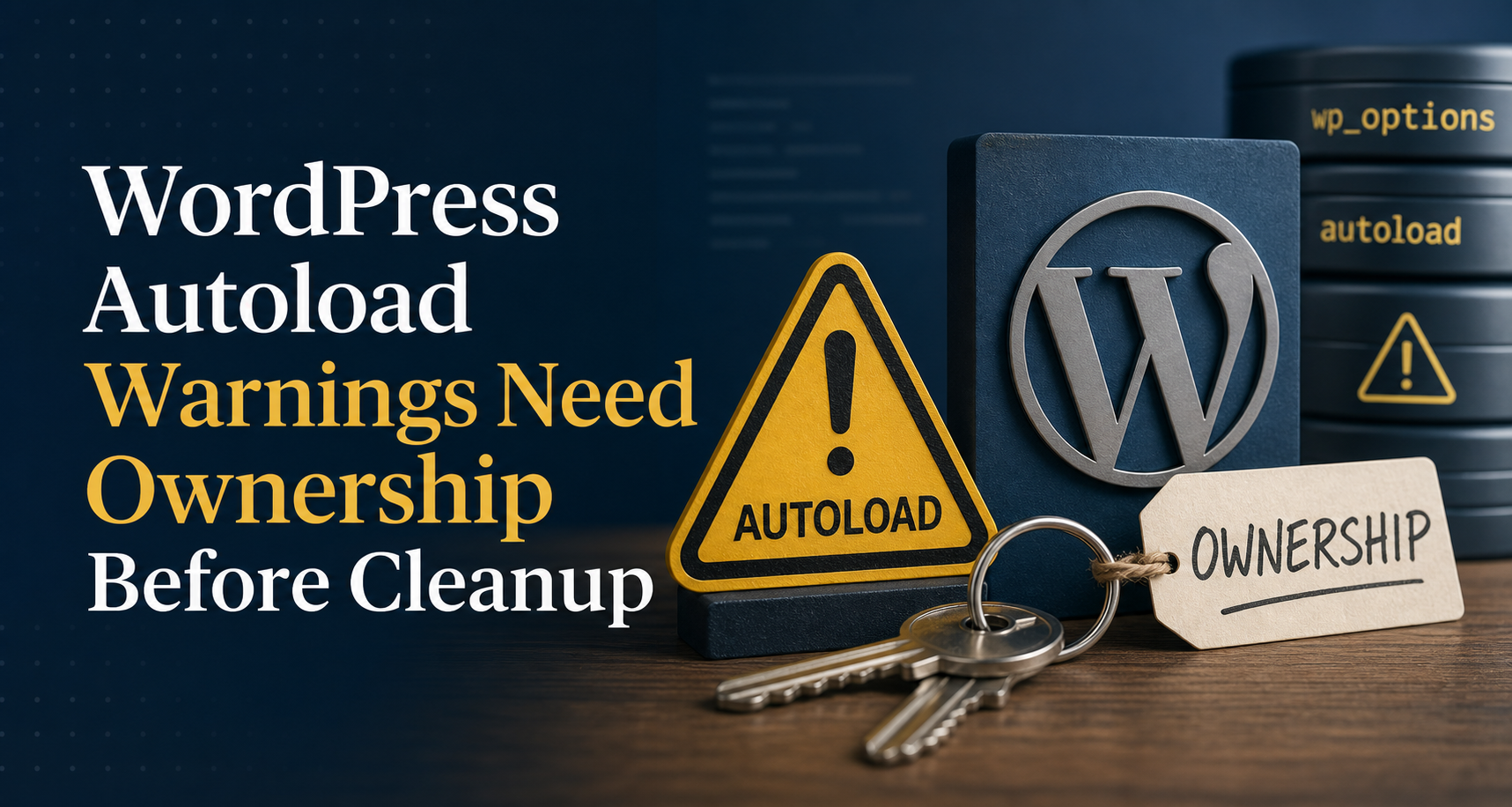
A WordPress Site Health warning about autoloaded options is evidence about the whole bootstrap set, not permission to delete a database row. Measure the current set, list names and sizes without exposing values, find the plugin, theme or core component that owns each large option, then change one proven candidate with a backup and rollback.
Start from the same slow request or administrative symptom that led to the warning. Autoload size may be relevant, but it does not automatically own a slow page, exhausted PHP worker or timeout. WordPress PageSpeed investigation helps keep server response, cache behavior and browser work on separate lines instead of turning one Site Health notice into a universal performance explanation.
Do not paste complete option values into a ticket or chat. Options can contain API keys, mail settings, private URLs, licensed configuration and personal data. Names, byte sizes, ownership evidence and before/after receipts are usually enough for the first decision.
The warning measures a set, not a culprit
WordPress calls wp_load_alloptions() during bootstrap. Core first checks the alloptions object-cache entry; when it is absent, WordPress reads every option whose autoload value belongs to the current loaded set and caches the resulting collection. That means one request may inherit many small settings as well as a few large rows.
Since WordPress 6.6, granular internal values such as auto-on, auto-off and auto matter alongside legacy forms. Current core defines membership through wp_autoload_values_to_autoload(). A raw query limited to autoload = 'yes' can therefore undercount a modern site. Current WP-CLI implementation filters option list --autoload=on to only on and yes and excludes transients by default, so it is not a Site Health-equivalent total.
Site Health uses a default threshold of 800,000 bytes for its autoload warning. Core documents that threshold as filterable, so treat it as an advisory trigger rather than a universal outage line. The warning does not identify the owner, request frequency, cache-object limit, PHP memory cost or deletion safety of any individual option.
Inventory names and sizes without leaking values
Run collection from the WordPress root with a current WP-CLI release. The snippet below asks WordPress for the same wp_load_alloptions() set that Site Health measures, computes the same serialized byte total, and writes only option names and sizes. Values are processed in memory but never printed. The private temporary directory keeps the audit artifact out of the public webroot.
umask 077
audit_dir="$(mktemp -d)"
chmod 700 "$audit_dir"
wp eval '
$rows = array();
$total = 0;
foreach ( wp_load_alloptions( true ) as $name => $value ) {
    if ( is_array( $value ) || is_object( $value ) ) {
        $value = maybe_serialize( $value );
    }
    $bytes = strlen( (string) $value );
    $total += $bytes;
    $rows[] = array( "option_name" => $name, "size_bytes" => $bytes );
}
usort( $rows, static function ( $a, $b ) {
    return $b["size_bytes"] <=> $a["size_bytes"];
} );
echo wp_json_encode(
    array( "count" => count( $rows ), "total_bytes" => $total, "options" => $rows ),
    JSON_PRETTY_PRINT
);
' > "$audit_dir/autoload-summary.json"
php -r '
$data = json_decode( file_get_contents( $argv[1] ), true );
if ( ! is_array( $data ) ) {
    fwrite( STDERR, "Invalid audit JSON\n" );
    exit( 1 );
}
printf( "count=%d total_bytes=%d\n", $data["count"], $data["total_bytes"] );
foreach ( array_slice( $data["options"], 0, 20 ) as $row ) {
    printf( "%d\t%s\n", $row["size_bytes"], $row["option_name"] );
}
' "$audit_dir/autoload-summary.json"
Record the WordPress and WP-CLI versions, UTC time, site URL, count and total. A top-twenty view is a triage surface, not a delete list; cumulative growth can matter even when no single row looks dramatic. WP-CLI documents its option-list filter, but the custom wp eval step is intentional because current core has a broader loaded-value set.
Multisite needs an explicit site boundary
On multisite, add the global --url=https://site.example parameter immediately after wp in the collection command: wp --url=https://site.example eval '...'. Each site’s options table and network-wide settings are different scopes. Running an unqualified command from the network root can inspect the wrong blog and turn a valid value elsewhere into an apparent orphan.
wp --url=https://site.example eval 'printf("autoload_count=%d\n", count(wp_load_alloptions(true)));'Use the full names-and-sizes snippet with the same global parameter for the real site audit; the short command above only confirms the targeted site’s loaded count. Network options stored outside the site’s normal options table need their own owner and change path. Do not combine site and network rows into one cleanup total merely because both influence administration.
Give every large option an owner and a lifecycle
For each candidate, write a small dossier: option name, size, site scope, code owner, read frequency, write frequency, active feature, last observed change, rollback source and proposed treatment. Unknown ownership means investigate, not delete.
Find who creates or updates the option
Search the deployed code and version-control history for the exact option name. Plugin prefixes, theme namespaces and known core names provide clues, but a prefix is not proof. Also inspect must-use plugins, deployment scripts and custom integrations that may not appear in the normal Plugins screen.
grep -RFn --include='*.php' 'example_option_name' wp-content/mu-plugins wp-content/plugins wp-content/themes
wp option get-autoload example_option_name
wp plugin list --status=active
wp theme list --status=active
Code may call add_option(), update_option() or current autoload helpers during activation, upgrade or every request. A database-only change can be reversed by the next release if ownership code still writes the old contract. WordPress’s 6.6 Options API note explains why current defaults and large-option handling deserve source-level review rather than legacy SQL assumptions.
Decide whether most requests need the value
Autoload fits compact configuration used on most requests. A large import cursor, generated HTML fragment, infrequently opened admin report or volatile cache payload usually has a different access pattern. Disabling autoload does not make the option disappear; the first get_option() can fetch it separately, after which object caching may serve it independently.
Request frequency matters more than a row’s name. Sample representative front-end, admin, checkout, cron and REST paths before deciding. If the site is slow because all PHP workers are occupied, PHP-FPM queue and worker evidence may own the incident even when Site Health also reports a large autoload set.
Treat inactive-plugin leftovers as unproven until tested
An option from a removed plugin may be orphaned, or it may preserve settings for reinstall, migration or shared code. Check the plugin’s uninstall routine, vendor documentation, recent database writes and backup retention. Deletion requires proof that no active or planned code needs the value; disabling autoload is often the safer reversible experiment.
Choose keep, disable or delete as different contracts
Cleanup tools often compress three decisions into one button. Keep them separate because they carry different risks.
Keep autoload when bootstrap really needs it
Compact, stable values read on almost every request belong in the bootstrap set. Moving them out can trade memory for repeated cache misses or database reads. Record why the value is hot, monitor growth and fix the producer if it starts storing unbounded history inside one option.
Disable autoload without deleting the setting
Before changing one candidate, export the database to approved storage and capture that option separately. The fail-closed subshell below stops before mutation if the directory, database export, option capture or exact prior autoload-state capture is missing. It deliberately accepts only a prior raw state of on or yes; an auto or auto-on candidate belongs in owner code because the simple WP-CLI rollback cannot restore that automatic policy exactly.
(
set -euo pipefail
backup_dir=/secure/off-webroot/wordpress-backups  # Replace with approved storage.
test -d "$backup_dir" && test -w "$backup_dir"
stamp="$(date -u +%Y%m%dT%H%M%SZ)"
database_backup="$backup_dir/before-autoload-$stamp.sql"
option_backup="$backup_dir/example_option_name.$stamp.json"
autoload_backup="$backup_dir/example_option_name.$stamp.autoload.txt"

previous_autoload="$(wp option get-autoload example_option_name)"
case "$previous_autoload" in
    on|yes) ;;
    *) printf 'Stop: owner-level repair is required for prior autoload=%s\n' "$previous_autoload" >&2; exit 1 ;;
esac

wp db export "$database_backup"
wp option get example_option_name --format=json > "$option_backup"
printf '%s\n' "$previous_autoload" > "$autoload_backup"
test -s "$database_backup" && test -s "$option_backup" && test -s "$autoload_backup"

wp option set-autoload example_option_name off
test "$(wp option get-autoload example_option_name)" = off
)
Current wp option set-autoload changes the loading contract without removing the value. Exact rollback reads the saved raw state and restores it: previous_autoload="$(cat /secure/off-webroot/wordpress-backups/example_option_name.TIMESTAMP.autoload.txt)"; wp option set-autoload example_option_name "$previous_autoload"; test "$(wp option get-autoload example_option_name)" = "$previous_autoload". Update the owning code as part of the same change so a plugin upgrade or activation hook does not silently restore autoload.
Delete only after ownership and restore proof
Deletion removes data, not just bootstrap membership. Use the product’s supported uninstall or cleanup path when one exists. A manual delete should require confirmed orphan status, a tested backup, a named approver, and a specific restore command. Bulk deletion by prefix or age fails this boundary because option names do not reliably encode current ownership or business value.
Persistent object cache changes the route, not the payload
Redis or another persistent object cache can serve the alloptions entry without repeating the SQL query. That is useful, but the payload still has to fit the cache backend’s behavior, move into PHP and become available to application code. Large or frequently invalidated alloptions data can still create serialization, network, memory and cache-churn costs.
Object Cache Pro scaling choices belong beside this audit when a busy site needs cache observability or platform-specific split behavior. They do not decide whether an option is correctly autoloaded. Cache item limits and compression policies vary by provider, so never copy one host’s byte ceiling into a universal WordPress rule.
After a supported WP-CLI autoload change, confirm the application sees the new state. Direct SQL is intentionally absent from this workflow because it bypasses WordPress cache coordination and makes rollback easier to mishandle.
FAQ: Questions that set the cleanup boundary
What is a WordPress autoloaded option?
A WordPress autoloaded option is a setting included in the bootstrap alloptions collection so application code can access it on ordinary requests. Current core recognizes several autoload values, so an audit based on wp_load_alloptions() is safer than a legacy query restricted to the yes value or the narrower current WP-CLI list filter.
Is 800 KB a hard failure limit for autoloaded options?
No. WordPress Site Health uses 800,000 bytes as a default filterable warning threshold. Hosting cache limits, compression, request patterns and PHP capacity vary, so the notice should trigger ownership and measurement rather than automatic deletion or a copied universal limit.
Does Redis fix oversized autoloaded options?
Redis can avoid repeated database reads by caching alloptions, but it does not correct an unnecessary option, unbounded producer or volatile payload. PHP still receives the collection, and cache serialization, transfer, memory and invalidation behavior remain part of the request path.
Should I delete every expired transient from wp_options?
No bulk rule is safe from the autoload warning alone. Use supported WordPress transient APIs or scheduled cleanup, verify expiration and ownership, and distinguish transient maintenance from large non-transient configuration. A transient name is not proof that a manual SQL delete is harmless.
Can I stop autoloading an option without deleting it?
Yes. Current WP-CLI provides wp option set-autoload OPTION off, which keeps the value but removes it from the autoload set. Back up first, update the owning code, verify the same request path, and preserve the exact supported prior raw state, such as on or yes, for rollback.
How do autoloaded options work on WordPress multisite?
Every site has its own options scope, while network settings use separate network-option storage. Target the affected site with the WP-CLI URL parameter and audit network options separately; a large row on one site does not authorize a network-wide cleanup.
What should I measure after changing autoload?
Replay the same front-end, admin, checkout, cron or REST path and compare server response, database queries, object-cache behavior, PHP memory, worker queues, errors and feature output. Confirm the option value remains correct and Site Health reflects the intended state before keeping the change.
Close with one option and one request receipt
Capture a before and after record around one option. Keep traffic class, cache state and observation window comparable. Acceptance requires more than a smaller Site Health number: the option value remains correct, its feature works, error logs stay clean, representative request latency or worker pressure improves or remains safe, and rollback has been tested.
If the same request still times out, follow WordPress 504 layer attribution instead of removing more rows to force a correlation. Autoload may be one contributor while database locks, upstream APIs, PHP saturation, CDN deadlines or plugin code own the actual timeout.
Teams that need one owner across application code, database, cache and PHP capacity can continue with managed WordPress operations. Whether the site is self-managed or supported, preserve the same rule: one named option, one reversible contract, one representative request path, and evidence that the producer will not recreate the problem.