Lifetime VPS Europe
 Lifetime VPS Asia
 Lifetime WooCommerce Hosting
 Lifetime Hosting
 Lifetime Game Dedicated Servers
 Chicago, US
 Tokyo, Japan
 Singapore
 Hong Kong
 Seoul, South Korea
 Amsterdem, Netherlands
 London, UK
 Stockholm, Sweden
 Oslo, Norway
 Vienna, Austria
 Zurich, Switzerland
 Sydney, Australia
 Wordpress Hosting
 VPS Hosting
 DDOS Protection
 Submit Ticket
 Full Management
 Guides
 Videos and Podcasts
 Discover Creative Ideas
 Voxfor Autonomous AI Workers
 Voxfor Mega Menu
 Voxfor Advanced Price Management For WooCommerce
 Voxfor Secure Live Chat and AI Support
 Voxfor Multilanguage
 Voxfor AI Content Summary
 Voxfor Autopilot
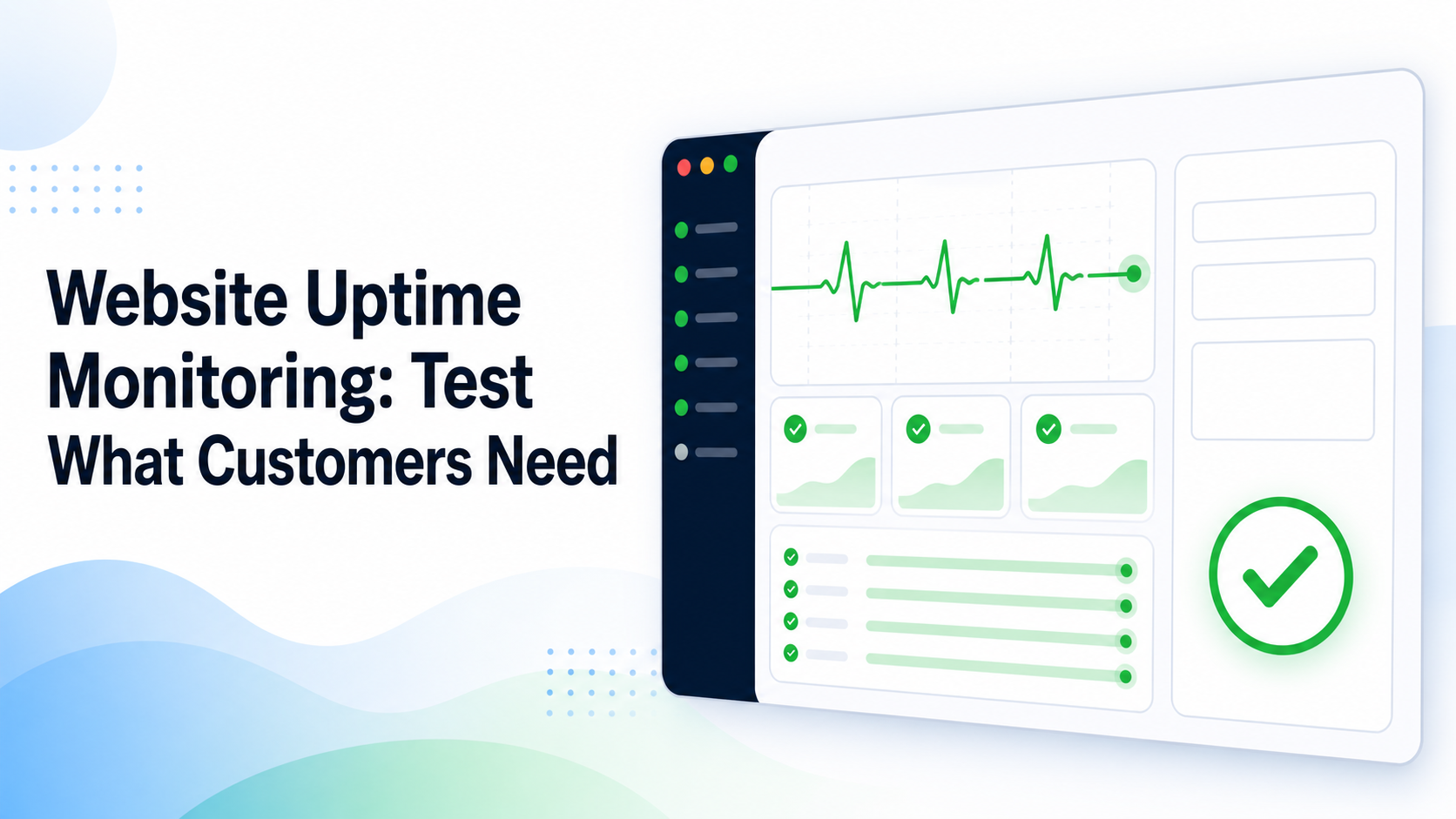
A customer can open your homepage while the contact form quietly drops every lead. A store can return 200 OK while checkout fails. A member portal can look healthy to anonymous visitors while every login redirects in a loop. Website uptime monitoring is useful only when it tests the parts of the website that customers actually need.
For a small business, the right starting point is not a large dashboard. It is a short list of customer promises: visitors can reach the site, find current information, submit the decisive form or transaction, and receive the expected result. External checks should prove those promises often enough to leave time for a response.
A green homepage can hide a broken business
Basic HTTP monitoring asks a URL for a response and records the status code and response time. That catches complete outages, many server errors and some slow responses. It does not automatically prove that the returned page is correct, that JavaScript works, or that a later action succeeds.
Content checks improve the first layer. Instead of accepting any 200 response, require one stable phrase or element that belongs on the page. This catches maintenance pages, empty templates and some misdirected domains. Keep the assertion durable: a campaign headline that changes tomorrow is a poor health signal.
Customer work often crosses several systems. A booking may depend on DNS, HTTPS, a page, browser scripts, an API, a payment provider and email. Monitoring one endpoint therefore proves one boundary, not the complete result. Elastic’s synthetic monitoring documentation makes the distinction explicit: lightweight monitors check endpoints, while real-browser monitors can test actions such as login, cart and checkout.
Availability and speed answer different questions
Availability asks whether a service can complete the promised action. Performance asks how long it takes and whether the experience remains usable. A site can be available but painfully slow; it can also load quickly from cache while a form submission is broken.
Real-user measurements add loading, responsiveness and visual-stability evidence from actual visitors. Google defines Core Web Vitals around those experience dimensions. WordPress PageSpeed measurement guidance provides a deeper path when slow experience, rather than binary failure, is the concern. Keep both signals: synthetic checks run even during quiet periods, while real-user data shows device and regional conditions that a fixed test may miss.
Name the customer promise before choosing checks
Write one sentence for each business-critical journey. Examples include “a visitor can submit the contact form and receive confirmation,” “a customer can place one test order without duplicate stock movement,” or “a member can sign in and open protected content.” Each promise needs an observable end state, not merely a click.
Start with one public path and one decisive action
Most small sites do not need dozens of urgent monitors. Begin with the canonical homepage or a stable landing page, then add the action whose failure causes the most immediate business harm. A brochure site may choose the contact form. A clinic may choose booking availability without creating a real appointment. A store may choose a gateway sandbox or a reversible test product.
The monitor must observe the result customers care about. Seeing a thank-you page is stronger than seeing a button accept a click, yet even that may not prove the lead reached the CRM or mailbox. When downstream delivery matters, add a separate non-destructive assertion or a heartbeat from the receiving system.
Keep test data separate and reversible
Use dedicated test accounts, recognizable synthetic names and destinations controlled by the business. Avoid real customer details. A browser journey should not send live marketing email, reserve scarce inventory, create billable shipments or repeatedly charge a card.
Document cleanup as part of the test. If a synthetic submission creates a lead, tag it and remove or archive it automatically. When a safe end-to-end transaction cannot be built, monitor the last reversible step and add independent evidence for the downstream dependency rather than pretending the whole journey passed.
Build a small monitoring stack from outside in
External checks matter because they see the site from a customer-facing network, outside the server that might be failing. Internal dashboards still help explain causes, but they should not be the only witness. Google SRE distinguishes black-box from white-box monitoring and recommends alerting primarily on user-visible symptoms.
| Monitor | What it proves | Failure it can expose | Safe success condition |
|---|---|---|---|
| DNS | The intended name resolves from outside | Missing, wrong or inconsistent record | Expected hostname reaches approved address or provider |
| TLS | HTTPS presents a valid certificate for the name | Expiry, hostname mismatch or stale endpoint | Current public endpoint completes trusted TLS |
| HTTP plus content | A stable page returns the intended response | Outage, server error, maintenance page, wrong content | Expected status and durable content marker |
| Browser journey | A critical action works in a real browser | Login, script, form, cart or checkout breakage | Declared non-destructive end state appears |
| Heartbeat | Scheduled work reports completion | Backup, import, queue or cron stopped running | Fresh completion arrives inside its window |
UptimeRobot’s current monitor-type guide similarly separates HTTP, keyword, DNS, SSL and heartbeat checks. Choose layers from the customer promise; do not enable every available feature merely because the tool offers it.
Confirm failures from more than one viewpoint
One probe can fail because its region, resolver or network path has a problem. Before waking someone, retry and, where the business impact justifies it, confirm from another location. At the same time, do not require so many confirmations that a real outage becomes invisible for most of the allowed response window.
Check frequency follows business tolerance. A five-minute interval can leave nearly five minutes before detection, then add confirmation and notification time. A low-traffic information site may accept that. A booking or checkout path during business hours may need a shorter clock. Write the detection budget before choosing the interval.
Treat HTTPS as a live endpoint, not a file date
Certificate renewal on disk does not prove that every public IPv4, IPv6, proxy or CDN path serves the renewed certificate. Monitor what an outside client receives for the real hostname. When renewal succeeds but visitors still see an old certificate, TLS live-endpoint verification shows how delivery paths can diverge.
Use a private dashboard for private monitors
Self-hosting can reduce vendor dependence and keep internal checks under your control, but the dashboard itself becomes another service to secure and maintain. Teams choosing that route can follow the private Uptime Kuma dashboard pattern for authentication, exposure and alert-delivery boundaries. A hosted service may be simpler when nobody owns another server.
An alert needs an owner and a clock
An alert that reaches a shared inbox with no acknowledgement rule is a report, not a response plan. Record the primary owner, backup owner, notification channels and the time after which an unacknowledged alert escalates.
Page on customer symptoms, ticket likely causes
Google SRE warns that noisy pages teach people to ignore real incidents. Wake or interrupt someone for a clear customer-visible failure that needs action. Send lower-urgency certificate lead time, rising latency or intermittent regional evidence to a ticket or daytime channel unless the business has a different tolerance.
Keep the first alert compact: affected journey, failed assertion, first failure time, confirming locations, recent change and first safe diagnostic link. A confirmed WordPress timeout can hand off to WordPress 504 ownership checks without turning the monitoring alert into a full troubleshooting manual.
Set recovery clocks from business impact
Detection is only the first clock. Decide how quickly an owner must acknowledge, how soon a workaround is needed and when customers or stakeholders should receive an update. Website RTO and RPO planning helps connect those clocks to acceptable downtime and data loss instead of copying an arbitrary response promise.
Maintenance windows need the same care. Suppress only the monitors affected by the approved change, for a bounded period, with an owner. Leave independent DNS, status or alternate-path checks active where they still provide useful evidence. An expired global mute can hide the outage created by the maintenance itself.
Rehearse failure, not only success
After creating each monitor, prove that it can fail safely. Change a test assertion in the monitoring tool, use a controlled non-production endpoint, or temporarily pause a synthetic heartbeat. Do not break the live customer path merely to test notifications.
Confirm four outcomes in order:
- The monitor detects the intended condition within the planned window.
- Confirmation logic reduces a single-probe false alarm without hiding the test failure.
- The correct owner receives, acknowledges and understands the alert.
- Recovery generates a clear resolved event and leaves an incident record.
Review after changes and real incidents
Re-run the journey after DNS moves, certificate changes, plugin releases, form edits, checkout changes and hosting migrations. A monitor that still checks an old URL can stay green while the new customer path fails.
Real incidents should improve the monitor set. Add a check when it closes a proven blind spot; remove or demote one when it creates noise without changing action. More alerts are not automatically better coverage.
FAQ: Website monitoring decisions
Is checking the homepage enough for website uptime monitoring?
No. A homepage check proves that one URL returned an expected response. It does not prove that login, search, forms, booking, checkout, email or another customer-critical action works. Add the smallest safe journey check that covers the business result most likely to stop revenue or service.
What is synthetic website monitoring?
Synthetic monitoring runs controlled endpoint or browser tests on a schedule. It can detect outages and broken actions before a real customer reports them. Synthetic evidence is repeatable, while real-user monitoring adds conditions from actual visitors and only produces data when users are present.
How often should a business check website uptime?
Choose the interval from the maximum acceptable detection delay, then include retry, confirmation and notification time. There is no universal interval. Critical booking or checkout paths may need faster checks than an information page, provided the resulting alerts remain actionable.
Should a transaction monitor place real orders or appointments?
Normally no. Use gateway sandboxes, dedicated test accounts, reversible products or the last safe step before commitment. The test must not charge customers, consume scarce inventory, create billable work or expose personal data. Document cleanup and the exact boundary that remains untested.
Who should receive website downtime alerts?
Send urgent alerts to the person who can acknowledge and start the first response, with a named backup and escalation clock. Providers, developers and business owners may own different layers, so record the handoff instead of sending every alert to everyone.
Keep a monthly availability record
Once a month, save a short record: monitored customer promises, check locations and intervals, latest successful journey, alert owner, maintenance mutes, incidents, blind spots and the next change that requires retesting. This keeps monitoring aligned with the website instead of preserving an old setup forever.
Ownership must also survive supplier or staff changes. Agency website control handoff includes the access, recovery and contact evidence that should move with monitoring accounts and status communications.
The useful finish is modest: customers’ decisive actions are tested from outside, confirmed failures reach an accountable person, and recovery is recorded. A green homepage remains valuable, but it is no longer mistaken for proof that the business works.