Lifetime VPS Europe
 Lifetime VPS Asia
 Lifetime WooCommerce Hosting
 Lifetime Hosting
 Lifetime Game Dedicated Servers
 Chicago, US
 Tokyo, Japan
 Singapore
 Hong Kong
 Seoul, South Korea
 Amsterdem, Netherlands
 London, UK
 Stockholm, Sweden
 Oslo, Norway
 Vienna, Austria
 Zurich, Switzerland
 Sydney, Australia
 Wordpress Hosting
 VPS Hosting
 DDOS Protection
 Submit Ticket
 Full Management
 Guides
 Videos and Podcasts
 Discover Creative Ideas
 Cybersecurity Services
 Voxfor Mega Menu
 Voxfor Advanced Price Management For WooCommerce
 Voxfor Secure Live Chat and AI Support
 Voxfor Multilanguage
 Voxfor AI Content Summary
 Voxfor Autopilot
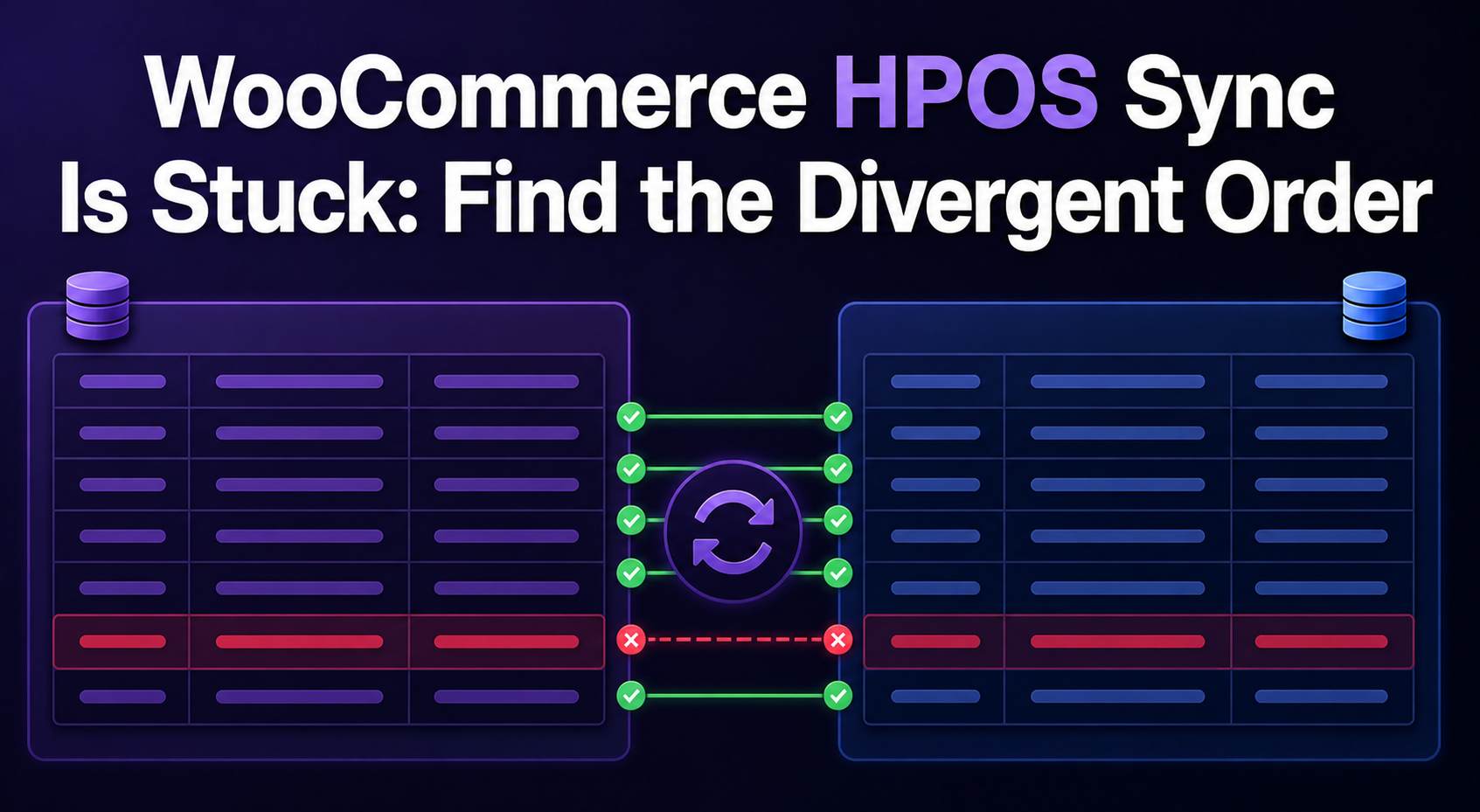
A WooCommerce HPOS counter that refuses to reach zero does not identify the fault by itself. It can mean background batches are not running, new order changes keep arriving faster than the backup catches up, or one order differs between the authoritative and backup datastores. Treating all three cases as “run cron harder” can leave the real discrepancy untouched.
Start with authority. WooCommerce must have one source of truth, and wp wc hpos sync copies from that currently selected datastore to the other. Record the setting before any write-capable command, watch whether the pending count moves, then separate queue execution from data equality. A safe result is not merely a completed action: it is zero pending work, verified order data, and healthy checkout, payment, refund and downstream workflows.
What does “pending synchronization” actually mean?
WooCommerce describes HPOS synchronization as applying changes from the authoritative tables to the backup tables. When HPOS is authoritative, dedicated order tables are the working copy and legacy posts/postmeta receive compatibility data. When WordPress post tables are authoritative, the direction reverses.
That distinction matters because a pending order is not automatically damaged. It means a change in the working datastore has not yet been applied to the backup. The WooCommerce HPOS architecture reference also prevents switching authoritative table roles while orders remain pending, which protects operators from changing direction mid-transfer.
Before this incident workflow, use the broader HPOS migration checklist to confirm extension compatibility and staging coverage. This page owns the narrower failure: the migration or compatibility copy has started, but the count does not converge.
Four questions classify the incident
Avoid changing settings until these four questions have separate evidence:
| Question | Read-only evidence | What the answer changes |
|---|---|---|
| Which datastore is authoritative? | wp wc hpos status and WooCommerce Features settings |
Defines source and destination |
| Is the pending count moving? | Repeated count_unmigrated samples with timestamps |
Separates slow progress from a stall |
| Are background actions executing? | Scheduled Actions screen, action logs and runner evidence | Identifies queue ownership |
| Are both copies equal? | verify_data and targeted diff |
Separates backlog from divergence |
Run the maintained command namespace from the WordPress root as the site owner or another account with the correct file permissions:
wp wc hpos status
wp wc hpos count_unmigrated
wp core version
wp plugin get woocommerce --field=version
Current WooCommerce HPOS CLI documentation uses wp wc hpos; older pages may show the deprecated wp wc cot namespace. Capture command output, UTC time, application traffic level and the current authoritative setting. Do not infer direction from table names or from which table has the newest-looking row.
Prove whether the count is moving
One snapshot cannot distinguish a stalled migration from a busy store that continues creating changes. Sample the same counter across a meaningful window while recording new order volume:
for sample in 1 2 3 4 5; do
  date -u +%FT%TZ
  wp wc hpos count_unmigrated
  sleep 60
done
Use that loop only from a controlled shell; it reads status but occupies the session for five minutes. A falling count demonstrates progress. A flat count with no new order writes suggests the runner or a repeatable order-level failure. A count that falls and rises needs traffic correlation before it can be called stuck.
Next, open WooCommerce → Status → Scheduled Actions and inspect pending, failed and in-progress work around the same timestamps. HPOS uses scheduled batch processing when compatibility synchronization is enabled with pending orders. Saving the custom data-store settings again can reschedule missing processing according to WooCommerce’s own documentation, but preserve the original state and logs first.
Queue health is broader than HPOS. If unrelated hooks are also late or failing, follow WooCommerce Scheduled Actions diagnosis to identify the responsible hook, claim, runner and failure message. HPOS reconciliation should not become an excuse to delete unrelated business jobs.
Drain the supported source-to-backup path
For a large backlog, WooCommerce’s large-store HPOS guide recommends the purpose-built CLI sync because it avoids many web-request limits. Before copying any order data, confirm the authoritative datastore again, take a current database backup, and define the production observation window. WooCommerce backup retention guidance explains why that recovery point must preserve transactions that arrive after the backup.
Only run the write-capable command after those three prerequisites are recorded:
wp wc hpos sync
wp wc hpos count_unmigrated
The sync command follows the active order-storage setting. That is why the authority capture comes first and why the database backup and observation window must exist before execution.
Measure elapsed time, processed count, CPU, memory, database latency and checkout behavior. A long-running migration is not improved by launching overlapping unlimited runners. The official Action Scheduler WP-CLI guide warns that --force bypasses concurrency protection and that filtering hooks or groups can violate implicit scheduling order. Prefer one bounded owner, especially while payments, subscriptions and webhooks are active.
Web requests can also time out while CLI work succeeds. When PHP requests are already waiting for capacity, PHP-FPM worker-pool evidence helps distinguish an overloaded web runner from an HPOS data problem. Changing worker counts without memory and database headroom can move the bottleneck instead of clearing it.
If the operator lacks shell, cron or database visibility, the provider must gather the same read-only evidence rather than guess from an admin spinner. The practical boundary is whether WooCommerce hosting operations include access to PHP, scheduled tasks and database diagnostics for the affected store.
A zero queue is not proof of equal order data
Scheduled actions can complete while an order still differs between legacy and HPOS storage. After bulk synchronization, use WooCommerce’s supported verification command:
wp wc hpos verify_dataverify_data evaluates all orders and reports differences. The --re-migrate option can overwrite the backup copy, so do not use it as the first diagnostic action. Preserve the report, identify the order ID, and ask which datastore contains the business-correct status, total, customer data and timestamps.
For one reported order, inspect a human-readable difference:
order_id=REPLACE_WITH_ORDER_ID
wp wc hpos diff "$order_id"
Compare the result with order notes, payment-gateway records, refund records, webhooks, fulfillment and accounting systems. Newer timestamps alone do not prove business correctness. A legacy integration may have written directly to posts after HPOS became authoritative, while a valid gateway callback may have updated HPOS through WooCommerce CRUD.
The supported backfill command can copy a whole order or selected properties in an explicit direction, but that is a reconciliation change, not a discovery command. Record who approved the source, which fields will move, and how the result will be checked. Avoid direct SQL because it bypasses WooCommerce data-store rules, caches, hooks and deletion/placeholder handling.
WooCommerce 10.7 changed one compatibility escape hatch
In WooCommerce 10.7 and later, sync on read is disabled by default. WooCommerce’s current sync-on-read advisory explains that this mechanism previously noticed a newer legacy-post record during an HPOS read and copied those changes back into HPOS. It was intended as transitional compatibility for code that bypassed the WooCommerce order API.
Normal compatibility synchronization from authoritative HPOS data to legacy posts continues. The 10.7 change therefore does not explain every pending count, and re-enabling sync on read is not a general queue repair. It matters when a plugin, snippet or external system still writes orders through wp_update_post, update_post_meta or direct SQL and expects a later read to import that change.
Treat temporary re-enablement as evidence of incompatible code, not the permanent fix. Move writers to WooCommerce CRUD, test them on staging, and use wp wc hpos diff to reconcile any already-divergent orders. The current advisory says sync on read may be removed in a future version.
Close the incident with a cutover receipt
After the chosen drain or reconciliation step, repeat the status and equality checks:
wp wc hpos status
wp wc hpos count_unmigrated
wp wc hpos verify_data
Then exercise the store paths that create and mutate orders. Place controlled orders through every critical payment method, process a refund, confirm gateway webhooks, review order notes, generate shipping or fulfillment output, test subscriptions when installed, and compare reports or accounting feeds. WooCommerce payment-failure diagnosis provides a deeper handoff when the remaining symptom belongs to gateway callbacks rather than order storage.
A useful incident record includes WooCommerce and Action Scheduler versions, authoritative datastore, compatibility-mode state, five count samples, relevant scheduled-action IDs, sync duration, verification output, every reconciled order/field, approver, backup reference and business-flow results. Keep compatibility mode during the observation window when rollback requires a current backup copy; WooCommerce scaling and HPOS guidance helps place that decision beside checkout, cache and capacity signals.
Do not run wp wc hpos cleanup all merely to make the screen look tidy. Cleanup removes legacy order data when HPOS is authoritative and compatibility mode is disabled; it is a separate destructive retention decision. Zero pending, zero unexplained differences and successful order workflows are the cutover evidence. Old-table deletion can wait for its own approved change.
FAQ: HPOS synchronization incidents
Why does WooCommerce show orders pending HPOS synchronization?
WooCommerce marks orders pending HPOS synchronization when they changed in the authoritative datastore but have not yet been applied to the backup datastore. The count may reflect normal background progress, new incoming writes, a stopped runner or a repeatable order-level difference.
Which direction does wp wc hpos sync copy data?
wp wc hpos sync copies from the order datastore currently selected as authoritative in WooCommerce settings to the other datastore. Check wp wc hpos status before running the command; do not assume HPOS is always the source.
Can I switch authoritative order storage while orders are pending?
WooCommerce blocks switching authoritative table roles while orders remain pending synchronization. Complete and verify the current direction before attempting a role change.
Does a completed scheduled action prove HPOS data is synchronized?
A completed Action Scheduler action proves that a runner executed work, not that every WooCommerce order copy is equal. Use wp wc hpos count_unmigrated, wp wc hpos verify_data and targeted wp wc hpos diff evidence to prove convergence.
Should I use verify_data --re-migrate immediately?
wp wc hpos verify_data --re-migrate should not be the first diagnostic action because it can overwrite WooCommerce order data. First save the verification output, inspect each important difference, identify the business-correct source, take a current backup and approve the reconciliation direction.
Did WooCommerce 10.7 disable compatibility mode synchronization?
Compatibility mode synchronization still runs. Version 10.7 disabled sync on read by default, which affected legacy writes flowing back into authoritative HPOS during reads; normal synchronization from the authoritative datastore to its backup continues.