Lifetime VPS Europe
 Lifetime VPS Asia
 Lifetime WooCommerce Hosting
 Lifetime Hosting
 Lifetime Game Dedicated Servers
 Chicago, US
 Tokyo, Japan
 Singapore
 Hong Kong
 Seoul, South Korea
 Amsterdem, Netherlands
 London, UK
 Stockholm, Sweden
 Oslo, Norway
 Vienna, Austria
 Zurich, Switzerland
 Sydney, Australia
 Wordpress Hosting
 VPS Hosting
 DDOS Protection
 Submit Ticket
 Full Management
 Guides
 Videos and Podcasts
 Discover Creative Ideas
 Voxfor Autonomous AI Workers
 Voxfor Mega Menu
 Voxfor Advanced Price Management For WooCommerce
 Voxfor Secure Live Chat and AI Support
 Voxfor Multilanguage
 Voxfor AI Content Summary
 Voxfor Autopilot
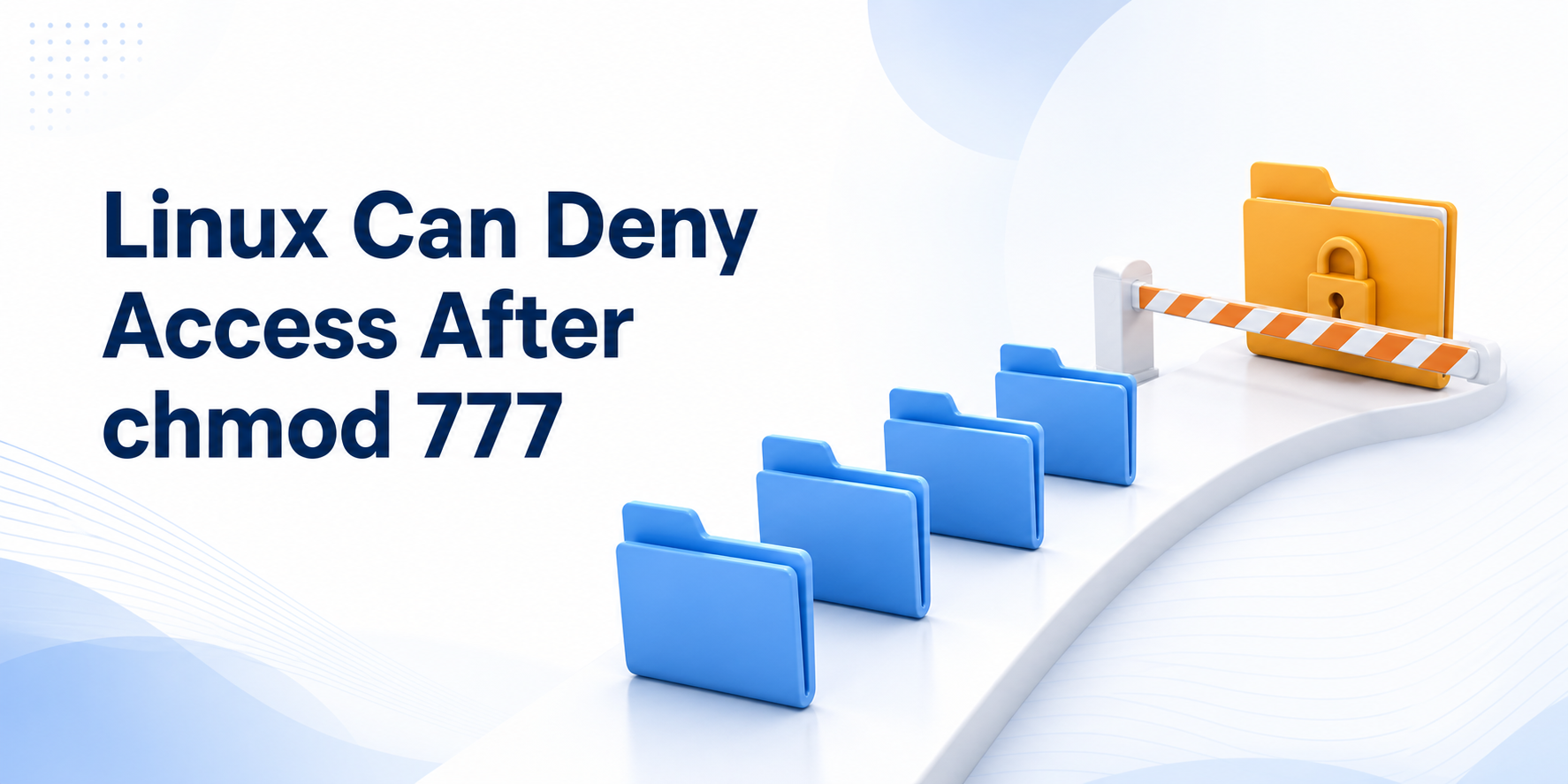
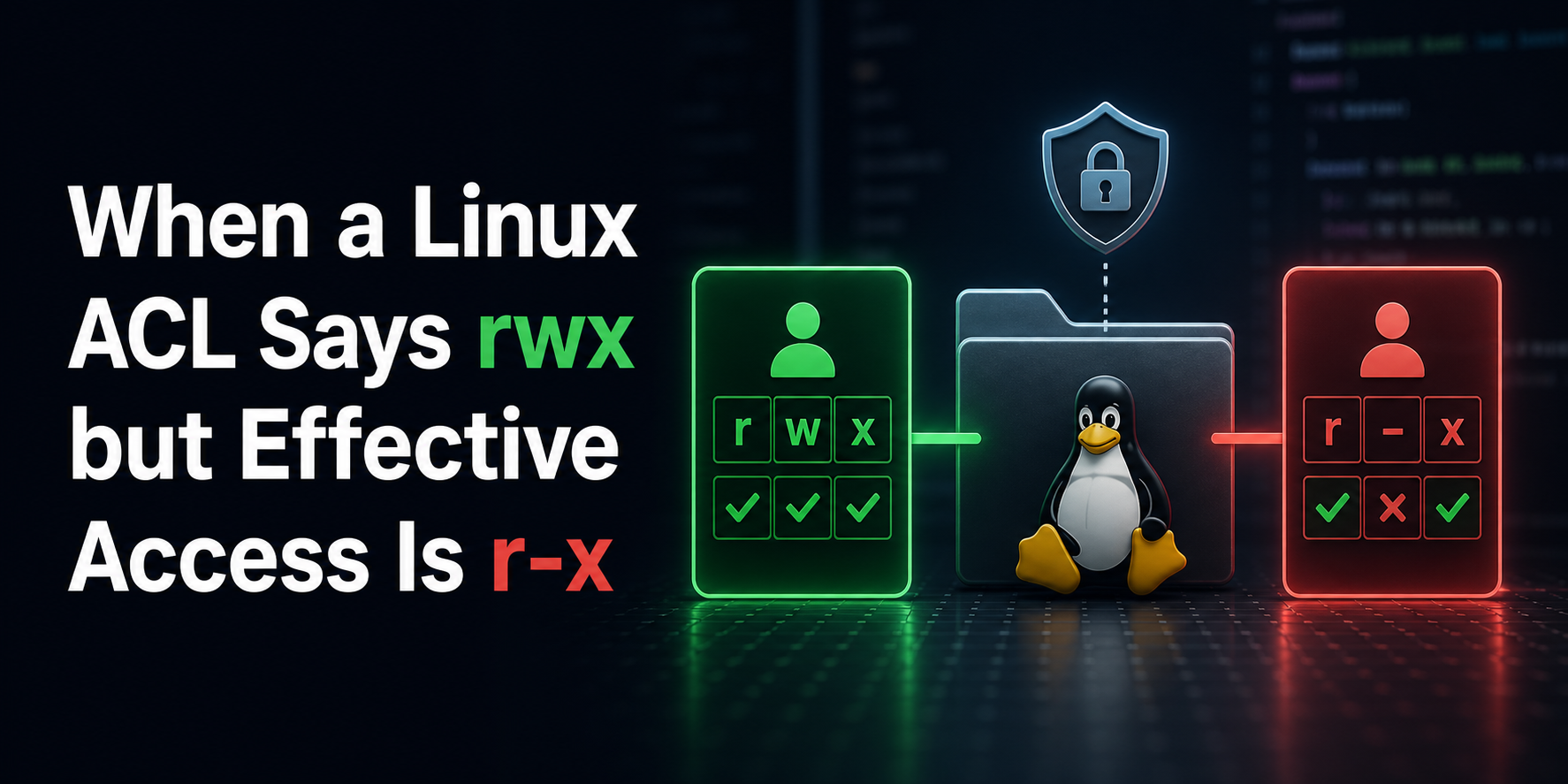
chmod 777 changes one object’s discretionary mode bits. Linux still checks the calling process identity, every directory in the pathname, any matching access-control-list entry, filesystem state, mount flags, security policy and the operation being attempted. A file can therefore display -rwxrwxrwx and still return Permission denied or Read-only file system for a valid reason.
A safe response is not a wider recursive chmod. First reproduce the failing action as the real service identity, then find the earliest layer that rejects it. This guide uses a disposable Debian lab to prove three independent controls: a parent directory without search permission, a named POSIX ACL entry that takes precedence over other::rwx, and a read-only mount that blocks writes regardless of file mode.
Reproduction used Debian 13.6, Linux 6.12.96, util-linux 2.41 and ACL tools 2.3.2. The target reader is a Linux operator who can run root-only inspection in a controlled window. The numeric identities, tmpfs and /var/tmp path below are lab fixtures, not production defaults.
Start With the Process, Path and Exact Operation
Permissions belong to an access attempt, not to a filename in isolation. Record the failing command, UTC time, absolute path, process or service name, effective user ID, primary group, supplementary groups, mount and error text. A shell opened as one account does not prove that a web worker, backup agent or system service uses the same credentials.
For a human session, id shows the current identity. For a process, read the Uid: and Gid: lines in /proc/PID/status and inspect its executable, unit or container boundary. New administrators can use Voxfor’s first Linux VPS login guide for the separate SSH and privilege baseline; do not test an application failure by silently replacing its identity with root.
Path resolution visits every nonfinal directory component before the kernel reaches the target. The current Linux path_resolution(7) manual states that missing search permission on any directory returns EACCES. On a directory, execute means search or traverse; read means listing names. A readable target cannot compensate for an unsearchable parent.
Use namei -l to display the owner and mode of every component. The current namei(1) reference also supports -x for mountpoint visibility and -Z when the build includes security-context support.
Build a Marker-Guarded Authorization Fixture
Fixture setup creates one exact lab root and downloads the Debian acl package into that directory without installing it system-wide. It extracts getfacl and setfacl locally, defines two numeric identities that do not require account creation, and installs an EXIT trap that removes only the matching marker-owned scope.
set -Eeuo pipefail
LAB_ROOT=/var/tmp/voxfor-linux-permission-lab-138
MARKER_VALUE=voxfor-linux-permission-lab-138
READER_UID=27138; TEAM_GID=28138
OUTSIDER_UID=27139; OUTSIDER_GID=28139
MOUNT_DIR="$LAB_ROOT/read-only-mount"
cleanup() {
  set +e
  if mountpoint -q "$MOUNT_DIR"; then
    mount -o remount,rw "$MOUNT_DIR" >/dev/null 2>&1 || true
    umount "$MOUNT_DIR" >/dev/null 2>&1 || true
  fi
  if [[ -f "$LAB_ROOT/.voxfor-lab-marker" ]] \
    && [[ "$(<"$LAB_ROOT/.voxfor-lab-marker")" == "$MARKER_VALUE" ]]; then
    rm -rf --one-file-system "$LAB_ROOT"
  fi
}
trap cleanup EXIT
[[ ! -e "$LAB_ROOT" ]]
install -d -m 0755 "$LAB_ROOT" "$LAB_ROOT/acl-package"
printf '%s\n' "$MARKER_VALUE" > "$LAB_ROOT/.voxfor-lab-marker"
(
  cd "$LAB_ROOT/acl-package"
  apt-get download acl >/dev/null
  ACL_DEB=$(find . -maxdepth 1 -type f -name 'acl_*.deb' -print -quit)
  [[ -n "$ACL_DEB" ]]
  dpkg-deb -x "$ACL_DEB" extracted
)
SETFACL="$LAB_ROOT/acl-package/extracted/usr/bin/setfacl"
GETFACL="$LAB_ROOT/acl-package/extracted/usr/bin/getfacl"
[[ -x "$SETFACL" && -x "$GETFACL" ]]
printf 'kernel=%s util_linux=%s acl=%s filesystem=%s\n' \
  "$(uname -r)" "$(namei --version | awk 'NR==1{print $NF}')" \
  "$(dpkg-deb -f "$LAB_ROOT"/acl-package/acl_*.deb Version)" \
  "$(findmnt -no FSTYPE -T "$LAB_ROOT")"
setpriv --reuid="$READER_UID" --regid="$TEAM_GID" --clear-groups id
setpriv --reuid="$OUTSIDER_UID" --regid="$OUTSIDER_GID" --clear-groups id
trap - EXIT
setpriv launches only the test command with the declared numeric credentials. It does not create accounts or alter group databases. On a production incident, substitute the service’s observed IDs and supplementary groups; never assume the account name in a unit file equals the live process credentials.
Prove the File Is Not the First Rejection
Mode 0777 is already present on the target, but its parent directory is 0700 root:root. Running cat under the reader identity must fail. This is a negative control: if it unexpectedly succeeds, the fixture or capability boundary is wrong and the rest of the experiment should stop.
set -Eeuo pipefail
LAB_ROOT=/var/tmp/voxfor-linux-permission-lab-138
MARKER_VALUE=voxfor-linux-permission-lab-138
READER_UID=27138; TEAM_GID=28138
[[ -f "$LAB_ROOT/.voxfor-lab-marker" ]]
[[ "$(<"$LAB_ROOT/.voxfor-lab-marker")" == "$MARKER_VALUE" ]]
VAULT="$LAB_ROOT/vault"; REPORT="$VAULT/report.txt"
install -d -o 0 -g 0 -m 0700 "$VAULT"
printf 'approved-report\n' > "$REPORT"
chown 0:0 "$REPORT"; chmod 0777 "$REPORT"
namei -l "$REPORT"
set +e
RESULT=$(setpriv --reuid="$READER_UID" --regid="$TEAM_GID" --clear-groups \
  cat "$REPORT" 2>&1)
STATUS=$?
set -e
printf 'reader_status=%s reader_result=%s\n' "$STATUS" "$RESULT"
[[ "$STATUS" -ne 0 && "$RESULT" == *'Permission denied'* ]]
Changing the file again cannot repair a rejection that happened while walking to it. The smallest lab repair assigns only the parent directory to the intended group and grants group traversal. It then proves the reader succeeds while an unrelated identity remains blocked.
set -Eeuo pipefail
LAB_ROOT=/var/tmp/voxfor-linux-permission-lab-138
MARKER_VALUE=voxfor-linux-permission-lab-138
READER_UID=27138; TEAM_GID=28138
OUTSIDER_UID=27139; OUTSIDER_GID=28139
[[ "$(<"$LAB_ROOT/.voxfor-lab-marker")" == "$MARKER_VALUE" ]]
VAULT="$LAB_ROOT/vault"; REPORT="$VAULT/report.txt"
[[ -f "$REPORT" ]]
chgrp "$TEAM_GID" "$VAULT"; chmod 0750 "$VAULT"
namei -l "$REPORT"
READER_VALUE=$(setpriv --reuid="$READER_UID" --regid="$TEAM_GID" --clear-groups cat "$REPORT")
set +e
OUTSIDER_RESULT=$(setpriv --reuid="$OUTSIDER_UID" --regid="$OUTSIDER_GID" --clear-groups \
  cat "$REPORT" 2>&1)
OUTSIDER_STATUS=$?
set -e
printf 'reader_value=%s outsider_status=%s outsider_result=%s\n' \
  "$READER_VALUE" "$OUTSIDER_STATUS" "$OUTSIDER_RESULT"
[[ "$READER_VALUE" == approved-report ]]
[[ "$OUTSIDER_STATUS" -ne 0 && "$OUTSIDER_RESULT" == *'Permission denied'* ]]
Production group changes need a lifecycle plan. A running process normally keeps the supplementary groups it received at start, so adding an account to a group may require a controlled service restart or new login. Verify the live process identity again afterward. Avoid recursive ownership changes across an application tree: package-managed files, secrets, sockets and upload directories rarely share one correct policy.
Read the ACL Before Trusting the Last Three Bits
A trailing + in ls -l indicates an extended ACL on systems that expose it. The access algorithm in acl(5) checks an exact named-user entry before group entries and ACL_OTHER. It does not fall through to other::rwx merely because the named entry grants nothing.
For the ACL control, open the parent for traversal, leave the file at 0777, and add user:27138:---. The intended reader must fail while the outsider reaches other::rwx. That asymmetric result proves the target mode alone is incomplete evidence.
set -Eeuo pipefail
LAB_ROOT=/var/tmp/voxfor-linux-permission-lab-138
MARKER_VALUE=voxfor-linux-permission-lab-138
READER_UID=27138; TEAM_GID=28138
OUTSIDER_UID=27139; OUTSIDER_GID=28139
[[ "$(<"$LAB_ROOT/.voxfor-lab-marker")" == "$MARKER_VALUE" ]]
VAULT="$LAB_ROOT/vault"; REPORT="$VAULT/report.txt"
SETFACL="$LAB_ROOT/acl-package/extracted/usr/bin/setfacl"
GETFACL="$LAB_ROOT/acl-package/extracted/usr/bin/getfacl"
chmod 0755 "$VAULT"; chmod 0777 "$REPORT"
"$SETFACL" -m "u:$READER_UID:---" "$REPORT"
"$GETFACL" --numeric --absolute-names "$REPORT"
set +e
ACL_RESULT=$(setpriv --reuid="$READER_UID" --regid="$TEAM_GID" --clear-groups \
  cat "$REPORT" 2>&1)
ACL_STATUS=$?
set -e
OUTSIDER_VALUE=$(setpriv --reuid="$OUTSIDER_UID" --regid="$OUTSIDER_GID" --clear-groups cat "$REPORT")
printf 'reader_status=%s reader_result=%s outsider_value=%s\n' \
  "$ACL_STATUS" "$ACL_RESULT" "$OUTSIDER_VALUE"
[[ "$ACL_STATUS" -ne 0 && "$ACL_RESULT" == *'Permission denied'* ]]
[[ "$OUTSIDER_VALUE" == approved-report ]]
Named users and groups are also limited by the ACL mask. getfacl shows an #effective: comment when an entry’s requested rights are reduced by that mask. Examine the whole ACL rather than translating the three displayed group bits into a complete policy.
Repair only the entry that evidence owns. setfacl -b deletes the entire extended ACL and may remove legitimate team access. Here the exact change is -x u:27138; the reader must then recover.
set -Eeuo pipefail
LAB_ROOT=/var/tmp/voxfor-linux-permission-lab-138
MARKER_VALUE=voxfor-linux-permission-lab-138
READER_UID=27138; TEAM_GID=28138
[[ "$(<"$LAB_ROOT/.voxfor-lab-marker")" == "$MARKER_VALUE" ]]
REPORT="$LAB_ROOT/vault/report.txt"
SETFACL="$LAB_ROOT/acl-package/extracted/usr/bin/setfacl"
GETFACL="$LAB_ROOT/acl-package/extracted/usr/bin/getfacl"
"$SETFACL" -x "u:$READER_UID" "$REPORT"
"$GETFACL" --numeric --absolute-names "$REPORT"
VALUE=$(setpriv --reuid="$READER_UID" --regid="$TEAM_GID" --clear-groups cat "$REPORT")
printf 'reader_value=%s\n' "$VALUE"
[[ "$VALUE" == approved-report ]]
Application-specific trust checks remain separate. OpenSSH, for example, can reject a key because a path is replaceable even when the login user can read it; use the StrictModes ownership workflow instead of weakening an entire home directory.
Let the Error Name the Filesystem Layer
EACCES usually renders as Permission denied; EROFS renders as Read-only file system. Preserve that distinction. GNU Coreutils’ current mode-structure documentation explicitly notes that a mode-allowed operation can still fail because of filesystem attributes or a read-only mount.
This root-only control mounts a four-megabyte tmpfs, creates a 0777 file, remounts only that disposable filesystem read-only, and proves the reader cannot append. findmnt -T identifies the filesystem that actually owns the path. The same block remounts and unmounts the fixture before returning.
set -Eeuo pipefail
LAB_ROOT=/var/tmp/voxfor-linux-permission-lab-138
MARKER_VALUE=voxfor-linux-permission-lab-138
READER_UID=27138; TEAM_GID=28138
MOUNT_DIR="$LAB_ROOT/read-only-mount"
[[ "$(<"$LAB_ROOT/.voxfor-lab-marker")" == "$MARKER_VALUE" ]]
install -d -m 0777 "$MOUNT_DIR"
mount -t tmpfs -o size=4m,mode=0777,rw voxfor-permission-138 "$MOUNT_DIR"
MOUNT_FILE="$MOUNT_DIR/writable-by-mode.txt"
printf 'mount-baseline\n' > "$MOUNT_FILE"; chmod 0777 "$MOUNT_FILE"
mount -o remount,ro "$MOUNT_DIR"
findmnt -no TARGET,SOURCE,FSTYPE,OPTIONS -T "$MOUNT_FILE"
stat -c 'mode=%a owner=%u group=%g path=%n' "$MOUNT_FILE"
set +e
MOUNT_RESULT=$(setpriv --reuid="$READER_UID" --regid="$TEAM_GID" --clear-groups \
  sh -c 'printf "reader-write\n" >> "$1"' sh "$MOUNT_FILE" 2>&1)
MOUNT_STATUS=$?
set -e
printf 'reader_status=%s reader_result=%s\n' "$MOUNT_STATUS" "$MOUNT_RESULT"
[[ "$MOUNT_STATUS" -ne 0 && "$MOUNT_RESULT" == *'Read-only file system'* ]]
mount -o remount,rw "$MOUNT_DIR"; umount "$MOUNT_DIR"; rmdir "$MOUNT_DIR"
Do not copy the remount action onto an unexpectedly read-only production filesystem. ext4 may protect data after storage or metadata faults; Voxfor’s ext4 read-only recovery procedure keeps the repair offline until the lower layer is credible. Network filesystems add server export rules, identity mapping and client state; an ESTALE incident on NFS needs export-identity recovery, not local chmod.
Escalate Only After the Basic Receipt Is Complete
When identity, pathname, ACL and mount all permit the exact action, continue with operation-specific controls. A script can be readable but blocked from direct execution by noexec; invoking an interpreter is a different operation and should not be presented as a universal fix. An immutable attribute can block modification. SELinux or AppArmor can deny a process whose Unix permissions appear sufficient. A systemd unit can also restrict writable paths, devices, capabilities or the filesystem view.
| Evidence | Question it answers | Read-only command | Repair owner | ||
|---|---|---|---|---|---|
| Process credentials | Which permission class and ACL entry apply? | `grep -E ‘^(Uid | Gid | Groups):’ /proc/PID/status` | Service or container lifecycle |
| Full pathname | Which directory first blocks search? | namei -l /absolute/path |
Owning directory policy | ||
| Access ACL | Does a named entry or mask change effective rights? | getfacl -n /absolute/path |
ACL owner | ||
| Mounted filesystem | Is the target ro, noexec or remote? |
findmnt -T /absolute/path -o TARGET,SOURCE,FSTYPE,OPTIONS |
Storage or mount owner | ||
| Security or service policy | Did MAC or sandboxing deny the process? | ausearch, journalctl, aa-status, unit inspection |
Security/application owner |
Do not disable SELinux, AppArmor or a service sandbox merely to see whether the error disappears. Preserve the denial, compare it with the intended workload and change the smallest reviewed rule. Voxfor’s systemd-analyze security acceptance workflow demonstrates why a lower exposure score still needs workload proof. If Linux Audit has already dropped records, follow the audit loss boundary rather than treating missing evidence as permission.
Here is the representative receipt from the complete lab. The important result is the change in cause, not the numeric IDs.
environment kernel=6.12.96+deb13-amd64 util_linux=2.41 acl=2.3.2-2+b1 filesystem=ext4
path control: file mode=777, parent mode=700, reader_status=1, Permission denied
path repair: parent mode=750 group=28138, reader_value=approved-report
unrelated identity: outsider_status=1, Permission denied
ACL control: user:27138:---, other::rwx, reader_status=1, outsider_value=approved-report
ACL repair: named entry removed, reader_value=approved-report
mount control: tmpfs ro, file mode=777, reader_status=2, Read-only file system
verification: path_denial=proved path_repair=proved unrelated_identity=still_denied
verification: acl_precedence=proved acl_repair=proved read_only_mount=proved
cleanup: mount_absent=yes marker_owned_scope=yes
Accept a repair only when the same effective process identity completes the original read, write, create, delete or execute operation; every parent remains intentionally searchable; the final ACL contains only approved entries with the expected effective rights; the owning mount is healthy and in its approved state; unrelated identities remain denied; application behavior succeeds; and no security-policy denial recurs during the observation window.
Cleanup removes only the exact lab root after its marker and mount state pass. It does not search for similar names or alter production accounts.
set -Eeuo pipefail
LAB_ROOT=/var/tmp/voxfor-linux-permission-lab-138
MARKER_VALUE=voxfor-linux-permission-lab-138
MOUNT_DIR="$LAB_ROOT/read-only-mount"
[[ -f "$LAB_ROOT/.voxfor-lab-marker" ]]
[[ "$(<"$LAB_ROOT/.voxfor-lab-marker")" == "$MARKER_VALUE" ]]
! mountpoint -q "$MOUNT_DIR"
rm -rf --one-file-system "$LAB_ROOT"
[[ ! -e "$LAB_ROOT" ]]
printf 'cleanup=lab_absent\n'
If the intended workload, unrelated-user denial, audit trail or application acceptance regresses, restore only the exact previous owner, group, mode, ACL and service configuration recorded before the change, then restart only the process that must receive new credentials. A read-only filesystem caused by a fault requires its documented storage recovery path. Never roll back by applying chmod -R 777, clearing every ACL, disabling mandatory-access control or remounting a damaged filesystem read-write.
FAQ: Linux Access Decisions Beyond chmod
Why does a 777 file still say Permission denied?
Linux may reject the access before or beyond the file’s three mode classes. Check the process identity, search permission on every parent directory, named ACL entries and their mask, security policy, file attributes and mount options. Reproduce the exact operation instead of testing only ls -l.
Does root bypass every file permission?
Root normally carries capabilities that bypass discretionary access checks, but it does not make a read-only filesystem writable and does not automatically defeat every mandatory security or namespace boundary. A successful root test also fails to prove the real service identity can perform the operation.
What does execute permission mean on a directory?
Execute on a directory means search or traversal: the process may resolve known entries through that component. Read permits listing names. Many workflows need both, but a known file can sometimes be accessed through an executable, non-readable directory when its own permissions allow it.
Can chmod remove an ACL?
chmod updates mode-related ACL entries and can recalculate the mask, but it does not reliably express the intent to remove one named user or group entry. Inspect with getfacl and use an exact setfacl -x change when that specific entry is the proven defect.
Why can I edit a file but not delete it?
Editing checks write access to the file. Deletion changes the parent directory entry, so it normally requires write and execute on the directory and can also be restricted by the sticky bit. Diagnose the exact operation instead of assuming all writes share one permission check.
Does noexec prevent every way to run a script?
noexec blocks direct execution from that mount. An interpreter may still read a permitted script as data, which is a different operation and not a security-policy repair. Check the intended threat model, interpreter access and service policy before changing a mount flag.
Should I recursively change ownership when one path fails?
Not without an inventory. Recursive chown or chmod can expose secrets, break package ownership, change socket or cache policy and erase deliberate separation between code and writable data. Find the first rejecting object and change only the policy required by the real identity and operation.