
Once being introduced to the world of WordPress slider, the beginners must be aware of what the sliders are and why the choice of a plugin is a very serious topic, as it impacts the visual appearance and speed of a webpage. A WordPress slider (also called ...

WordPress user roles control what each user can or cannot do on your website by grouping sets of capabilities (specific permissions). This roles and permissions system lets you assign every user a role that matches their responsibilities – for example, giving content writers the ability to write ...

Since it is important to discuss the particular WordPress page builders, novices must be familiar with the meaning of page builders and why the choice of builders is a crucial factor that influences the speed of design, the quality of the code, and the ability of the ...

The novice should first know what dropshipping is and how the choice of platform is a very important move that affects shipping time, profit margin, and business performance. Dropshipping is a business model, which means that you do not have your inventory in stock. A customer purchases ...

Before exploring specific themes, beginners need to understand what WooCommerce is and why theme selection represents one of the most critical decisions for store success. WooCommerce is a free, open-source ecommerce plugin that transforms WordPress into a complete online store. Think of it like adding a shopping ...

PHP servers use the memory limit parameter to determine the absolute maximum memory allocation for each executing PHP script. The PHP memory limit works as a safety mechanism that protects your server from crashing when scripts exceed server capacity.
PHP resource control
Tune PHP memory and performance on Voxfor ...

To dive into the details of particular open-source ecommerce systems, it is essential to understand what open-source ecommerce is and why the choice of the particular platform is one of the most important decisions that influence the cost of a startup, its scalability, and its future scalability. ...

WordPress is a powerful, user-friendly platform for building websites – and it's especially great for small businesses and eCommerce startups. This guide will walk you through everything you need to know, from what WordPress is (and a bit of its history) to setting up your site with ...
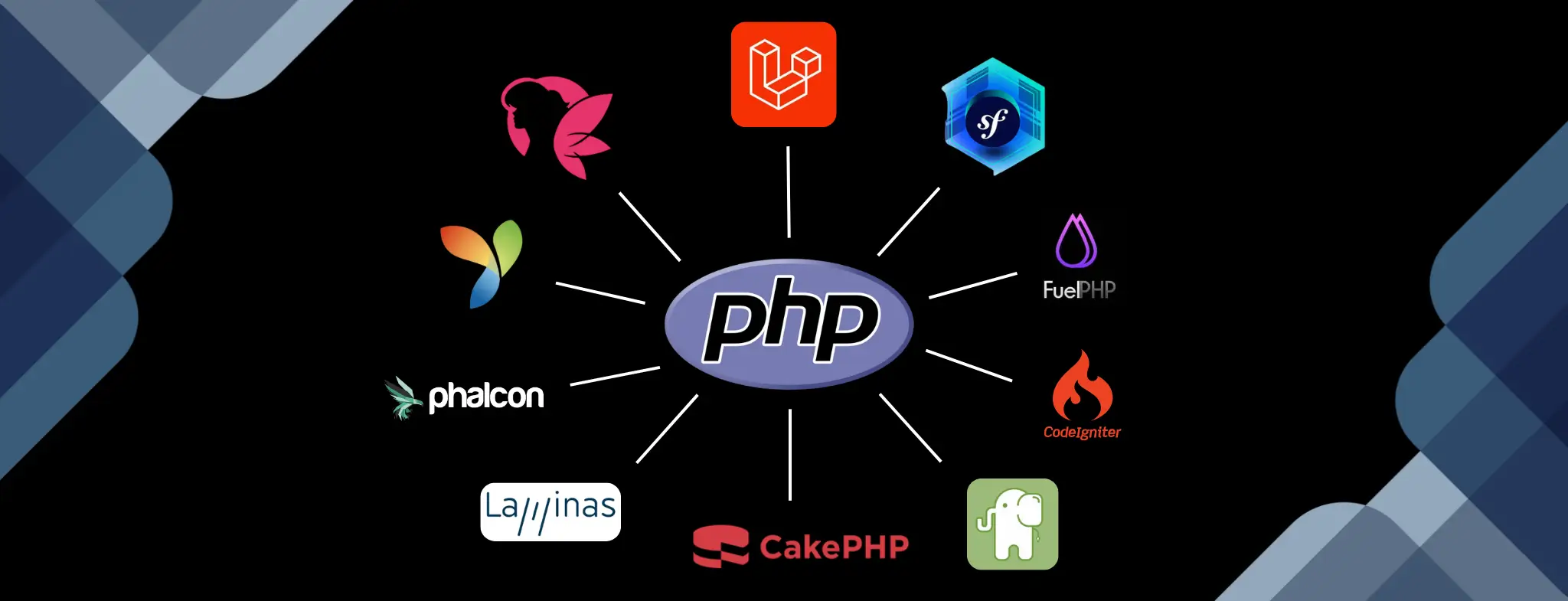
Laravel is the most popular PHP framework on the market, with 75 percent, and is supported by elegant syntax and a large ecosystem. Symfony controls business applications that are based on a solid architecture. CodeIgniter is also perfect in that it has a soft learning curve and ...

WordPress powers approximately 43% of all websites globally, but the platform itself is just the foundation. What truly transforms WordPress from a basic blogging platform into a powerful, feature-rich website builder is plugins.
Inbound Marketing Strategy
Turn technical readers into inbound marketing growth
Helpful tutorials attract qualified visitors, but reliable hosting keeps ...






 Lifetime VPS Europe
 Lifetime VPS Asia
 Lifetime WooCommerce Hosting
 Lifetime Hosting
 France Lifetime Dedicated Servers
 Germany Lifetime dedicated servers
 Lifetime Game Dedicated Servers
 Chicago, US
 Tokyo, Japan
 Singapore
 Hong Kong
 Seoul, South Korea
 Amsterdem, Netherlands
 London, UK
 Stockholm, Sweden
 Oslo, Norway
 Vienna, Austria
 Zurich, Switzerland
 Sydney, Australia
 Wordpress Hosting
 VPS Hosting
 DDOS Protection
 Submit Ticket
 Full Management
 Guides
 Videos and Podcasts
 Discover Creative Ideas
 MetaAgentOS High-Ticket Support System
 Voxfor Mega Menu
 Voxfor Advanced Price Management For WooCommerce
 Voxfor Secure Live Chat and AI Support
 Voxfor Multilanguage
 Voxfor AI Content Summary


