Lifetime VPS Europe
 Lifetime VPS Asia
 Lifetime WooCommerce Hosting
 Lifetime Hosting
 Lifetime Game Dedicated Servers
 Chicago, US
 Tokyo, Japan
 Singapore
 Hong Kong
 Seoul, South Korea
 Amsterdem, Netherlands
 London, UK
 Stockholm, Sweden
 Oslo, Norway
 Vienna, Austria
 Zurich, Switzerland
 Sydney, Australia
 Wordpress Hosting
 VPS Hosting
 DDOS Protection
 Submit Ticket
 Full Management
 Guides
 Videos and Podcasts
 Discover Creative Ideas
 Voxfor Autonomous AI Workers
 Voxfor Mega Menu
 Voxfor Advanced Price Management For WooCommerce
 Voxfor Secure Live Chat and AI Support
 Voxfor Multilanguage
 Voxfor AI Content Summary
 Voxfor Autopilot
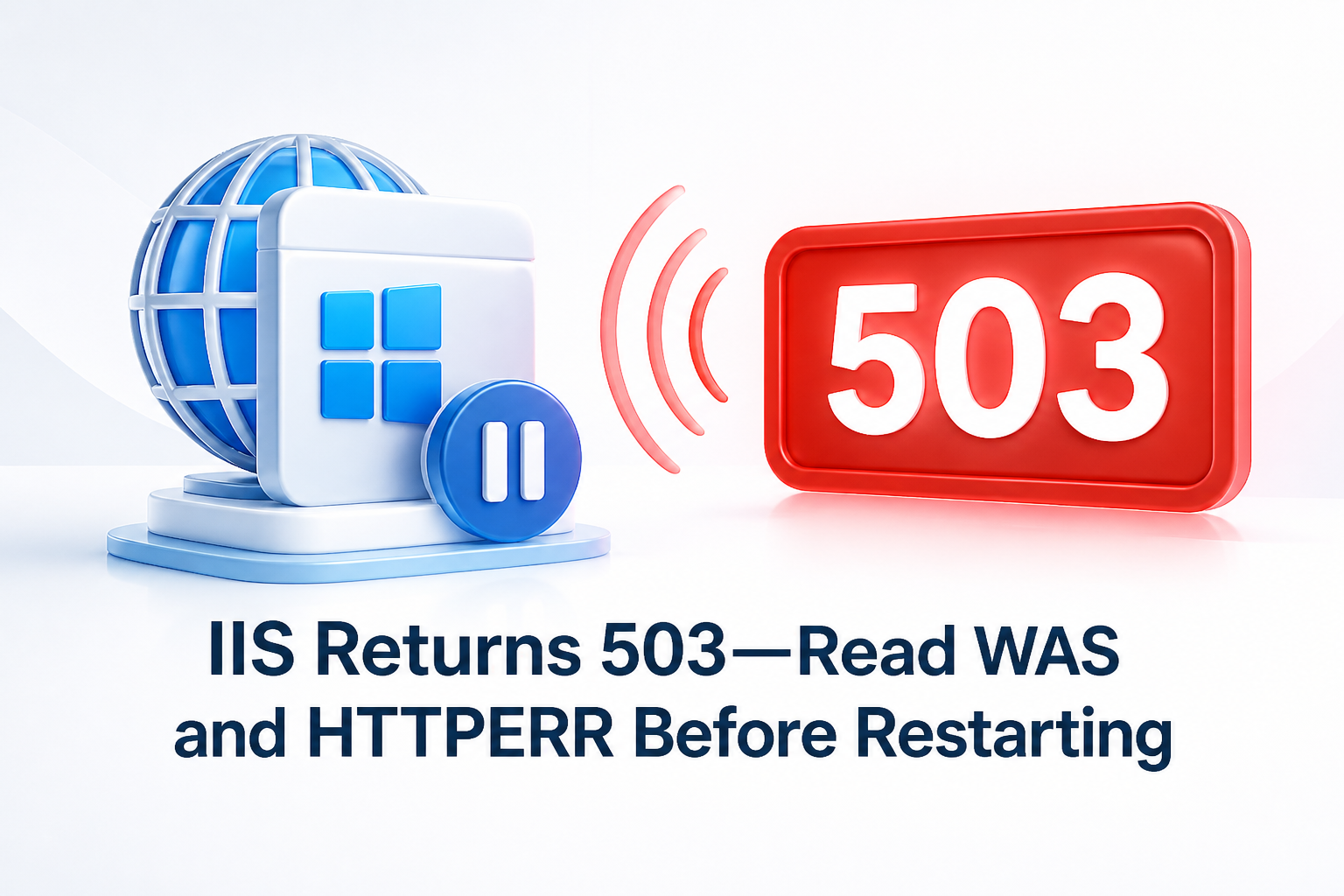
An IIS 503 does not name one broken component. HTTP.sys may reject the request before worker code runs, Windows Process Activation Service (WAS) may have disabled an application pool, a worker may be crashing, the pool queue may be full, or an upstream proxy may have generated its own 503. Restarting first can erase the state that distinguishes those owners.
Preserve the timestamp and requested host, identify the pool, read WAS and HTTPERR, then change one proven cause. If HAProxy sits in front of Windows, begin by separating backend probe failure from service failure. Envoy operators should likewise check whether circuit-breaker overflow generated the 503 before blaming IIS.
First prove which layer returned 503
Reproduce one request from outside the server and record its UTC timestamp, hostname, path, response headers and body. A branded proxy error page, an Envoy response flag or a load-balancer health event can show that the request never reached IIS. When the response belongs to IIS or HTTP.sys, correlate that same second across the IIS access log, HTTPERR and the Windows System event log.
Microsoft’s current IIS HTTP error guidance recommends using IIS sc-substatus or HTTPERR s-reason for 503 diagnosis. Absence from the normal site log is useful evidence: HTTP.sys can reject a request before IIS writes the application-level entry.
| Evidence surface | What it can prove | What it cannot prove alone |
|---|---|---|
| Proxy or load-balancer log | Which upstream was selected and whether the edge created the 503 | Why a Windows worker failed after selection |
| IIS access log | Site binding, URI, status and substatus after IIS accepted the request | Kernel-level rejections missing from the site log |
| HTTPERR | HTTP.sys rejection reason and queue name near the failed request | Application exception details inside w3wp.exe |
| WAS/System events | Pool startup, identity, ping, crash and rapid-fail evidence | Whether users can complete the external transaction |
| Application log or dump | Code/runtime cause inside the worker | Network and proxy behavior before the worker |
That ordering prevents a common false conclusion: a stopped pool seen after the incident does not prove it created the first 503. Preserve the request receipt before changing state.
Freeze the site, pool and incident window
Open an elevated PowerShell session on the affected server. Create a restricted evidence directory, capture the IIS mapping and record pool state without starting or recycling anything:
$stamp = Get-Date -Format 'yyyyMMdd-HHmmss'
$evidence = "C:\IIS-Evidence\$stamp"
New-Item -ItemType Directory -Path $evidence -Force | Out-Null

Import-Module WebAdministration
Get-Website | Select-Object Name,State,PhysicalPath,ApplicationPool |
  Out-File "$evidence\websites.txt"
Get-WebApplication | Select-Object Path,PhysicalPath,ApplicationPool |
  Out-File "$evidence\applications.txt"
Get-WebAppPoolState -Name * | Out-File "$evidence\pool-state.txt"

$appcmd = "$env:SystemRoot\System32\inetsrv\appcmd.exe"
& $appcmd list apppool /text:* | Out-File "$evidence\apppools.txt"
& $appcmd list wp /text:* | Out-File "$evidence\workers.txt"
The directory changes local state only by writing evidence. Protect it because physical paths, account names and configuration values can be sensitive. Do not paste the complete output into a public ticket.
Now capture events and HTTPERR around the failure. Use a window that begins before the first known 503, not merely before the administrator noticed it:
$start = (Get-Date).AddMinutes(-30)
Get-WinEvent -FilterHashtable @{
  LogName='System'
  ProviderName='Microsoft-Windows-WAS'
  StartTime=$start
} | Select-Object TimeCreated,Id,LevelDisplayName,Message |
  Out-File "$evidence\was-system.txt"

Get-ChildItem "$env:SystemRoot\System32\LogFiles\HTTPERR\httperr*.log" |
  Sort-Object LastWriteTime -Descending |
  Select-Object -First 2 |
  ForEach-Object { Get-Content $_.FullName -Tail 200 } |
  Out-File "$evidence\httperr-tail.txt"
On localized Windows installations, provider and performance-counter display names can differ. Event Viewer and the raw HTTPERR files remain valid paths when a display-name query needs local adjustment.
Before a configuration change, save IIS global configuration with Microsoft’s documented AppCmd backup mechanism:
$backup = "Before-IIS-503-$stamp"
& $appcmd add backup $backup
& $appcmd list backup
AppCmd backup is not an application or database backup. Restoring it is server-wide and can overwrite unrelated IIS configuration, so record the name now but do not run a restore casually. If the incident follows Windows maintenance, use a tested Windows Server return path before changing a remote web role.
Let pool state choose the next branch
The pool is stopped before a worker starts
A stopped pool is a state, not a root cause. Read the closest WAS events for identity validation, logon rights, configuration parsing or startup-time-limit failure. Microsoft’s process-model reference explains that modern IIS normally uses ApplicationPoolIdentity; custom identities require valid credentials and the appropriate logon rights.
Do not switch the pool to LocalSystem or add the identity to Administrators as a shortcut. Correct the expired credential, denied logon right, file permission or invalid setting narrowly. ApplicationPoolIdentity is intentionally less privileged than built-in high-right accounts.
Read the configured identity type without printing a stored password:
$pool = 'MyAppPool'
& $appcmd list apppool $pool /text:processModel.identityType
& $appcmd list apppool $pool /text:processModel.userName
Get-WebAppPoolState -Name $pool
If a custom account is locked, expired or no longer authorized, repair it through the approved account and secret process. Never place its password in shell history, a ticket or article command.
WAS records repeated worker crashes
Microsoft’s IIS crash guide identifies WAS event 5011 as a fatal communication error between a worker and WAS. Save the pool name, process ID, timestamp and time zone. Pair that event with Application log entries such as .NET Runtime or Application Error, then collect a dump only under an approved storage and privacy plan.
Rapid-fail protection is not the defect. Microsoft documents a default threshold of five failures within five minutes; reaching it removes the affected applications from service instead of spawning workers indefinitely. Disabling the protection or raising the threshold while the crash remains turns a visible outage into a crash loop with greater resource and data risk.
Repair the module, runtime, deployment, dependency or code path that terminates the worker. If a rollback exists, define which application files, database migrations and configuration versions move together. Starting the old binary against a new schema may be worse than leaving the pool stopped.
The pool is running but HTTPERR records rejection
A running state does not mean the pool can accept another request. HTTP.sys maintains an application-pool queue, and Microsoft’s QueueLength reference states that requests beyond the configured maximum receive 503 Service Unavailable.
Capture queue counters while the symptom is active:
Get-Counter @(
  '\HTTP Service Request Queues(*)\CurrentQueueSize',
  '\HTTP Service Request Queues(*)\RejectedRequests'
) -SampleInterval 5 -MaxSamples 12
Raising queue length does not create CPU time, worker threads, database capacity or dependency throughput. It may only make callers wait longer before rejection. Compare queue growth with worker CPU, request duration, downstream latency and application errors; then reduce demand, unblock the dependency or add tested processing capacity.
HTTPERR has no matching IIS request
Microsoft’s HTTP Server API logging guidance explains that HTTP.sys handles some errors without passing them to an application. Treat HTTPERR s-reason, queue name, local endpoint and timestamp as the primary evidence for those requests.
If neither HTTPERR nor the IIS log contains the external request, move outward: binding, TLS/SNI, firewall, reverse proxy, load balancer or DNS may own the failure. A 504 is a different contract—an upstream did not answer in time—so WordPress workloads should follow the 504 timeout evidence path instead of copying an IIS 503 repair.
Change one owner and preserve the rollback boundary
Write the correction as a single hypothesis: “the custom pool identity cannot log on,” “module X terminates worker PID Y,” or “queue Q grows while dependency Z stalls.” Link every change to one event, log field or counter. Avoid changing identity, queue length, recycling, timeouts and application binaries in the same attempt.
Configuration repair needs three boundaries:
- Pre-change receipt: IIS backup name, application artifact version, database compatibility and external test result.
- Abort condition: repeated WAS crash, new identity error, queue growth, data-integrity error or failure to start inside the expected window.
- Rollback authority: the person allowed to restore application/configuration state and decide whether new writes make rollback unsafe.
When the application needs a clean Windows guest because the existing server cannot meet the proven recovery requirement, Windows Server VPS infrastructure is a conditional migration path, not a substitute for finding the 503 owner. Move only after documenting bindings, certificates, secrets, application data, dependencies and external acceptance.
FAQ: IIS 503 questions operators ask during recovery
Should I run iisreset as the first fix for a 503?
No. Capture the response, pool mapping, WAS events and HTTPERR first. A reset can clear the immediate state, interrupt unrelated pools and leave the original identity, crash or queue defect unresolved.
Does a stopped application pool prove rapid-fail protection fired?
Not by itself. Manual stop, invalid identity, startup failure, configuration error and rapid-fail protection can all leave a pool stopped. The adjacent WAS events and HTTPERR reason distinguish them.
Should rapid-fail protection be disabled while debugging?
Keep it enabled in normal operation. Preserve crash evidence and correct the terminating cause. Disabling protection can create an expensive crash loop; use a controlled diagnostic plan if Microsoft support or an approved debugger workflow specifically requires different settings.
Will increasing application-pool queue length fix 503 errors?
Only when measured capacity and latency analysis justify more waiting room. A larger queue does not increase worker, CPU, database or dependency throughput and may increase timeouts elsewhere.
Can IIS return 503 while the application pool says Started?
Yes. The HTTP.sys queue can reject additional requests, a proxy can generate its own 503, or state can change between the failed request and the later inspection. Correlate timestamps rather than trusting one current-state screenshot.
Is ApplicationPoolIdentity safer than LocalSystem?
ApplicationPoolIdentity is the least-privilege default for modern IIS and is normally preferable to high-right built-in accounts. Grant only the file, certificate-key, network or service permissions the application actually needs.
What proves the IIS 503 incident is finished?
Require stable pool state, no recurring WAS failure, no growing rejected-request counter, successful external requests and a real application transaction through an observation window. One local 200 response is not enough.
Restart once, then observe from outside
After the proven owner is corrected, start only the affected pool. Do not recycle every site on the server:
$pool = 'MyAppPool'
Start-WebAppPool -Name $pool
Start-Sleep -Seconds 5
Get-WebAppPoolState -Name $pool
& $appcmd list wp "/apppool.name:$pool"
Get-WinEvent -FilterHashtable @{
  LogName='System'
  ProviderName='Microsoft-Windows-WAS'
  StartTime=(Get-Date).AddMinutes(-5)
} | Select-Object TimeCreated,Id,LevelDisplayName,Message
From a separate authorized machine, request the public hostname and complete the smallest meaningful transaction—login, read/write check, API call or another workload-specific receipt. Watch pool state, WAS events, HTTPERR and queue counters through an interval long enough to cross the previous failure pattern.
Close only when the cause stays corrected under real traffic. Record the first failed timestamp, diagnosed owner, change, backup name, external result and observation window. That receipt makes a later recurrence comparable; “I restarted IIS and it worked” does not.