
One of the most common issues I've faced is a "WordPress Locked Out Issue" in my WordPress admin area. This can be not easy to troubleshoot, especially for beginners like me.
I'm here to guide you through fixing the "WordPress locked out" issue. I'll show you what to ...

The WordPress White Screen of Death (WSoD) is a standard yet alarming error that WordPress users encounter. As the name suggests, this issue is a blank white screen that replaces your website's content.
You might sometimes see an HTTP 500 error accompanied by a message stating, "This page ...
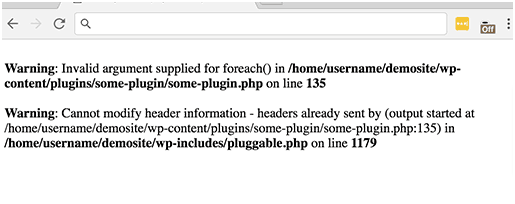
To Fix the pluggable. Php file error. You are talking about pluggable. Php file error occurs when you have added code snippets to the WP website, activated a new plugin, or there is incorrect coding in WP core files.
The pluggable. Php file error infamously is termed WordPress ...
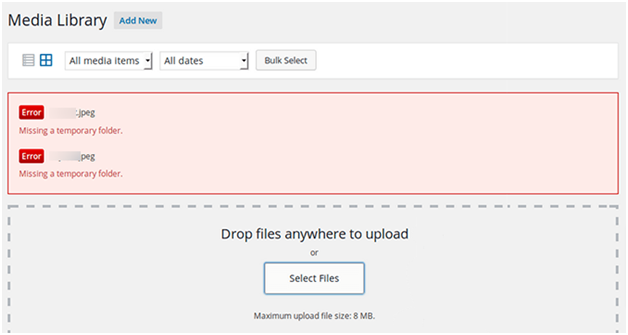
To Fix the missing temporary folder: A missing temporary folder often indicates a server issue with your website's PHP settings. WordPress uses a temporary folder for uploads. You typically run into this error when WordPress cannot locate this folder and attempts to upload an image, theme, or ...
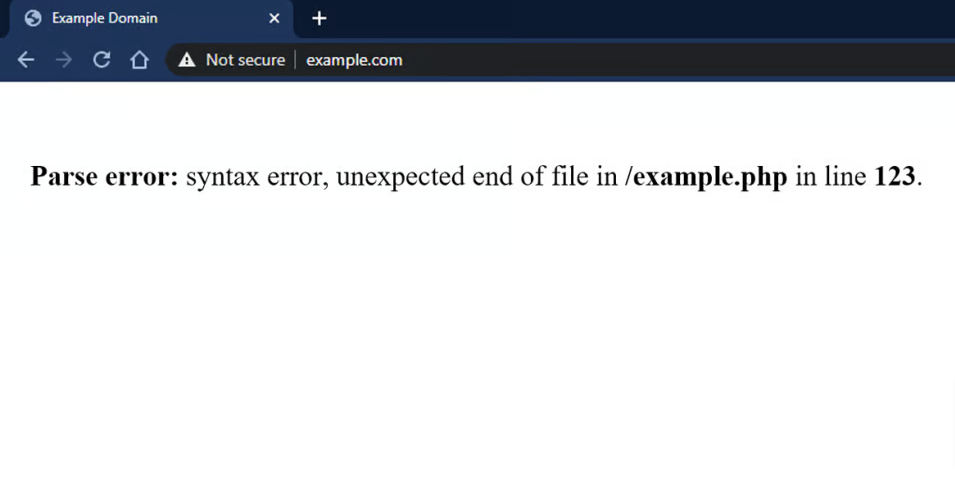
To Fix PHP errors in WordPress. PHP errors are often warnings or notices, syntax, or fatal errors that stop your website from loading. Notices and warnings won't stop your site. These messages allow developers to review their site's code and revise the issue.
Here are some common reasons why ...

Facebook Incorrect Thumbnail
Often, do your Facebook posts show the wrong thumbnail? Don't worry; many new businesses face similar challenges on social media. Thumbnails are crucial in pulling your attention on platforms like Facebook, and an incorrect one may reduce engagement. Do you know how to fix Facebook's ...
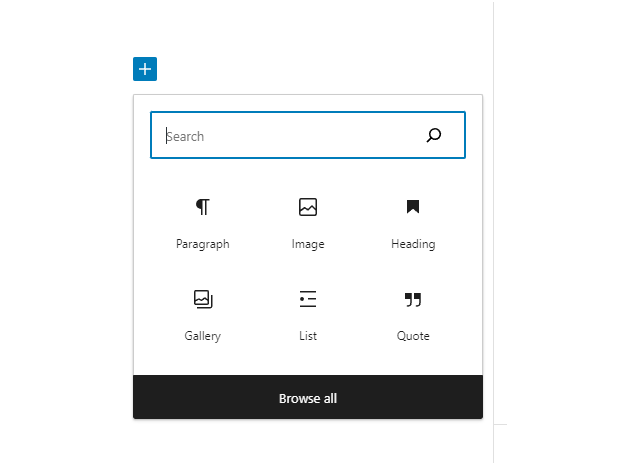
How to Fix the WordPress Add Media Button Not Working. The Add Media button stops working when the JavaScript that runs it conflicts with another script.
A missing temporary folder often causes this issue. A similar error occurs during content upload.
Troubleshooting the "Add Media" Button Issue
It's the Insert ...

When uploading images on your WordPress site, do you get the aggravating "WordPress HTTP error" message? Such an error could be inserted while you are creating your content. We shall, however, tell you how to troubleshoot this issue efficiently to fix the HTTP error during WordPress media ...

The "Sorry You Are Not Allowed to Access This Page" error in WordPress is a common issue many users encounter. This error typically arises when there are discrepancies in user roles, incorrect file permissions, outdated PHP versions, or plugin conflicts. Updated: Ensure your themes are updated regularly ...
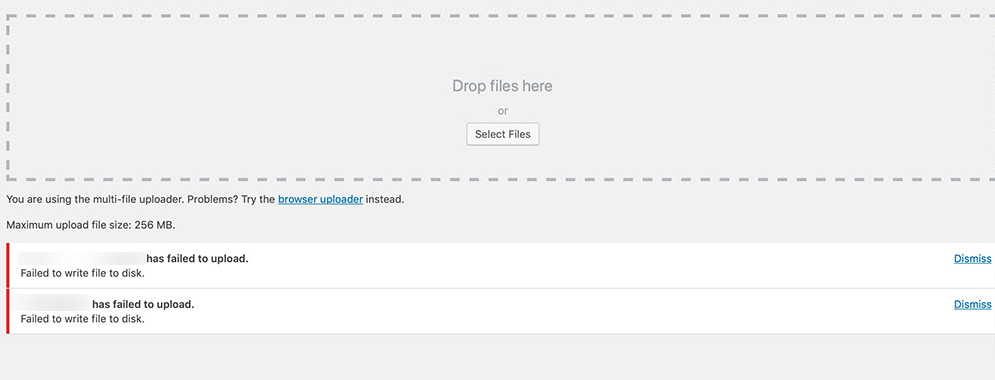
Fix WordPress Failed to Write File: Quick Solutions
Such an issue happens when WordPress or another web application tries to upload a file but cannot save it because of permission issues. Here's how to fix it.
Here are several steps you can take to troubleshoot and resolve this issue:
Make ...





 Lifetime VPS Europe
 Lifetime VPS Asia
 Lifetime WooCommerce Hosting
 Lifetime Hosting
 France Lifetime Dedicated Servers
 Germany Lifetime dedicated servers
 Lifetime Game Dedicated Servers
 Chicago, US
 Tokyo, Japan
 Singapore
 Hong Kong
 Seoul, South Korea
 Amsterdem, Netherlands
 London, UK
 Stockholm, Sweden
 Oslo, Norway
 Vienna, Austria
 Zurich, Switzerland
 Sydney, Australia
 Wordpress Hosting
 VPS Hosting
 DDOS Protection
 Submit Ticket
 Full Management
 Guides
 Videos and Podcasts
 Discover Creative Ideas
 MetaAgentOS High-Ticket Support System
 Voxfor Mega Menu
 Voxfor Advanced Price Management For WooCommerce
 Voxfor Secure Live Chat and AI Support
 Voxfor Multilanguage
 Voxfor AI Content Summary


